Jan Eberhardt
Lead maintainer

Easy way to create collapsible regions within descriptions and text for Moodle.
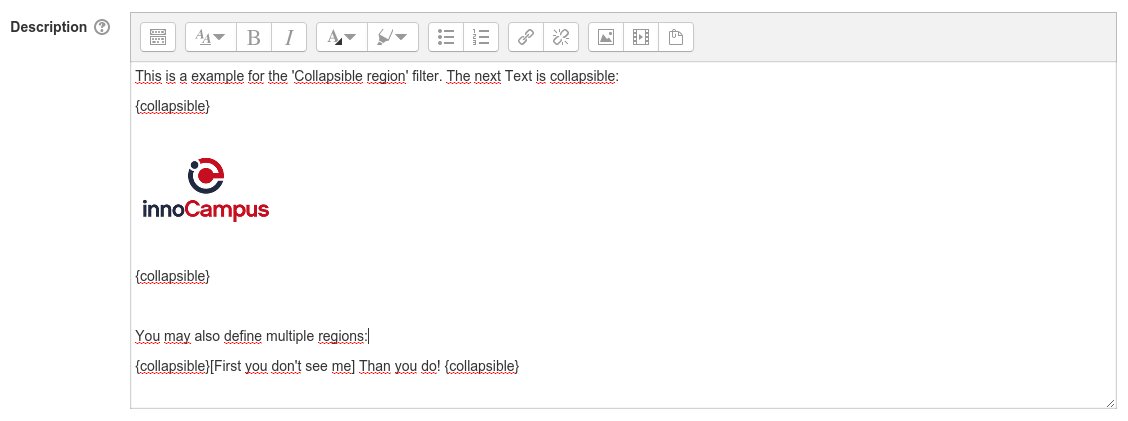
To start or end a collapsible region use the keyword '{collapsible}'. If the starting tag is followed by squared brackets the text within these brackets is shown instead of a general "Click-to-expand"-message.
For instance
{collapsible}[read more...]

Your text/HTML here.

{collapsible}
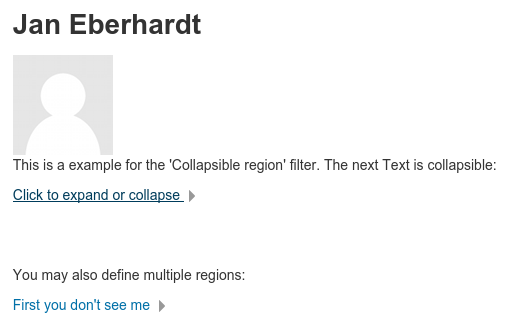
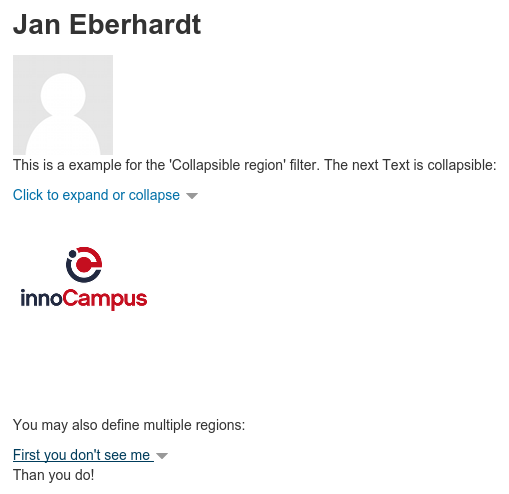
will result in following structure:
Please see the screenshots for a more visual example.