Nicolas Dunand
Lead maintainer

This filter alleviates the problem which arises when the text editor tries to inject an <iframe> HTML tag directly into text fields. This works for teachers and "trusted users" but not all users and not in all locations. Optionally, the atto_ubicast and the tiny_ubicast plugins can insert an <img> HTML tag instead. This tag's usage is unrestricted and is then turned into an iframe at the rendering stage by this plugin.
You can either use the official files available in moodle.org or install the filter manually.
The moodle.org link is:
https://moodle.org/plugins/filter_ubicast
To install the filter manually:
cd moodle/filter
git clone https://github.com/UbiCastTeam/moodle-filter_ubicast ubicast
First, you need to turn on the filter in the /admin/filters.php page of your Moodle instance.
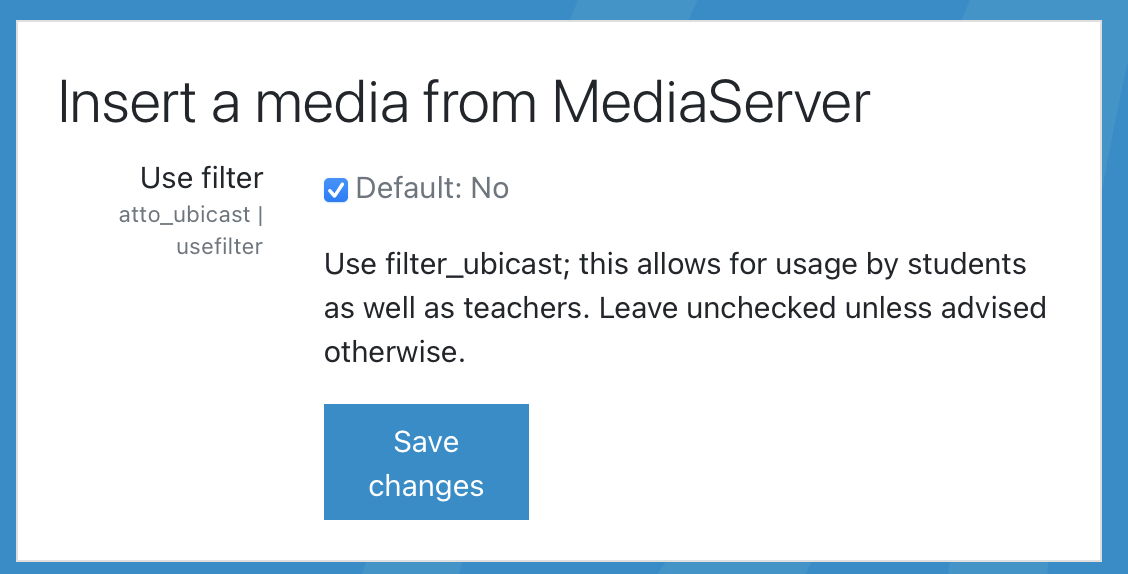
Then, you need to enable the <img> tag insertion in the atto_ubicast or the tiny_ubicast plugin settings.
Optionally, this plugin can render multiple media in the same text using a playlist: a block with the player on the left and the list of media on the right. If some content is present between media, no playlist will be rendered.
This feature is disabled by default and can be enabled in the plugin settings: /admin/settings.php?section=filtersettingubicast.
