Cesar Machado
Lead maintainer

Turn any SQL query into a REST endpoint — without writing code.
local_apiquery is a Moodle local plugin that allows administrators to define SQL queries through a visual interface and instantly expose them as authenticated REST API endpoints.
It includes typed parameters, security validation, and execution logging, making it ideal for integrations with external systems such as BI tools, mobile apps, dashboards, or custom scripts.
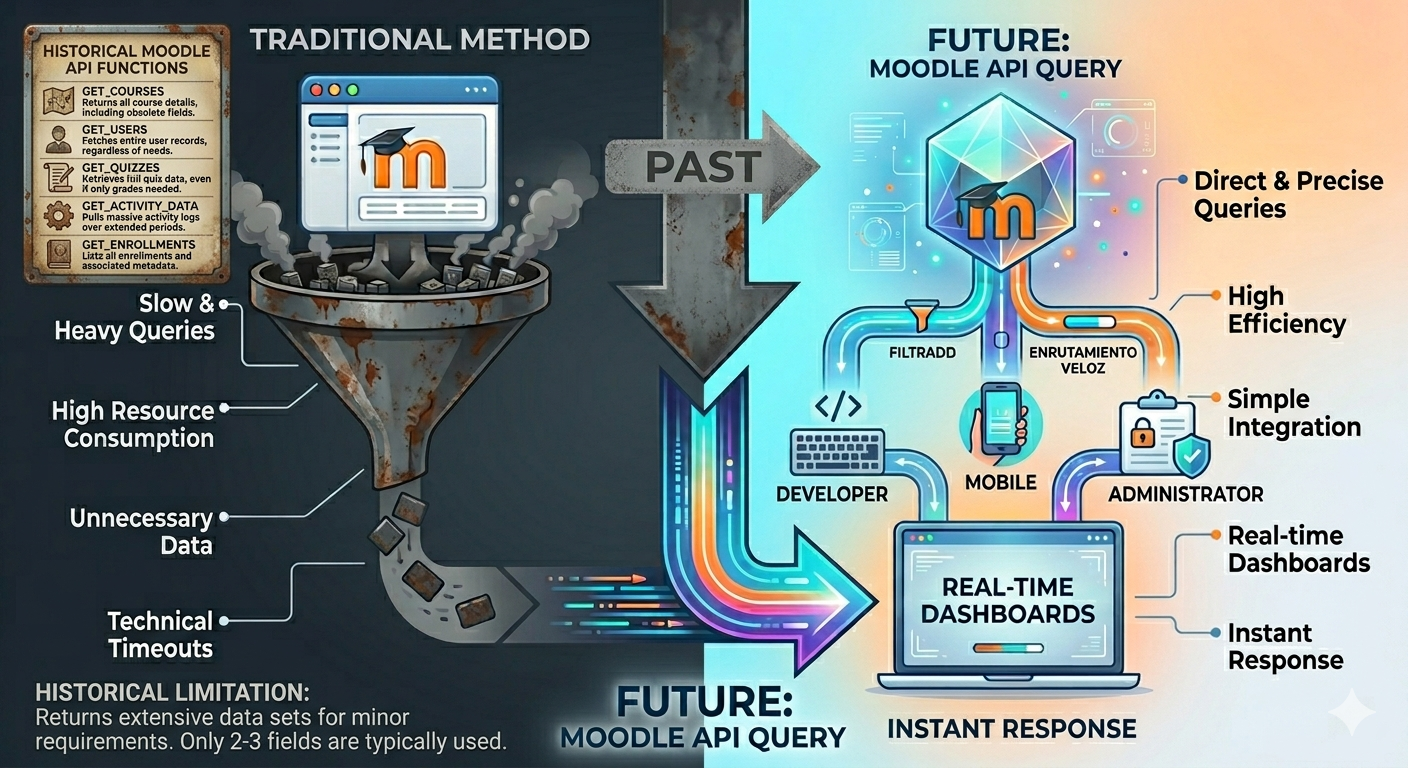
Moodle's web services layer is powerful, but typically requires PHP development for every new endpoint.
local_apiquery removes that friction:
| Feature | Description |
|---|---|
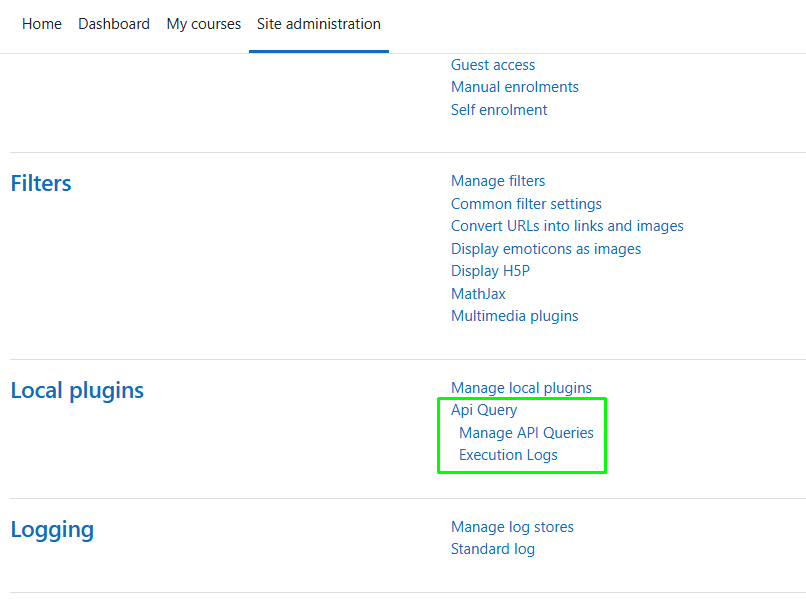
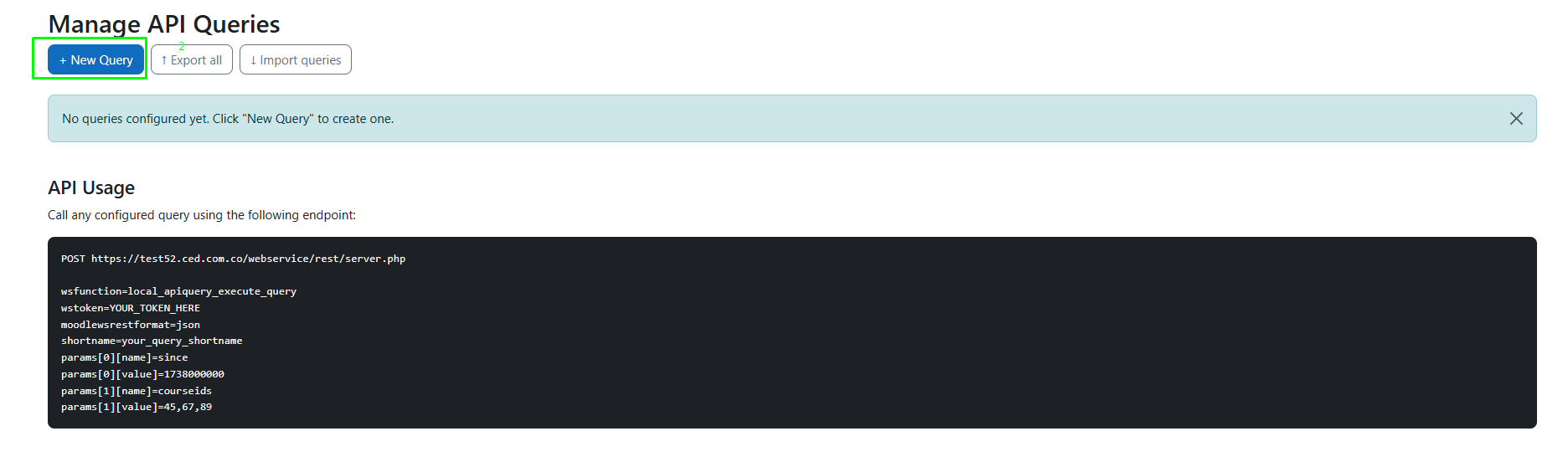
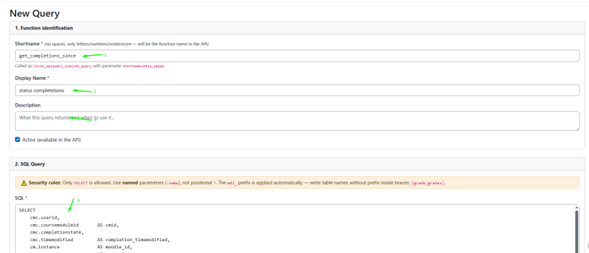
| Visual Query Editor | Create, edit, and enable/disable queries directly from the admin panel — no deployments required |
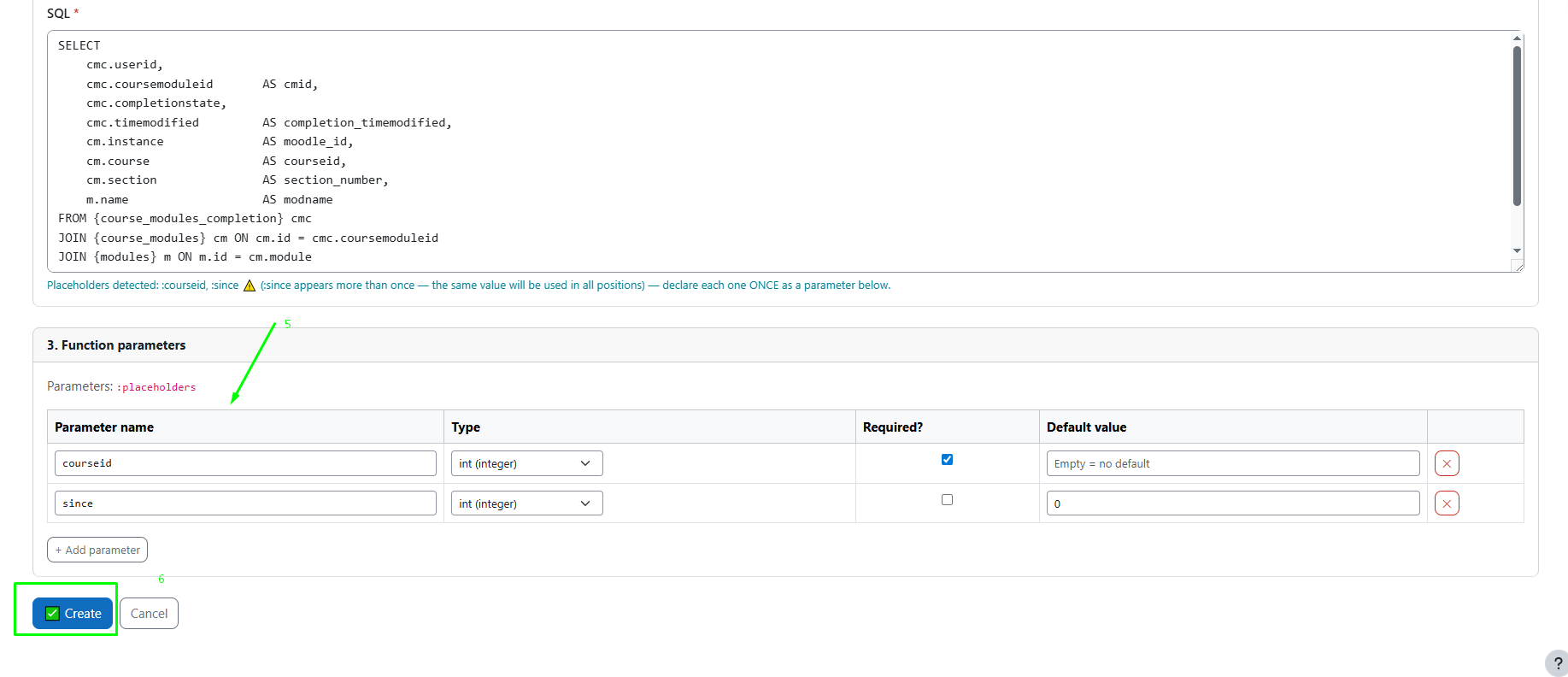
| Typed Parameters | Define type (int, float, bool, text), required/optional, and default values |
| SQL Security Validator | Allows only SELECT queries and blocks dangerous operations |
| Interactive Tester | Test queries with real parameters before publishing |
| Execution Logs | Logs execution time, row count, and errors for every API call |
| Export / Import | Move queries between environments using JSON files |
| Discovery Endpoint | Use list_queries to discover available endpoints and their schemas |
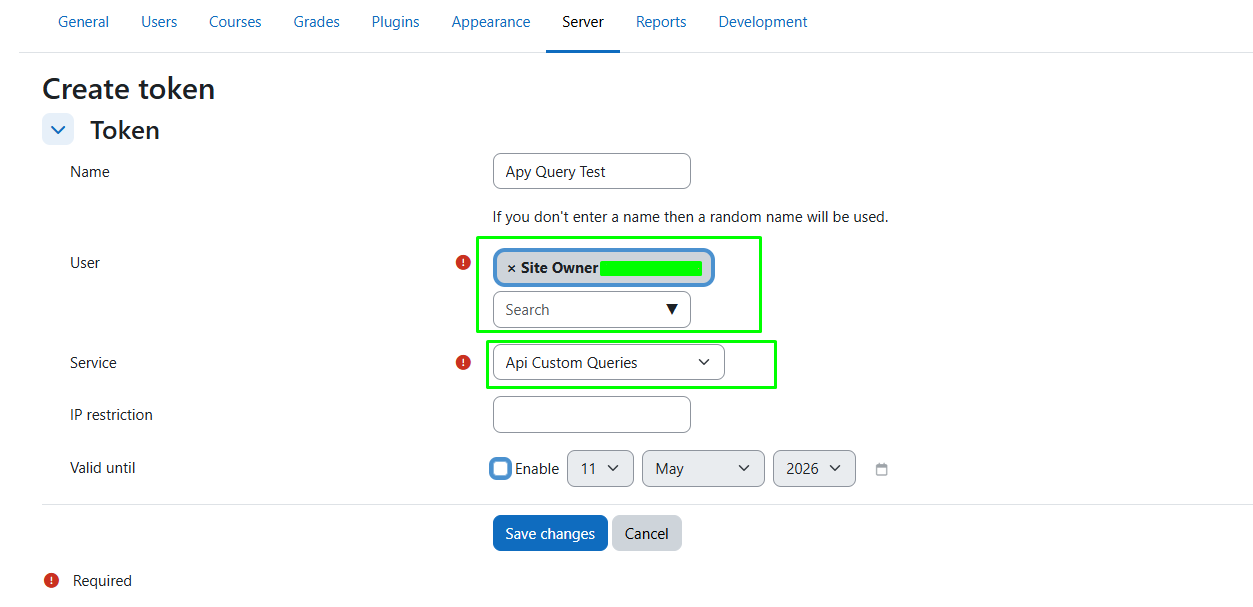
Site administration > Plugins > Install plugins/local/apiquery/local/apiquery:executeExample:
| Shortname | active_users_since |
| SQL | SELECT id, username, email FROM {user} WHERE timeaccess > :since AND deleted = 0 |
| Parameter | since (int, required) |
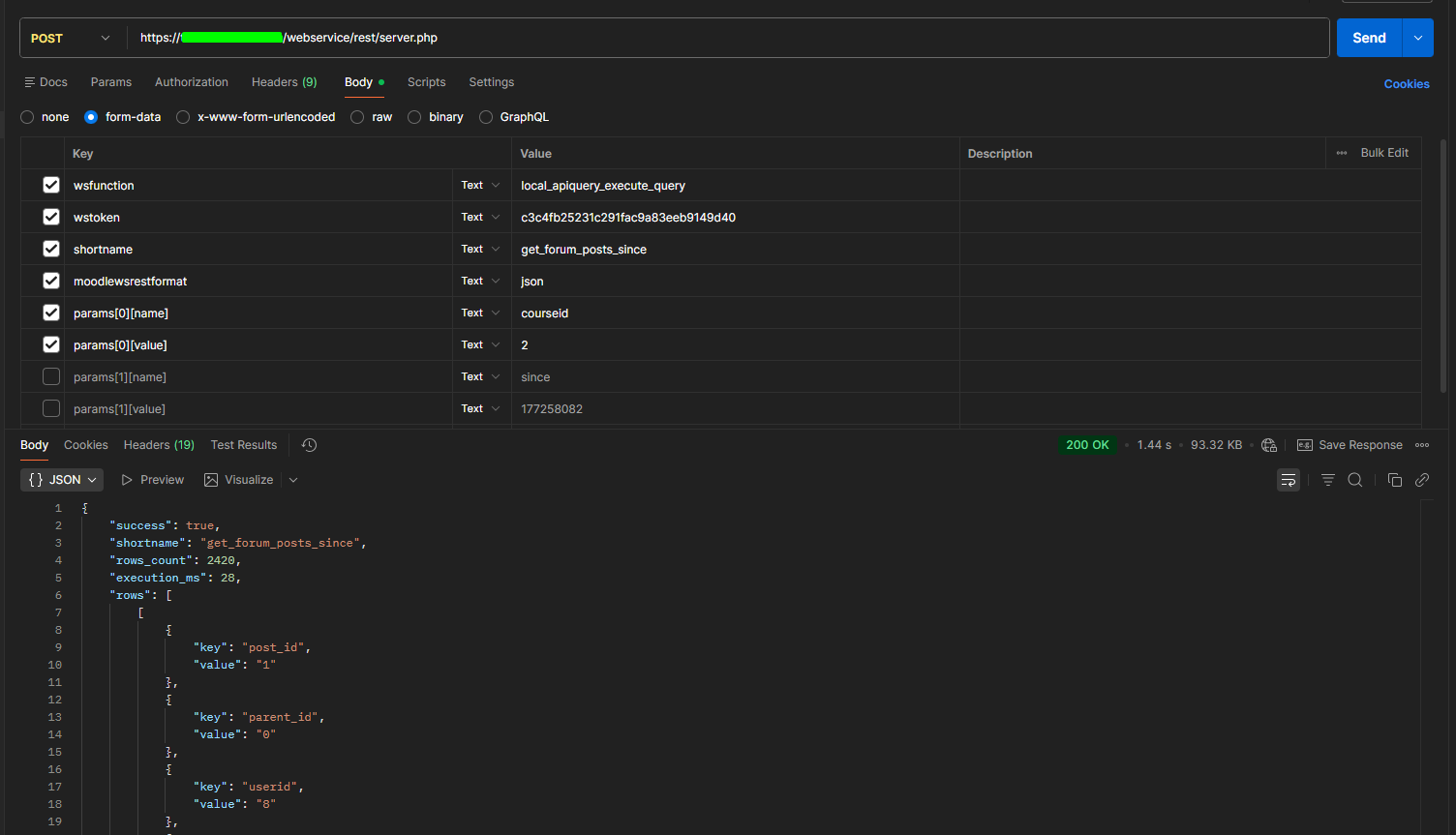
POST /webservice/rest/server.php

wsfunction=local_apiquery_execute_query
wstoken=YOUR_TOKEN
moodlewsrestformat=json
shortname=active_users_since
params[0][name]=since
params[0][value]=1738000000
{
  "success": true,
  "rows_count": 3,
  "execution_ms": 12,
  "rows": [...]
}
Note: Rows are returned as {key, value} pairs due to Moodle web service schema limitations.
SELECT queries are allowed:param) are allowedGNU GPL v3 or later
http://www.gnu.org/copyleft/gpl.html

