Course Date Shift Pro – Bulk Date Management for Moodle
Update course schedules in seconds, not hours.
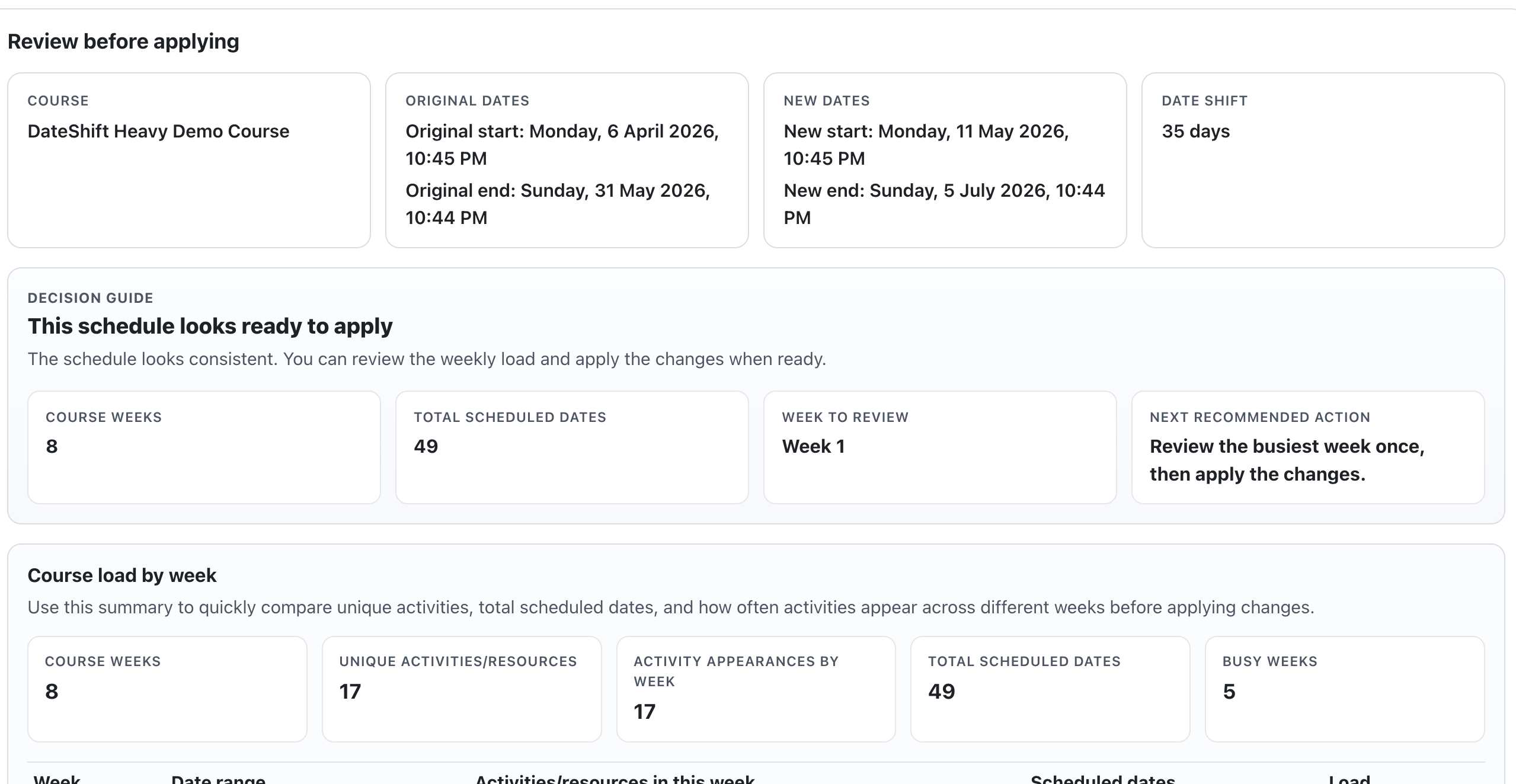
Course Date Shift Pro is a Moodle plugin that allows administrators and teachers to quickly shift course dates and activity deadlines in bulk.
Save time and reduce manual work
Managing course schedules in Moodle can be time-consuming, especially when courses are reused, duplicated, or require adjustments.
Manually updating each activity is inefficient and error-prone.
Course Date Shift Pro solves this by allowing you to shift all relevant dates automatically with just a few clicks.
What does it do?
The plugin enables bulk date adjustments across a course, including:
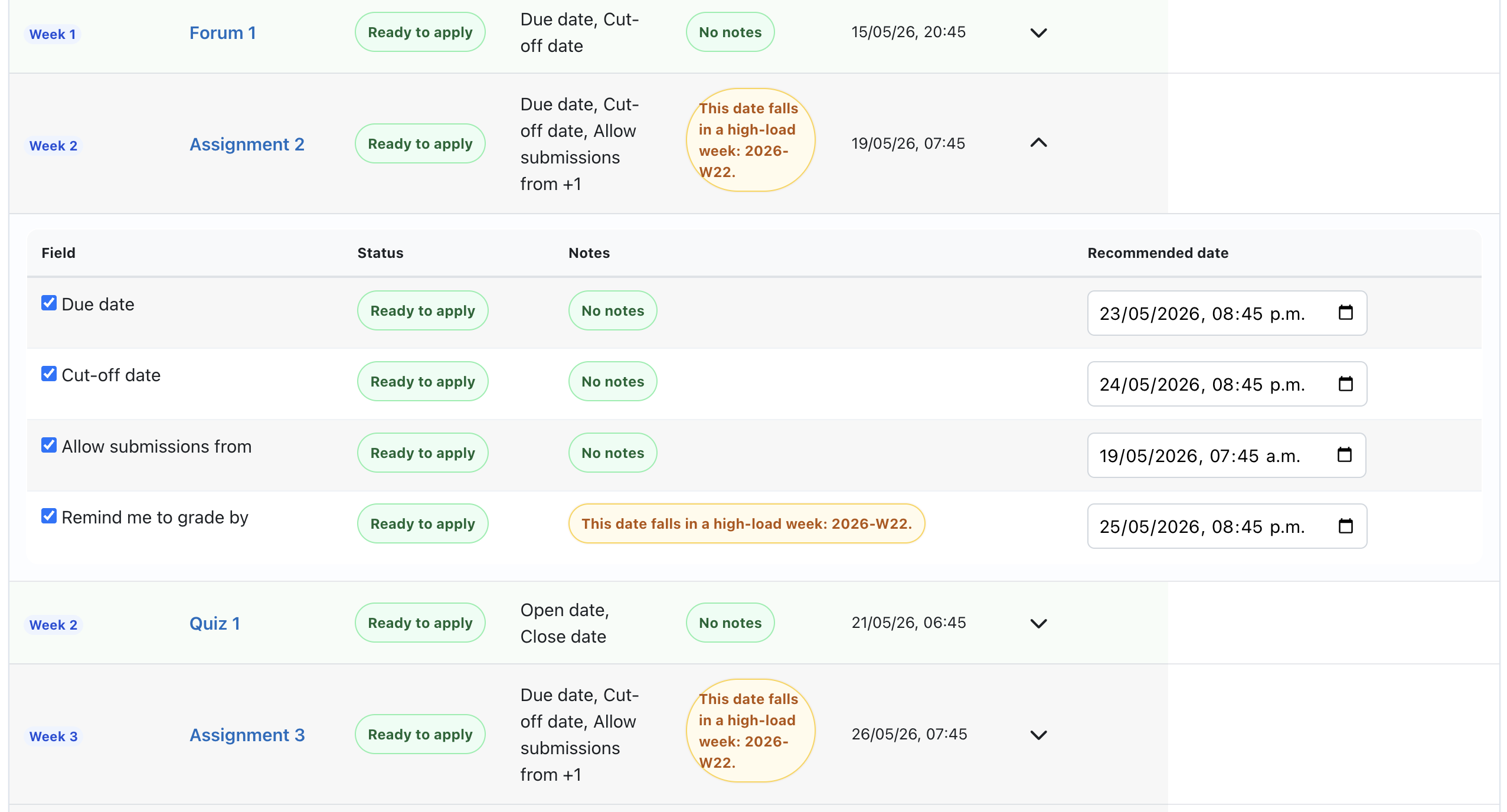
- Activity availability dates
- Assignment deadlines
- Course start and end dates
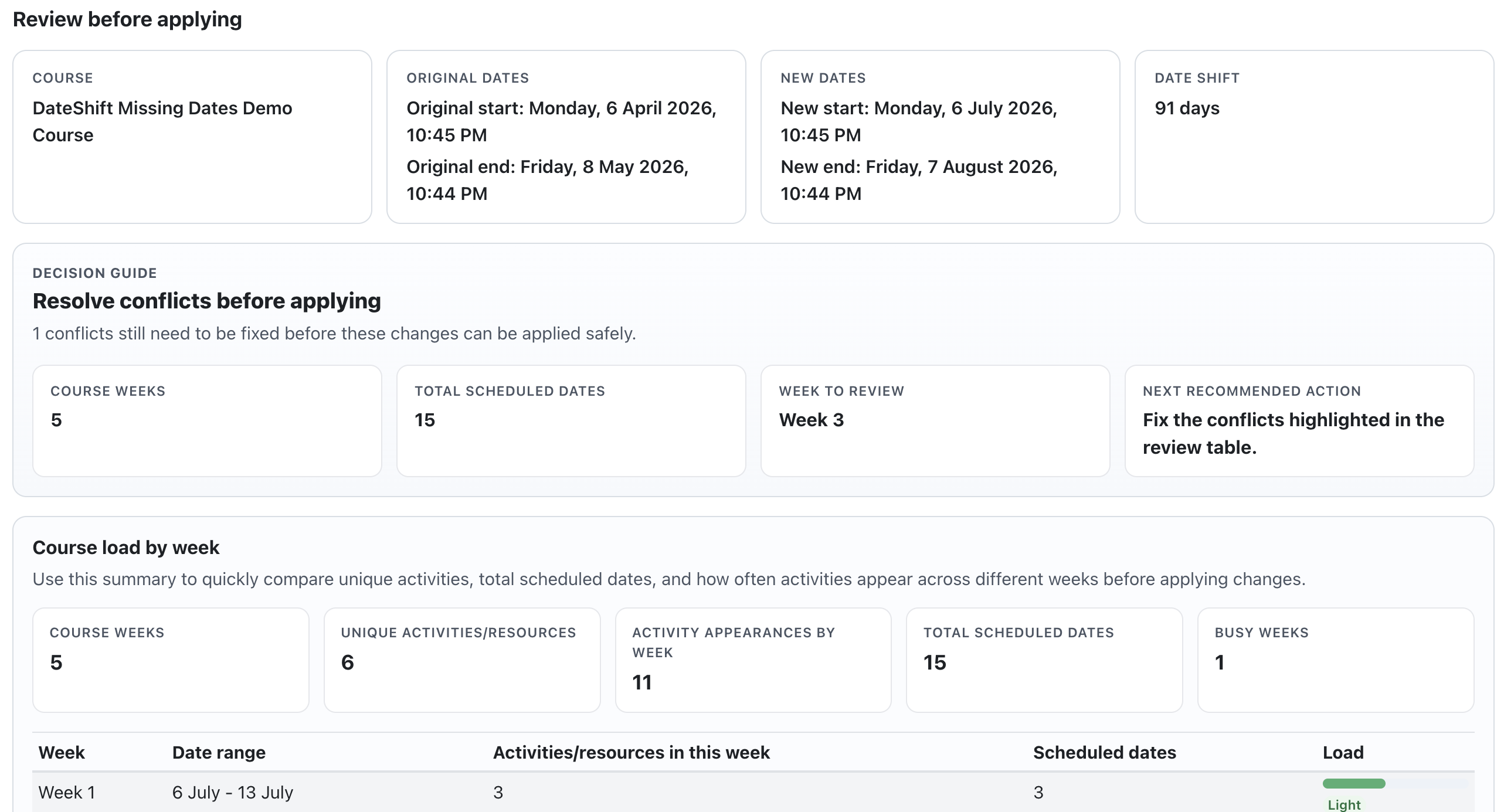
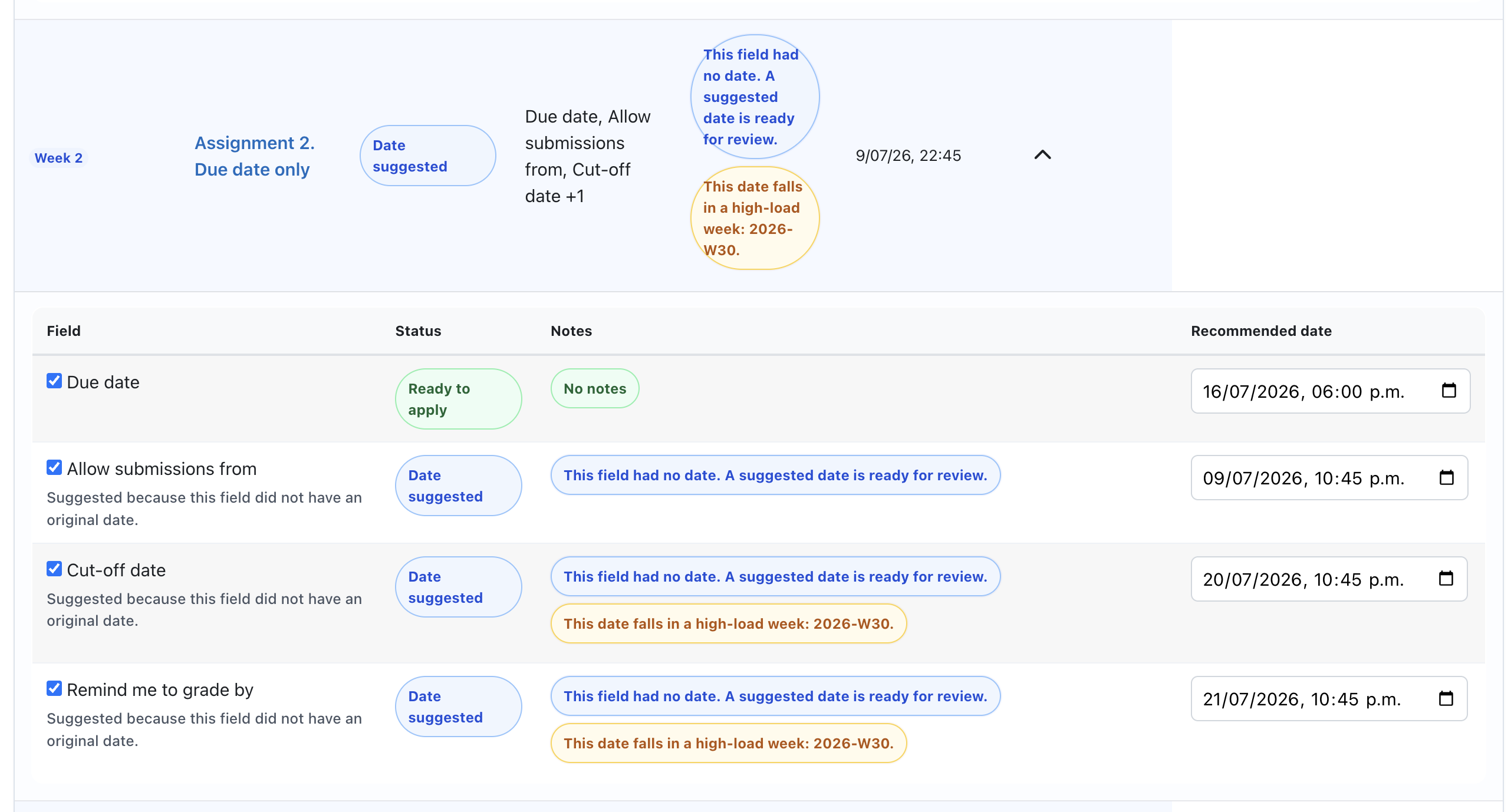
Simply select a new date or define a time offset, and the plugin updates everything consistently.
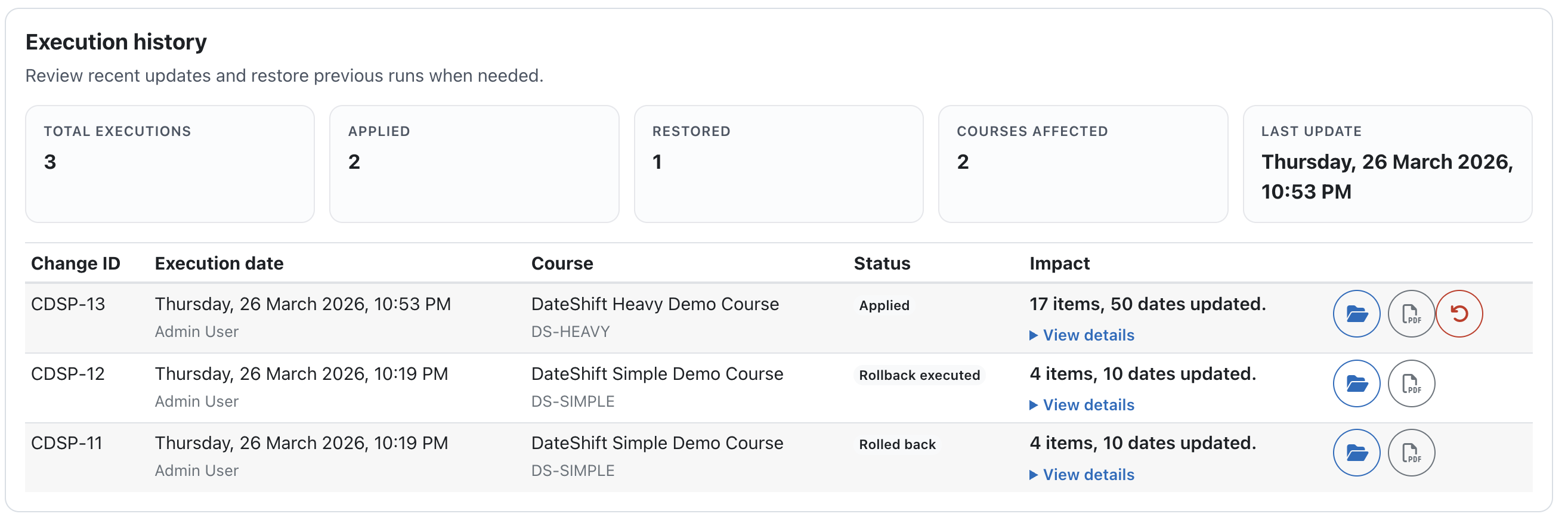
Additionally, the plugin generates a PDF report with a detailed log of all changes made, providing a clear control record for auditing and verification purposes.
Why Course Date Shift Pro?
Unlike manual editing, Course Date Shift Pro makes schedule management:
- Fast
- Accurate
- Consistent
- Scalable
- Traceable
It is especially useful for institutions managing multiple course iterations.
Key Features
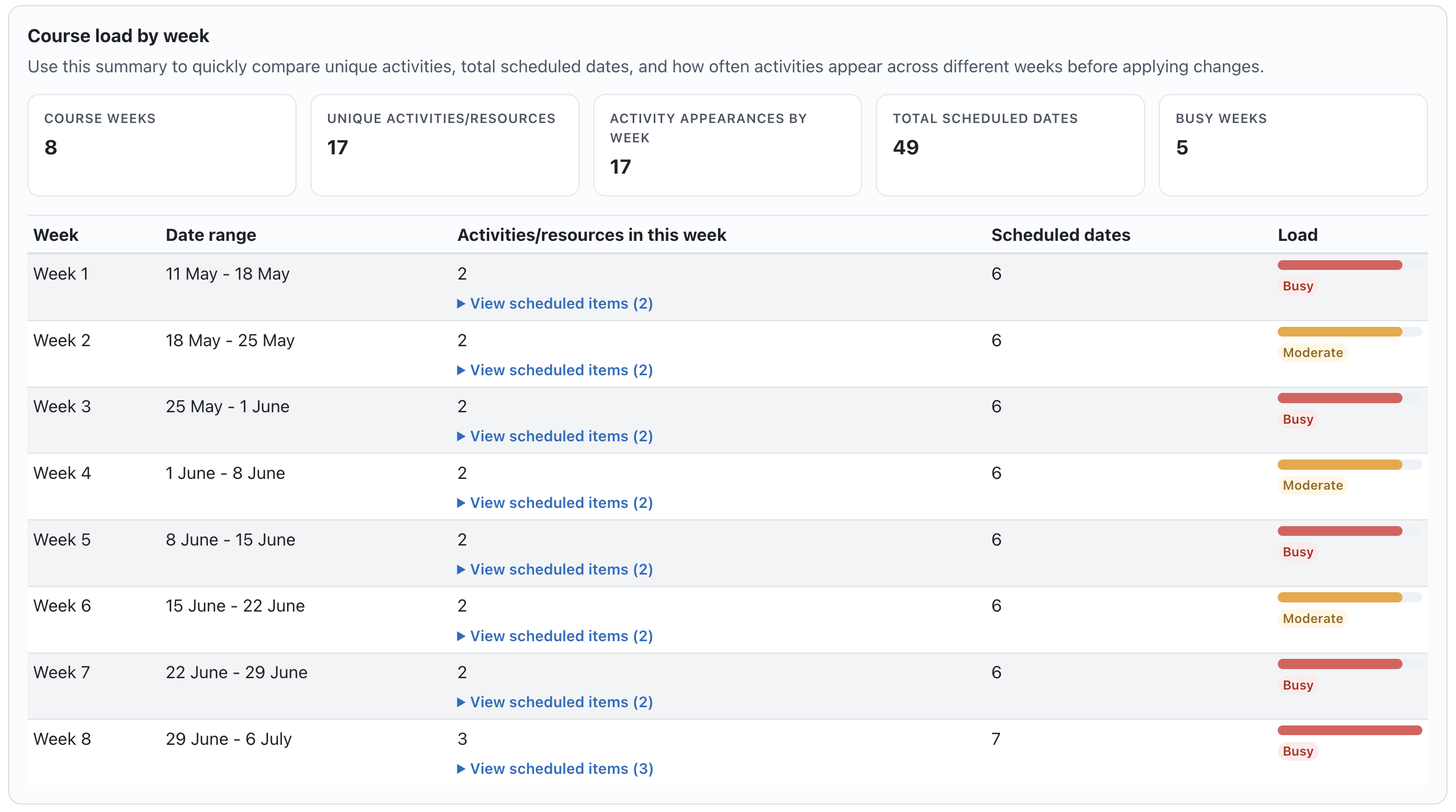
- Bulk date shifting across the entire course
- Automatic update of activity deadlines
- Exportable PDF report with change log
- Supports course duplication workflows
- Simple and intuitive interface
- Reduces manual errors
- Saves time in course administration
Benefits
For Institutions
- Efficient course management at scale
- Consistent scheduling across programs
- Reduced administrative workload
- Documented record of changes (PDF reports)
For Teachers
- Quickly adjust course timelines
- Avoid repetitive manual updates
- Maintain a record of applied changes
- Focus more on teaching
For Administrators
- Streamline course preparation
- Improve operational efficiency
- Ensure accurate scheduling
- Maintain audit-ready documentation
Use Cases
- Reusing courses for new terms
- Adjusting academic calendars
- Fixing schedule changes
- Managing multiple course instances
- Generating reports of applied changes
Requirements