KeepUsers icon

KeepUsers

Certified Partner Plugin
Maintained by Pimenko team
Local plugin that automatically sends personalised notifications to re-engage inactive Moodle learners. Set your own rules: inactivity, progression, date, or a combination — and let KeepUsers handle the rest. Course-level or platform-wide.
1 more prices See all prices
By buying, you accept the seller's Terms of Sale
Supports Moodle 4.5-5.2 See all versions
Reviewed annually for quality

Latest release: 3 weeks ago
Installations: 14
Downloads (last 90 days): 0

Frankenstyle name: local_keepusers
Local plugins

Description

KeepUsers automatically re-engages inactive learners — at the right time, with the right message.

Some learners never connect after enrolment. Others stop halfway through. Without an automated system, tracking and re-engaging each one manually is time-consuming and inconsistent. KeepUsers handles it for you — define your rules once, and the right message goes out automatically.


How it helps

For teachers and course designers,KeepUsers enables course-level automated notifications without requiring admin access. Set reminders based on learner inactivity, progression level, enrolment date or course deadline — directly from the course menu. No technical skills required.


For training organisations and institutions, KeepUsers provides site-wide notification rules to re-engage all inactive users across the entire Moodle instance. Combine multiple criteria to target exactly the learners who need a nudge.


Key features

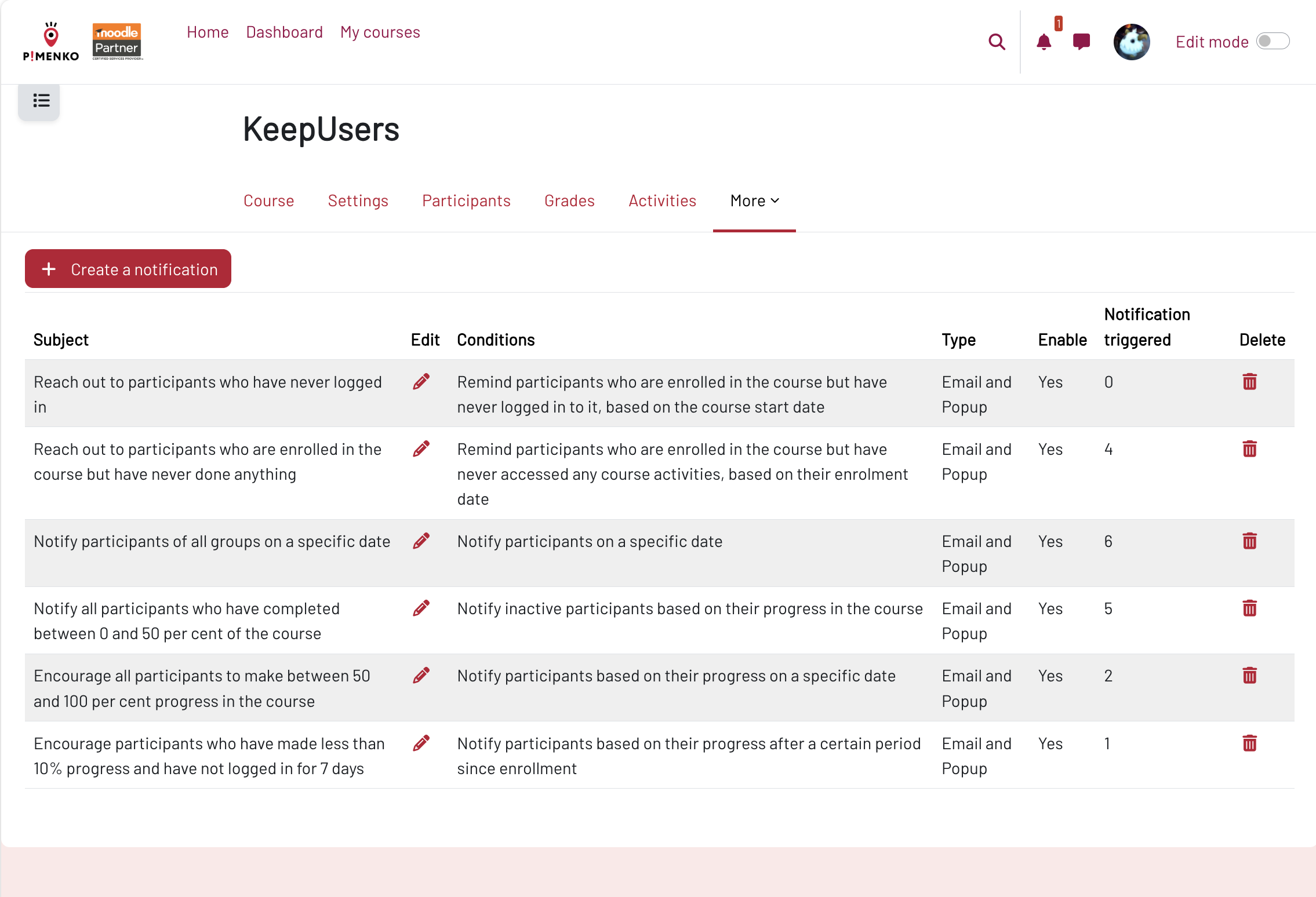
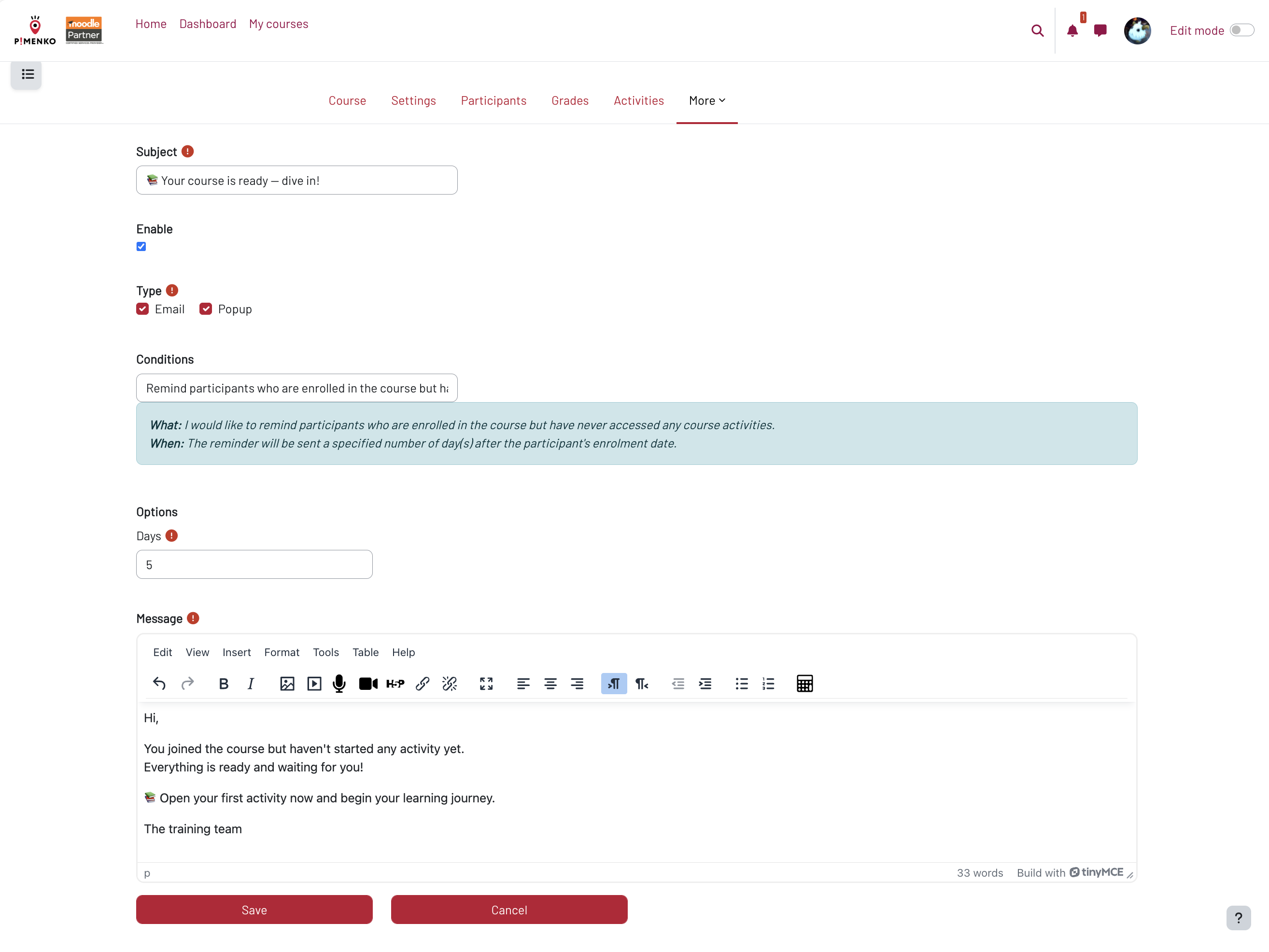
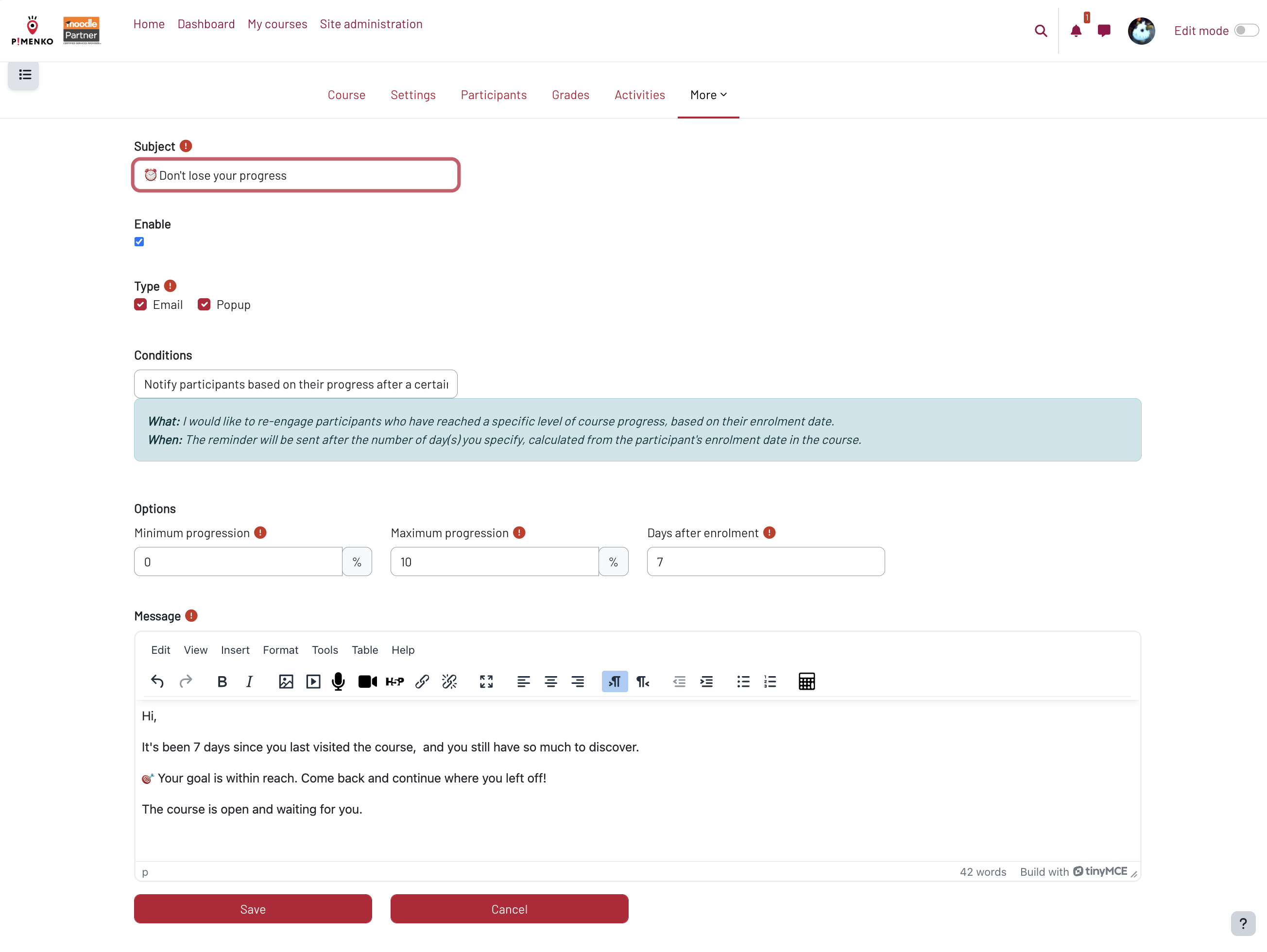
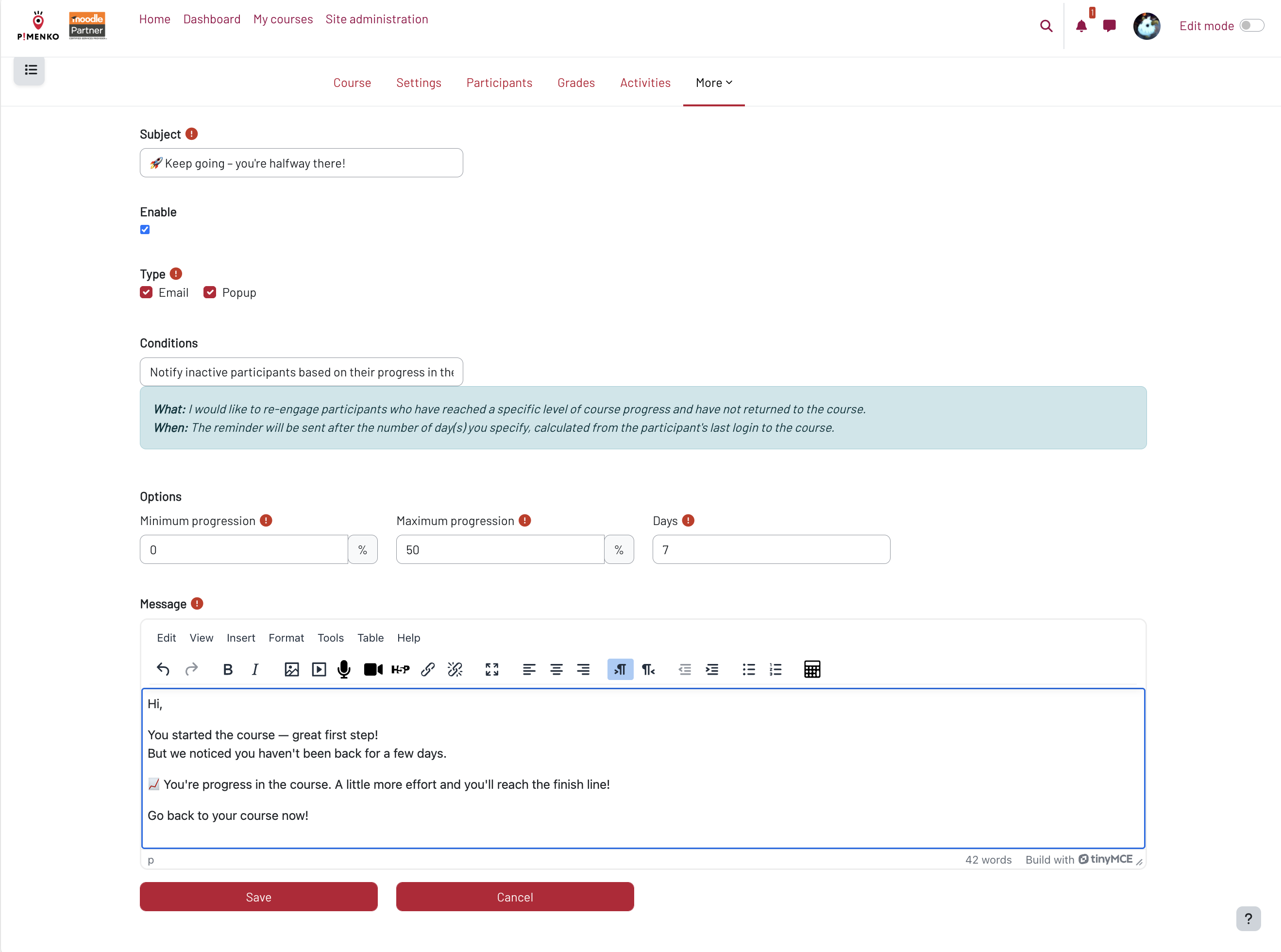
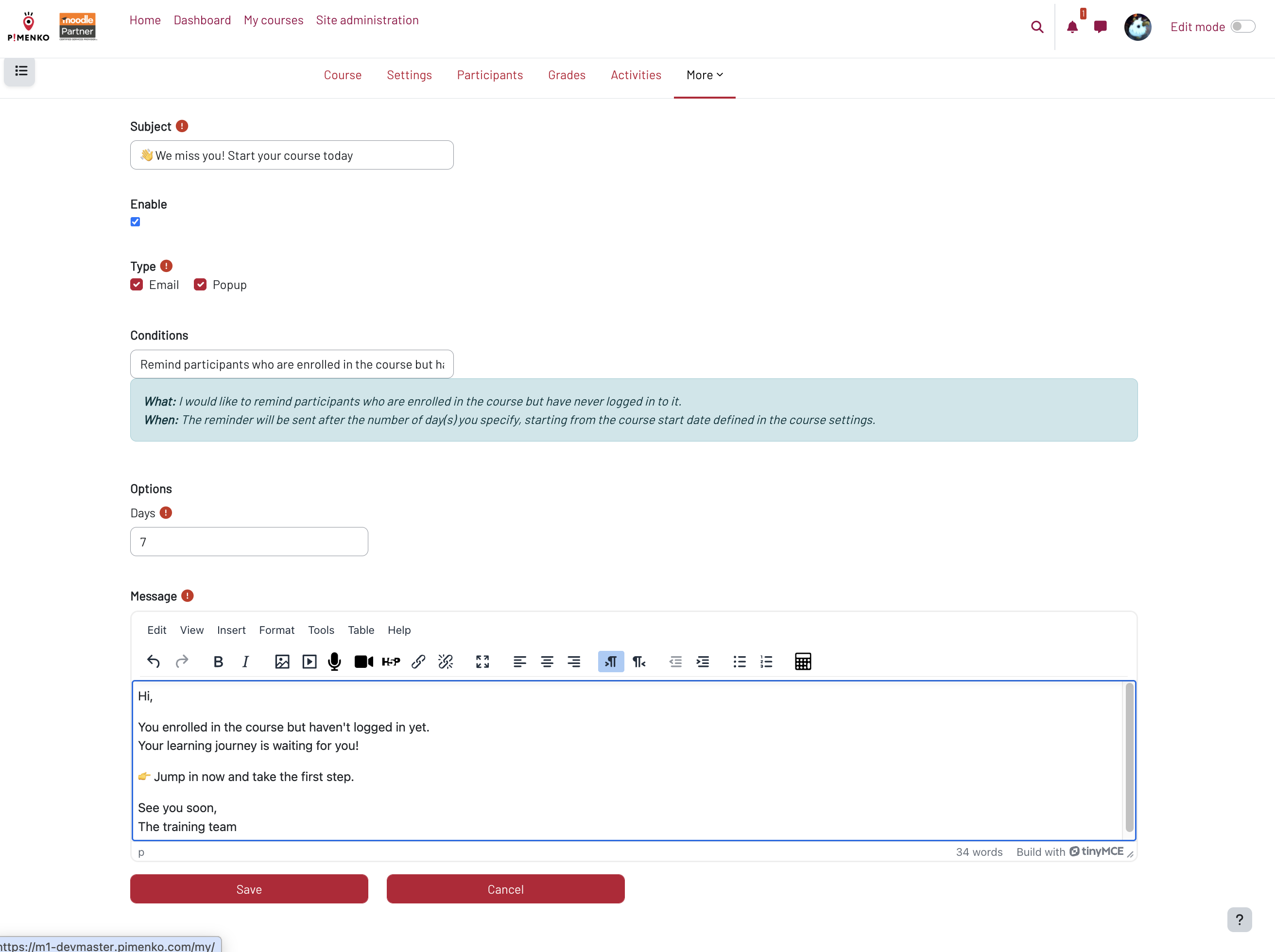
  • Multiple trigger conditions — inactivity since course start, inactivity since enrolment, progression level reached, specific date, or any combination
  • Fully automated — once configured, notifications are sent without any manual intervention
  • Two notification channels — send by email, via the Moodle notification bell, or both simultaneously
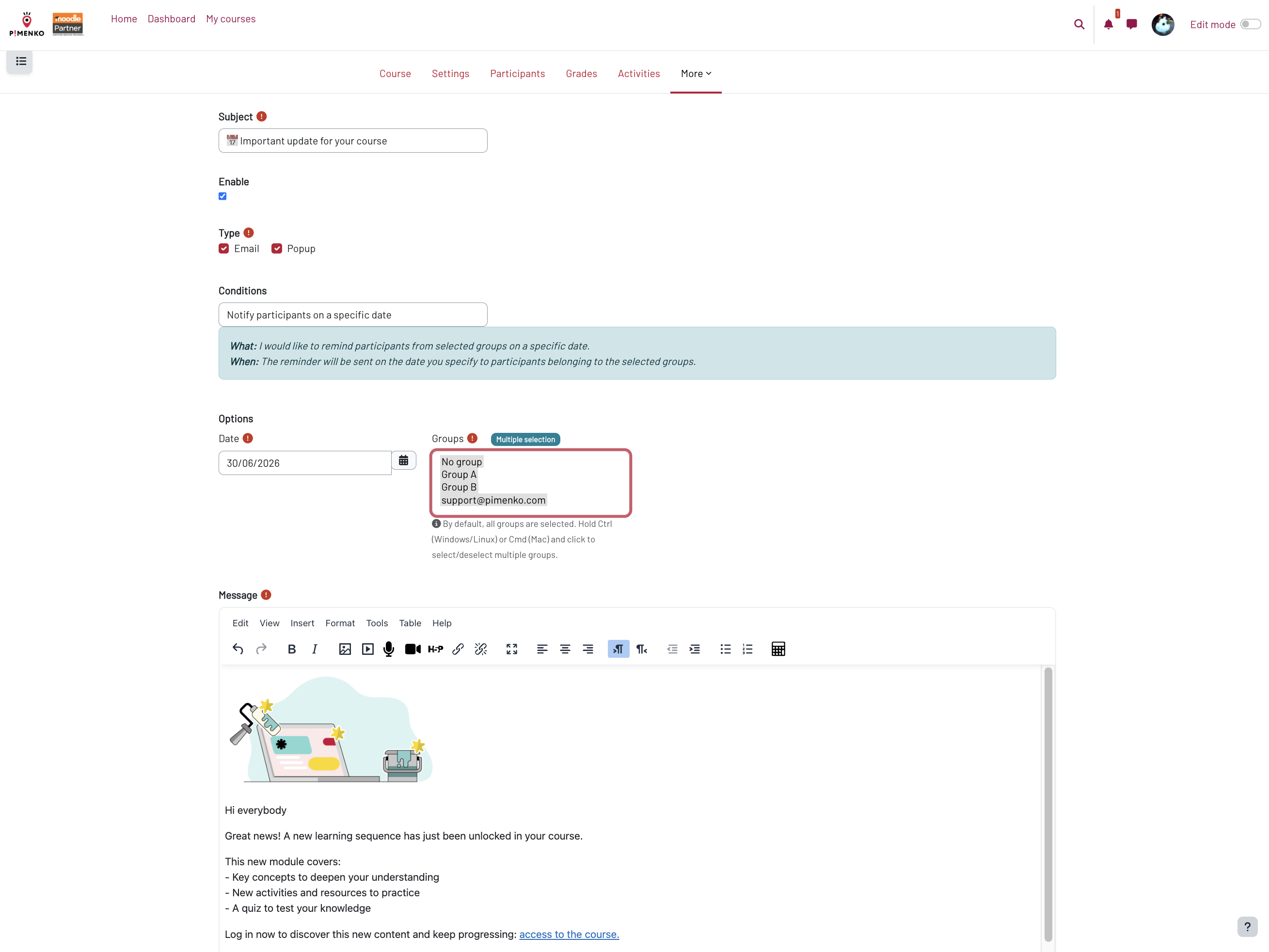
  • Fully customisable message content — write your own reminders with text, images, videos and links
  • Course-level configuration — teachers can set up notifications directly from the course menu, no admin access required
  • Platform-wide management — administrators can create global notification rules targeting all inactive users across the site
  • Date-based triggers — schedule a notification for a specific date, such as 3 days before the course deadline
  • Advanced criteria combinations — combine inactivity, progression and date for precise, targeted re-engagement
  • Quick setup — a few minutes of configuration is all it takes to launch your first automated notification


FAQ

Do teachers need admin access to use KeepUsers?

No. Course-level notifications can be configured by any teacher directly from the course menu. Only platform-wide notifications require administrator access.

How many automated notifications can I create?

There is no limit. You can create as many notification rules as needed, with different criteria, for each course or at the site level.

What happens if a learner matches multiple notification rules at the same time?

Each notification rule is independent. If a learner matches several rules simultaneously, they will receive each corresponding notification according to its own configuration.

Who provides support?

Support is provided by Pimenko, a certified Moodle Partner based in Lyon, France. Requests are handled via our issue tracker within 5 business days.

Pimenko Moodle partenaire

Contributors

Awards

Privacy friendly
Automated testing support