Oksigenia Oksigenia
Lead maintainer

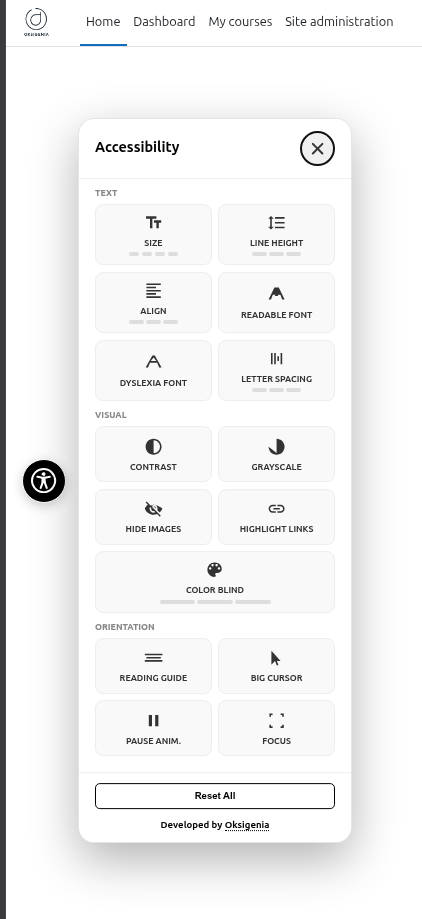
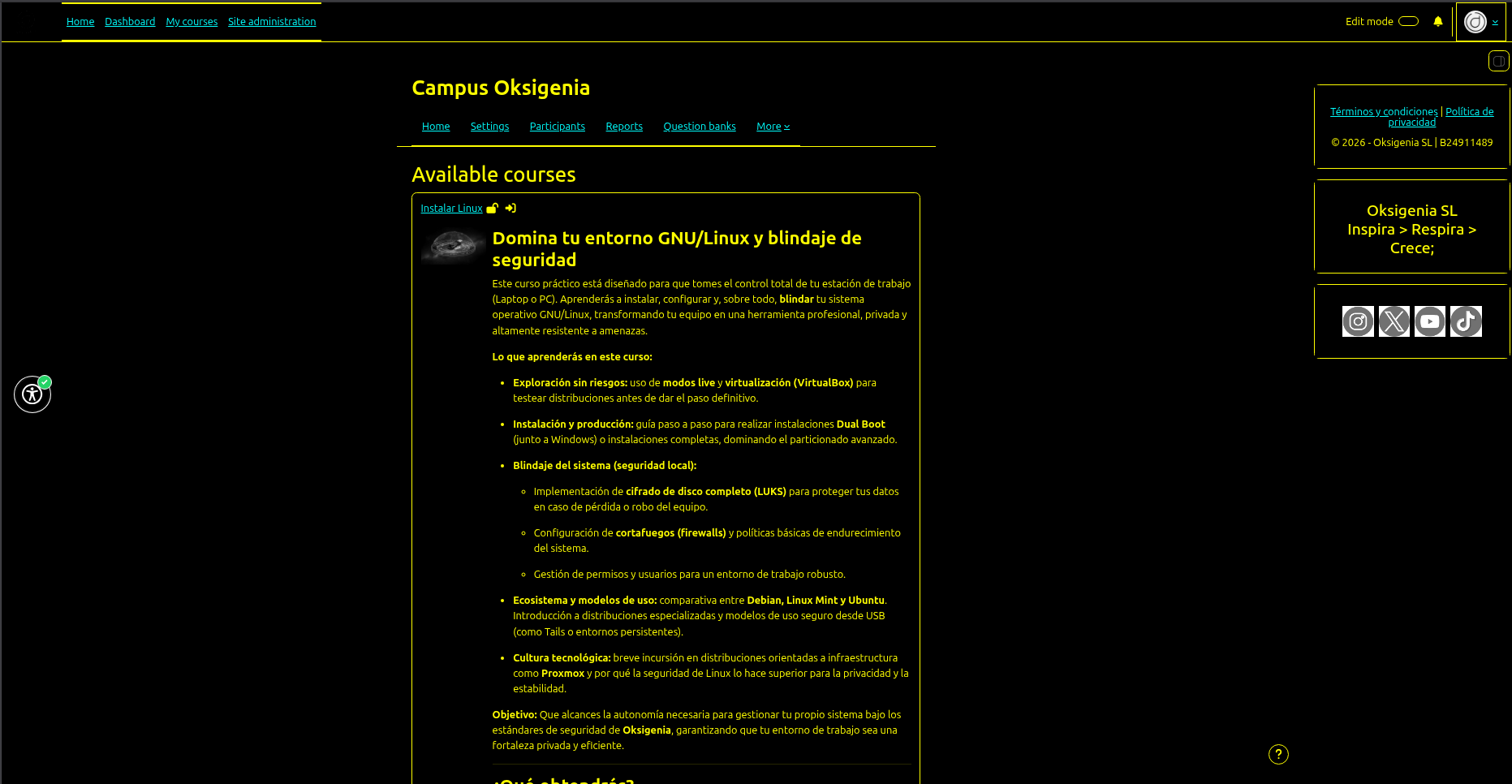
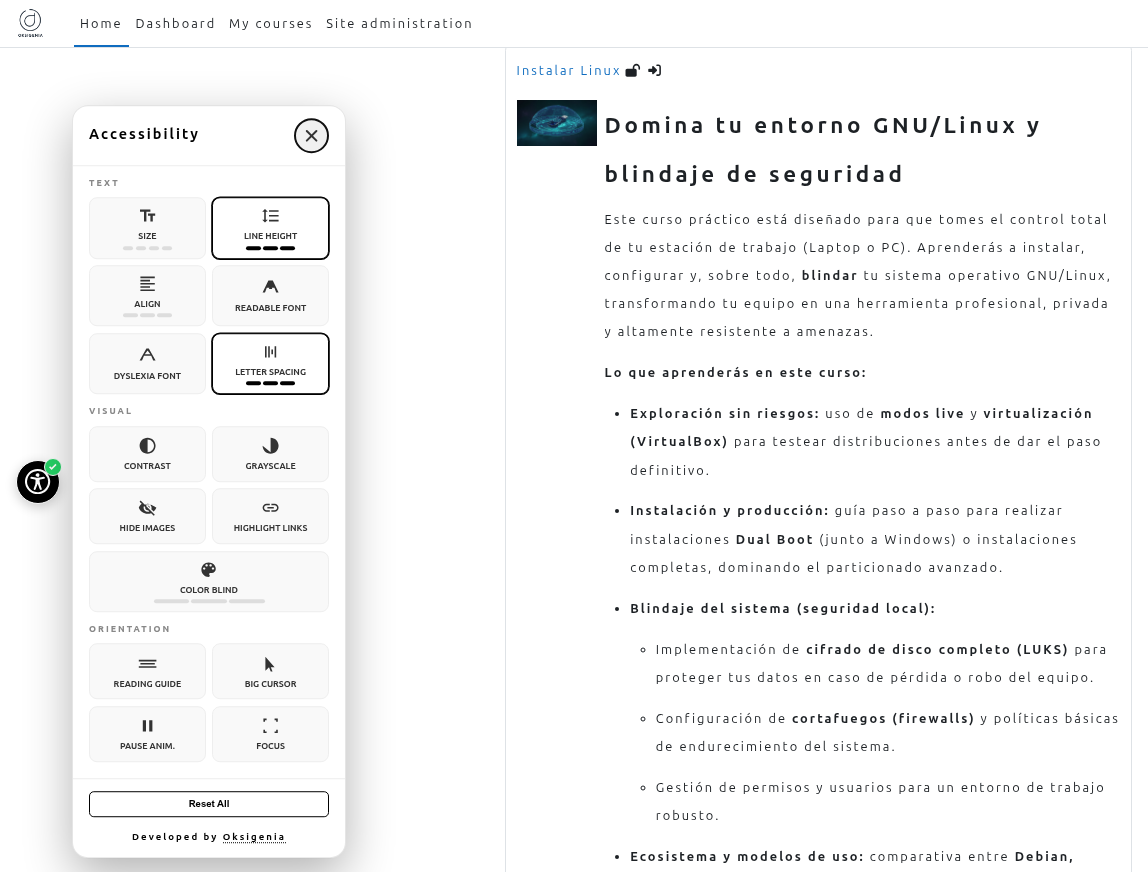
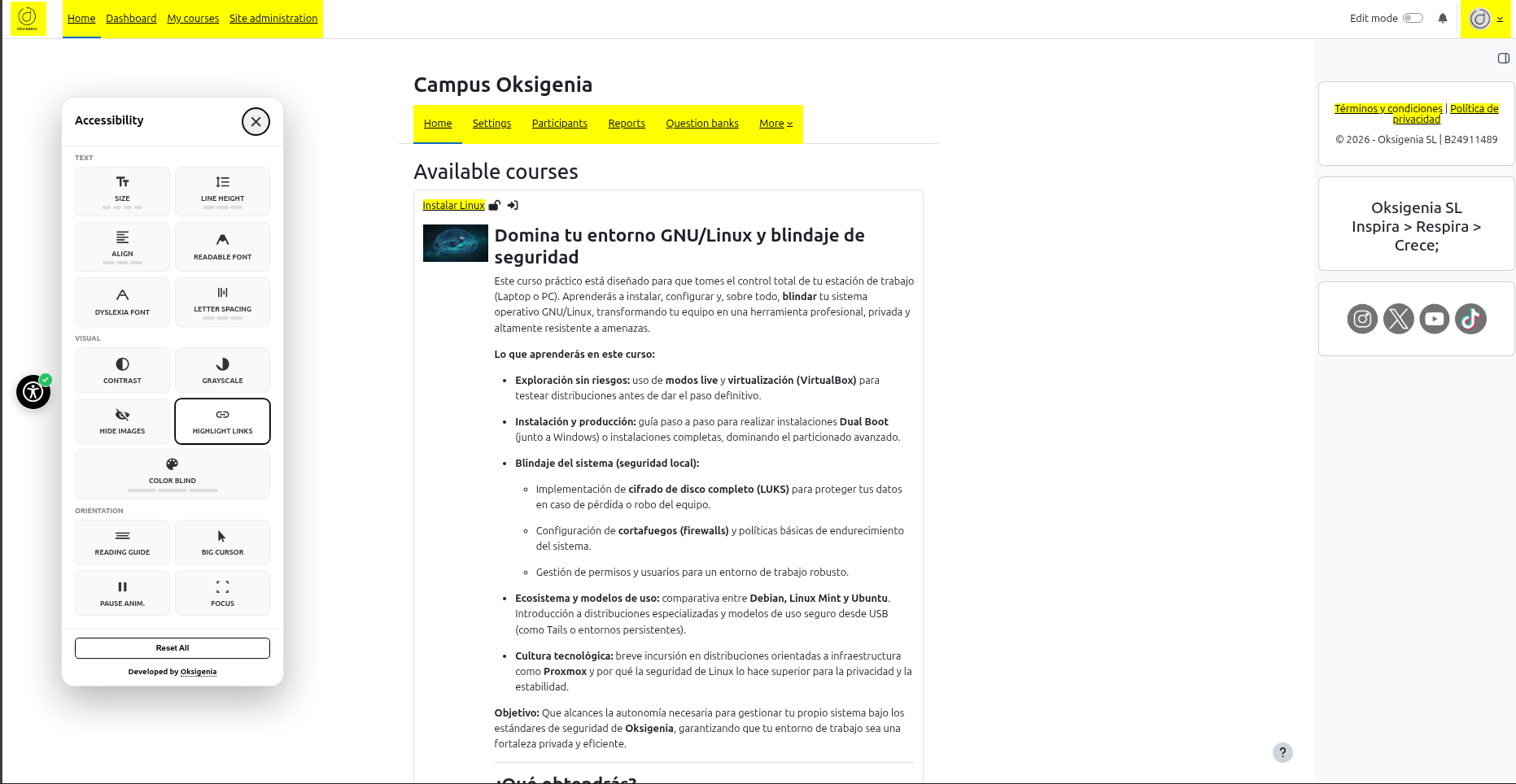
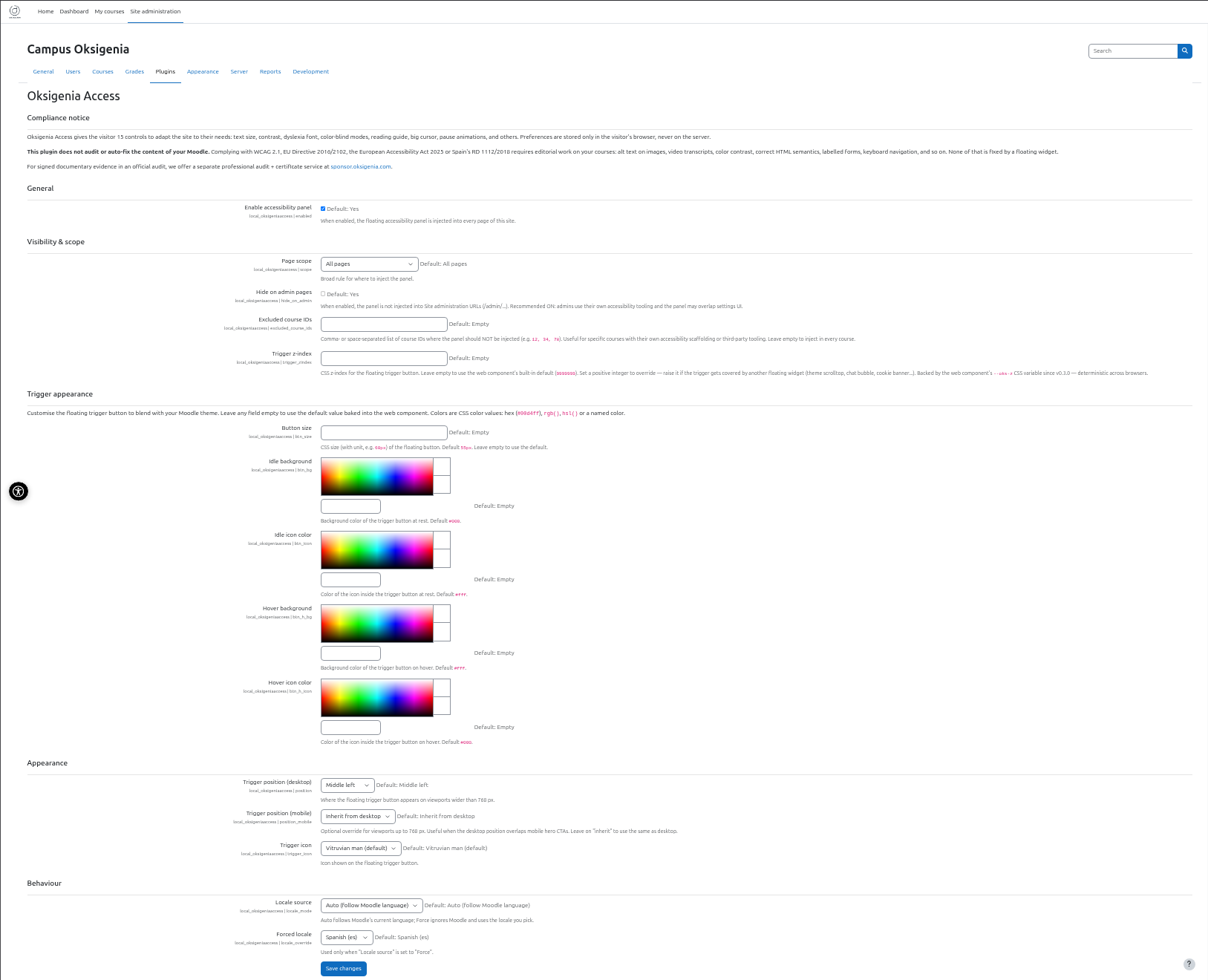
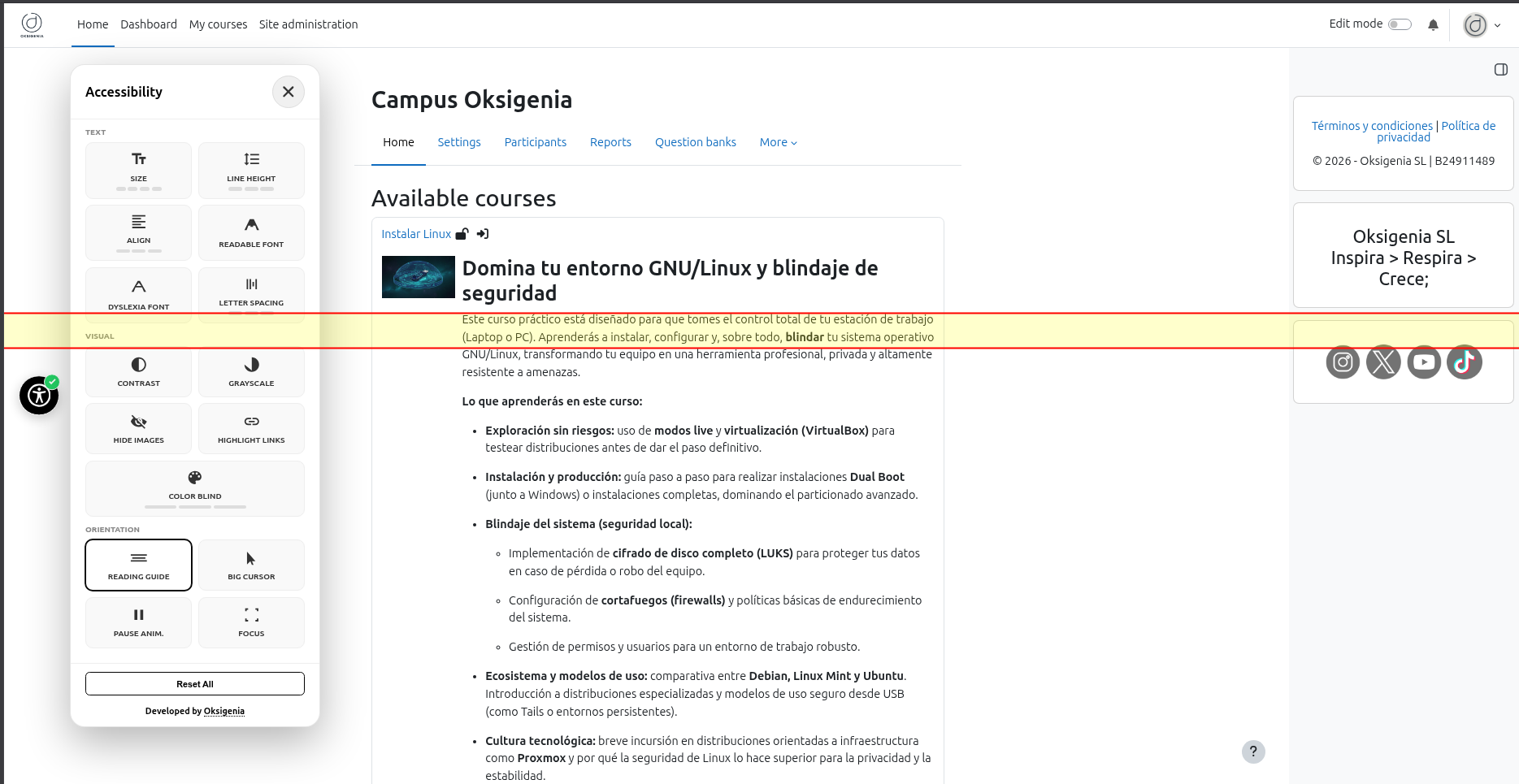
Oksigenia Access adds a small floating button to every Moodle page. The visitor clicks it and gets 17 real controls to adapt the site to their needs: text size (4 levels), line height, alignment, readable font, dyslexia font, letter spacing, high contrast, grayscale, hide images, highlight links, color-blind filters (3 types), reading guide, reading mask, big cursor, big targets, pause animations, and focus outlines. Four profile presets (Low Vision, Dyslexia, Motor, No Distractions) apply a sensible bundle of those controls in one click, and the visitor can fine-tune from there.
Preferences live in the visitor's localStorage only. Nothing is sent to your server. No cookies, no telemetry, no external CDNs, no account required.
The panel gives visitors a familiar, predictable set of adaptation controls. WCAG / EAA 2025 / EU Directive 2016/2102 / Spanish RD 1112/2018 compliance is achieved with editorial work on your courses: alt text, transcripts, contrast, semantic HTML, labelled forms, keyboard navigation.
The panel renders inside a Shadow DOM, so its CSS doesn't collide with Boost, Boost Union, Classic, or any custom theme. The only thing it injects into document.head is a single scoped <style id="oksigenia-access-effects"> for body-level effects (zoom, contrast, dyslexia font…).
The settings page under Site administration ' Plugins ' Local plugins ' Oksigenia Access gives you:
Visibility is gated by the capability local/oksigeniaaccess:view, permissive by default for every archetype. Override it from Site administration ' Users ' Permissions ' Define roles if you want to restrict the panel to specific roles.
Spanish, English, Guaraní, French, Italian, German, Dutch and Swedish out of the box. Regional variants (es-PY, pt-BR…) normalize to their base language with English as a final fallback.
The accessibility panel ships from a shared web component (@oksigenia/access-panel, MIT) so the WordPress plugin (oksigenia-access, GPLv2+), this Moodle plugin (GPLv3+) and any modern site that imports the npm package all share the same UI and locales. Whatever you fix or improve in one variant tends to land in the others.
The plugin is FOSS and stays FOSS. If your institution depends on it for accessibility, sponsor its development at sponsor.oksigenia.com. Sponsorship gets you logo placement, priority issue triage and weight in the public roadmap.
Optional one-off service for institutions that want a technical reading of their Moodle's accessibility status: automated checks (axe-core, Lighthouse, WAVE), manual review of the typical pain points (text alternatives, heading structure, contrast, keyboard navigation, forms), and a written report with prioritised findings and a concrete remediation plan. The service covers the technical operational layer; formal accreditation for inspection dossiers under EAA 2025 / RD 1112/2018 is handled separately by ENAC-accredited bodies.
Details at sponsor.oksigenia.com.
Plugin code: GPL v3 or later. Bundled web component under js/web-component.js: MIT (see LICENSE.web-component.MIT).
