jlsimon
Lead maintainer

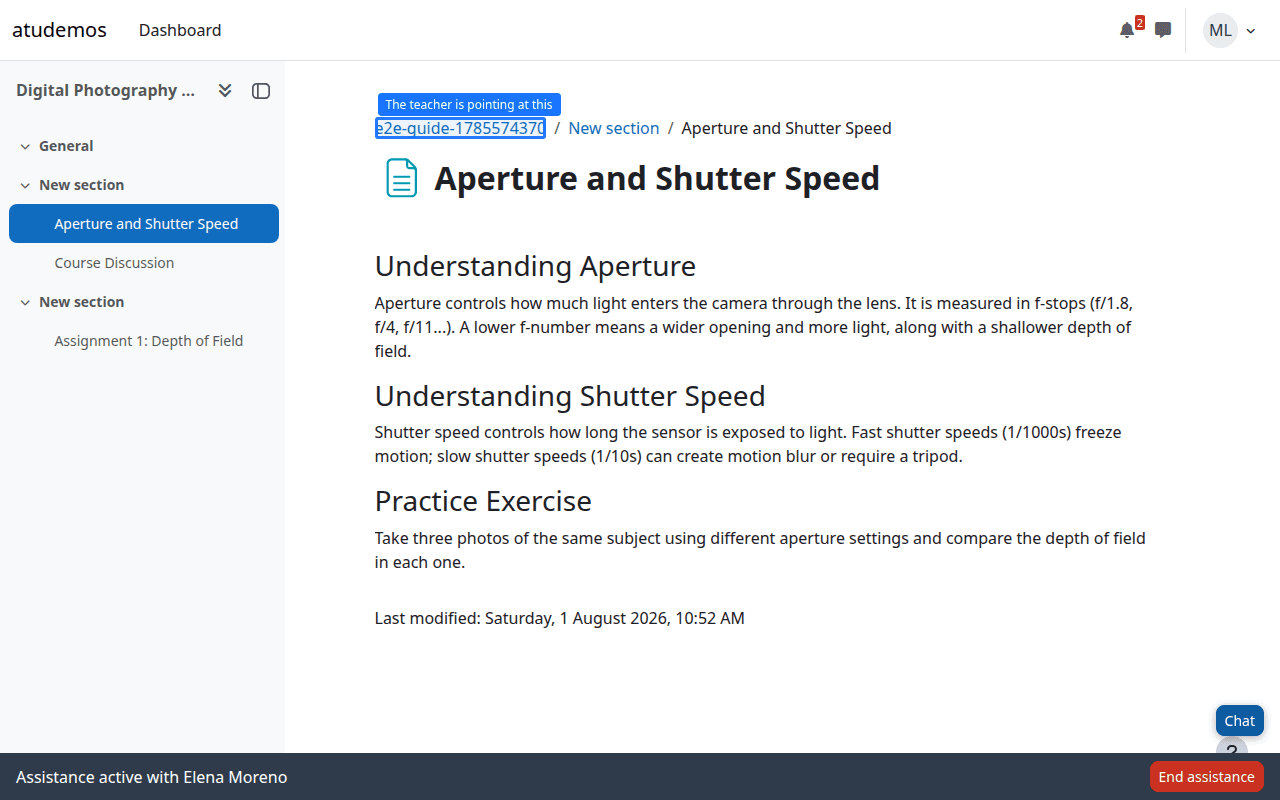
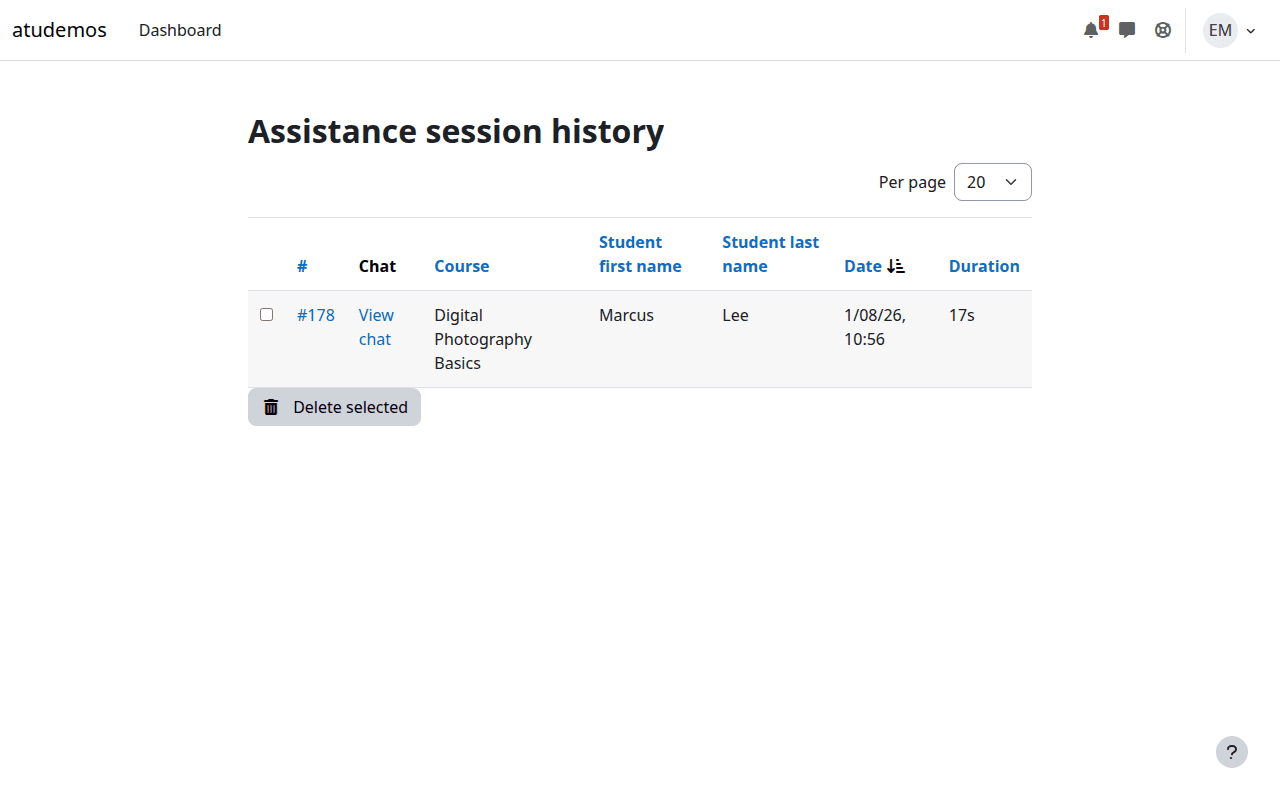
When a student gets stuck, the usual fix is a screen-share call or a remote-desktop tool like AnyDesk or TeamViewer. Both mean installing software outside Moodle, and both hand the helper a live view — or full control — of the student's entire screen: other tabs, other apps, anything else open on that computer.
Remote Assistance solves the same problem — a teacher seeing what a student sees, the moment they're stuck — entirely inside Moodle, with none of that. It's co-browsing, not remote desktop: the teacher only ever sees a reconstruction of the Moodle page the student is currently on. No other tab, no other application, no desktop. It's also simpler than a remote-desktop tool: no external service, no video stream, no browser extension.
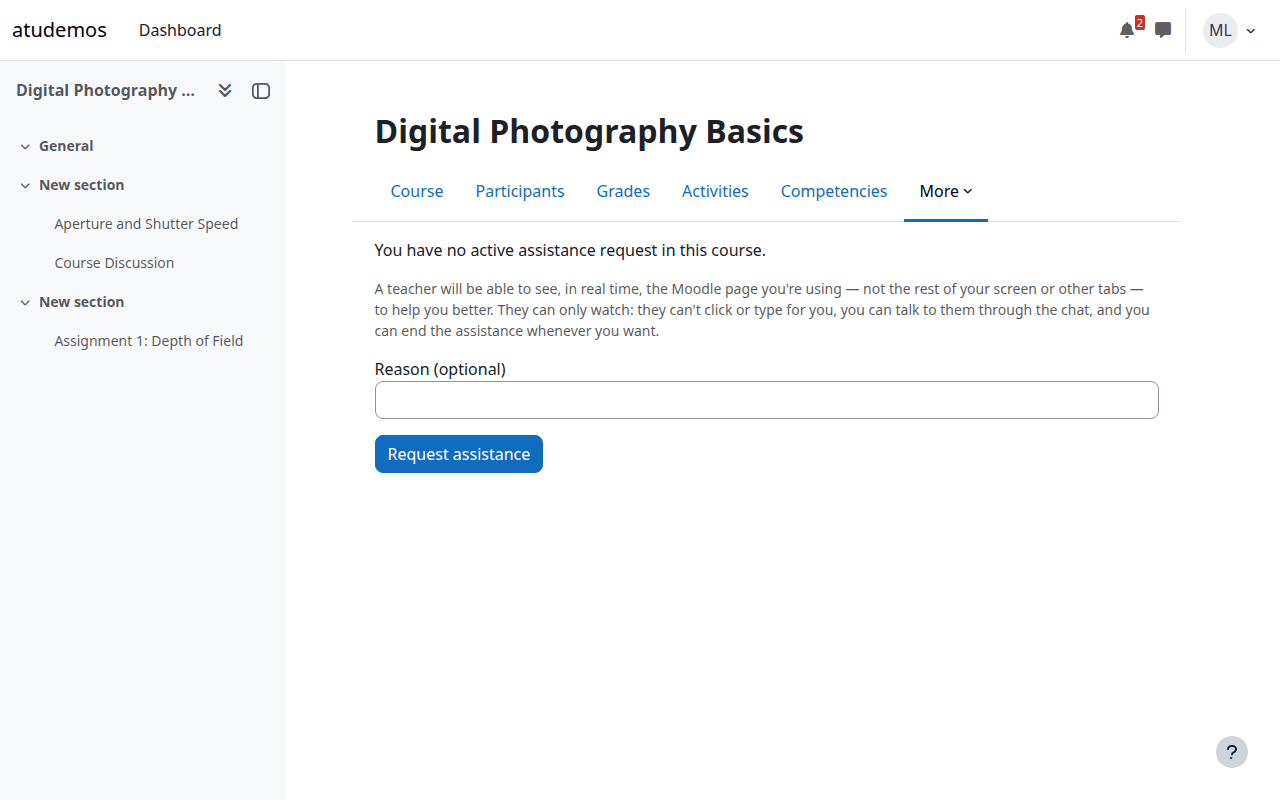
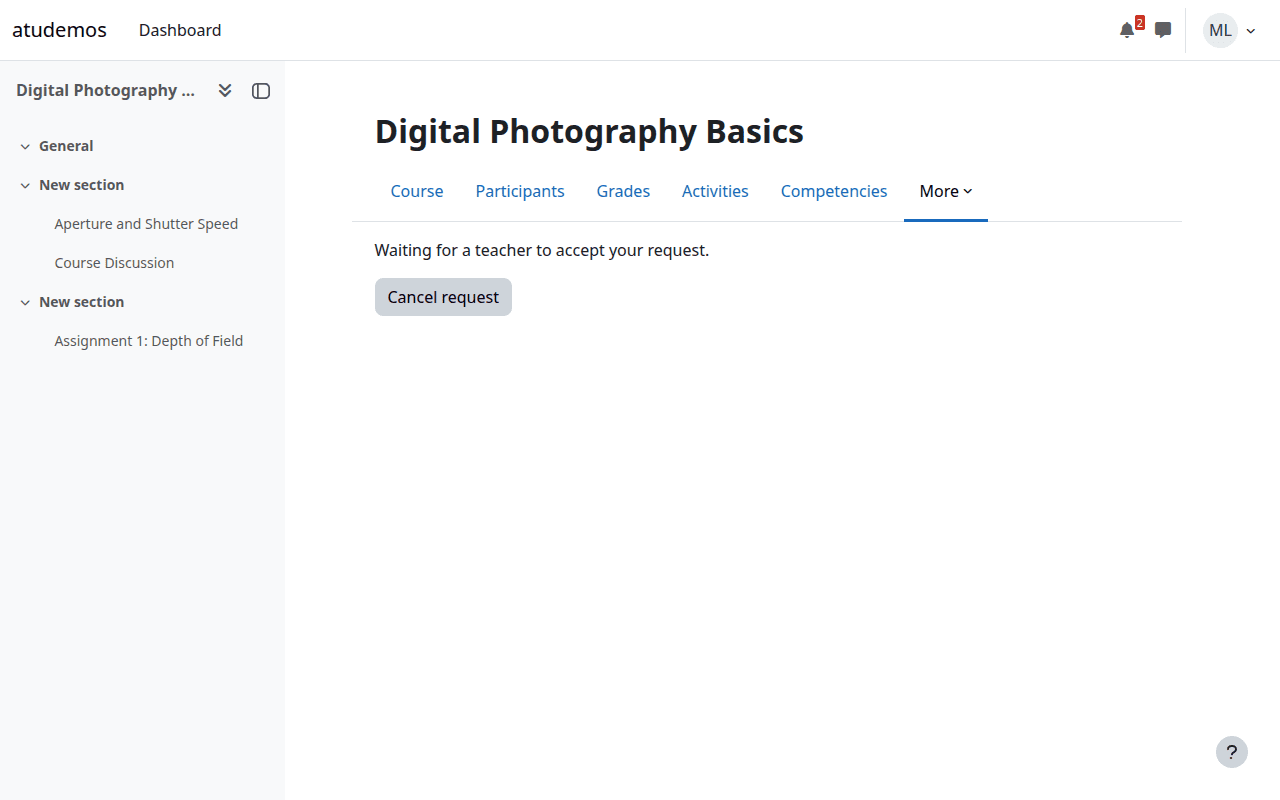
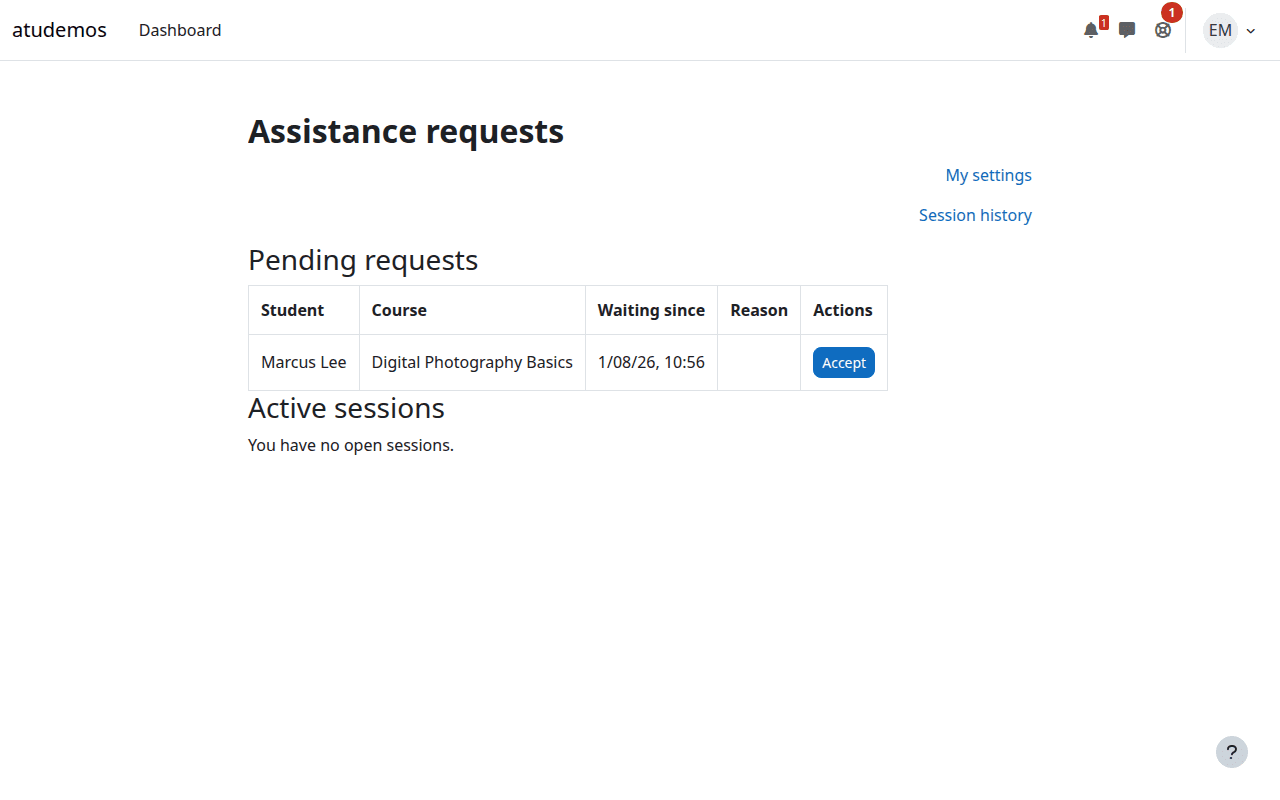
The student requests assistance from a course they're enrolled in, with an optional note about what's wrong. A teacher with the right permissions in that course sees the request, accepts it, and enters a live session.
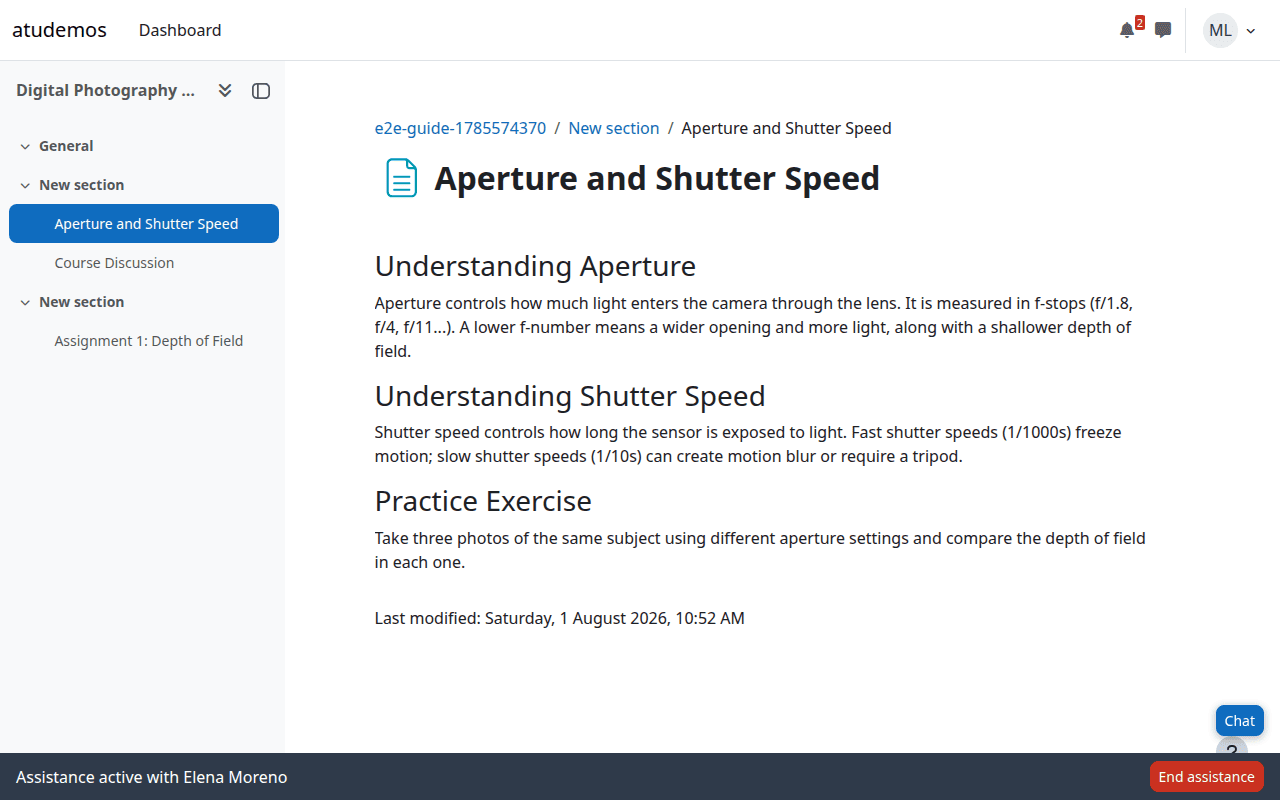
The teacher watches a live reconstruction of the student's page — including scroll position, open modals, and mouse position — that updates as the student navigates. The teacher can point at a specific element or field ("look here") without touching anything: a temporary outline appears exactly around it. Either side can chat in a small floating panel, and either side can end the session at any time.
The student always sees a persistent status bar confirming who they're connected to, with a one-click way to end the session. Teachers get a searchable history of their own past sessions and can replay a closed session's page activity and chat, synchronized, at up to 8× speed.
This is the core design choice, not a missing feature:
sesskey / require_login() checks throughout — nothing bespoke or opaque.Actively maintained, currently in beta. Core flows are covered by over 200 PHPUnit tests, a 96-step Behat suite, and a 37-test Jest suite for the client-side JavaScript. Behaviour has been verified live across Chromium, Firefox, and WebKit — against real SCORM, H5P, LTI, quiz, forum, book, and assignment content, under concurrent multi-session load, and for accessibility (zero axe-core violations on the plugin's own interface).
Requirements: Moodle 4.2 or later, PHP 8.0 or later.

