Rio Smart Tech Private Limited (Rudraksh Batra)
Lead maintainer
# Moodle Plugin: local_resume
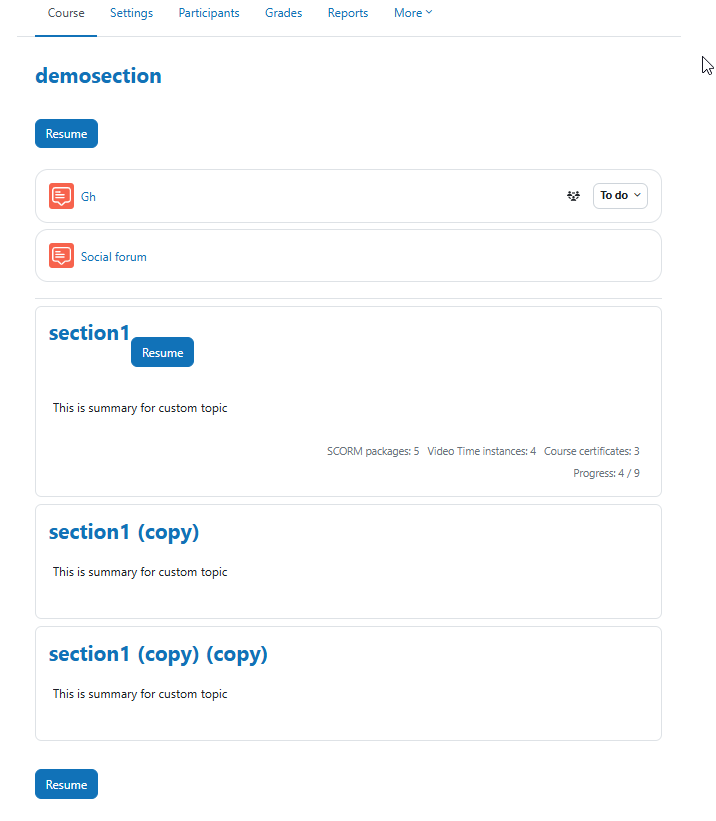
**Resume Button for Moodle Courses and Sections**
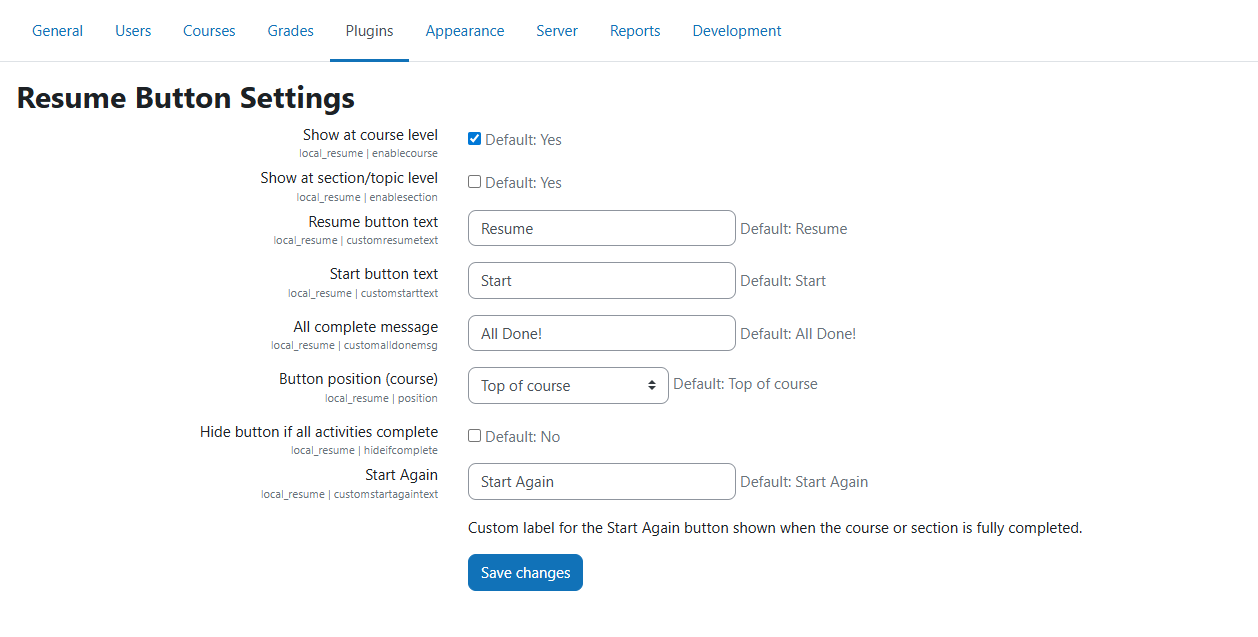
This plugin provides a smart "Resume" or "Start Again" button that helps learners continue from where they left off in a course or section. It supports Moodle versions **4.0 to 5.0+**.
---
## " Features
- " Shows a **Resume** button linking to the last viewed activity (per course or section).
- " Automatically switches to **Start Again** if all activities are completed.
- " Works with **completion tracking** and **activity visibility**.
- " Compatible with standard course formats (Topics, Weekly, etc.).
- " Optional **section-level buttons** using AJAX.
- " Skips empty sections with no activities.
- " Can be embedded anywhere with shortcode support using the companion plugin.
---
## 🧩 Companion Plugin: `filter_resumebutton`
To use shortcodes like `[resumebutton courseid=11]` or `[resumebutton sectionid=5]` inside Moodle blocks, pages, or labels, install the companion plugin:
' [filter_resumebutton] https://moodle.org/plugins/filter_resumebutton
---
## 📦 Installation
1. Copy this plugin folder into your Moodle's `local/` directory:
```bash
moodle/local/resume
