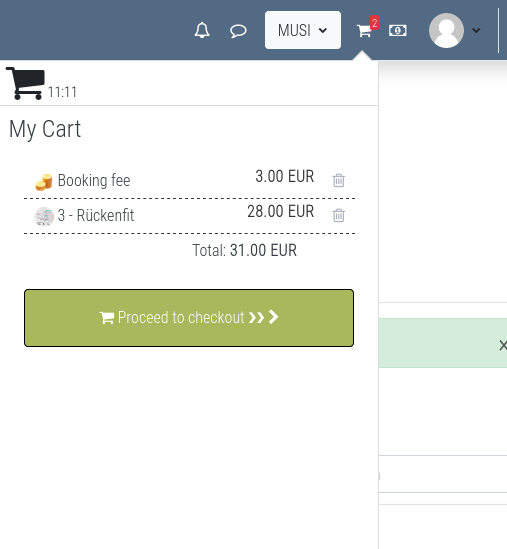
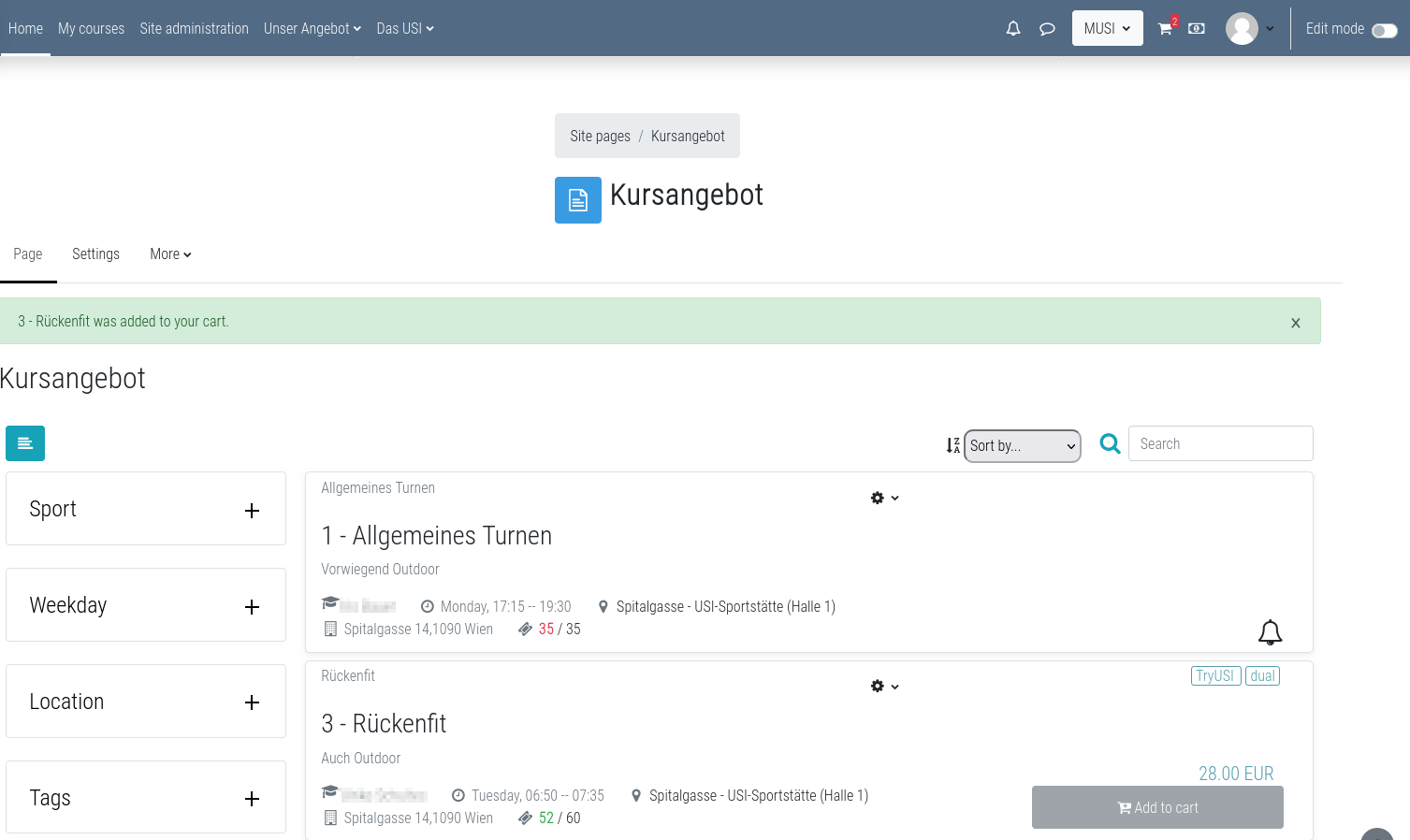
This is a complete shopping cart system for Moodle. Plugins that want to sell items via the shopping cart have to implement a callback function. But you can use the booking plugin in order to sell courses, events and other items. For payments the Moodle payment gateway is used.
Shopping cart is a local plugin that adds a cart icon in the navigation bar. With shopping cart alone, you can't sell items in Moodle. You need a plugin that support the shopping cart API. Such a plugin is this one: https://moodle.org/plugins/mod_booking
How does it work
Each component in Moodle can provide items for the shopping cart. The only thing to do is to implement the shopping cart callback in the specific component. Let's assume we use the booking module, then it is very simple to setup: You must define a price for the item in the booking option of the booking module. If that is done, then you can only book a booking option via adding it to the shopping cart and doing a successful checkout. For the payments any payment gateway (it is a separate plugin type. PayPal is part of the core, but you can install custom payment gateways) can be used.
How does it look like
Shopping cart looks like similar shopping cart solution out there. But it is integrated in Moodle natively and does not use third party shopping cart libraries or APIs.
Dependencies
This plugin only works together with the plugin local_wunderbyte_table: