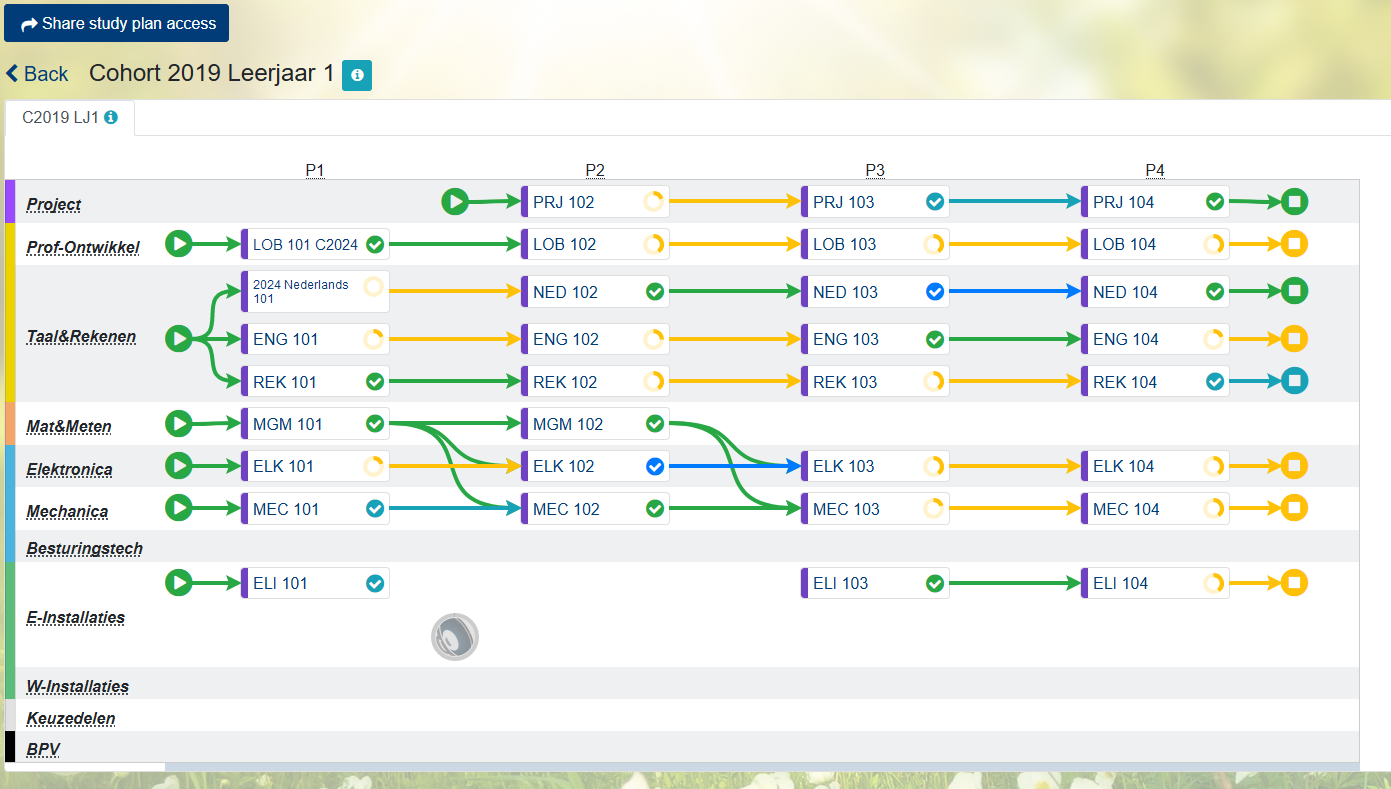
The study plan plugin extends Moodle with the ability to describe a curriculum of many courses in a graphical way, organized in layers and periods.
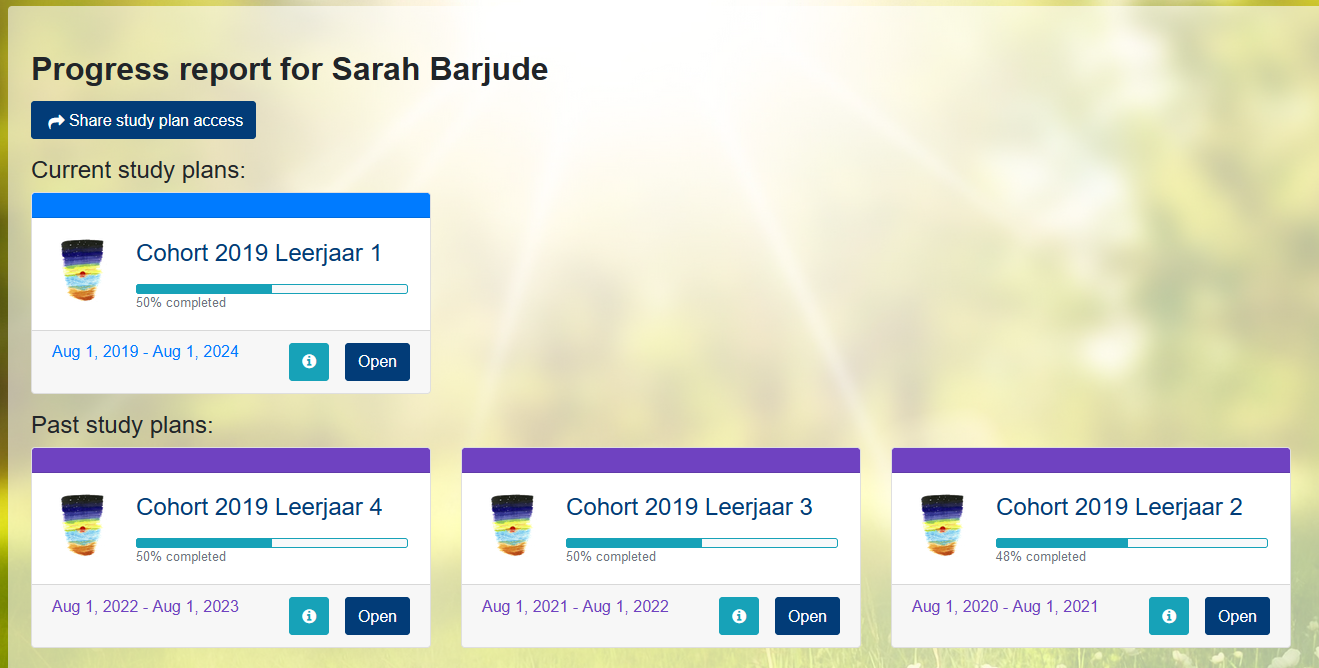
Once a curriculum or "study plan" is made, and students or cohorts of students are linked to the study plan, teachers and students can quickly get an overview of their curriculum and students results therein.
By showing students an easy to read graphical overview of their progress over multiple courses, students are more in control of their own learning process than by just listing results alone.
This plugin is currently successfully used by a number of educational institutes in the Netherlands to provide students with an easy to read overview of their progress within a curriculum
Some features:
- Students can share a live view of their study plans (including results) with parents or external coaches
- Multiple ways to configure how a course in the study plan is marked as completed:
- Moodle Course completion
- Course competencies
- Manual selection of gradable activities
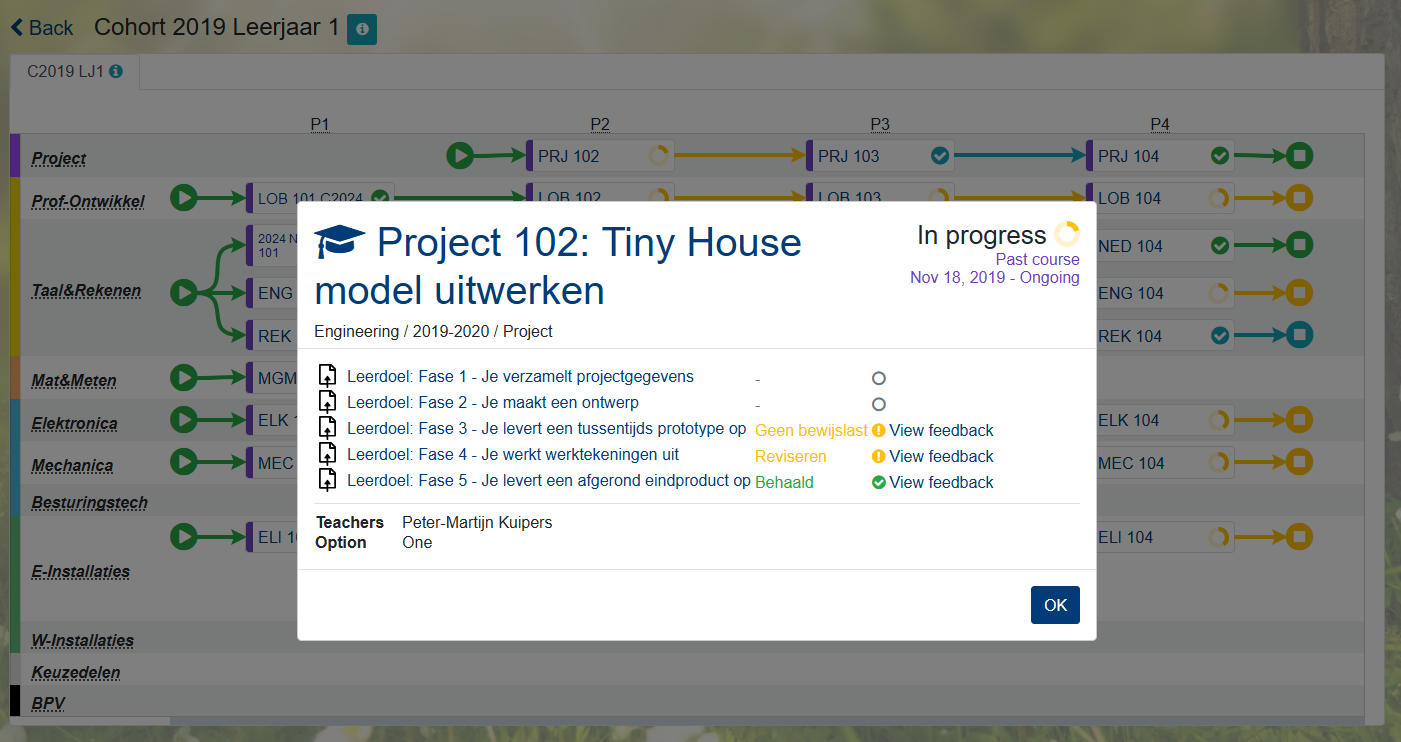
- Feedback on gradable activities is easily read
- Drag and drop interface to set up a study plan
- Arrows to show connections between courses
- Teachers can easily get a statistical overview of passed and failed results
- Users and Cohorts linked to a study plan can automatically be enrolled in the courses
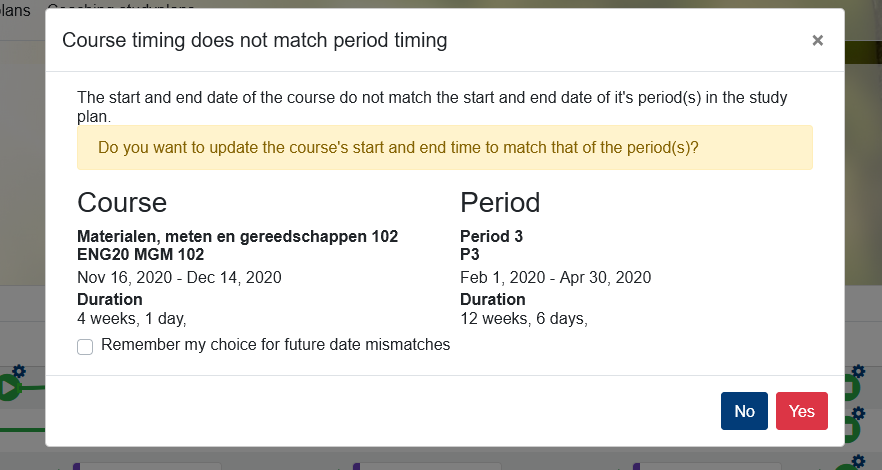
- Course start and end date can be easily adjusted to the time period described in the study plan
- Extra course data from custom fields can be included in the course information block
- Study plans can be organized in different pages e.g. one per study year or part of the curriculum
- Each study plan and page can have their own rich text description.
See this wiki for the manual and more details.