David Pesce
Developer
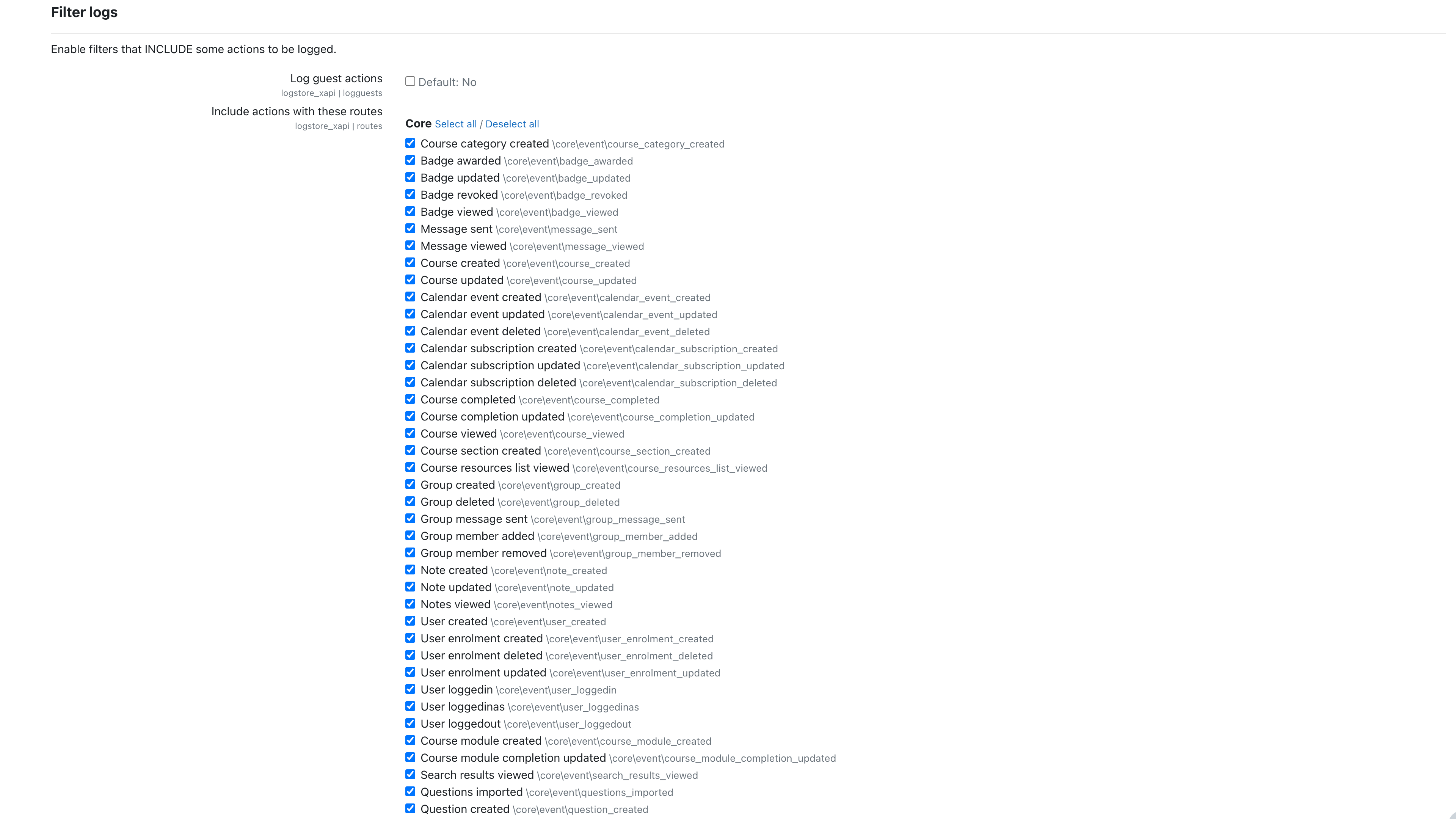
No support in the comments section on this page! See below for bug reports and support.
1. Install the plugin and navigate to Site administration > Plugins > Logging > Logstore xAPI.
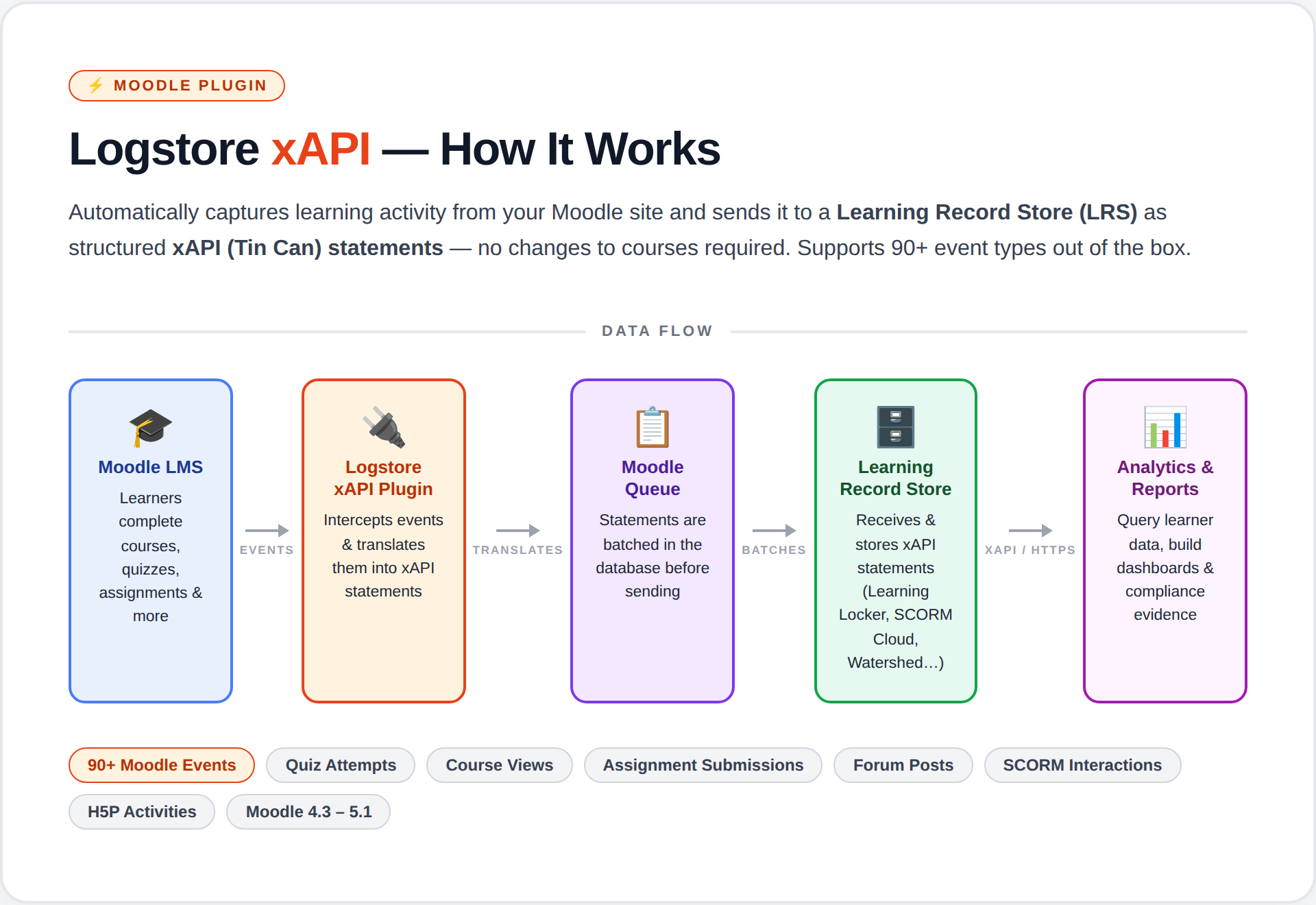
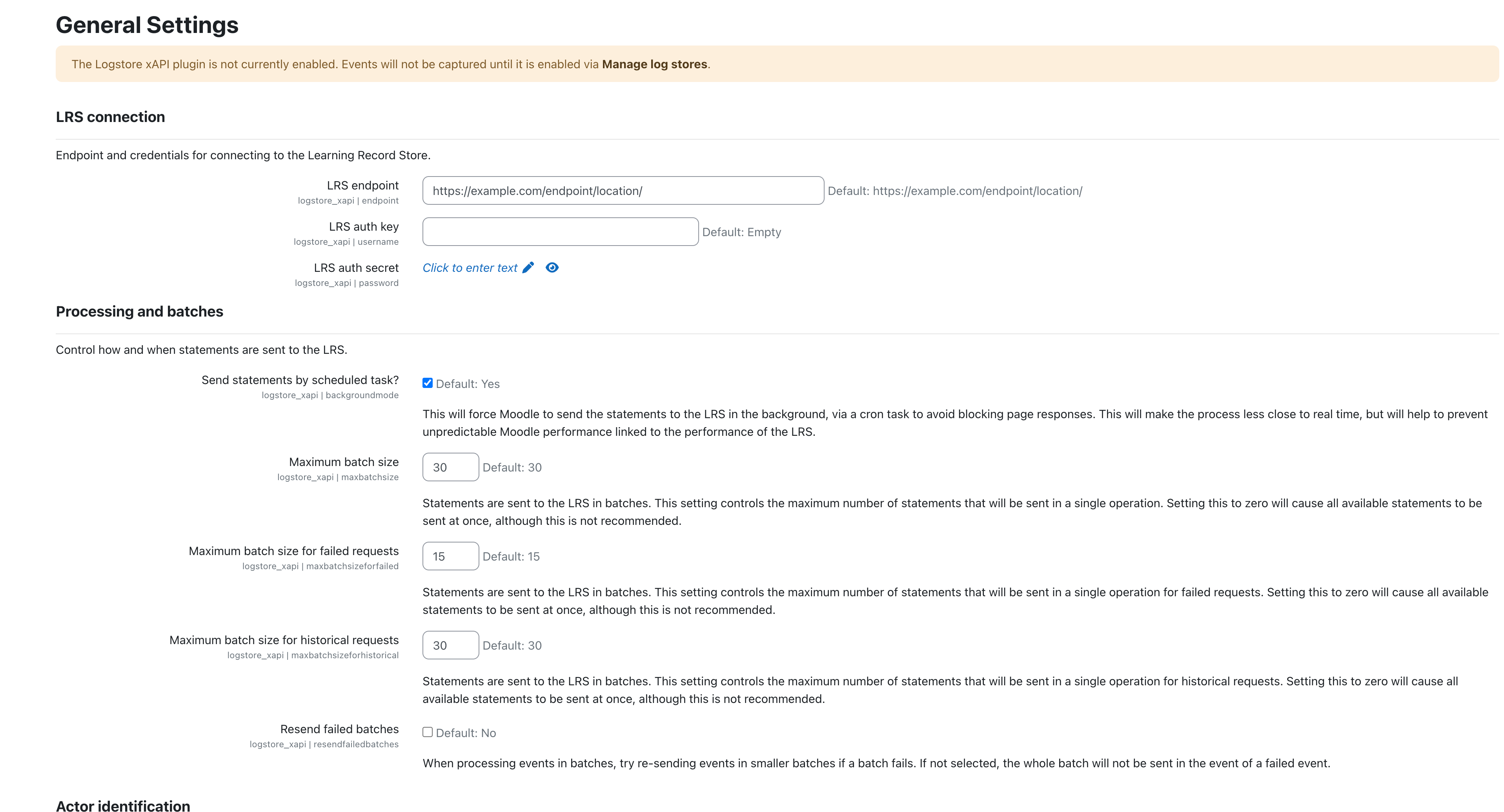
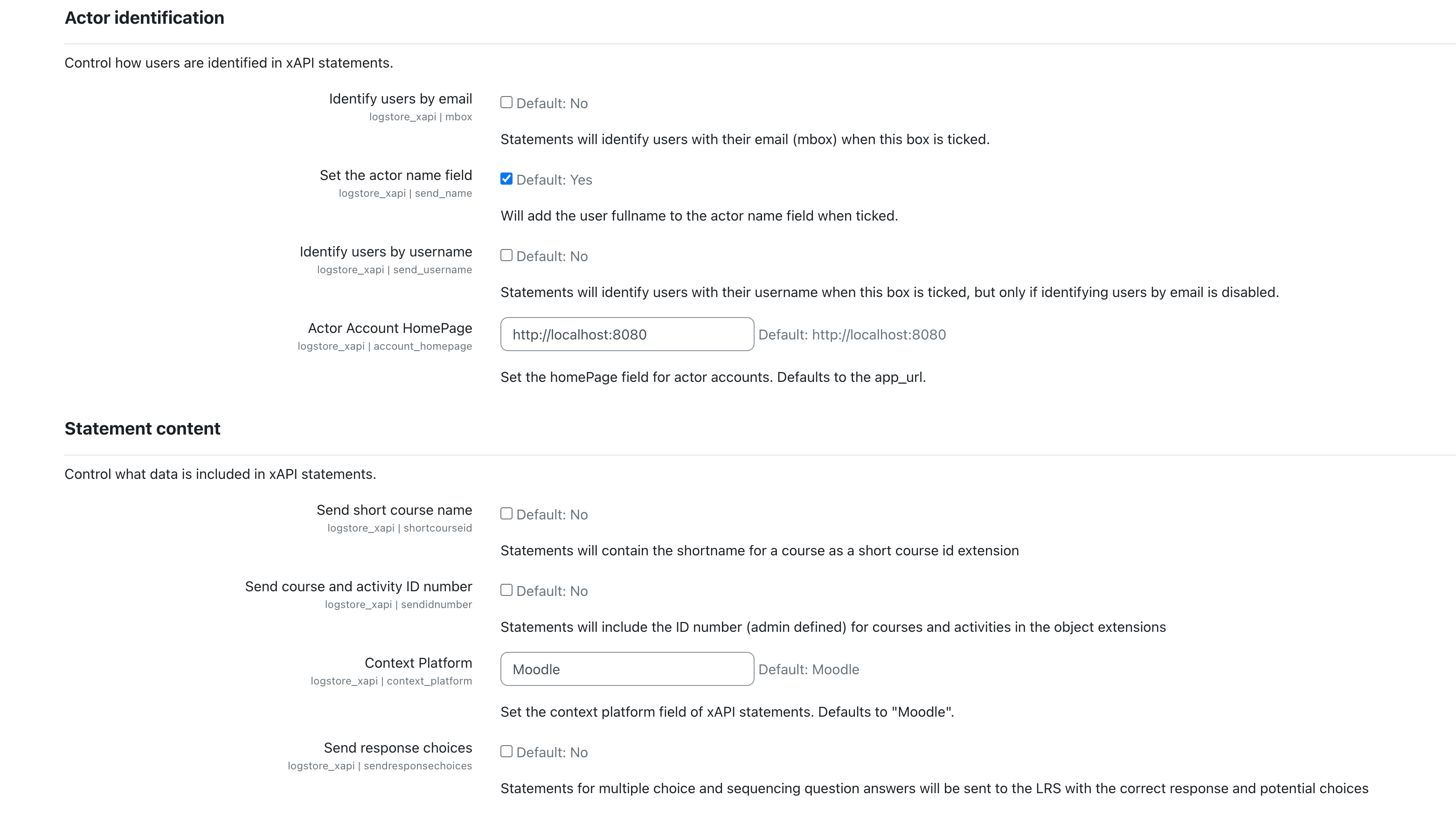
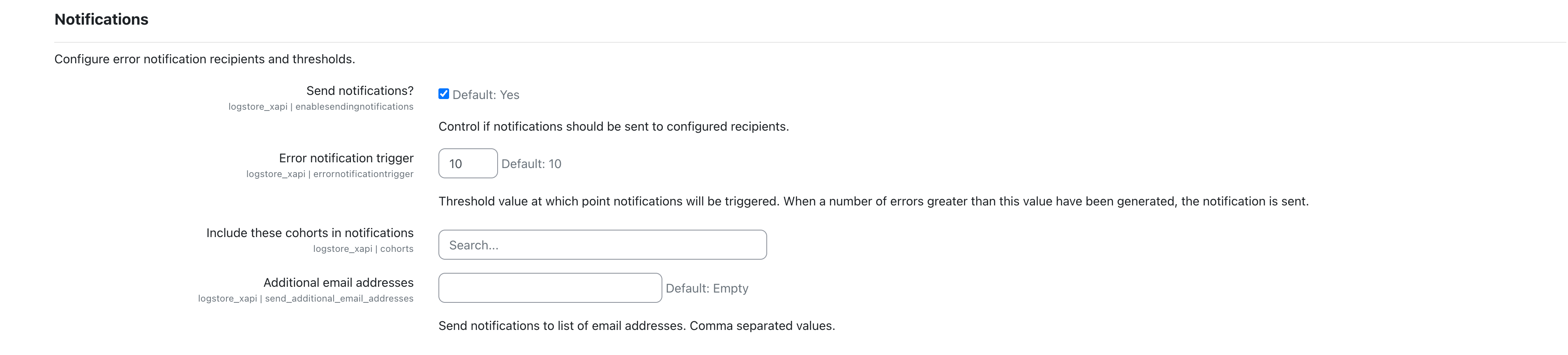
2. Enter your LRS endpoint, credentials, and select which events to track.
3. Enable the logstore under Site administration > Plugins > Logging > Manage log stores.
4. Moodle events are batched and sent to your LRS via a scheduled task.
Over 90 Moodle events are supported out of the box, covering core activities (quiz, assign, forum, SCORM, feedback, workshop, and more) as well as third-party plugins like Face-to-face and Questionnaire.
Full documentation is available on the https://github.com/davidpesce/moodle-logstore_xapi/wiki.
Please report issues and feature requests on https://github.com/davidpesce/moodle-logstore_xapi/issues.


