alfaview classroom icon

alfaview classroom

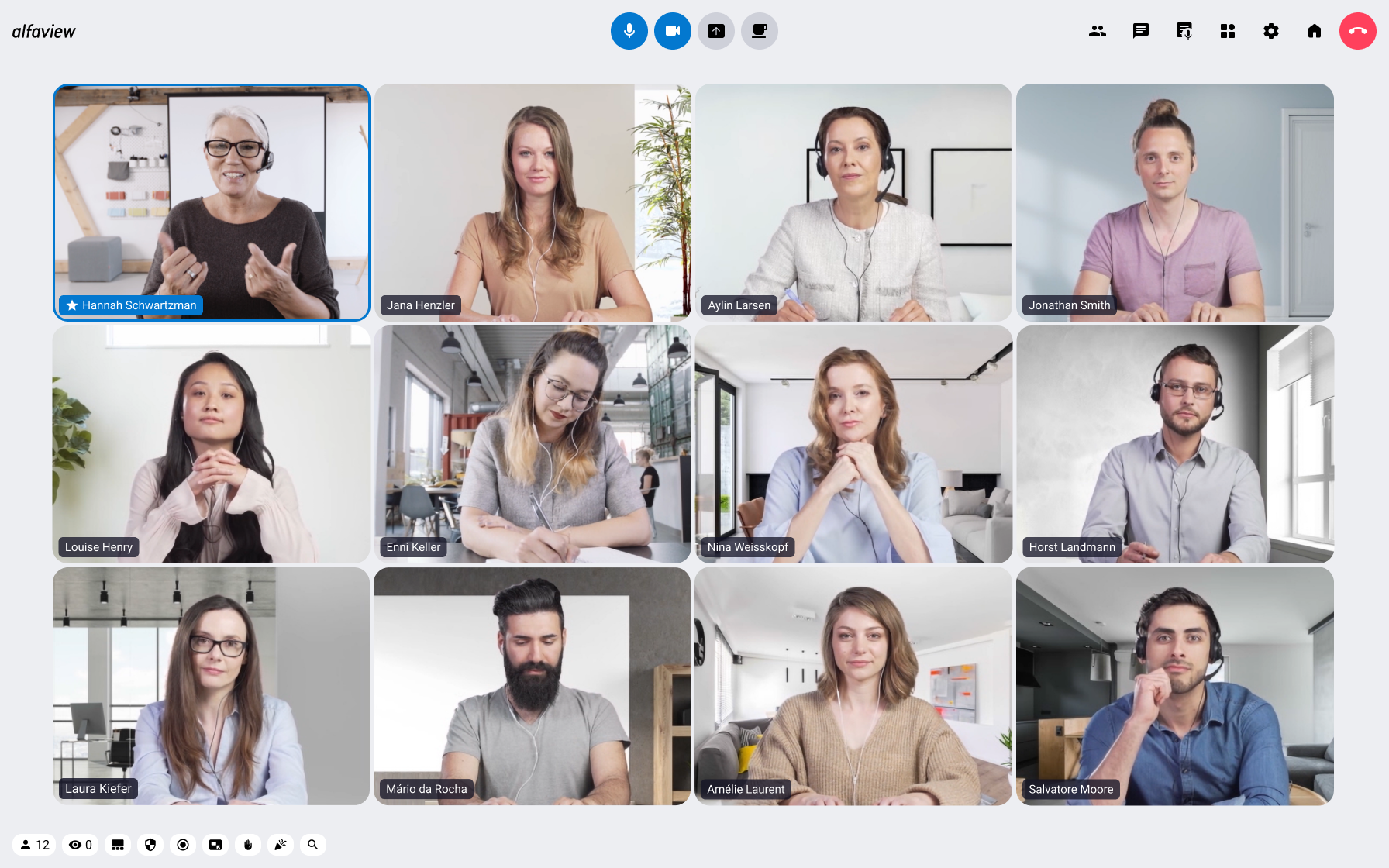
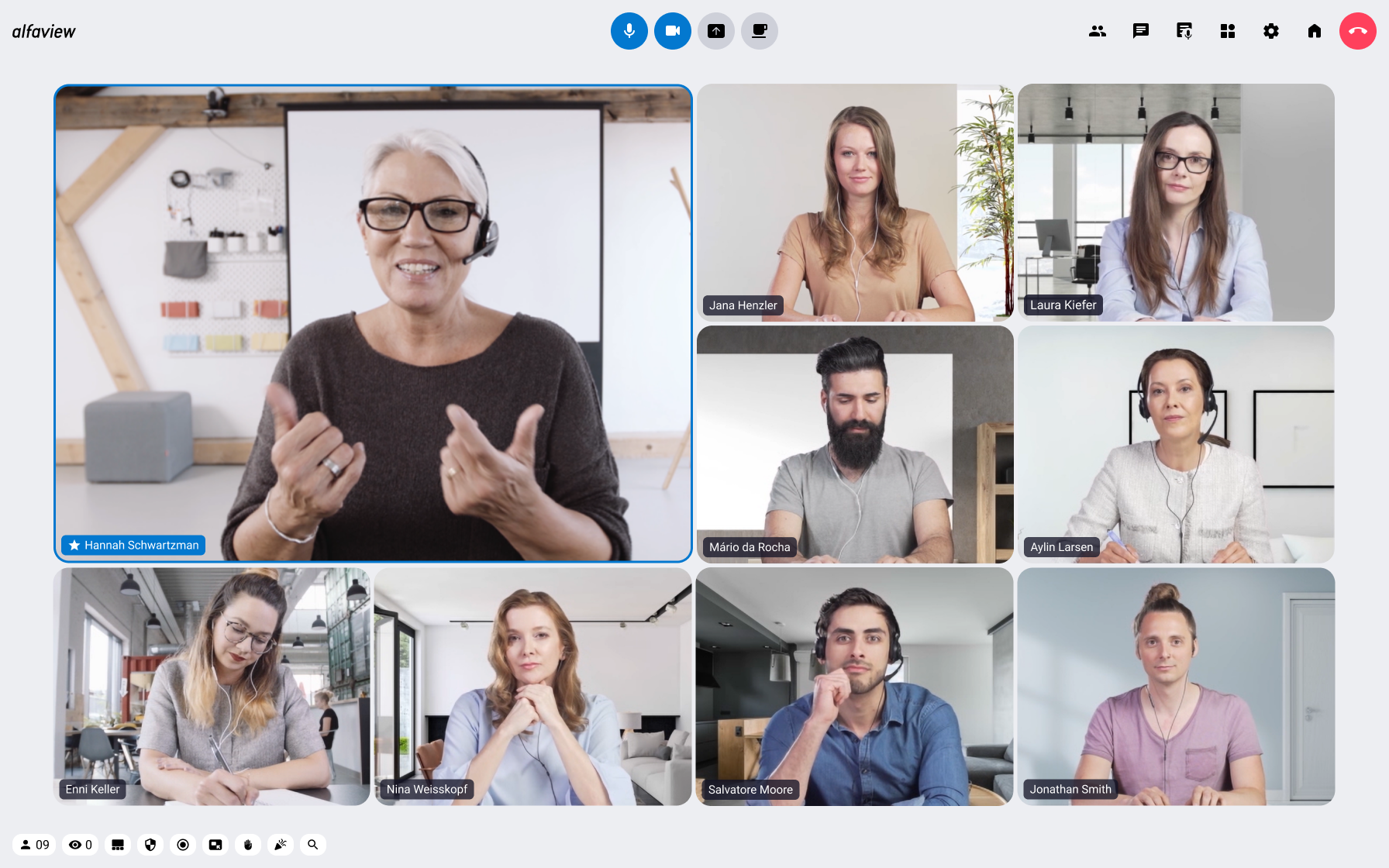
alfaview is an app based video conferencing system (https://alfaview.com). This plugin integrates the alfaview video conferencing capabilities with Moodle.
Price option: Free

Supports Moodle 3.11-5.1 See all versions
Latest release: 4 months ago
Installations: 42
Downloads (last 90 days): 23

Frankenstyle name: mod_alfaview
Activities

Description

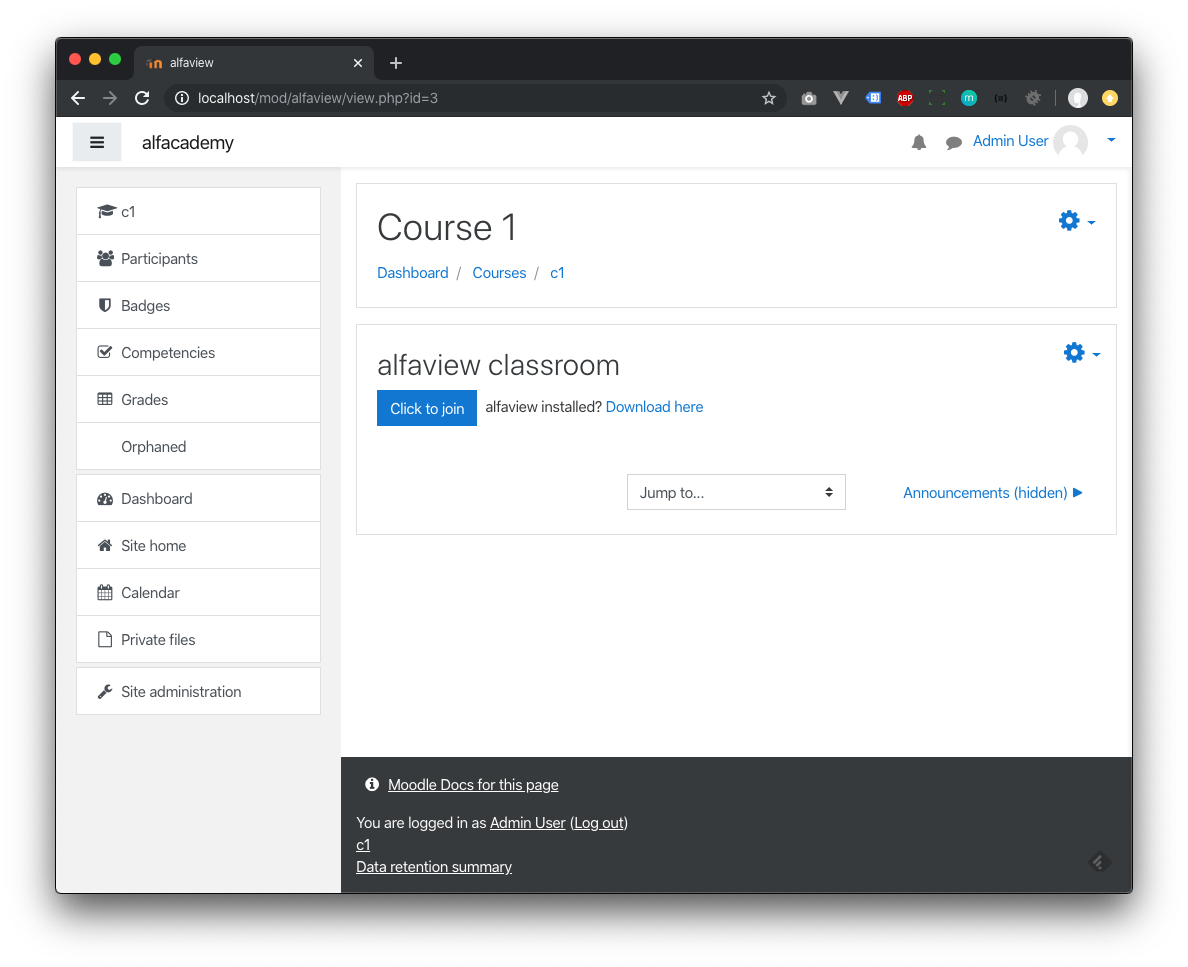
This plugin allows moodle courses to be configured as an online classroom. Via API communication the plugin generates a personalized access link for each enrolled user. When alfaview is installed on the participant device, he or she can launch the online classroom directly from the course detail page in moodle.

Prerequisites

  • Register your alfaview account at https://app.alfaview.com/#/signup. You can start with a free account to get things going, and upgrade later if you wish to create more classrooms.
  • API information is available in the alfaview admin app, under Account Management. Alternatively you can contact support@alfaview.com to obtain API credentials for your alfaview account.
Plugin setup

  • Install the plugin.
  • After installation you will need to enter your API credentials.
Setup an online classroom

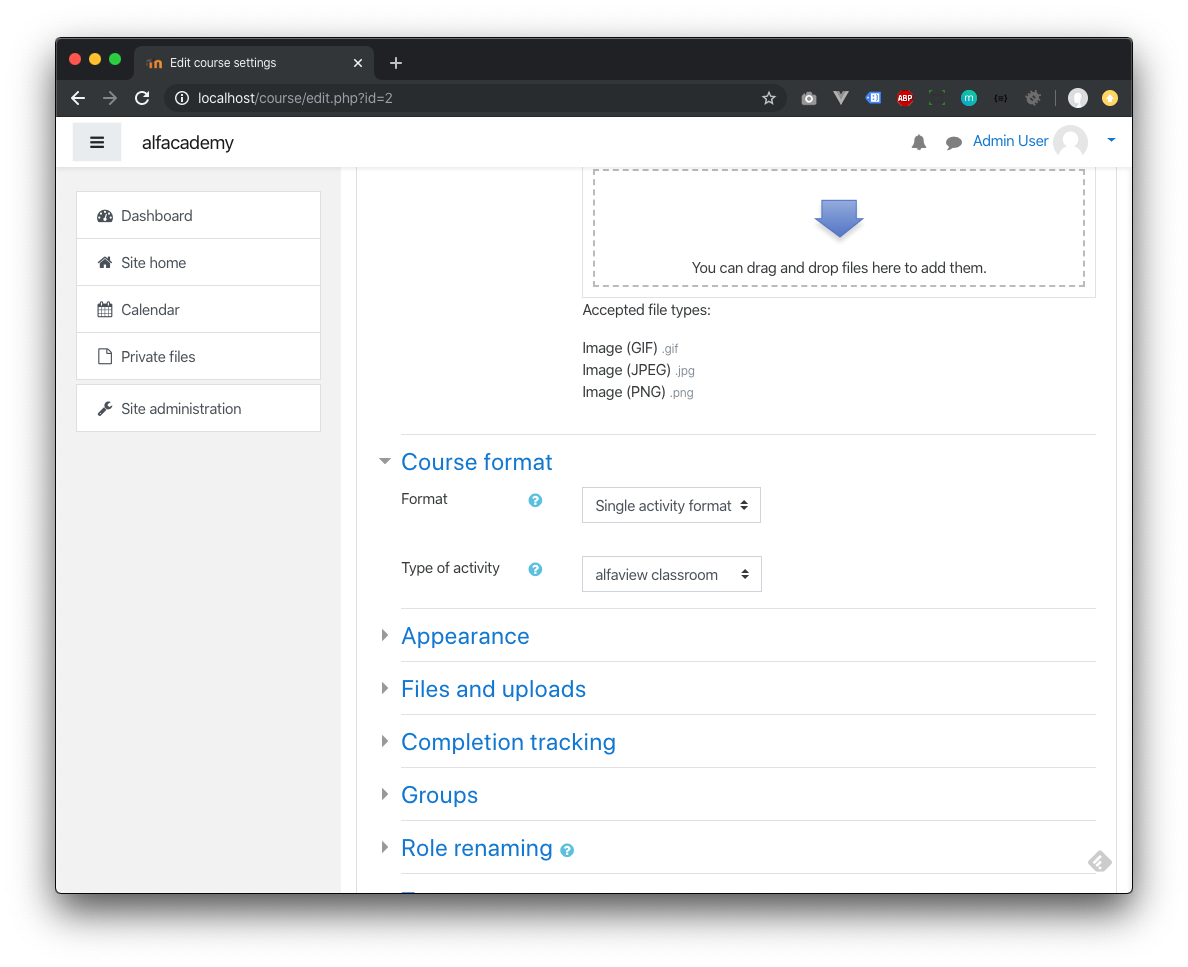
  • In the course configuration select Single activity format as a course format, then select alfaview classroom as type of activity.
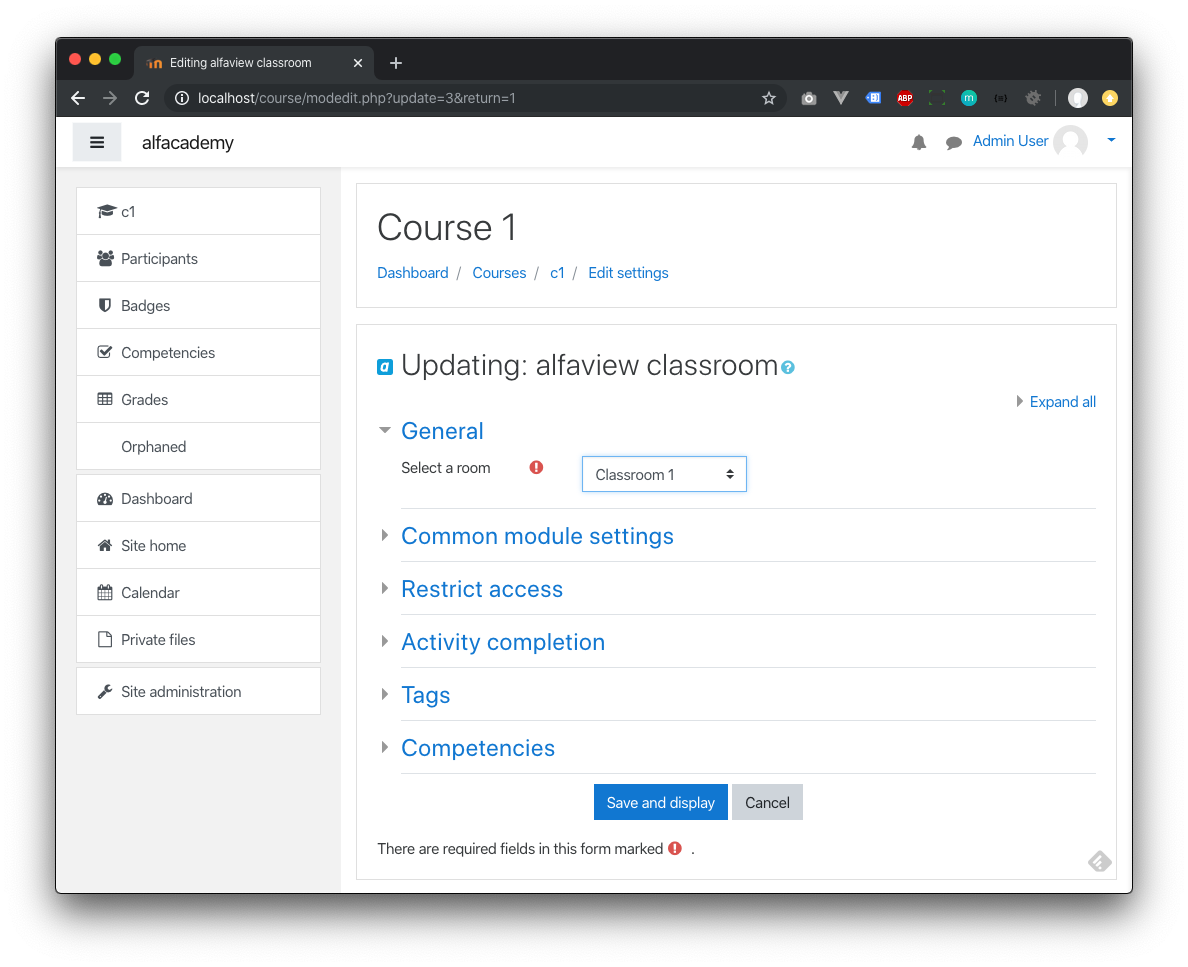
  • In the course activity configuration select an alfaview conference room.
Notes

  • For the best experience we recommend to install the alfaview client app. Go to https://alfaview.com/en/download/ to download the latest version of alfaview for your operating system.
  • A browser version is also available for Microsoft Edge, Google Chrome, and other browsers.

Contributors

Awards

Privacy friendly
Early bird 4.3