MEDIAL Streaming
Lead maintainer

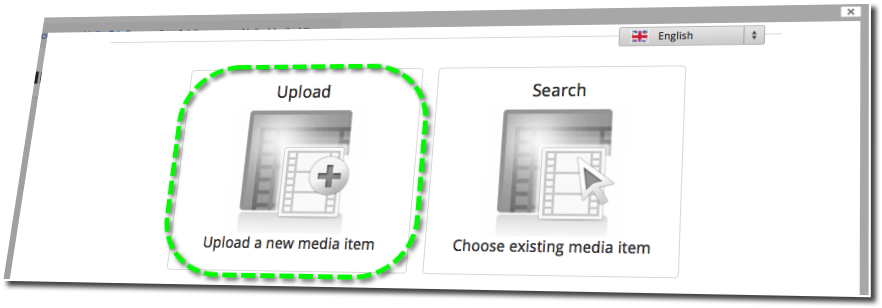
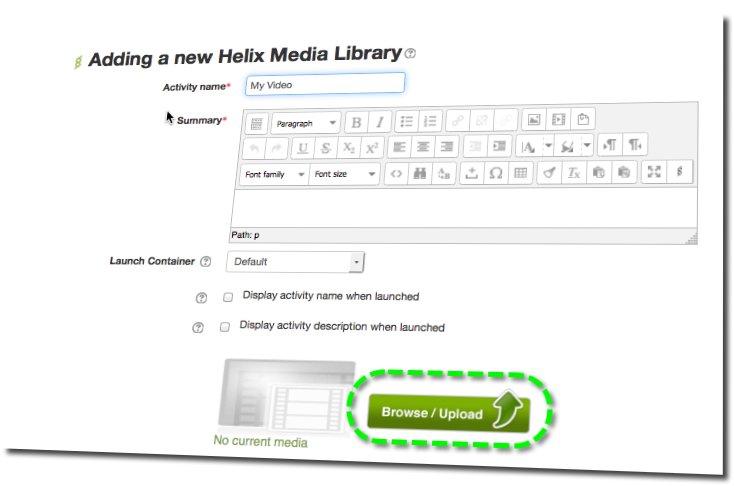
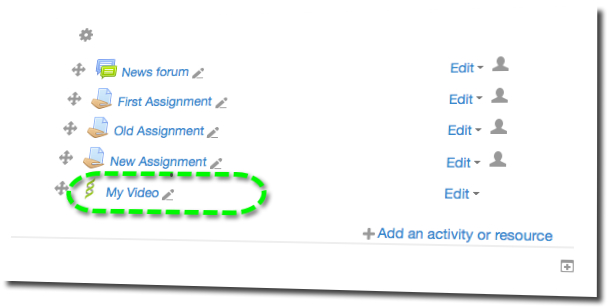
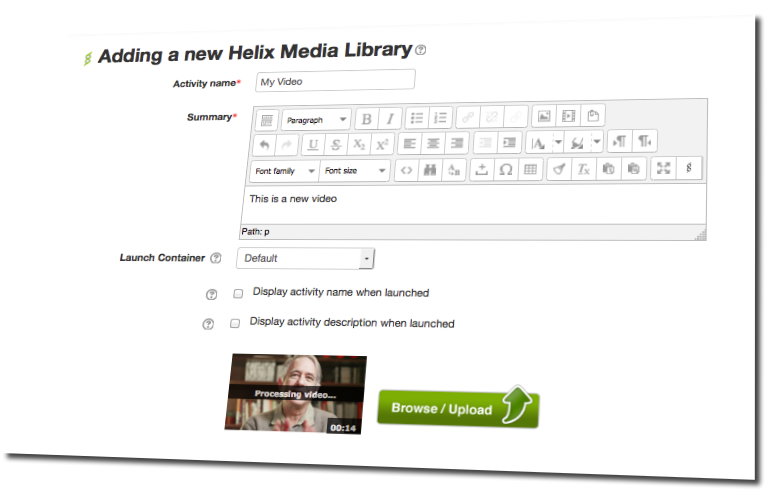


Lecturers and Students want to use Moodle in new and exciting ways and they want to use Video! The MEDIAL Video Plugin, in conjunction with the MEDIAL Video Assignement Submission Plugin allows Lecturers to upload a new video or select existing content, and then either add this to Course Pages or create Video Assignments. You must install both plugins for these features.
Students can then respond to the Video Assignments set by the Lecturer. With the addition of the MEDIAL Video Feedback Plugin students can also receive video feedback on their response via the Grade Book.
 |
Video Upload and TranscodeUploading Video & Audio to Moodle itself can be problematic in terms of storage and delivery of media content MEDIAL provides a way of uploading large media files to a central publishing point stored off of Moodle and delivered as streaming media. |
|---|---|
 |
Streams to All DevicesThere are a vast array of devices that can be used to playback media and users expect their device to be properly supported by whatever systems they use MEDIAL does all of the hard work for you in terms of transcoding content to play smoothly across all devices from within Moodle. |
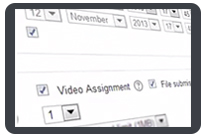 |
Video Assignments and AssessmentsVideo being used as a tool for Assessment is becoming commonplace but Lecturers and Students need a secure way of doing this MEDIAL enables lecturers to create video-based assignments that students can respond to with video, safe in the knowledge that their content is secure.
|
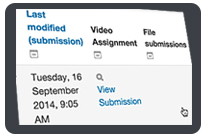 |
Grade Book IntegrationMaking and uploading a video assignment is just the start of the process MEDIAL Moodle Plugin hooks into the Moodle Grade Book allowing lecturers to view student video assignments and grade them all without leaving Moodle.
|
 |
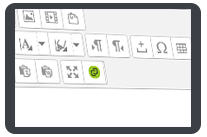
Integration With Text EditorsInstructors and students sometimes need to add video from within a text editor for seamless integration with the assignments and submissions The MEDIAL Atto Editor plugin and TinyMCE plugin enable you to add videos directly from the text editor.
|