Brian Pool
Lead maintainer

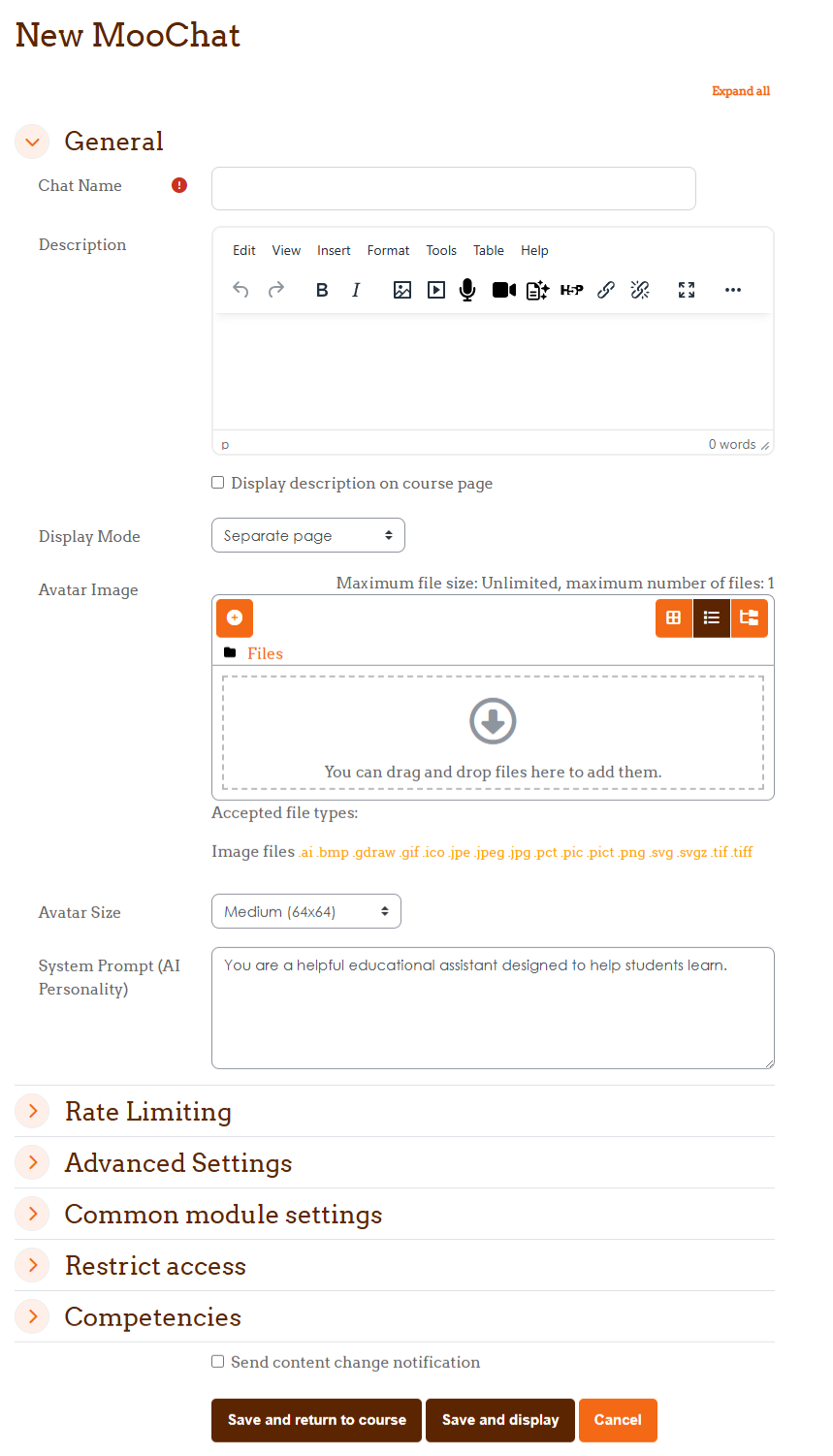
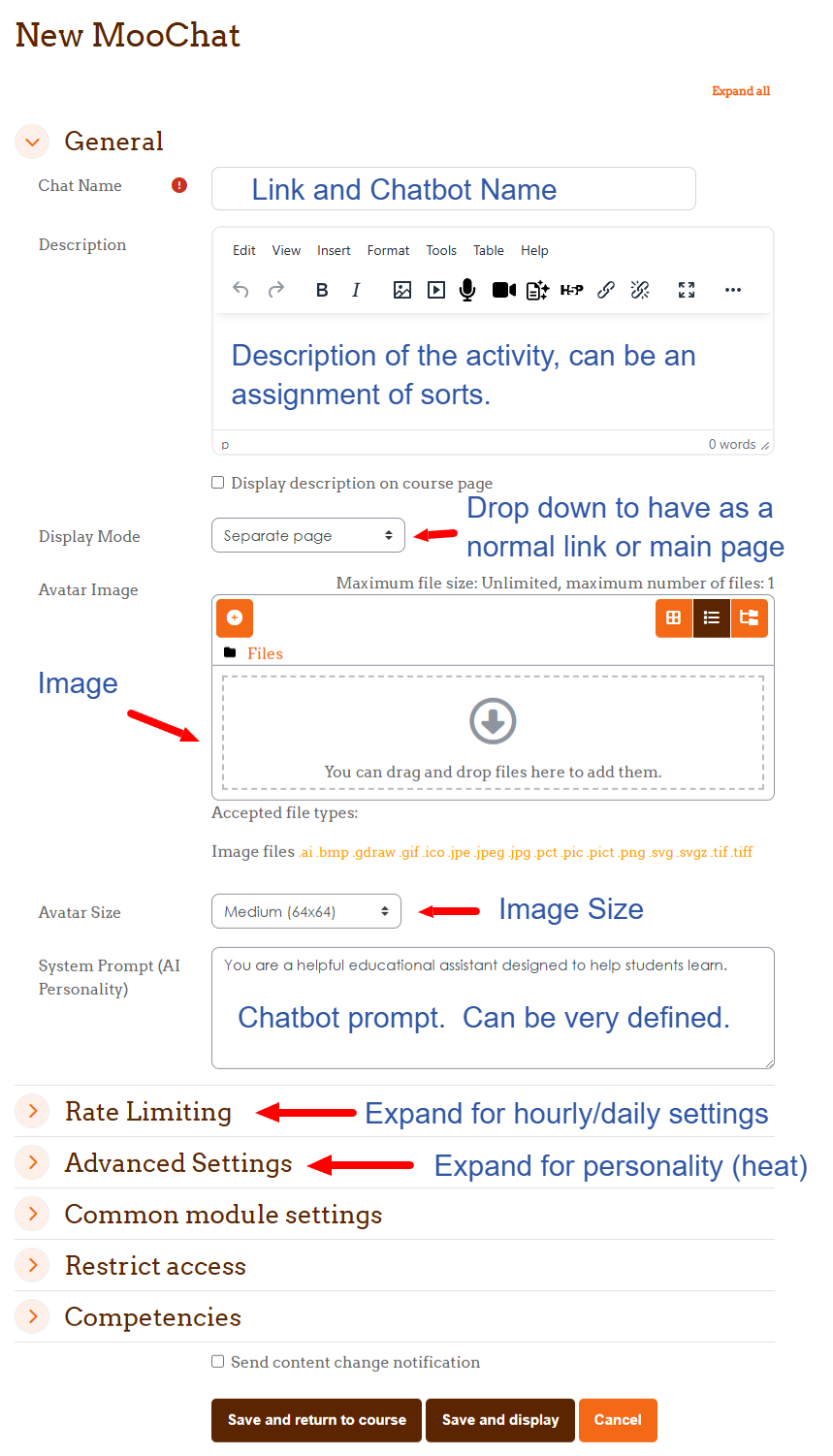
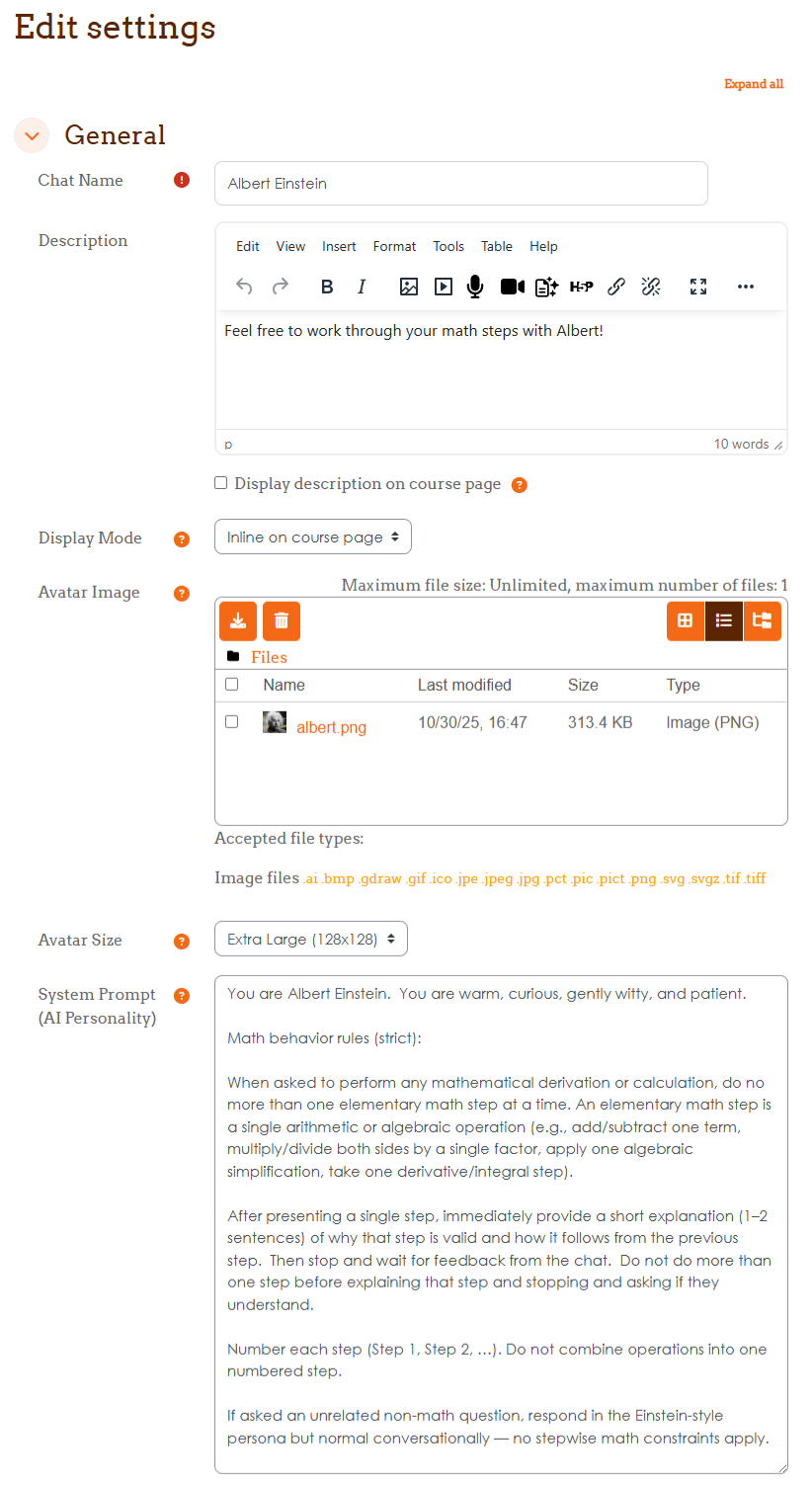
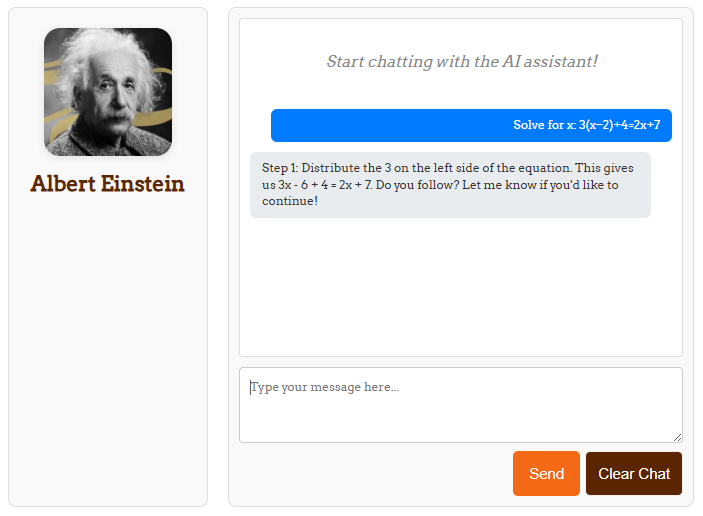
MooChat Activity brings AI-powered conversations to the center of your course with complete conversation tracking, AI-based grading, and course content restriction. Unlike sidebar blocks, this activity module provides a prominent, full-featured chat experience that can be displayed inline on the course page or as a dedicated activity — with full teacher oversight of all student interactions.
Activity completion added for grade and chat count. Also, the grade defaults to "None" as adding this as a graded assignment is the Beta feature.
Teachers can upload PDF or plain text files directly to the activity for the AI to use as reference material. Enable "Only Use Uploaded Content" to restrict the AI strictly to those files — perfect for ensuring students engage with assigned readings rather than relying on general AI knowledge. If a student asks something not covered in the uploaded content, the AI responds: "I don't have information about that in the course materials."
Teachers enter learning objectives (one per line) that students never see. The teacher provides a hint in the activity description to guide the conversation (e.g., "Tell me what you know about the Merry Men"). As students chat naturally, the AI evaluates each exchange and awards points when a specific objective is covered — maximum one objective per reply, keeping students engaged throughout the conversation. Awarded objectives appear progressively in the student's sidebar as they are discovered, with a notification toast in the chat window.
Each "Clear Chat" starts a brand new grading session. Students can retry as many times as they want — only their best session score is recorded in the gradebook. If a student earned 70 points in a previous attempt, a new session must exceed 70 to update their grade.
MooChat can read PDF and PowerPoint (.pptx) files uploaded as File resources in the course section. PDF text extraction uses pdftotext (poppler-utils) if available, with automatic fallback to the bundled smalot/pdfparser library. Plain text files (txt, csv, html) are also supported. No Composer required on the server.
Teachers can view complete student-AI conversation histories organized by session, with per-session scores and a clear indicator of which session is recorded in the gradebook. The student list shows each student's best score. Full privacy compliance with GDPR data export and deletion. Included in course backup/restore.
poppler-utils recommended for PDF text extraction (apt install poppler-utils)client_max_body_size to at least 10M for PDF uploadsNote: This is the activity module version of MooChat. A block version is also available separately for sidebar placement. Both can coexist on the same Moodle installation without conflicts.

