Tim Schroeder
Developer

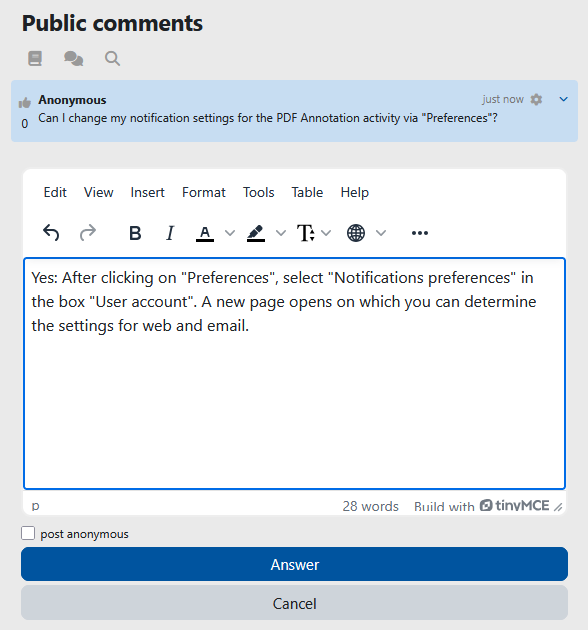

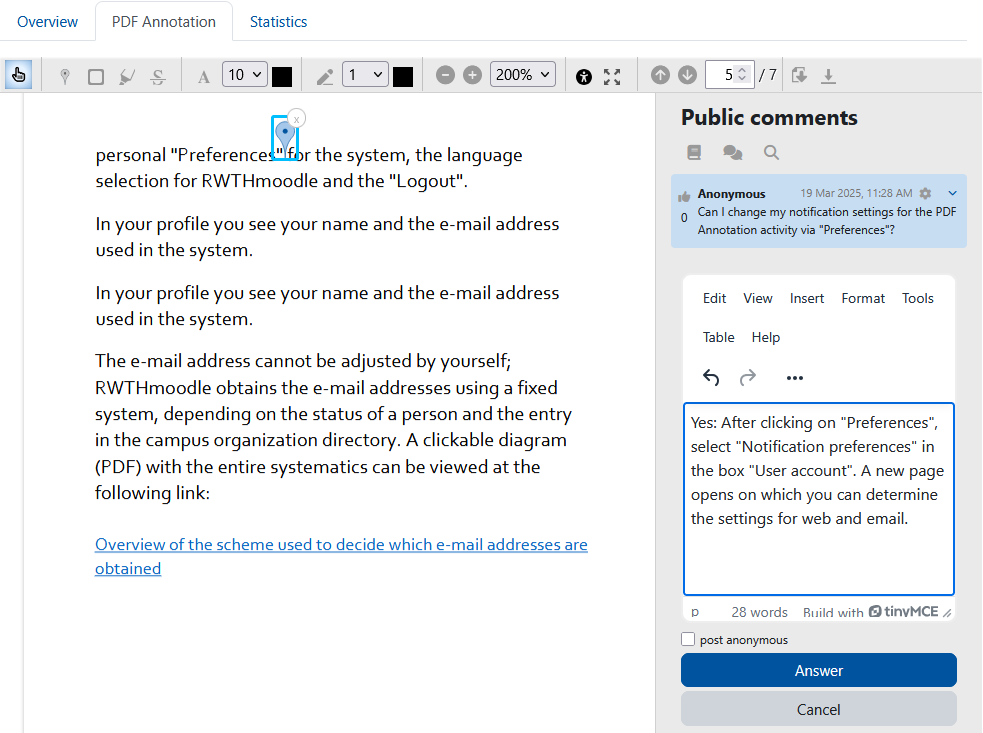
The PDF annotator allows students to insert questions, comments and remarks on learning materials in PDF format directly into the document. Comments may contain references to an important passage, an error, or a question to be answered by other students.
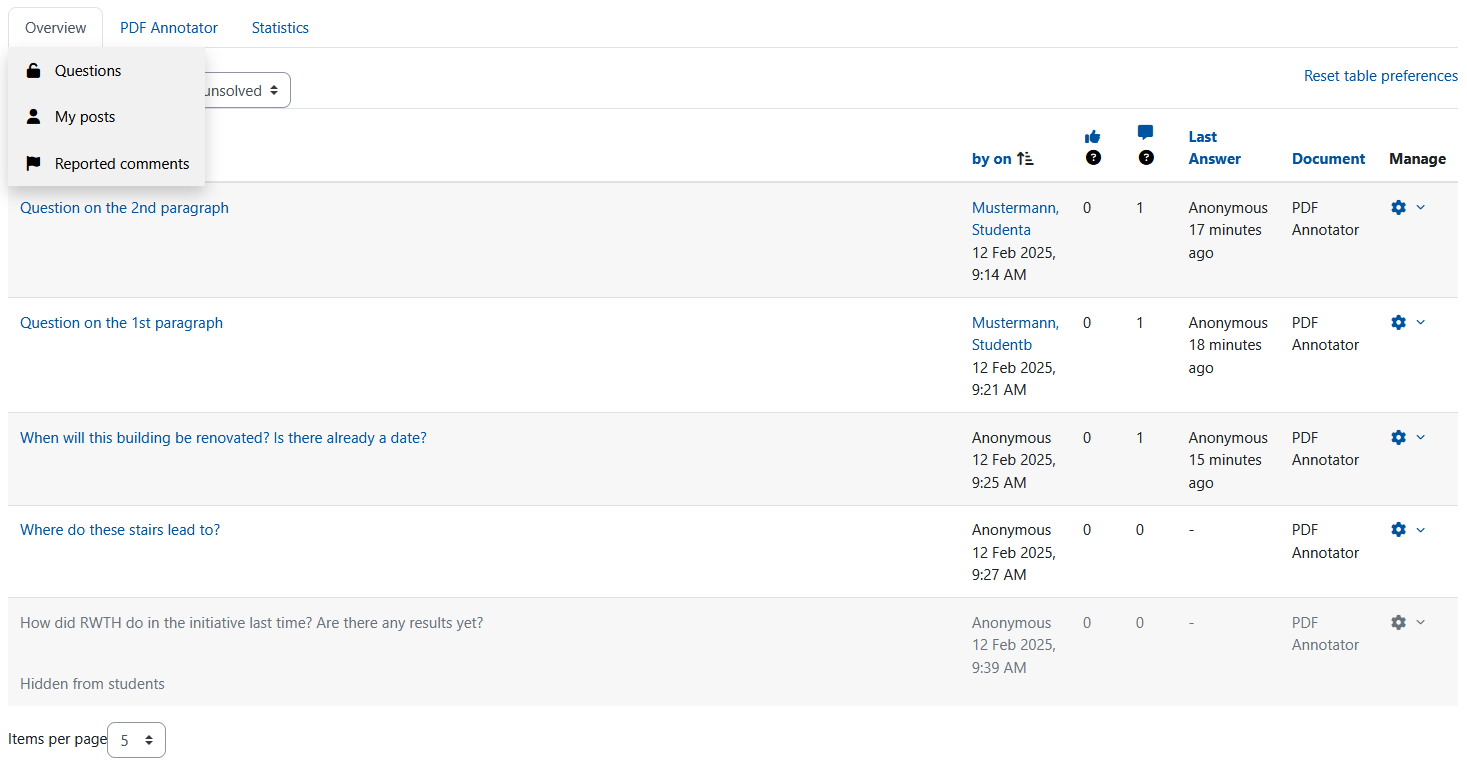
Since all students, lecturers and tutors can read and answer the questions and comments asked, it is made easier to clarify open questions on lecture slides, scripts and other PDF learning materials quickly and in a concrete context.
All annotations and comments are public and therefore visible to others. However, comments, as well as replies to existing comments, can also be posted anonymously.
Use the toolbar to select the different annotation tools. With these you mark a place or area in the PDF, for which you can then write a comment or a question. To do so, you can use a pin, a bounding box or a highlighter, and you can cross-out text to comment on incorrect parts. It is also possible to insert additional text into the PDF file and comment on this insertion. With the pen tool, you can paint freehand in the PDF and create comments. Moreover, you can hide annotations to view the original document. Download options let you choose to download the PDF document or all comments as PDF.


