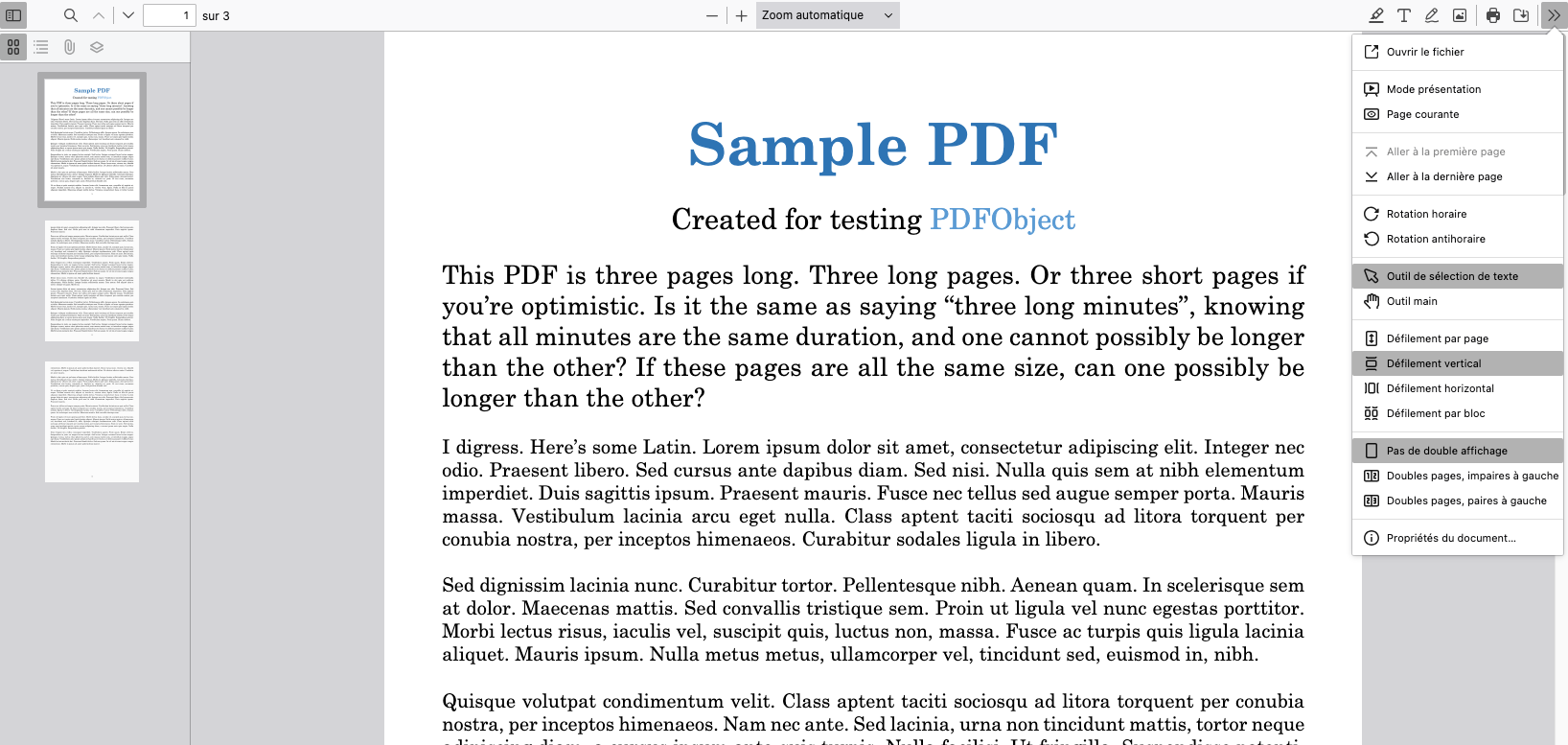
PDF.js folder is a Moodle 4.5+ plugin intended to make sure that PDF files always open in the browser (with the option of downloading), regardless of if the user is using a desktop or mobile device and giving each student the same features.
- How PDFs are opened in browsers seem to depend on many things, like which browser the user is using, the configuration of PDF readers and which operating system is being used. To a smaller degree, it depends on the settings in Moodle.
- In most cases, the handling of PDFs should be left under the control of the user but in some cases there are valid reasons to try to standardize the experience.
PDF.js folder is built on PDF.js:
- PDF.js is Portable Document Format (PDF) viewer that is built with HTML5.
- PDF.js is community-driven and supported by Mozilla Labs. Our goal is to create a general-purpose, web standards-based platform for parsing and rendering PDFs.
- PDF.js, can perform poorly on mobile devices with limited memory and processing power. Some PDFs are fine but others are too big, to complex, contain too many images, etc. Your mileage may vary.
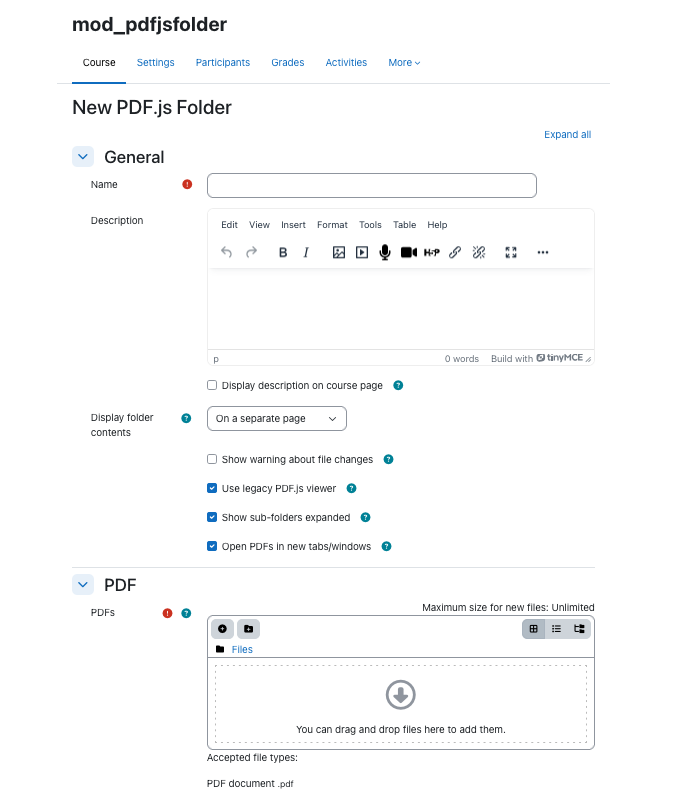
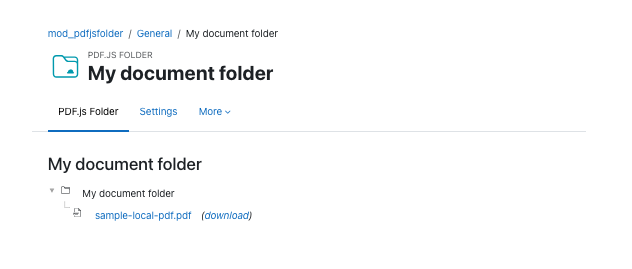
PDF.js folder works much like the regular folder resource in Moodle, but only files with .pdf type(s) can be uploaded.
There are a few options, allowing you to chose if :
- Files should open in the current tab/window or in a new one
- Subfolders should be shown expanded or not
- Download links should be displayed for each PDF file
- A warning about changes made in PDF.js not being saved/persisted should be shown on activity page
- PDF.js should use the legacy viewer* or modern one
*Legacy viewer exists because PDF files have some problems showing in the modern PDF.js viewer on some specific computers (MacOS 13/14 with Safe Exam Browser 3.6 for example).