PlayerGroup — Moodle Activity Module
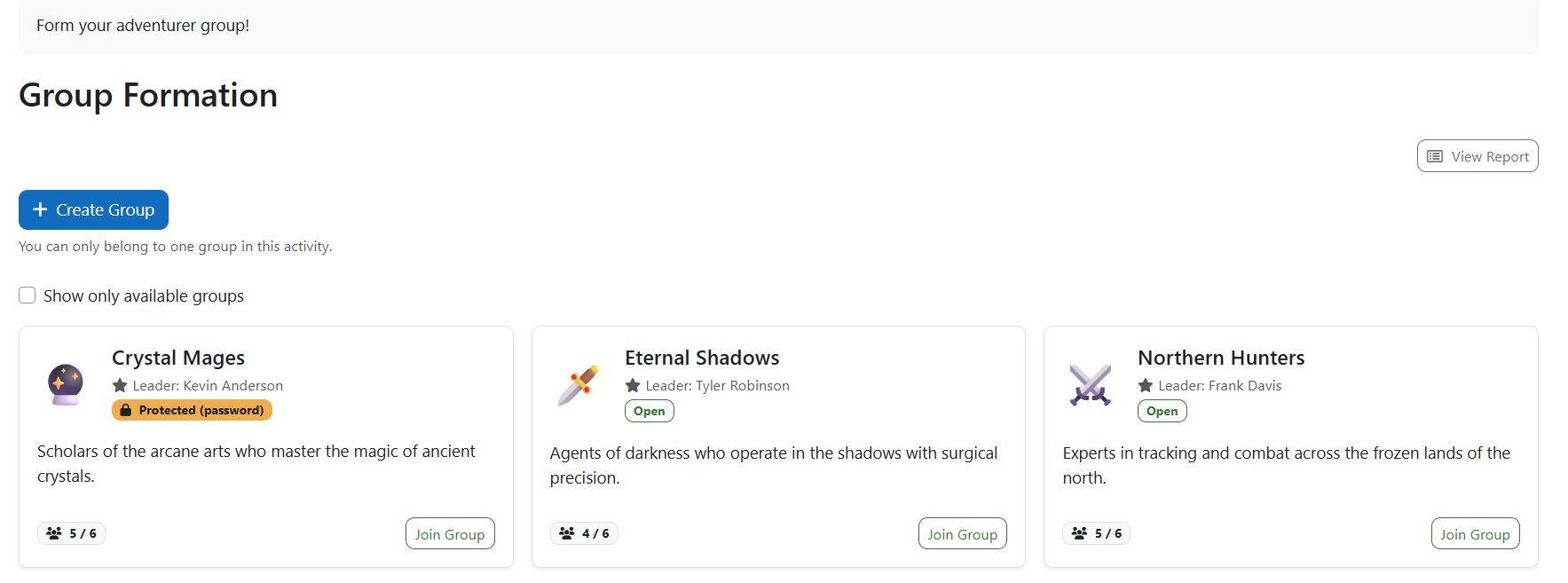
PlayerGroup lets students autonomously form their own groups directly from the activity page — no teacher intervention needed. It replaces manual group assignment with a self-service experience that works for any course format.
" Features
- ' Group Creation: Students create groups with a custom name, description, and emoji badge.
- 🔐 Privacy Levels: Open, protected (password), and closed (invite only).
- 📨 Invite System: Peer invitations via Moodle's native notification (bell + email for offline users).
- ⚙️ Configurable Limits: Teachers set minimum and maximum members per group.
- -️ Automatic Grouping: Moodle grouping created automatically — no manual setup required.
- 🏆 Gradebook Integration: Grade awarded automatically when a student joins or creates a group; permanent even if the student later leaves.
- " Activity Completion: Custom rule — student must join or create a group.
- - Groups API: Full integration with Moodle's native groups and groupings.
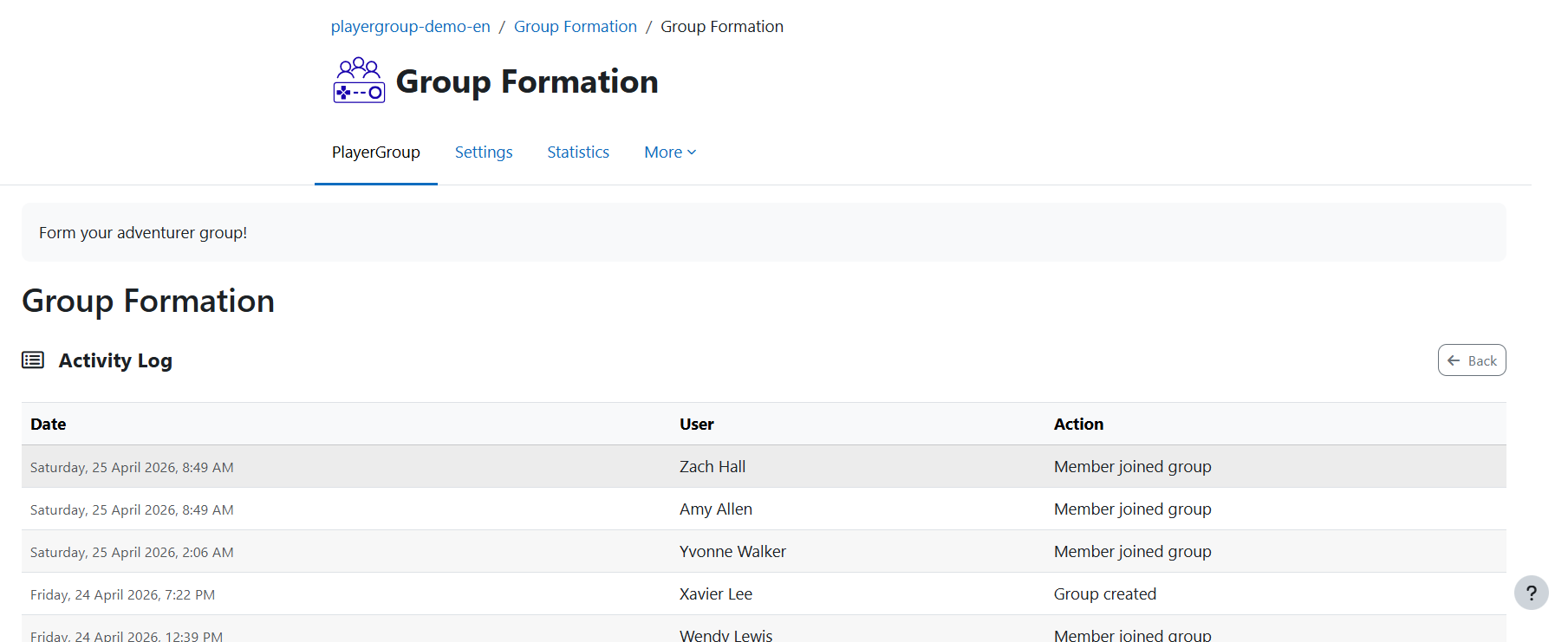
- NEW📊 Teacher Report: Audit log view showing the last 200 activity events, with CSV and Excel export of the full log.
- NEW📱 Mobile App: Native support in the official Moodle app — create, join, leave, invite, and manage your group on the go.
🎓 Educational Purpose
PlayerGroup is designed to:
- Foster collaborative learning through self-organised teams
- Reduce teacher workload in group formation
- Reward group membership as a gamification milestone
- Integrate naturally into gamified course flows
Suitable for:
- Project-based learning where students choose their own teams
- Labs and workshops with limited seats per group
- Gamified courses using the PlayerHUD ecosystem
- Any context where peer team selection matters
- Usage
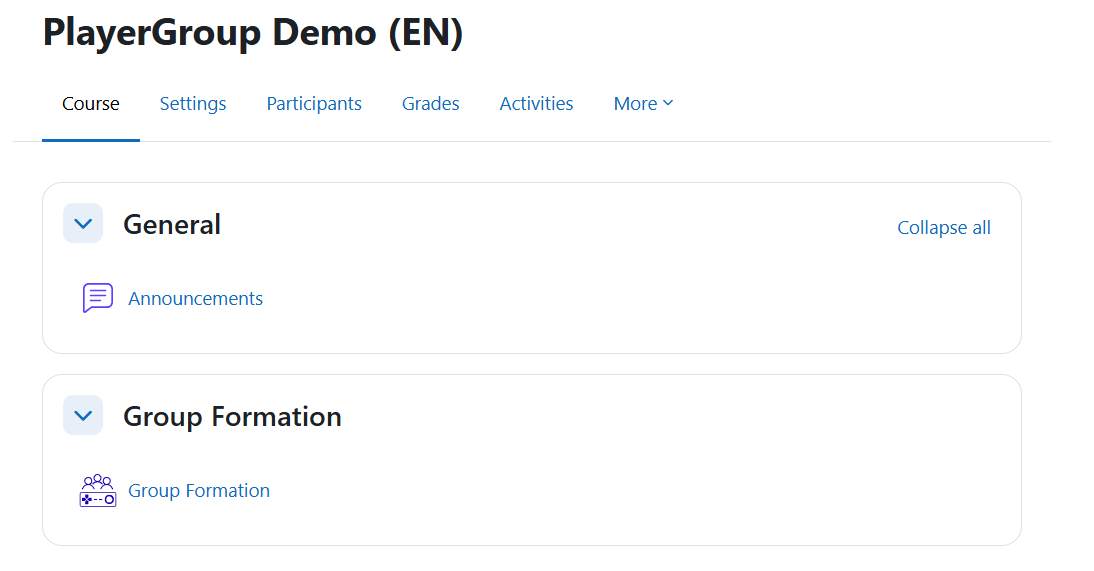
- Add a PlayerGroup activity to your course.
- Configure the activity settings:
- Minimum / Maximum members per group
- Allow students to leave their group
- Delete groups on activity deletion — if checked, all groups and the grouping are permanently removed when the activity is deleted
- Foundation reward — grade automatically awarded to every student who joins or creates a group
- Students access the activity and create or join groups — open, password-protected, or invite-only.
- The activity completes and the grade is awarded automatically when a student joins or creates a group.
🔐 Security & Compliance
- Capability-based access control (
mod/playergroup:creategroup, mod/playergroup:view)
require_sesskey() on all state-changing operations- Moodle External API compliant (AJAX via
core/ajax)
- Full Privacy API implementation — data export and deletion supported
- Backup and restore support
🕹️PlayerGames Ecosystem
PlayerGroup is part of the PlayerGames gamification ecosystem. Together, these plugins transform Moodle into an immersive experience: