Help students stay organized and keep up with your course content and activities with a Moodle Course Roadmap
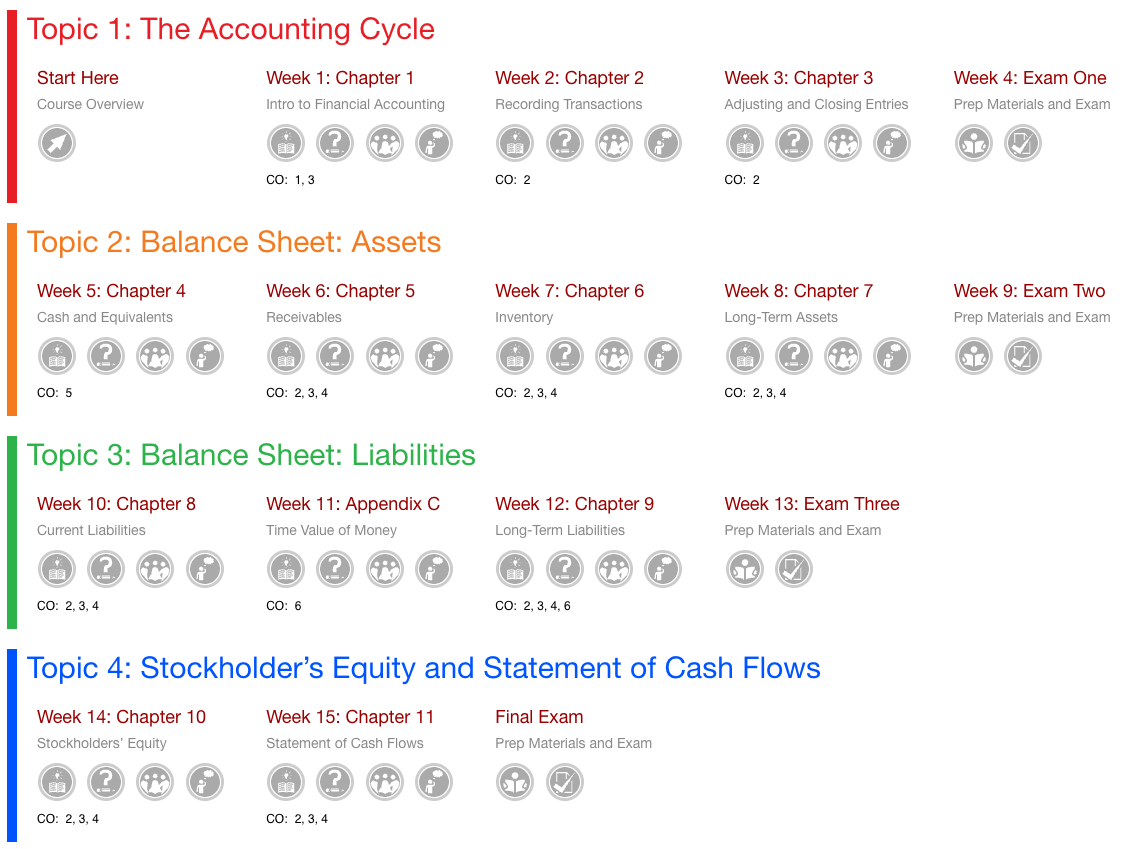
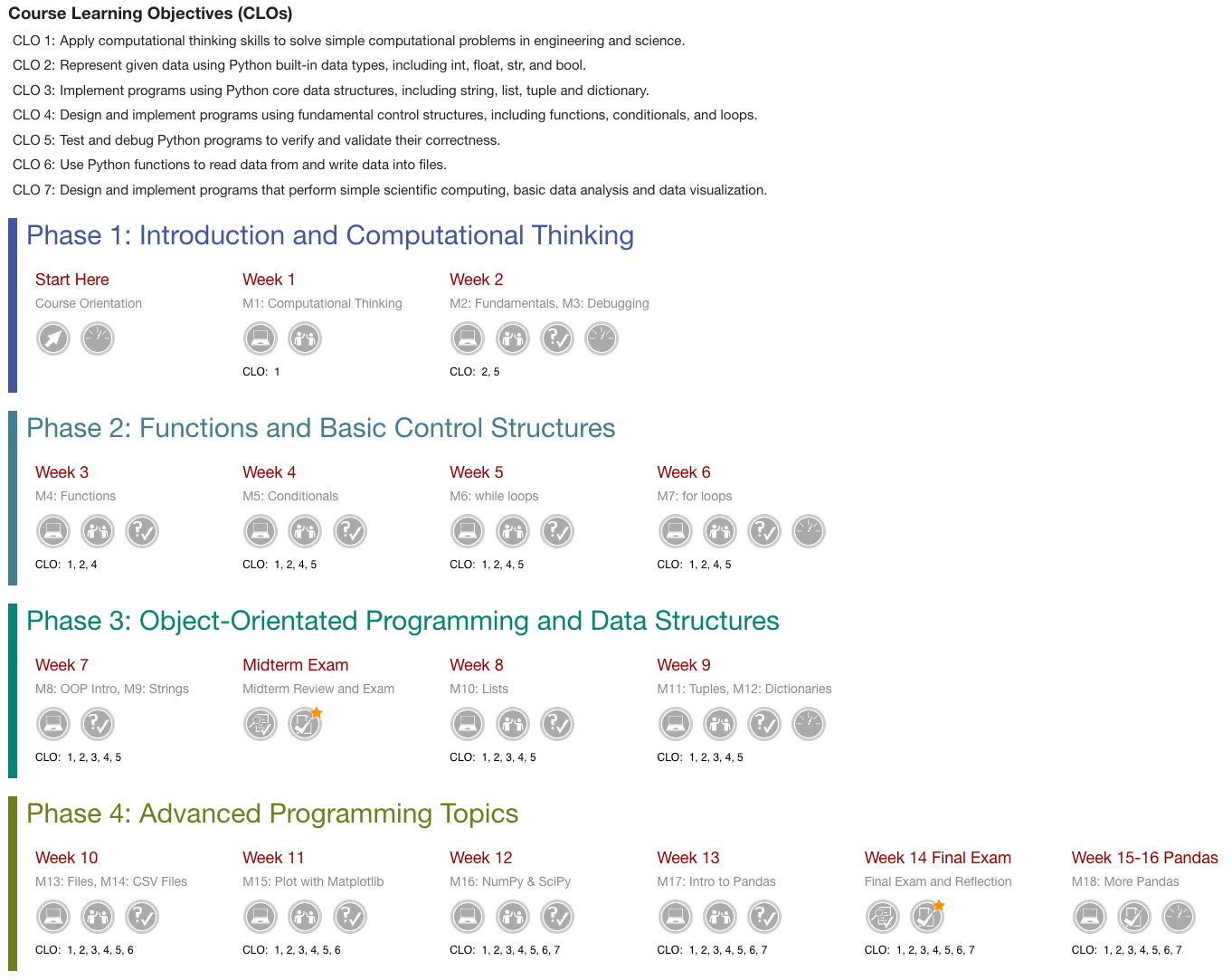
Roadmap is a Moodle activity you can build into your course to provide students with an interactive visualization of course content, activities and assessments. Students can use the Roadmap to monitor their activity completion progress and fill their "activity rings" to earn roadmap achievements.
How do Instructors and Students use the Moodle Course Roadmap?
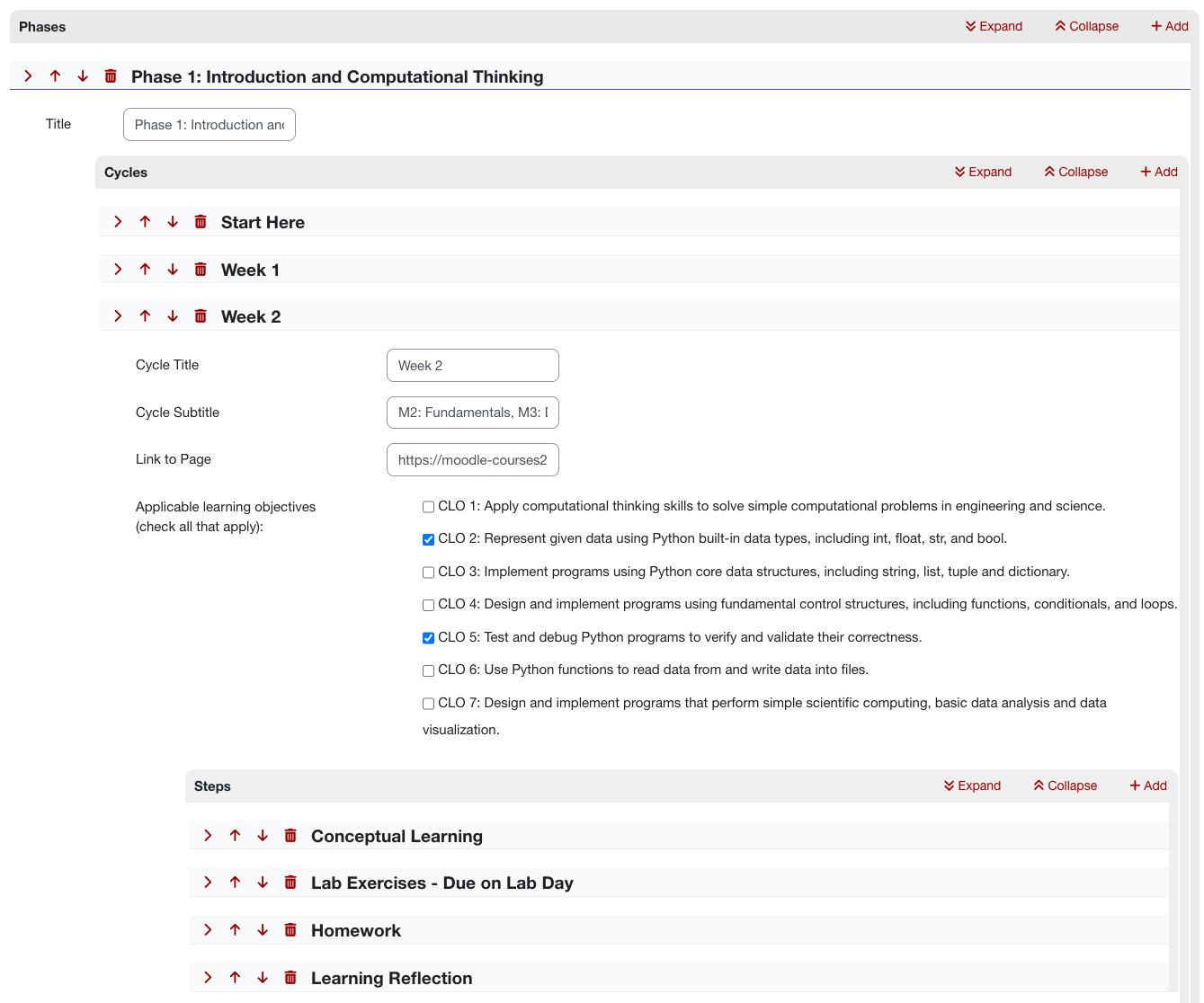
- Instructors: Plan out a course with learning objectives, activities, resources, and assessments. Activate the "Activity Completion" settings for each item in your course that students would want to track. Then, build the Roadmap in Moodle by setting up the structure and connecting the Moodle items that students will process through and complete during your course.
- Students: View the Roadmap (instructors determine the course location for the Roadmap) and use it to monitor their progress through a course. The Roadmap icons will color in as they complete associated activities, give them reminders for activities due within 24 hours, and award them stars for on-time completion of activities.