Tim Hunt
Lead maintainer

There are working examples in eAssessment with Moodle on our OpenLearn site.
The documentation is in How to create questions in Moodle on that site.
This question types uses other question types as sub questions. It allows you to have one or more entry fields for any of these question types embedded in your question text. You must have at least one of these question types installed for this combined question type to work :
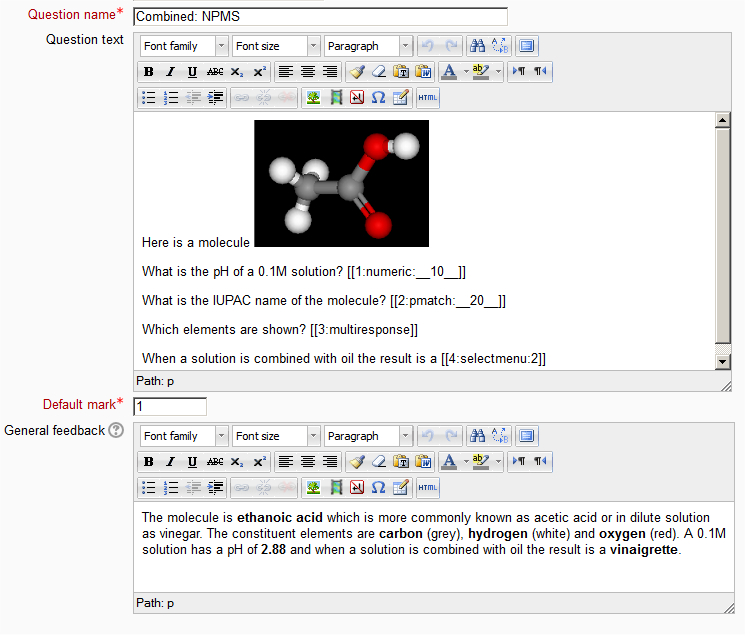
Here is an example of a question where a teacher has combined 1 variable numeric, 1 pmatch, 1 multiple response and 1 select missing word sub question in one combined question.


