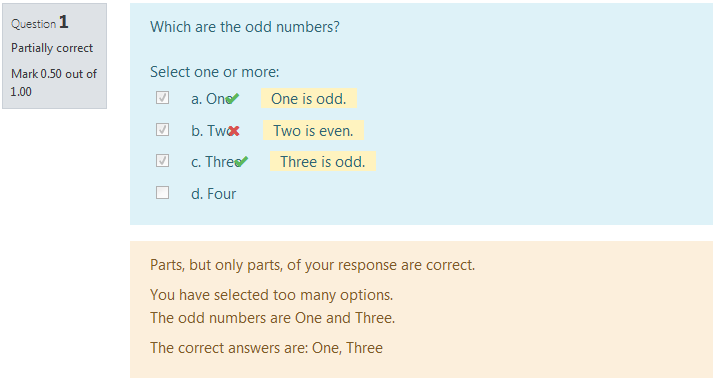
There are working examples in eAssessment with Moodle on our OpenLearn site.
The documentation is in How to create questions in Moodle on that site.
And example of how the grading works, using an example with 5 options, 3 correct and 2 incorrect:
- If the student selects the right number of choices (3) then their
score is the fraction that are correct (0/3, 1/3, 2/3 or 3/3).
-
If the student selects too few choices, add incorrect
choices to make the number exactly 3, then score as above. For example, 1
right and 1 wrong is the same as 1 right and 2 wrong = 1/3; or 2 right
=> 2 right 1 wrong = 2/3.
-
If the student selects too many choices, then remove correct
choices to make the number exactly 3. So, 2 right and 2 wrong => 1
right and 2 wrong = 1/3.
This logic is extended to
compute a fair grade when interactive with mulitple tries behaviour is used.