Report to provide detailed information about Assignment submissions in a Course.
The original report was created to help identify users who have not submitted to an Assignment when blind marking is enabled. It has now grown to have a number of other features.
Features are as follows...
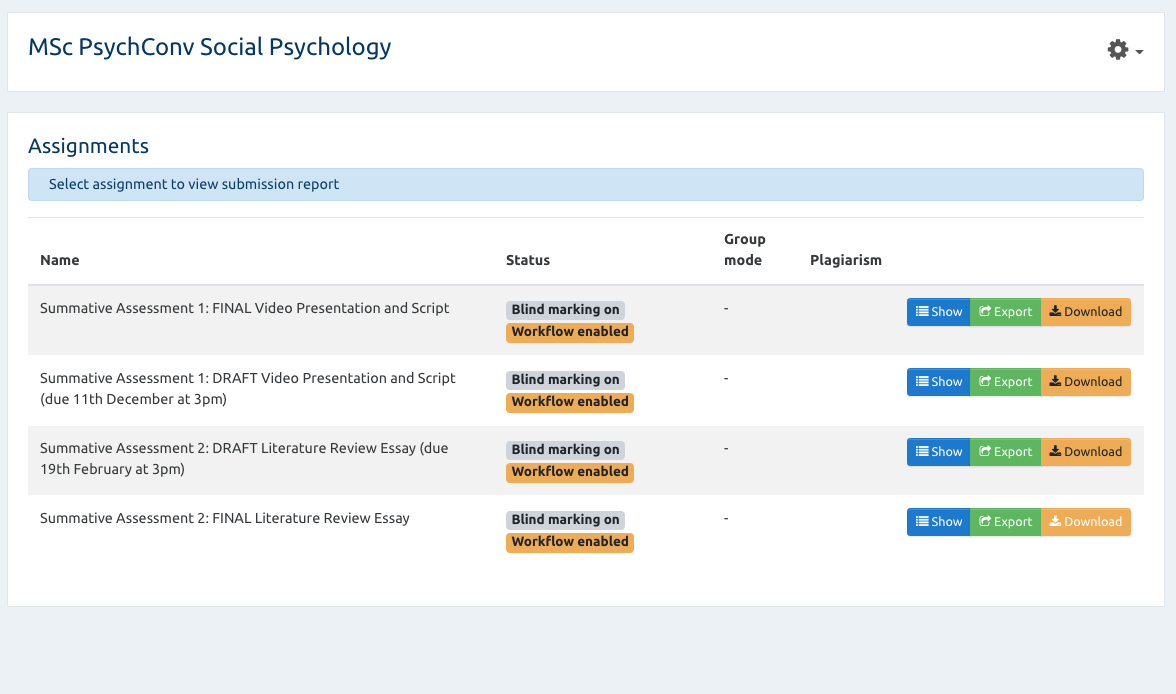
- List all Assignments in a course and their basic status (e.g. blind marking, workflow)
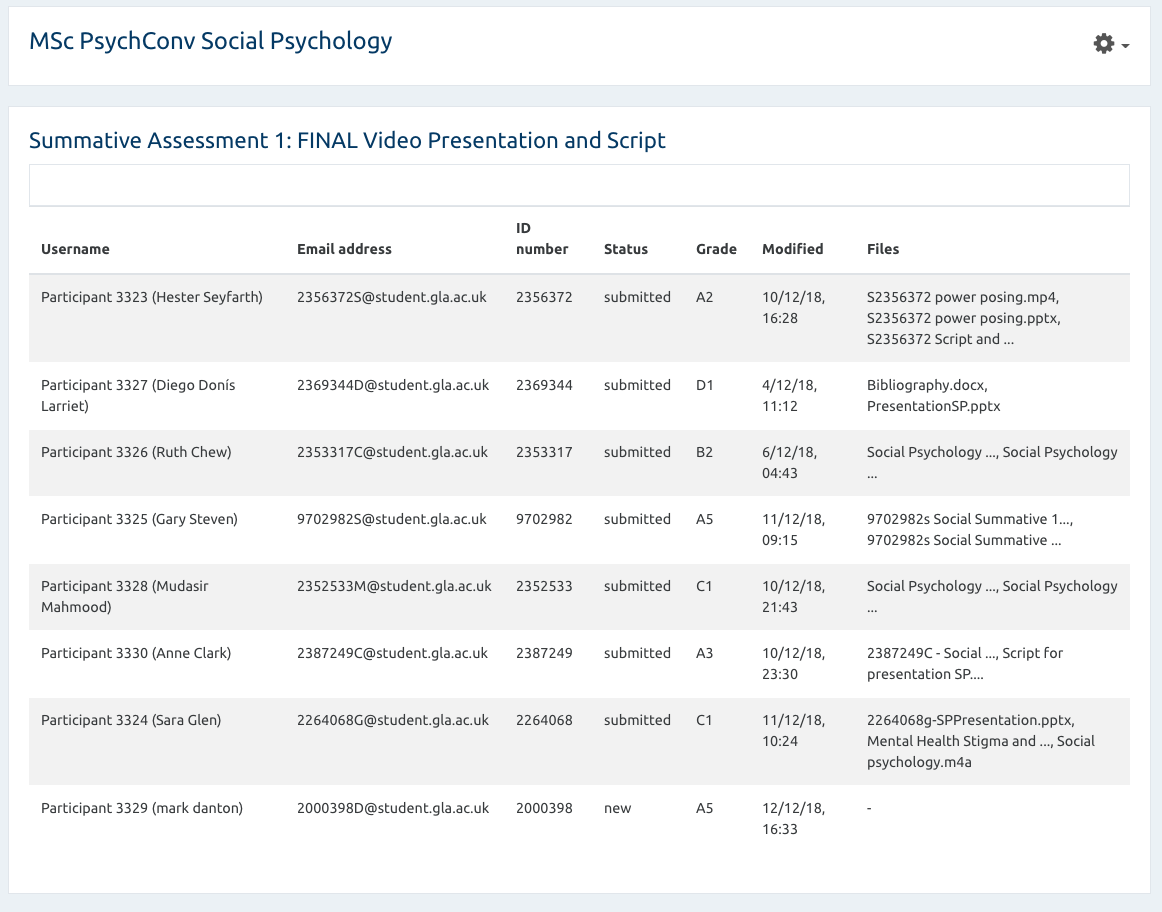
- Show a table of submission data for all students within a selected Assignment. Additional identifying information can be displayed to help identify non-submitting students
- Export the data for an Assignment to Excel.
- Export the data for all Assignments in the Course to a single Excel sheet
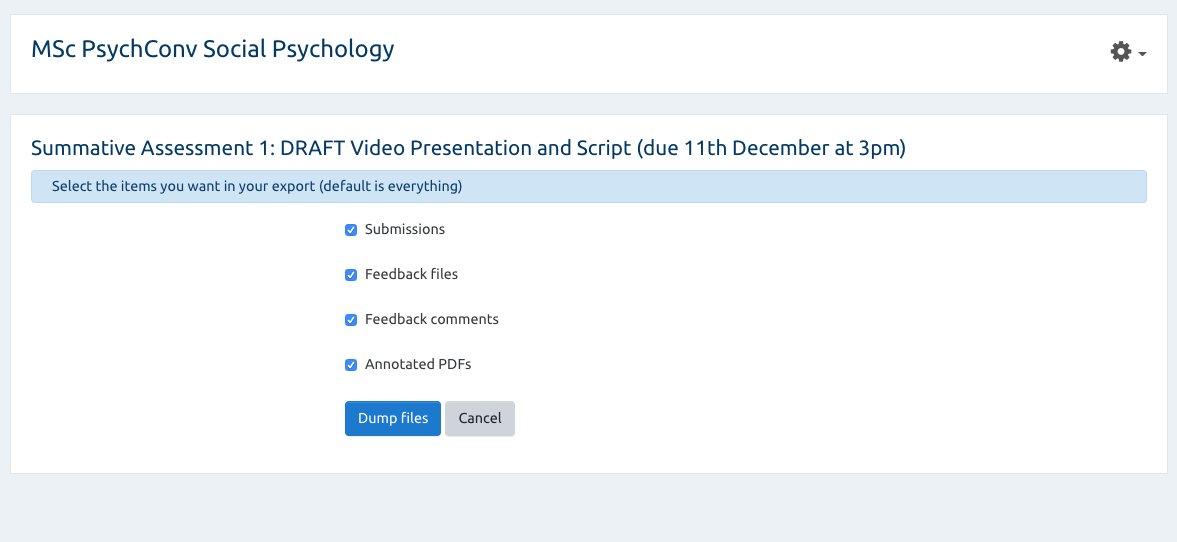
- Dump all submission files and all feedback (both files and comments) to a structured zip file (e.g. for archiving)
- Turnitin and/or Urkund scores are included if you use them
- Basic log data for a submission (regardless of anonymity)
- Quick submission extension (in full days)
- Filter by group
Admin settings are available to control what identifying data is included in the report (e.g. email address, id number)