Charles Fulton
Lead maintainer
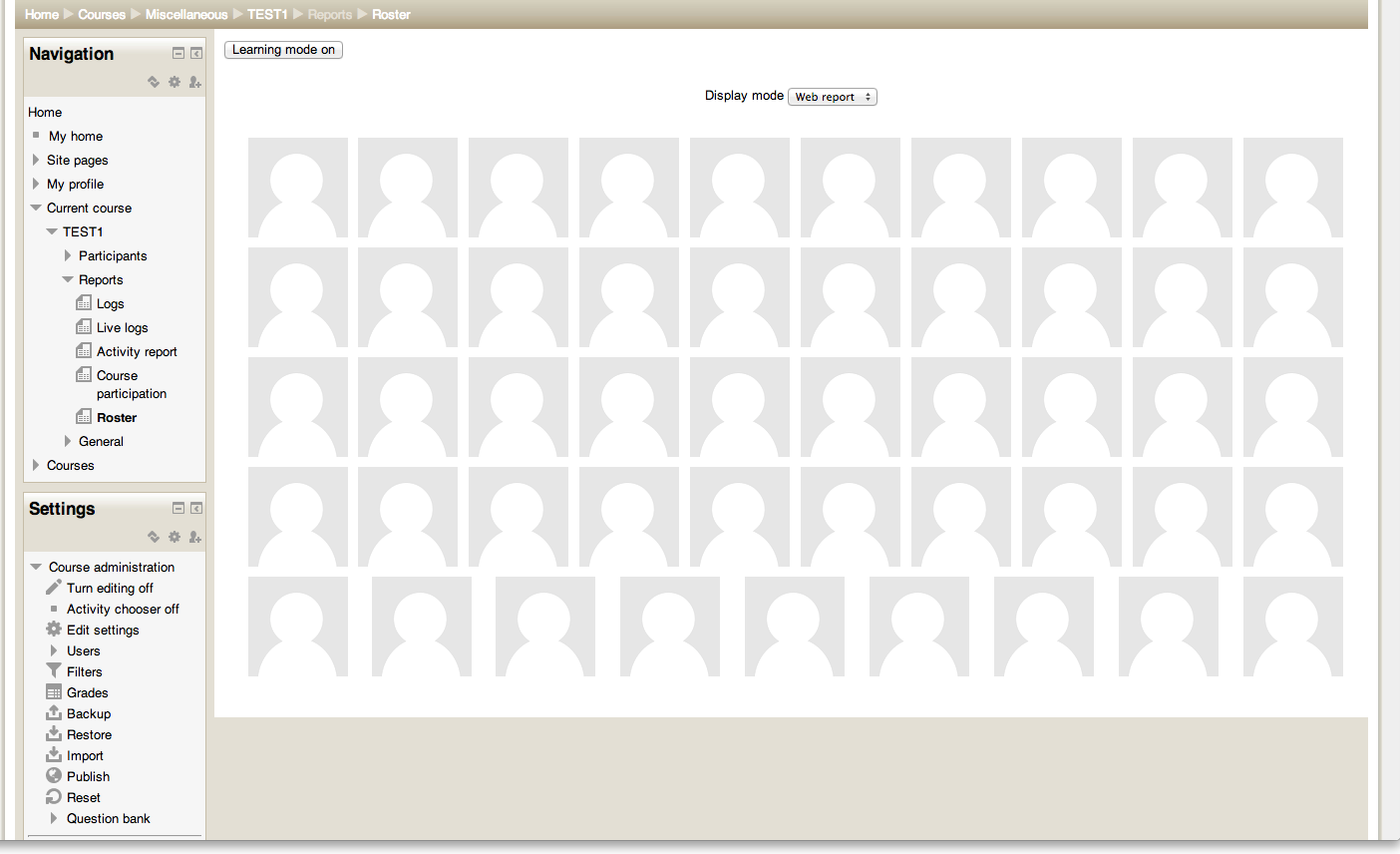
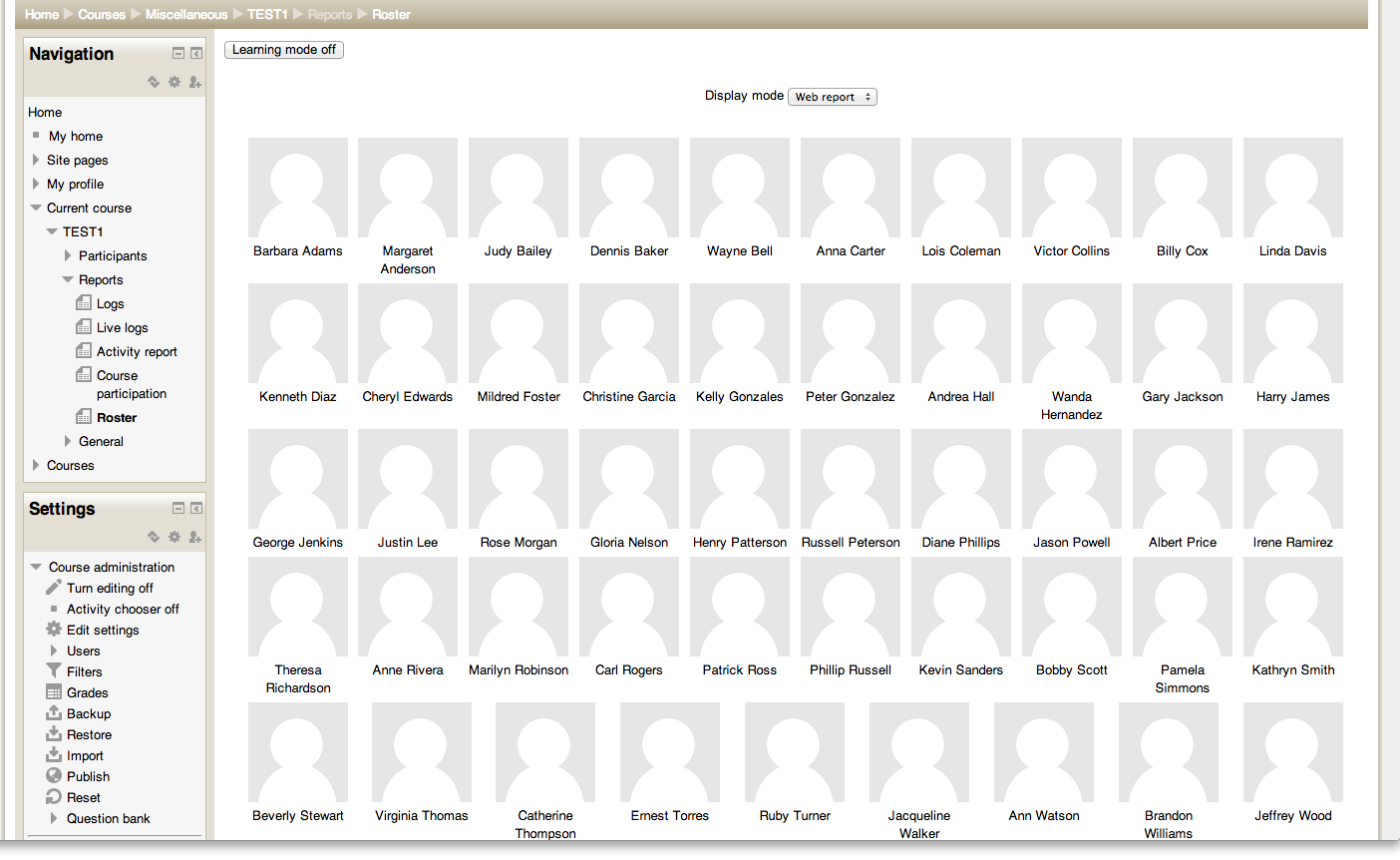
This is a simple report which displays the user pictures for everyone enrolled in the given course.
You can install it using git. In the top-level folder of your Moodle install, type the command: git clone git://github.com/LafColITS/moodle-report_roster.git report/roster
Then visit the admin screen to allow the install to complete.
Once the plugin is installed, you can access the functionality by going to Reports > Roster within the course.
There are two options when viewing the roster. One is to toggle the "Learning mode," which turns the display of names on and off. The other is a "Printable" view, which brings up a version of the report suitable for printing.


