Abaco Technology
Lead maintainer

AutoScorm automatically turns any video or audio file into a fully trackable SCORM package — no external tools required. If you need reliable tracking of students’ actual viewing activity, AutoScorm gives you a seamless, integrated solution directly inside Moodle.
This plugin is part of the AutoScorm bundle, which consists of two complementary repositories:
AutoScorm Global Files — for administrators and teachers who need a centralised space where media files can be uploaded (via FTP/SFTP or drag‑and‑drop) and made available across the entire site.
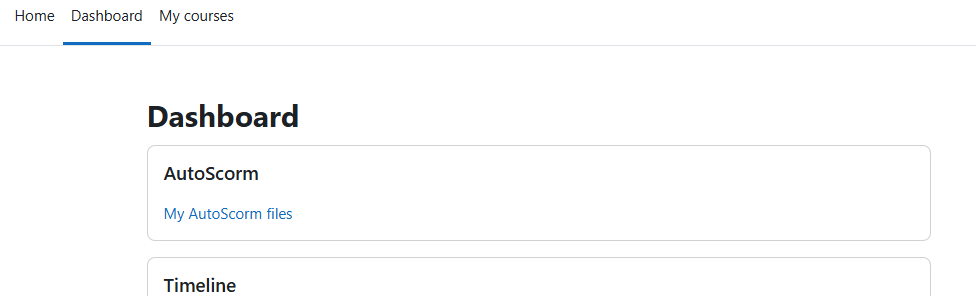
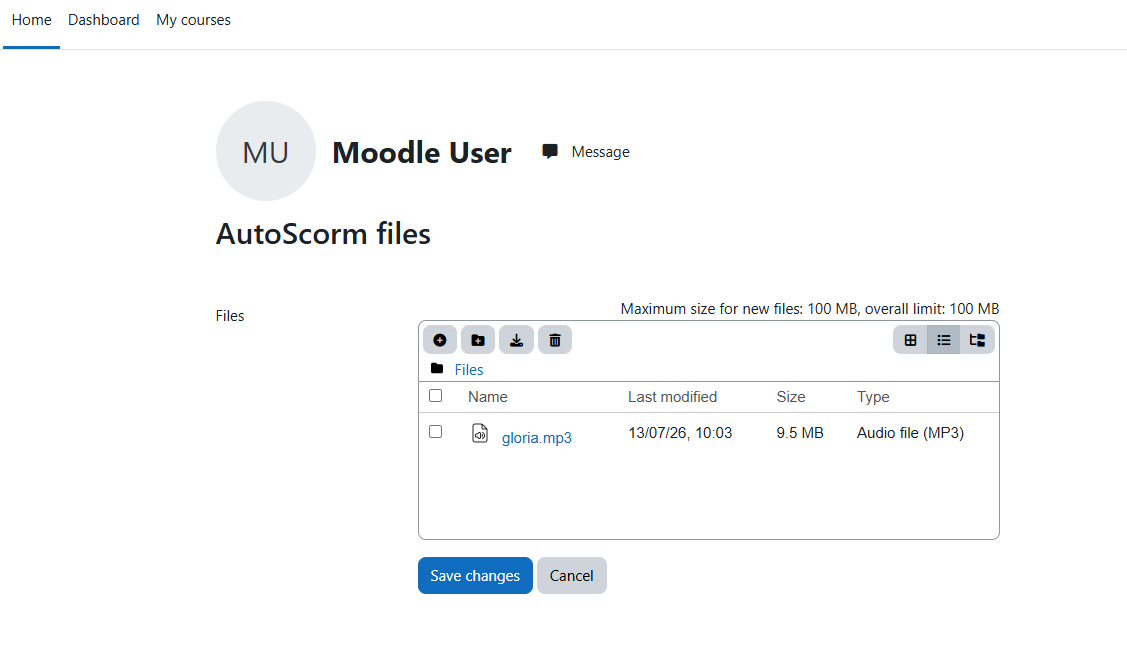
AutoScorm Personal Files Pro (this plugin) — for individual users who need a personal upload area where they can store their own media files and use them in their courses (IMPORTANT: this plugin needs the autoscorm_block free plugin that can be downloaded from the Abaco Technology website).
Each plugin works independently, but installing both provides the full AutoScorm experience, covering both global and personal media workflows.
You can find the companion plugin directly in the Moodle Marketplace by searching for AutoScorm Global Files.
AutoScorm is ideal when your learning materials are in standard video or audio format. Moodle alone cannot track whether students have actually watched a video to completion unless you manually create a SCORM package using third‑party software.
AutoScorm eliminates this extra step by generating the SCORM package for you automatically.
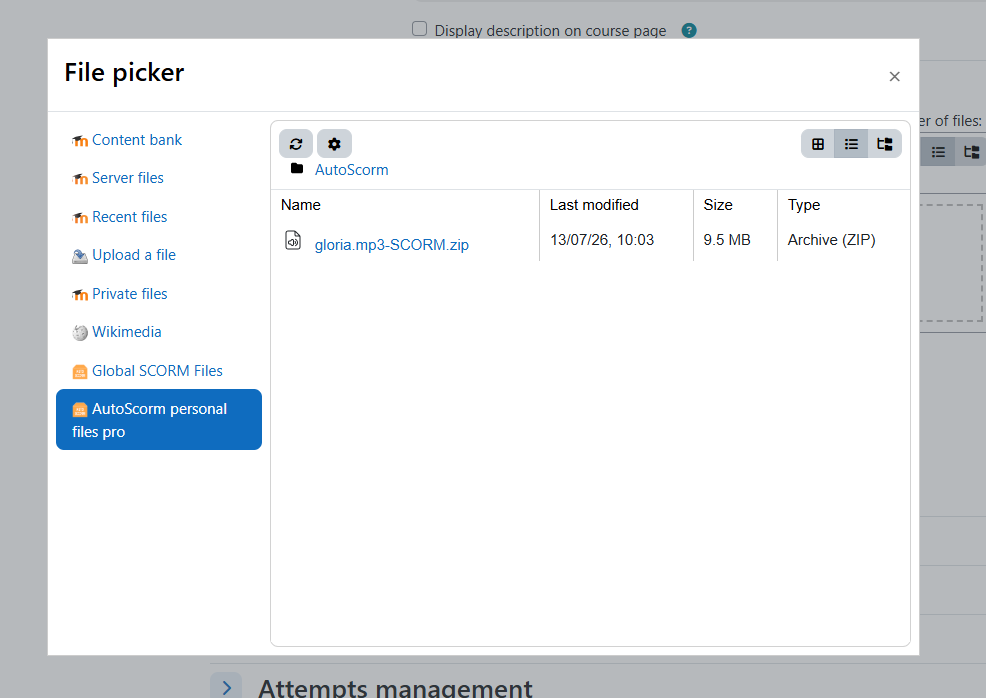
Upload your media files to the AutoScorm global repository — either via FTP/SFTP or with a simple drag‑and‑drop. Once uploaded, the files become available to all teachers and appear in the SCORM package selection window when creating a new SCORM activity. The plugin converts each file into a SCORM package on the fly, with no manual processing required.
Upload your media files to your personal AutoScorm repository using a simple drag‑and‑drop interface. Your personal files appear in the SCORM package selection window when creating a new SCORM activity. The conversion to a SCORM package is handled automatically, with no configuration needed.
If you need site‑wide media management for teachers, choose AutoScorm Global Files.
If you need per‑user media spaces, choose AutoScorm Personal Files Pro.
If you want both capabilities, install both plugins — they are designed to work together as a single bundle.
