Josep Mulet
Lead maintainer

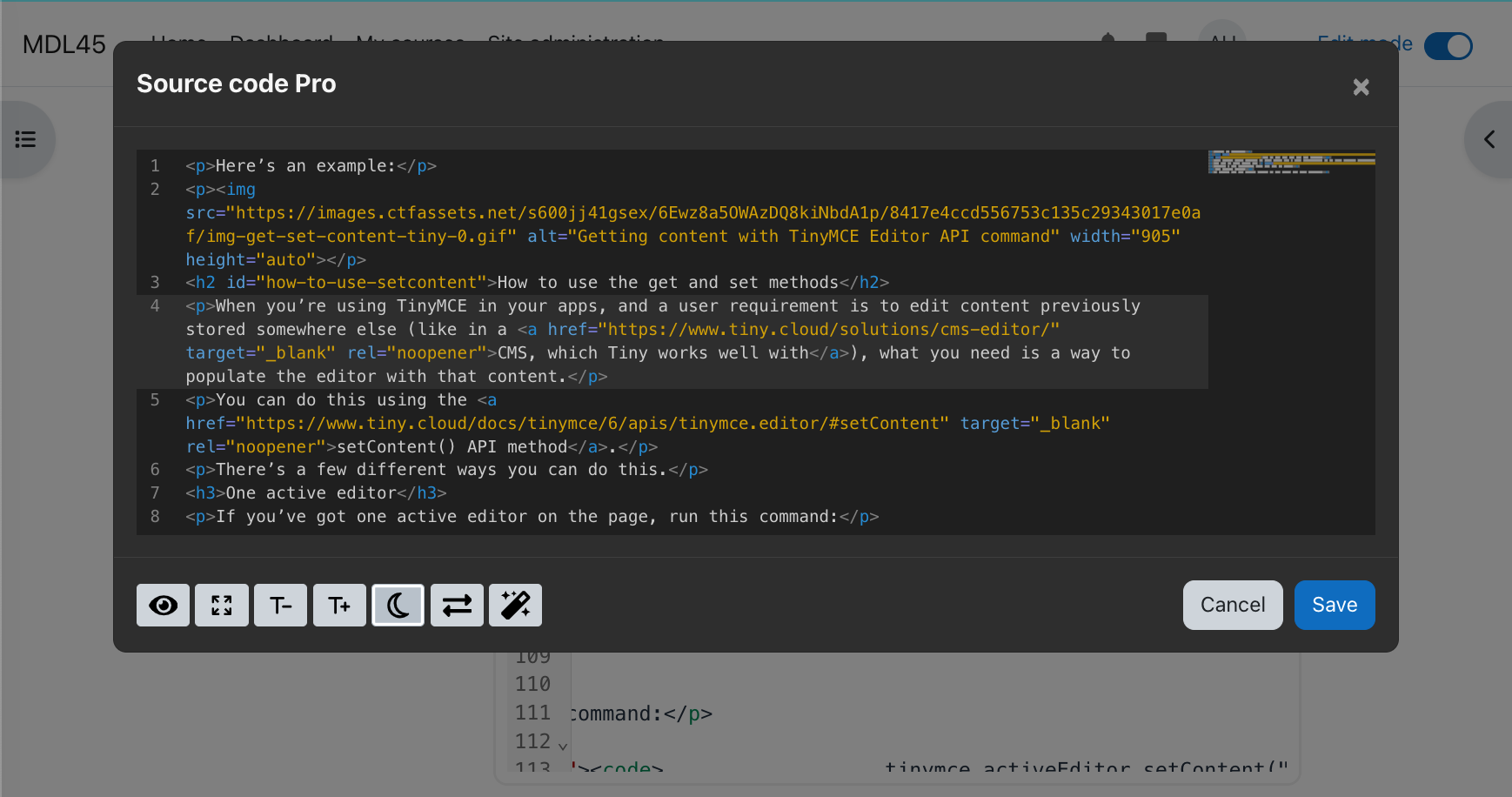
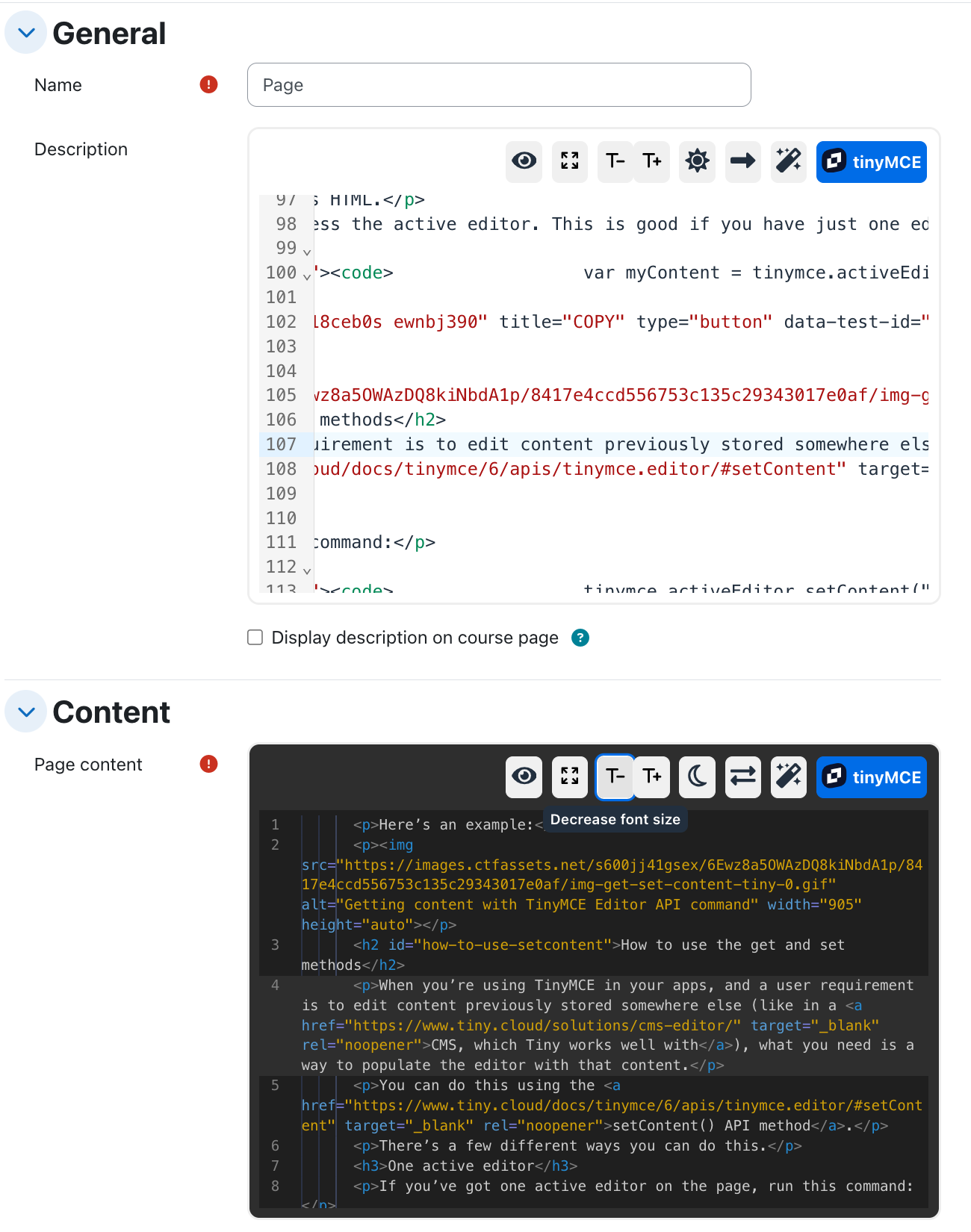
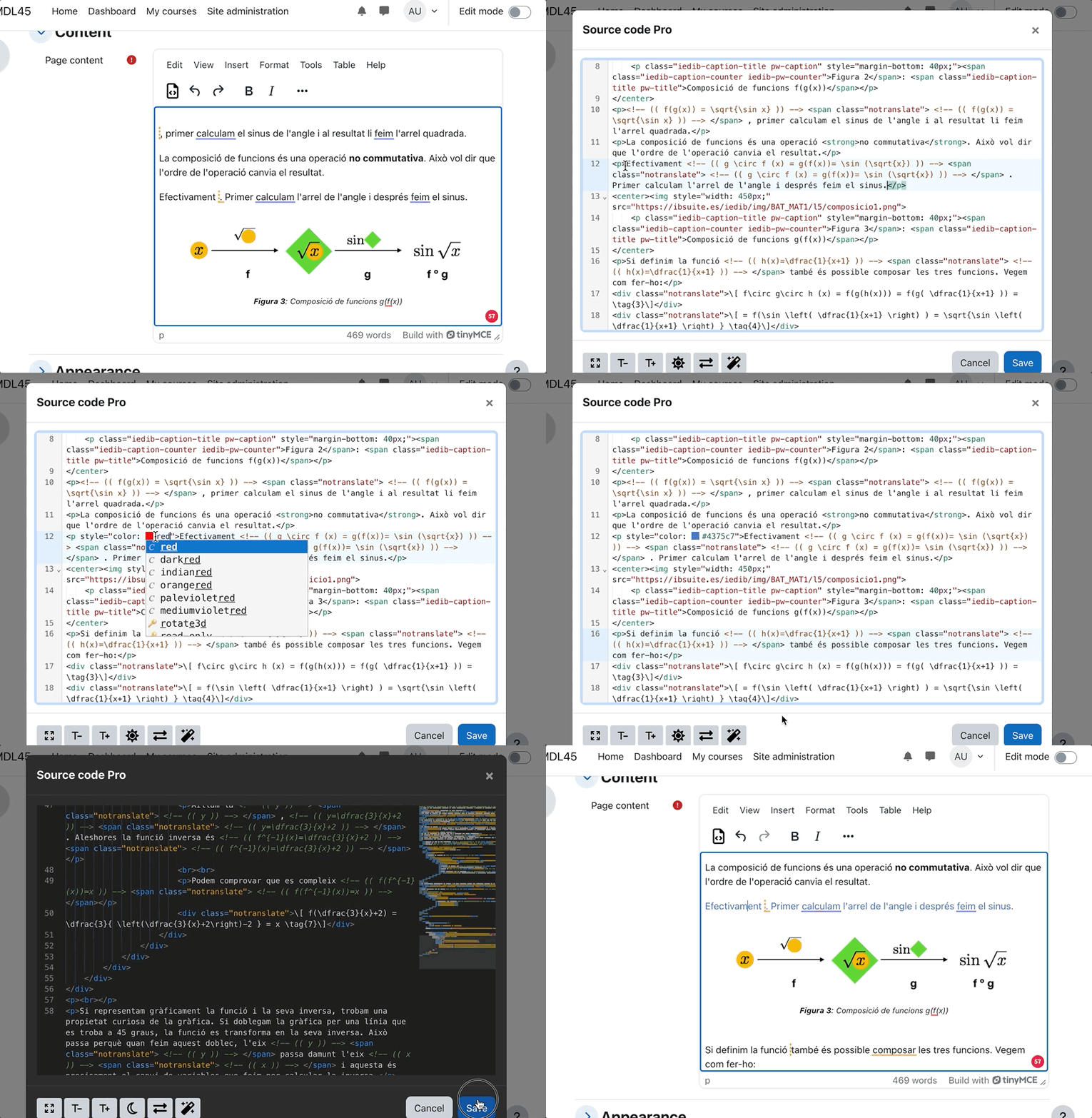
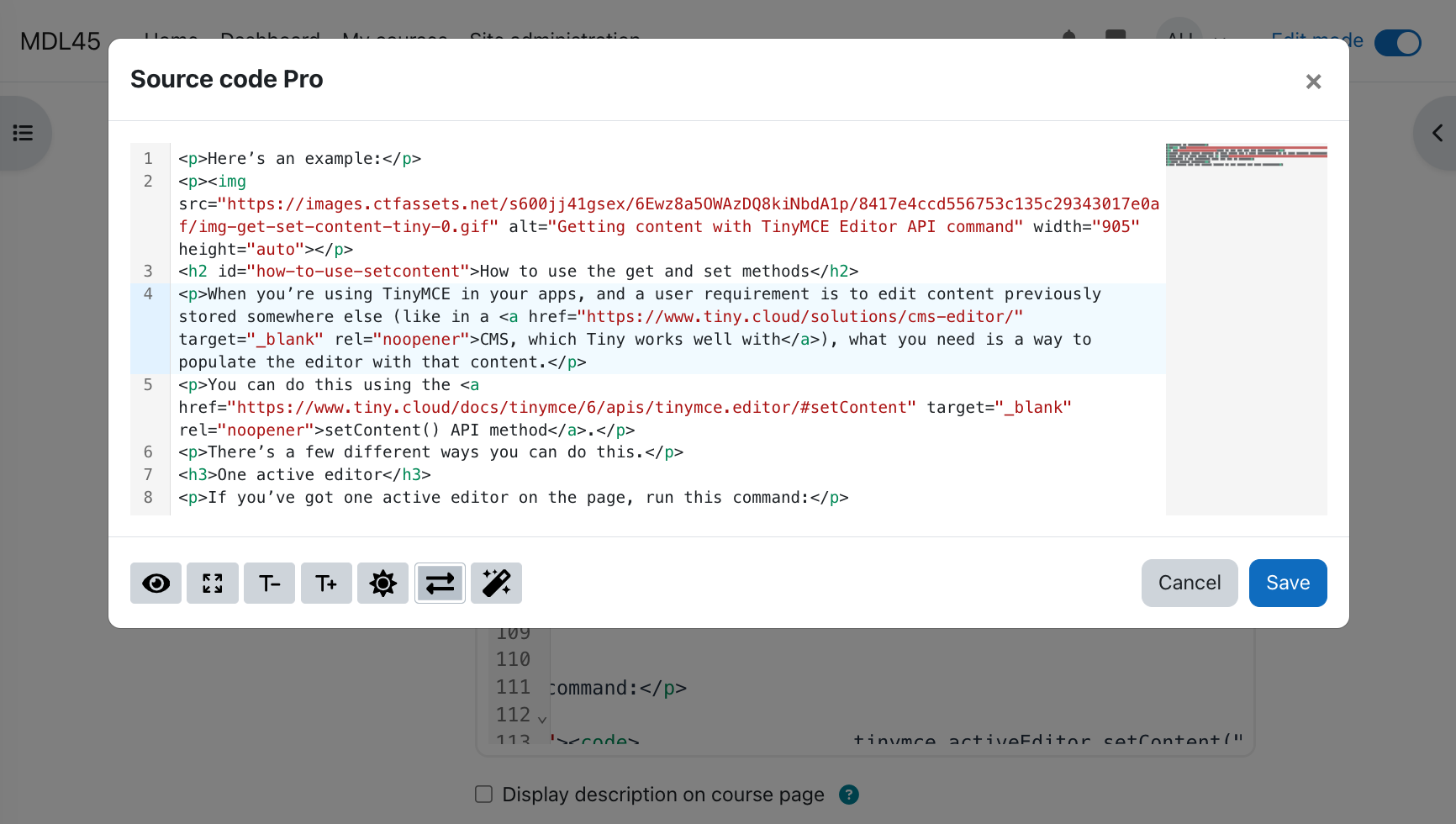
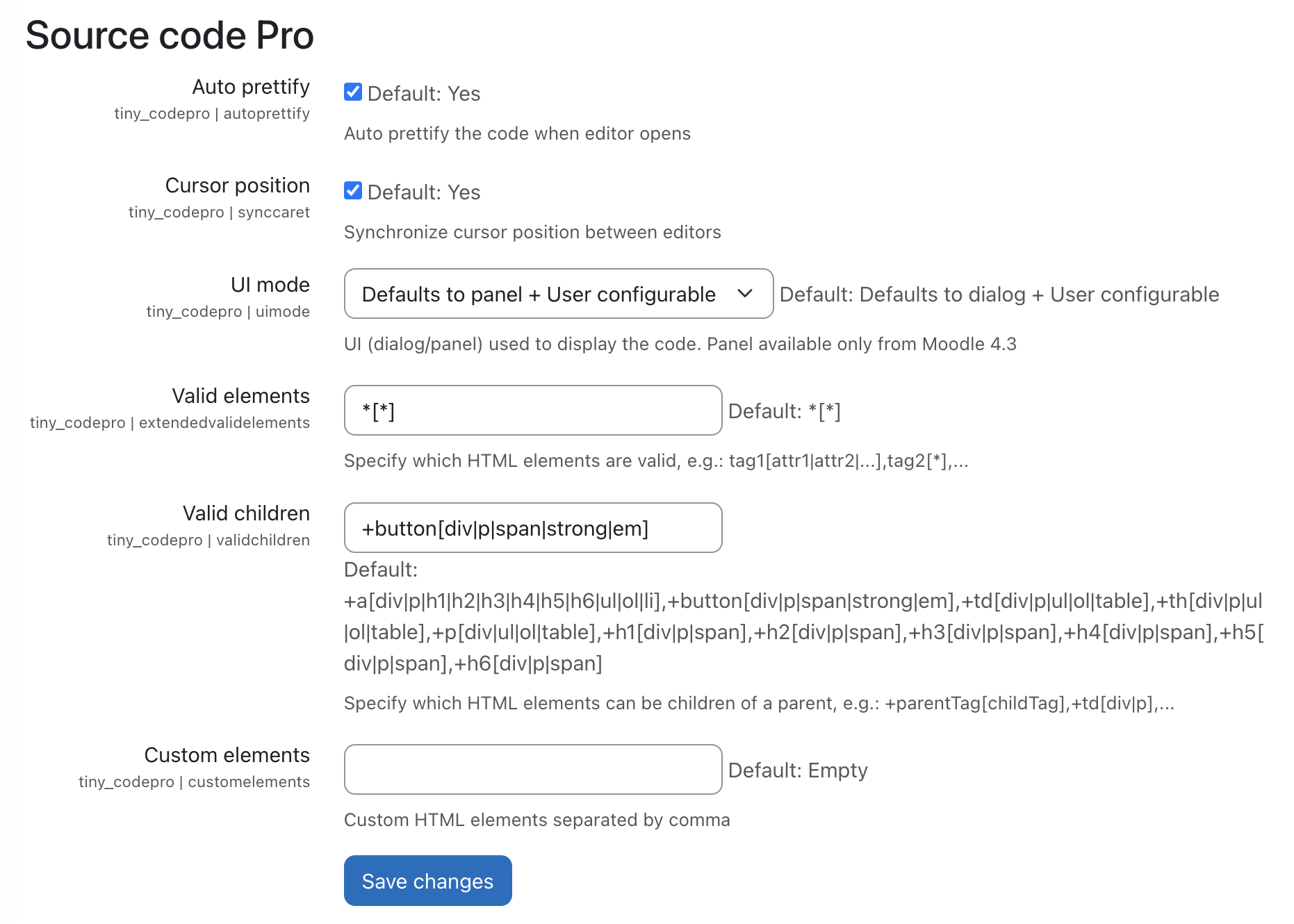
Enhance your Moodle TinyMCE editor with this powerful plugin! Its goal is twofold: to replace the basic text-based editor in Moodle versions prior to 4.3 and to extend the default editor in newer versions with advanced features. These include cursor synchronization, view panel mode (since TinyMCE 6.3), light & dark themes, a VSCode-like mini-tab system, and more —powered by CodeMirror 6 for a seamless coding experience.
This plugin does not include any configuration settings. The installation is straightforward: simply go to Site Administration area (Plugins ' Install plugins ' Install plugin from ZIP file).
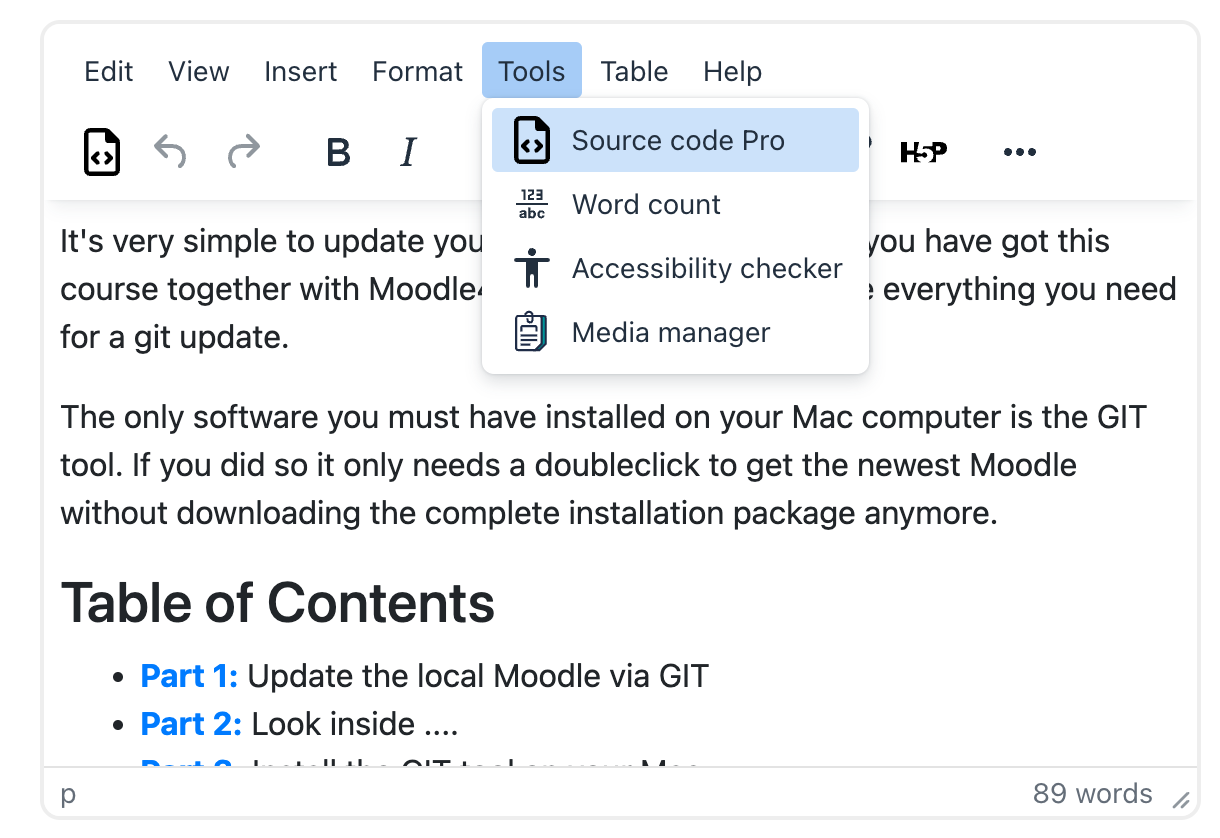
Once the plugin is installed, the items named "Source Code" in the menu, will be replaced by "Source Code Pro". Also a button will be added in the first position of the toolbar.


