Matthew Davidson
Lead maintainer
Create or modify images and place them into any editor area that supports files.
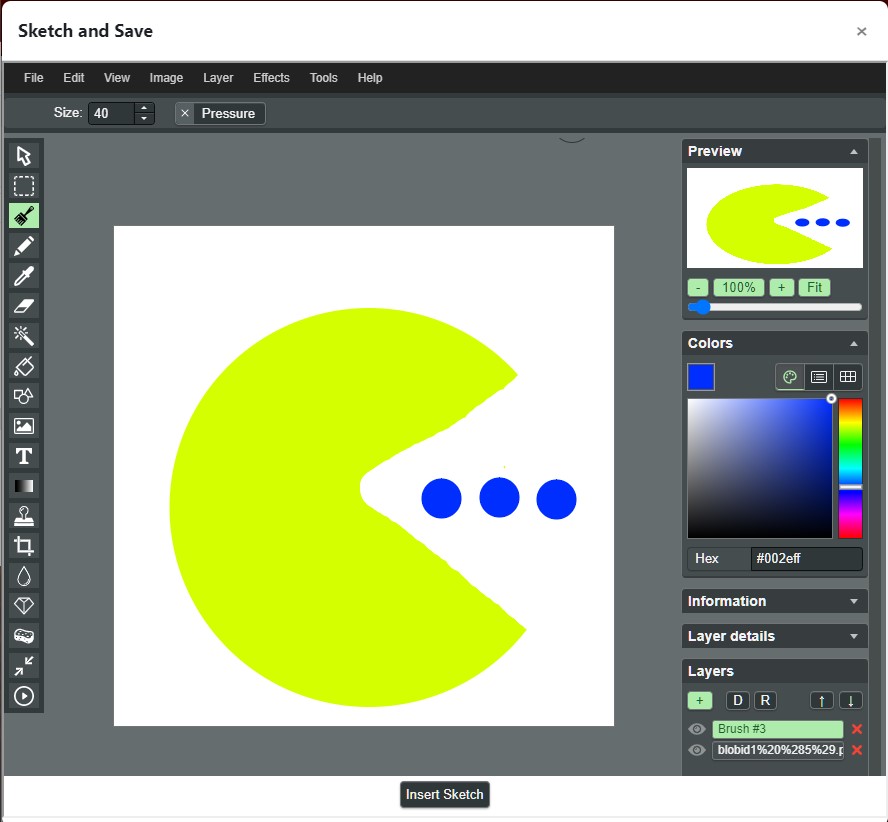
miniPaint is an online image editor that lets you create, edit images using HTML5 technologies.
Key features: layers, filters, HTML5, open source, Photoshop alternative. You can create images, paste from the clipboard (ctrl+v) or upload from the computer (using menu or drag & drop).
Create the lib/editor/tiny/plugins/sketch folder and place all files there. Run through standard Moodle update/install process.
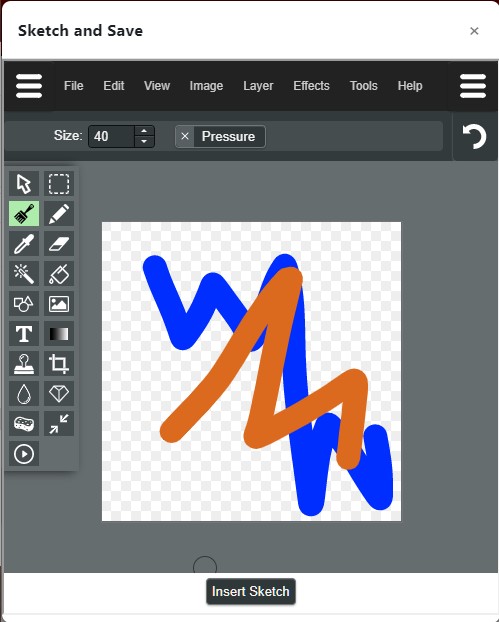
Click the sketch icon. The editor will open full screen. Use a stylus, finger or mouse to create/edit image. Click "Insert Sketch" to add to editor.

