Vernon Spain
Lead maintainer

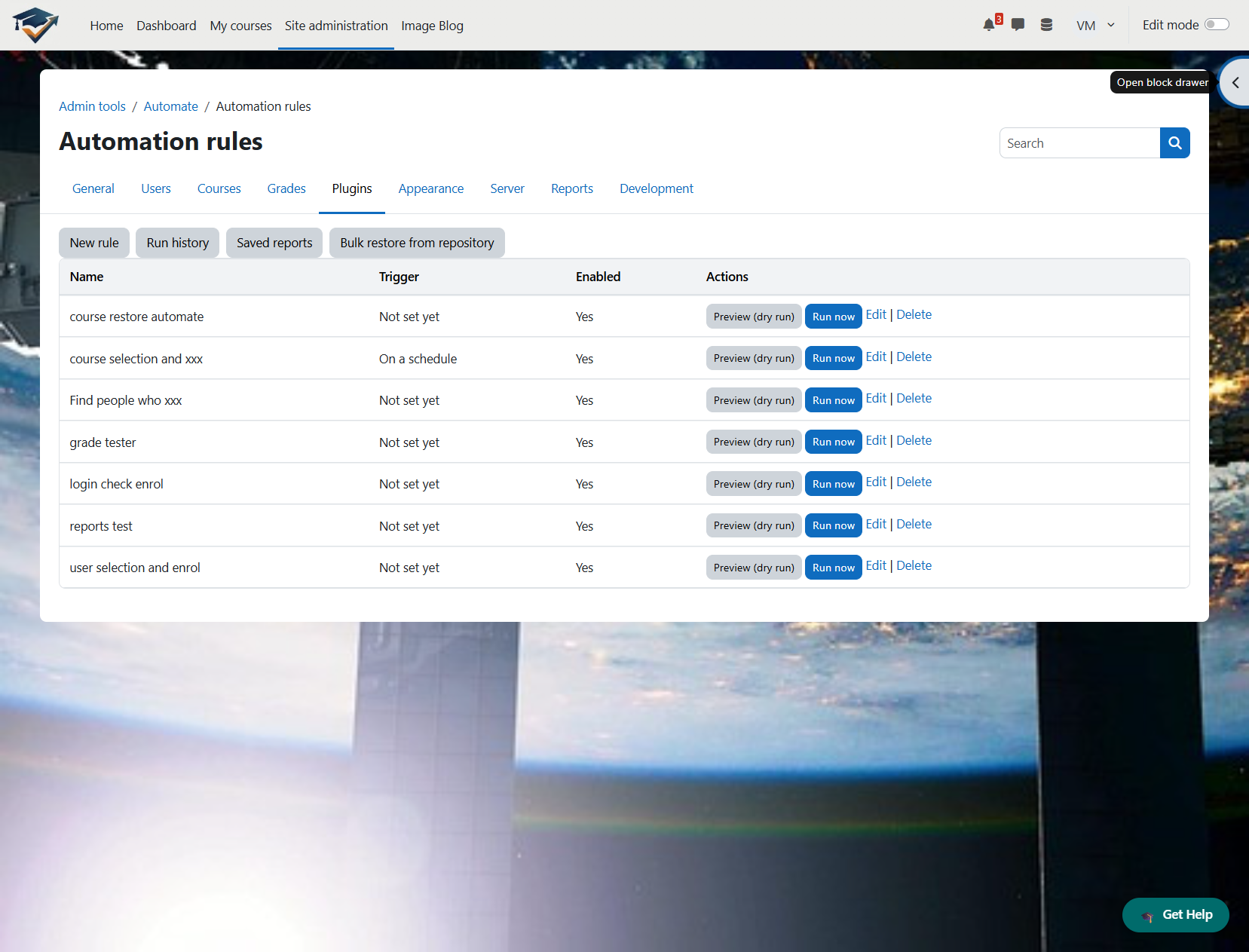
Automate turns repetitive Moodle admin work into simple, auditable rules. Instead of running the same manual chores every week — chasing inactive accounts, tidying stale courses, enrolling or emailing the right people, pulling the same reports — you describe what should happen and when, once, and let Moodle do it.
Every rule is a single guided form: a trigger (run it manually, on a schedule, or when a Moodle event fires), a set of optional conditions that decide who or what it applies to, and one or more bounded, named actions that do the work. There's no graph editor, no scripting language, and — by design — no raw-SQL or arbitrary-code action anywhere in the plugin. Conditions combine with plain AND / OR, or a readable boolean expression like (c1 AND c2) OR NOT c3, and each one can be a match or a does-not-match.
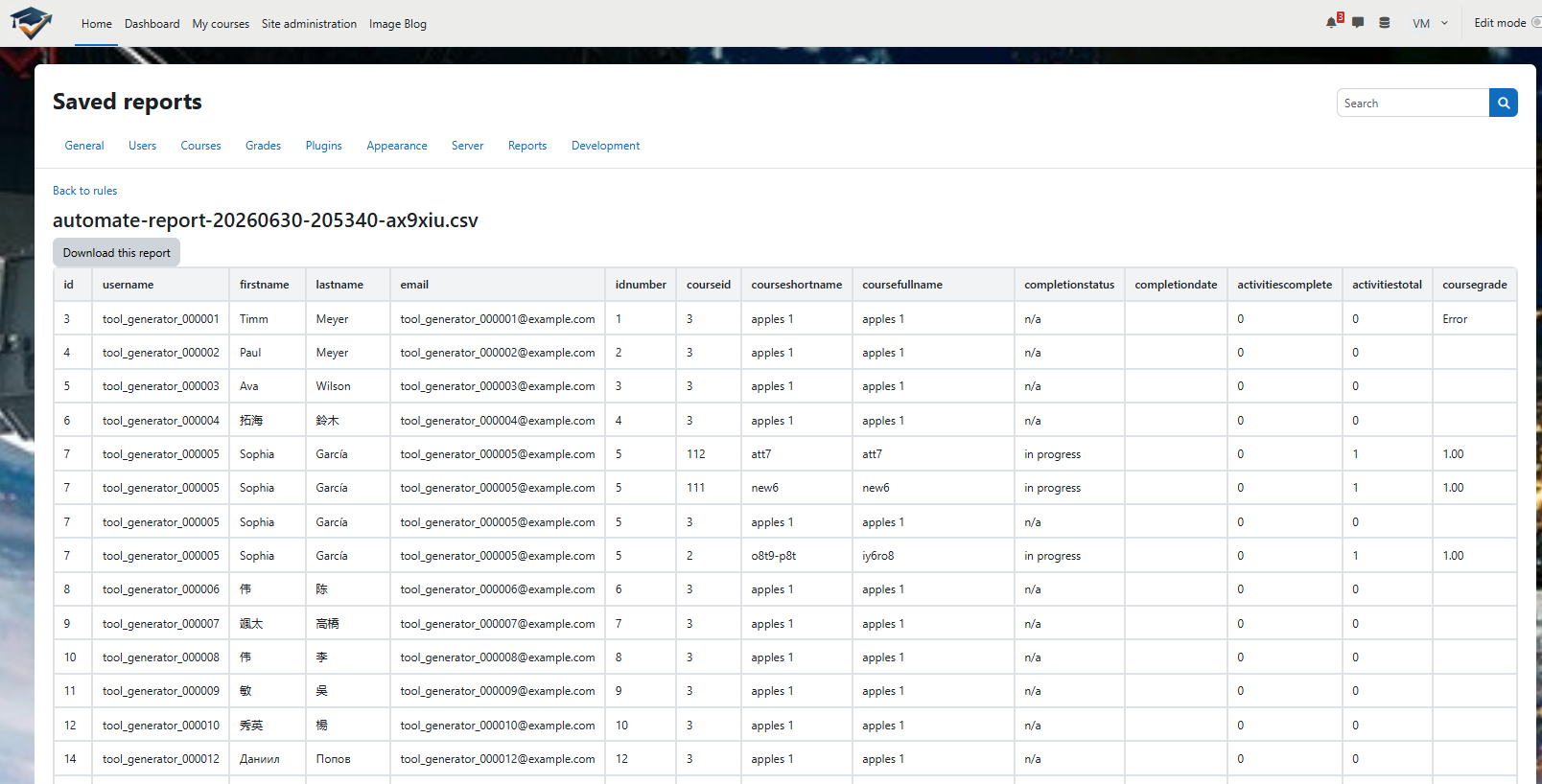
A rule targets either users or courses, so the same engine handles "suspend accounts inactive for 180 days," "email the teachers of every hidden course," "add everyone in this cohort to a group," or "generate a completion report each month" — all from the same place.
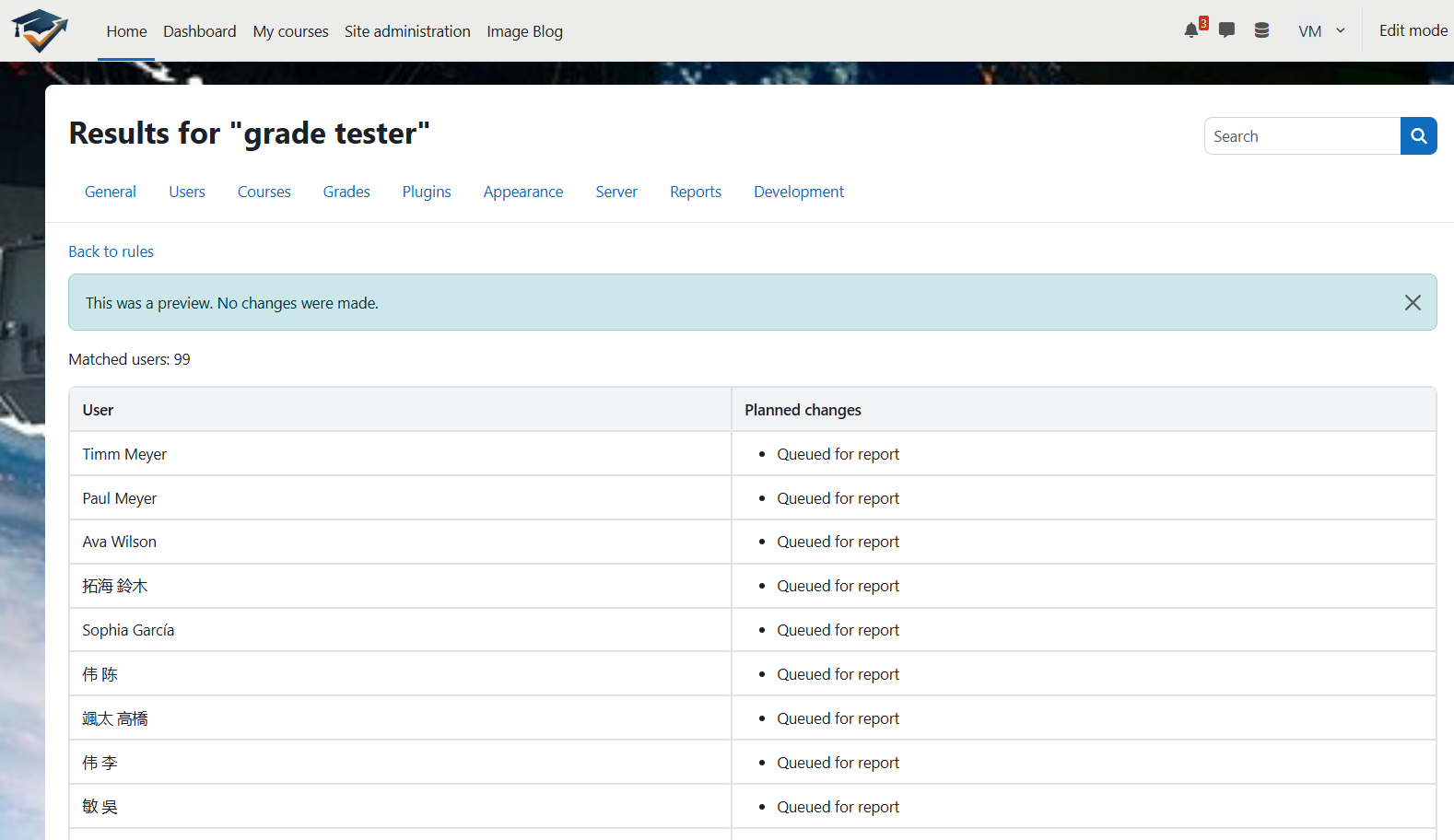
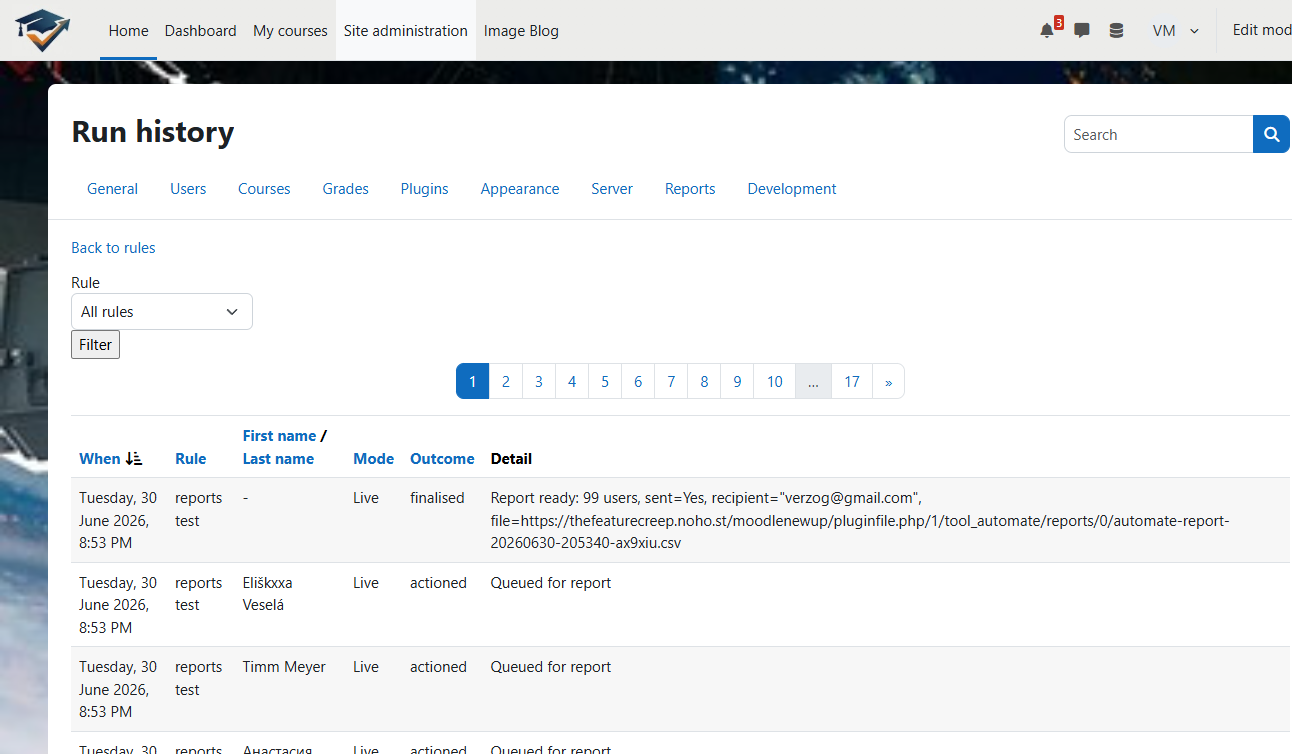
Built to be run with confidence. Every rule has a Preview (dry run) that shows exactly which users or courses would be affected, and what would happen, before anything changes. Every run is logged for audit, and background jobs narrate their work to Moodle's task logs. Destructive or sensitive actions are deliberately hard to trigger by accident: they sit behind off-by-default site kill-switches and a dedicated capability, require typed confirmation, and are re-checked before they run — so delegating day-to-day rule management never hands out course deletion or role assignment.
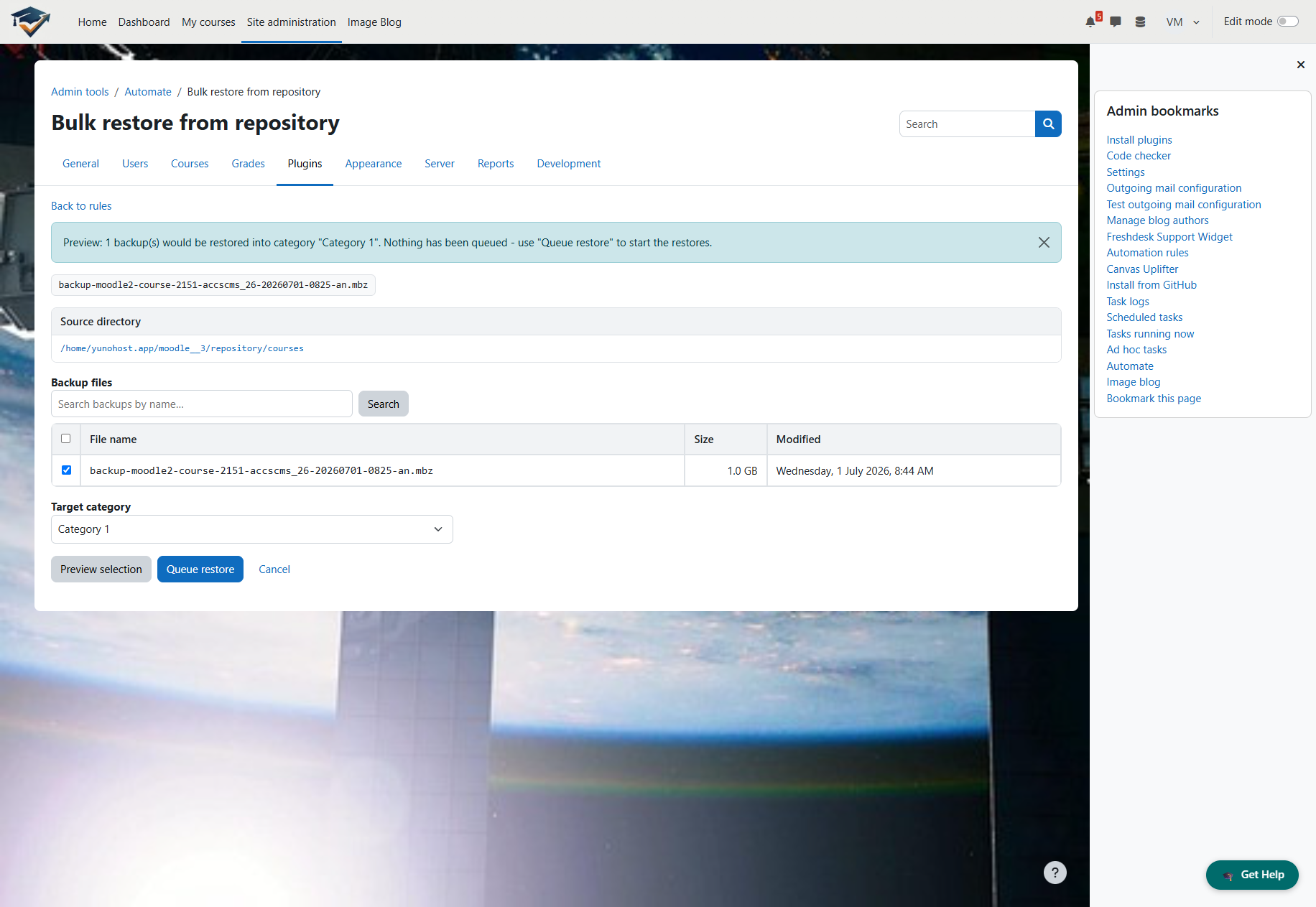
As a bonus, Automate also includes a bulk course-restore tool that imports a directory of Moodle backup files (.mbz) into brand-new courses, with a searchable file picker that scales to hundreds of backups and never overwrites an existing course.
Automate implements the Moodle Privacy API and is released under the GPL v3.

