Global CSV feeding for Moodle icon

Global CSV feeding for Moodle

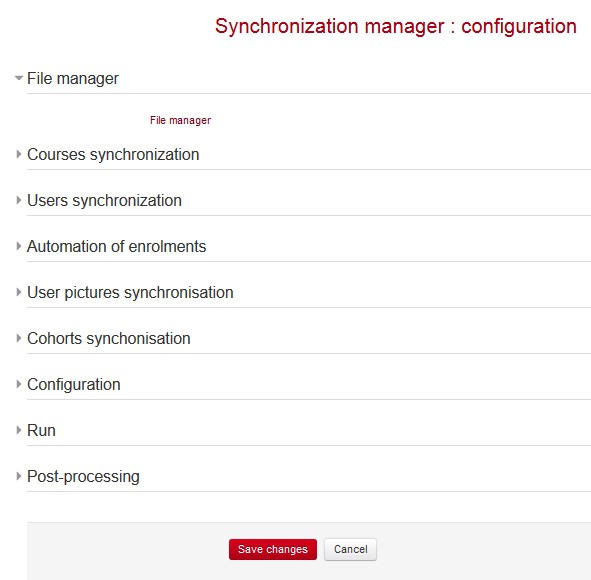
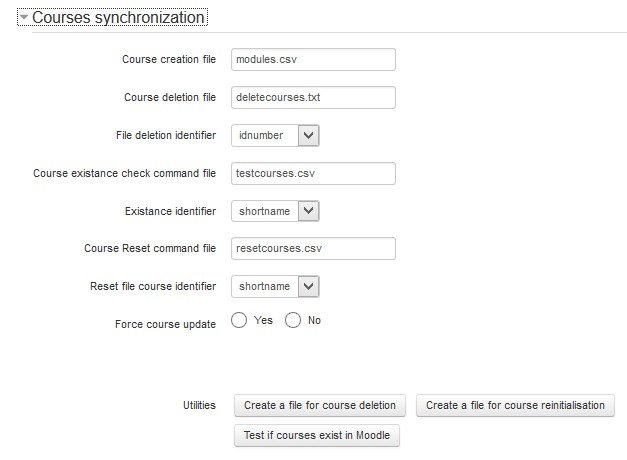
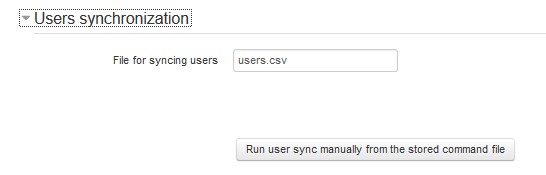
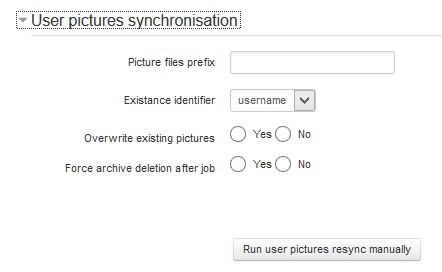
This plugin concentrates all CSV based approaches for feeding massively Moodle with initialisations as courses, users, and enrollements, completing all existing mechanisms with missing parts (cron automation, failure reports, tryback files, archiving, CSV files repository and selection, instant upload and run).
Price option: Free

Supports Moodle 2.6-3.5 See all versions
Latest release: 6 years ago
Installations: 17
Downloads (last 90 days): 28

Frankenstyle name: tool_sync
Experimental

Description

IMPORTANT NOTE FOR PLUGIN ARCHIVE AVAILABILITY : due to the large amount of plugins supported, it is NOT affordable for us to update moodle.org packages. Please use the Source Control urls to our github to get plugins archives

The Admin Tool Sync plugin provides an industry level unified set of tools in order to massively operate Moodle loads and unloads of major data entities.

This tool was priorily intended to complete all standard tools around CSV files loading with systematic handling by cron, manual operation, and resulted more confortable to join all those tools in an "all in one" version. Most of the code for making end operations is largely inspired frol core CSV features, with some enhancements.

The versions < 2.7, use a special <moodledata>/sync file manager (outside moodle file system to allow easy feeding of CSV files from an outside administrative process). From Moodle 2.7 ahead, the sync file manager has been reintegrated into standard moodle file handling, although the original sync container is still used for csv external inputs just before cron runs. All the files in <moodledata></sync will be automatically integrated into the Admin Tool Sync filearea for processing.

What is added :

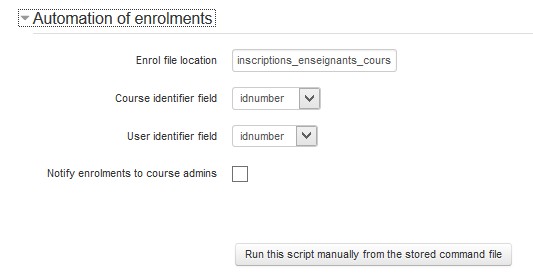
  • All tools (except course reinitialisation or deletion) can be fully croned.
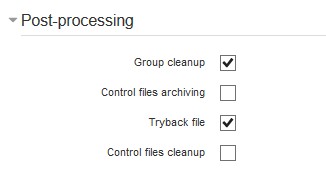
  • All tools can generate a tryback file keeping only discarded inputs (failed)
  • All tools will archive the processed files into the archive directory
  • All tools can be used from an immediate file upload (manual run)
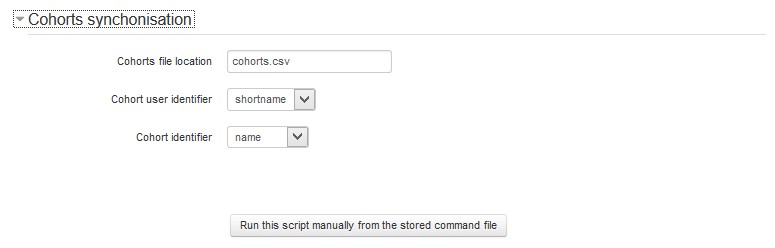
  • All tools can use any input file stored into the CSV file container, and keep track in configuration of which file to use.
  • Course mass reinitialisation tool is added
  • Course mass creation handles template designation to initiate a course with content, either pointing an available backup (all versions) or pointing an external file in the server (>= 2.7)
  • Exhaustive reports give detailed status on each operation.
  • Reports are generated ans stored in "reports" folder.

Contributors