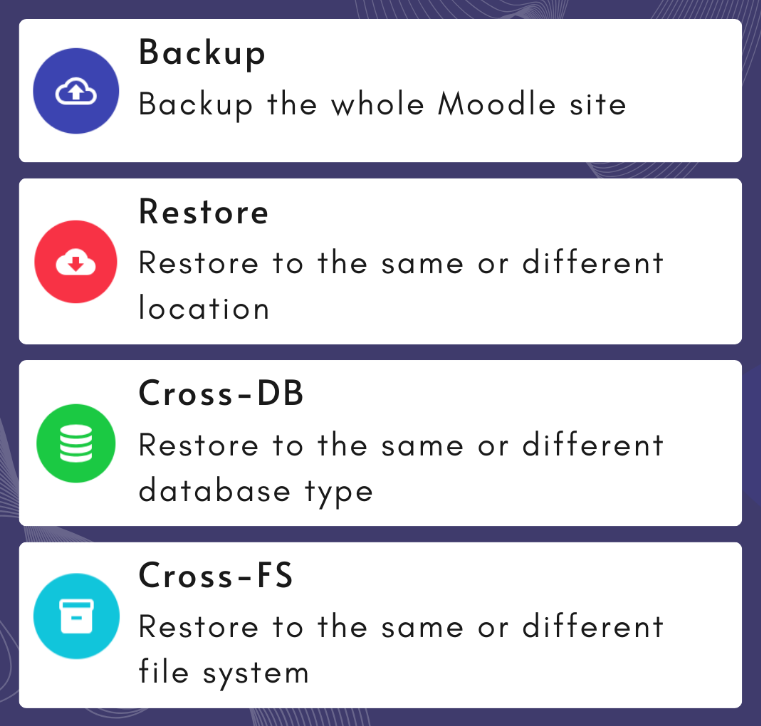
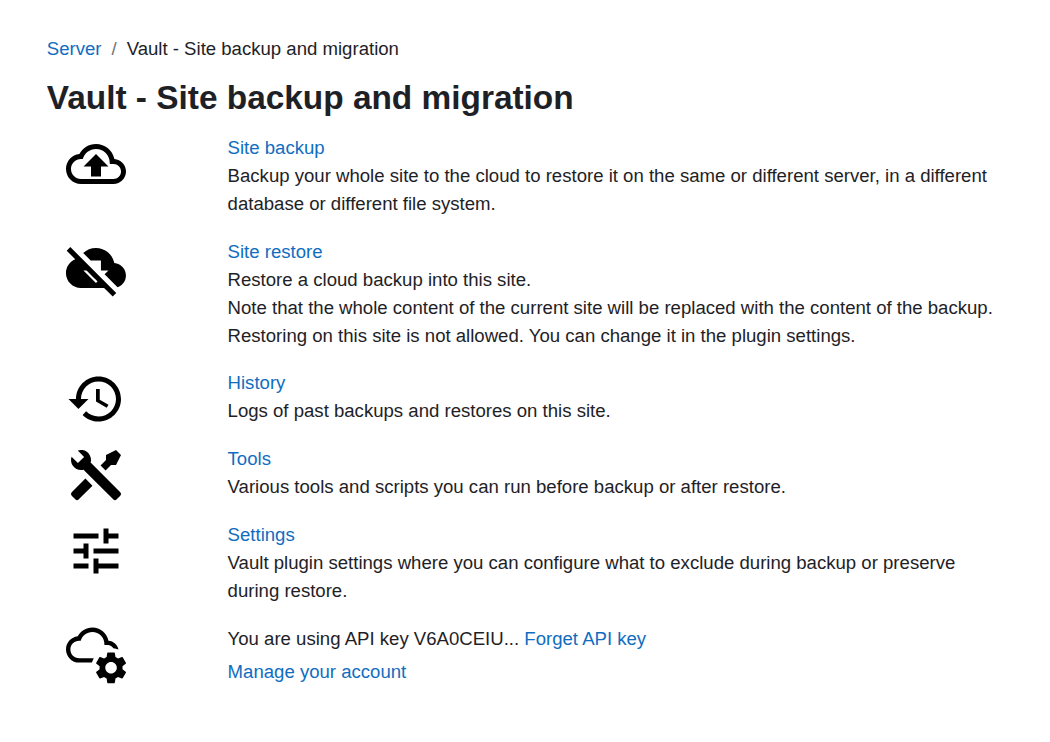
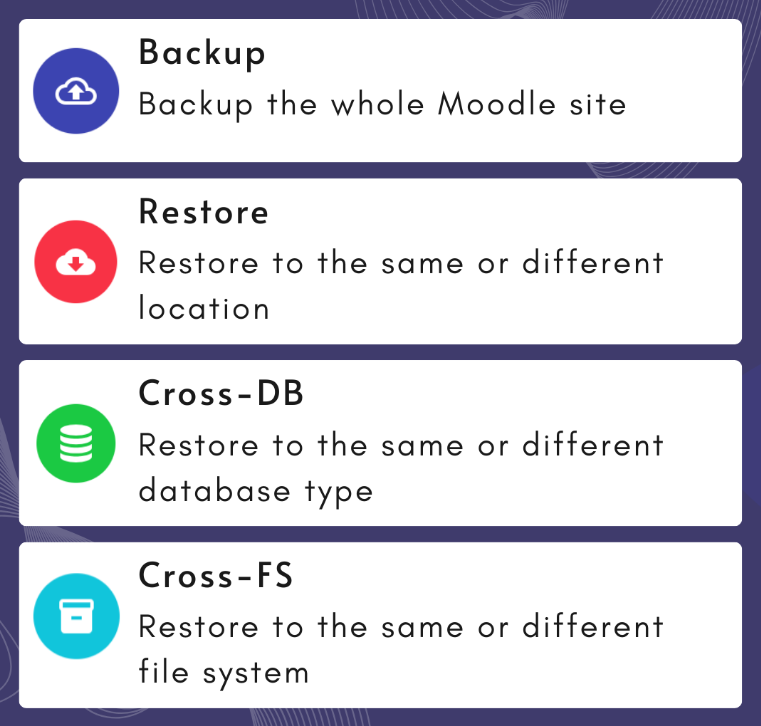
Vault allows you to make a full backup of the site, push it to the cloud and then restore on any Moodle site.
Features:
- Vault will export and import database structure, schema modifications, tables content and sequences.
- Vault can restore not only into a different DB version but also into a different DB type (i.e. from mysql to postgres or vice versa);
- Vault plugin does not need to have access to mysqldump or pgdump, the database will be exported using Moodle DML.
- Vault will export and import all files, regardless of the file system (local disk, S3, etc), the file system on the restored site can be different from the backup site;
- Vault will export and import additional folders in the dataroot.
- After restore Vault will perform some necessary post-restore actions, for example, purge caches, kill all sessions, optionally reset site identifier, optionally uninstall missing plugins etc.
- Vault can immediate upgrade your site after restore, it also contains all upgrade scripts removed from Moodle, which means you can upgrade from and to any version tool_vault supports, for example make a backup in Moodle 3.9 and restore it into 5.1.
- Vault does not back up or restore Moodle code or add-on plugins code.
- Vault does not back up or restore its own tables and configuration.
- Other plugins can be excluded during backup/restore (with some limitations).
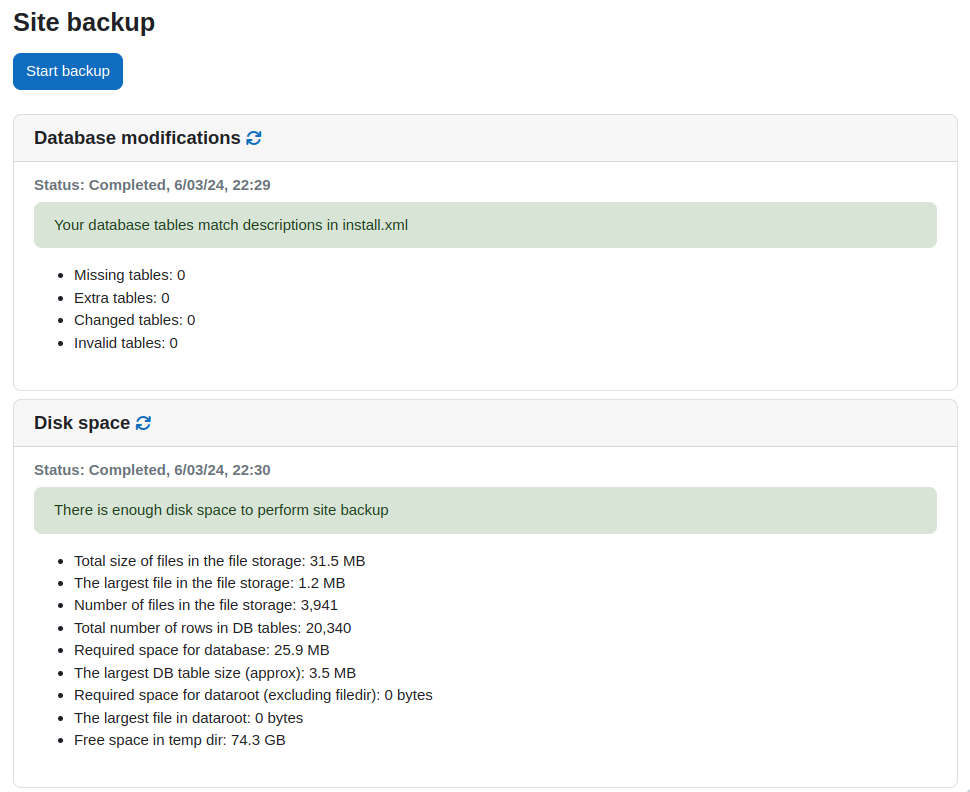
- Vault packages and transfers data in batches, for the large sites you only need several GBs of temporary disk space.
- All data transferred to or from tool_vault is encrypted during transit using SSL/TLS.
- In some plans, you may choose to set a passphrase during backup which will be used to encrypt data stored at rest in the cloud. Vault API never has access to your passphrase, it is only used to sign the requests to Amazon S3.
https://youtu.be/6TKwDq6zb7Q
Requirements:
- The site where you restore must have Moodle installed, it can be a fresh installation;
- Plugin tool_vault must be installed on both sites - where you back up and where you restore;
- The site where you are restoring to must have the same or higher Moodle version than the backed up site;
- Supported databases - postgres, mysql and mariadb. Other database types are not yet supported;
- You need to have enough space in your temp folder on the backed up site and enough space to store downloaded files on the site where you plan to restore.
https://youtu.be/ovrw5ryQgWc