
Maintained by
Marc Català, Albert Gasset
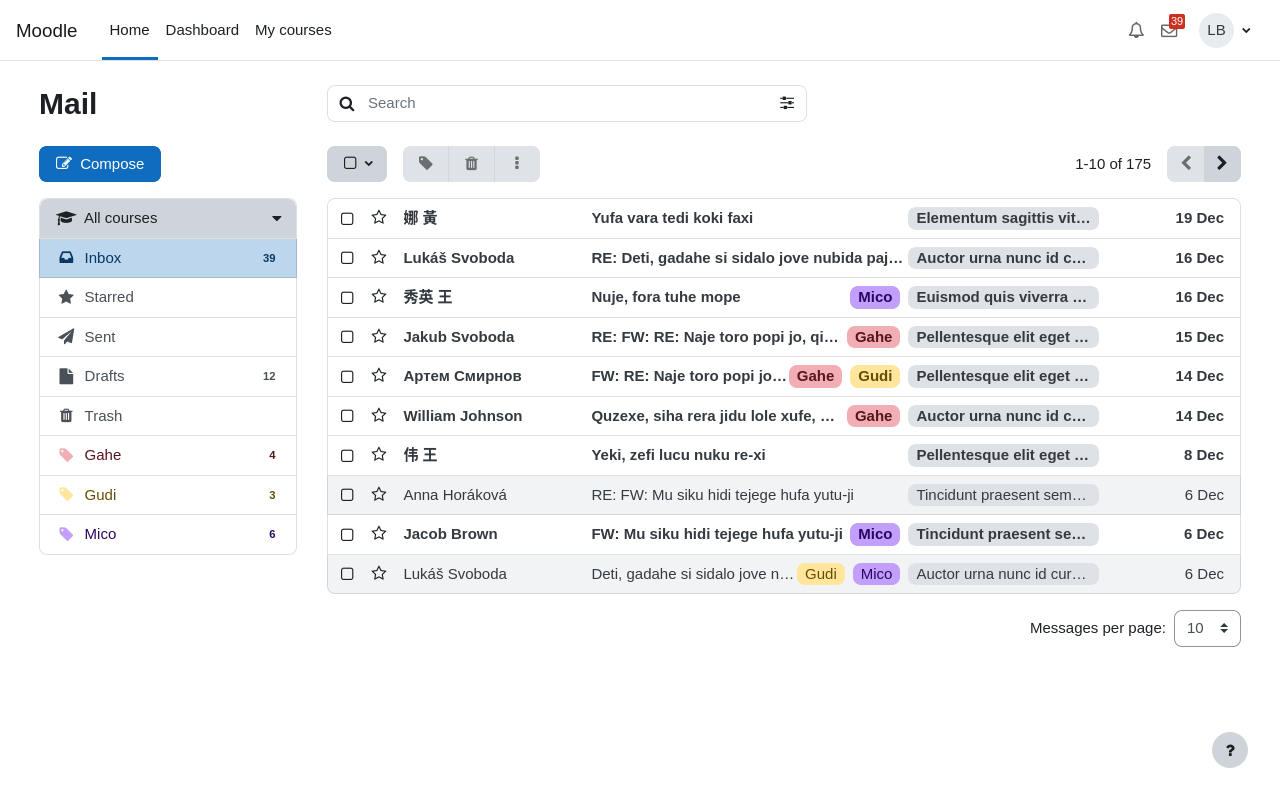
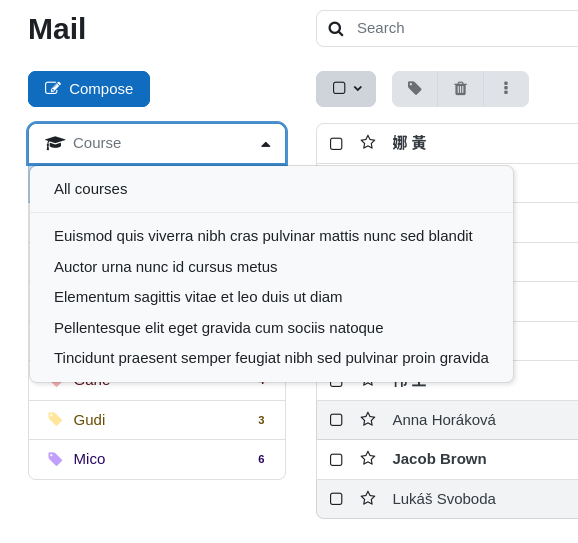
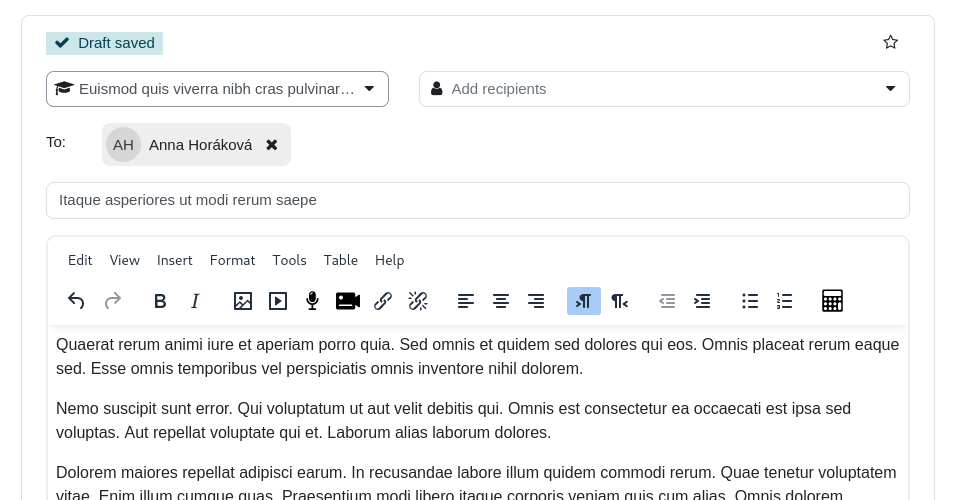
Internal course messaging with a webmail-like interface


Comments
Comments are no longer open for new posts. Existing comments remain available to read.
Gracias por su trabajo en este plugin. Quisiera preguntarles si es compatible para usar en la aplicación movil de Moodle.
Muchas gracias.
Thank you for this amazing feature. I have a question. Is this plugin compatible to use in the Moodle Mobile App?
Thank you
Mail utiliza las notificaciones de Moodle, por lo que cada usuario puede configurar en sus preferencias dónde quiere recibirlas.
En las «Preferencias de notificación» tenéis la sección «Correo» y la opción «Notificación de correo recibido», allí cada usuario ha de marcar que quiere recibir las notificaciones al «Email».
Saludos
Gracias por el plugin, es muy útil.
La única cosa que echamos de menos, y quería saber si es posible, es que cuando se envíe un email a través del plugin envíe una copia del email o una notificación al correo personal del alumno. ¿Es posible?
El problema que tenemos es que solo son conscientes de la recepción de los emails cuando entran en la plataforma, por lo que no podemos utilizarlo para muchas cosas.
Muchas gracias!!
It's not possible to restrict adding users only to CC.
In case students are not allowed to view other profiles you have to set capability "moodle/user:viewdetails" to Not set.
Cheers
For the feature you request, it's doable but we have to think about it. I hope next year Mail will be updated and some of your new features requests could be added.
Mail has the capability "local/mail:usemail" that allows to enable or disable the use of Mail in any course.
Cheers
Is there a way (in the settings) that we only allow CC to be selected when sending out emails?
We had the excellent plugin a little while back in which was close to a security breach. When staff sent emails out to the students, it add all the participants who were sent the email. This allowing others to click on their names in the email and view their Moodle profile information.
Staff have begged for the plugin to be reinstated.
As system administrator for moodle at Mid Sweden University in Sweden, I have received requests from teaching staff that they want to be able to activate, out of office response message when students send messages to them, is this something that could be developed?
Alternatively, teachers ask if it would be possible to disable local_mail for individual courses, where teachers themselves can activate or deactivate the function per course
Greetings
Michael Andersson
Mid Sweden University
Sweden
Escribo para trasladarles una sugerencia que nos han hecho llegar nuestros usuarios, que es la posibilidad de añadir la opción de programar los envíos.
Un saludo.
Hola, excelente Plugin, pero he tenido la oportunidad de usarlo debido a este error
"EXCEPCIÓN - CLASS 'CORE_USER\FIELDS' NOT FOUND
MÁS INFORMACIÓN SOBRE ESTE ERROR"
Me ocurre lo mismo que a Jesús Fuente, en la version 3.10 no me aparece por ningun sitio el acceso a mail ni el menu de entrada, redactar,etc. ¿Como puedo hacerlo visible?
Gracias por vuestro trabajo.
Saludos.
Tenemos la versión de Moodle 3.5.3 y hace unos días actualicé a la versión 1.9.10 de este plugin y nos pasa lo mismo que a otro usuario: "todos los mails anteriores aparecen con fecha equivocada. Están desfasados un año. Si mando un correo nuevo, aparece bien la fecha. El problema es con mails viejos". Tampoco se ven los mails enviados.
Qué podrá ser? O cómo puedo solucionarlo?
Gracias.