
Maintained by
Marc Català, Albert Gasset
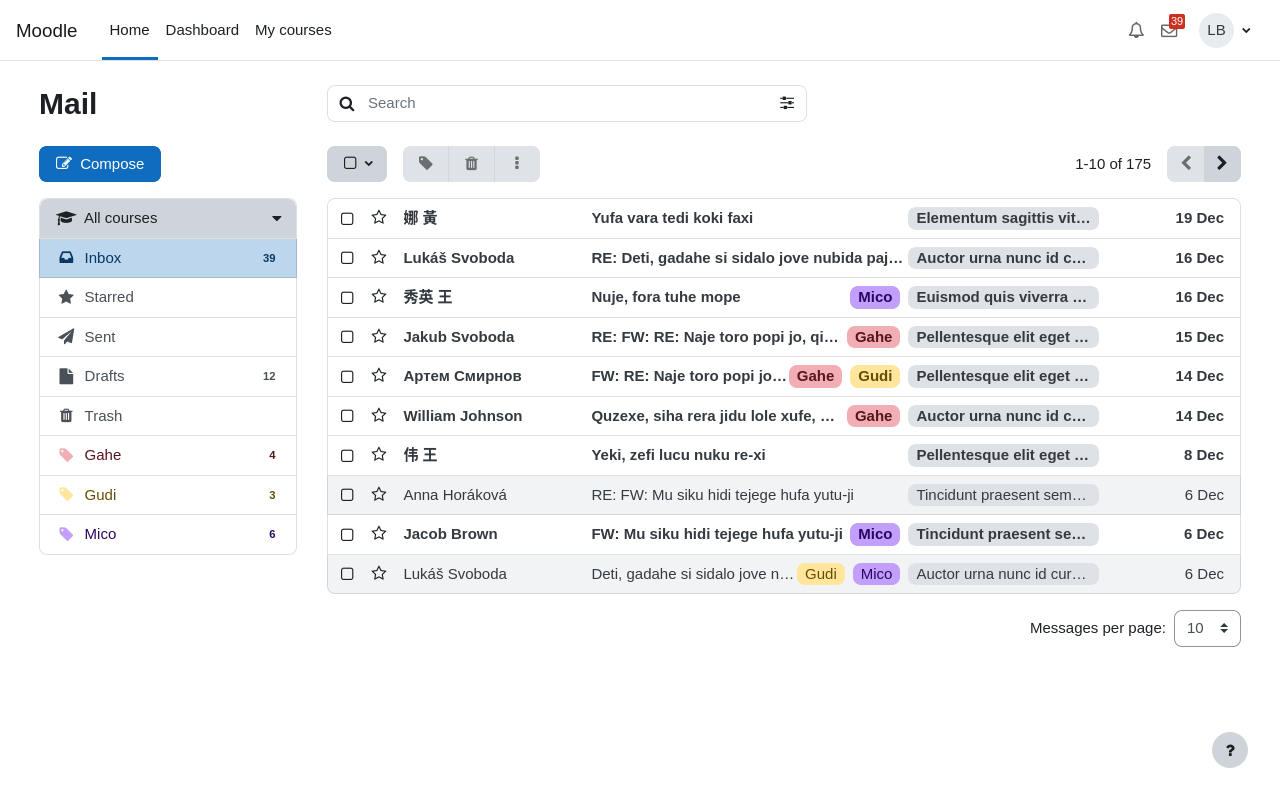
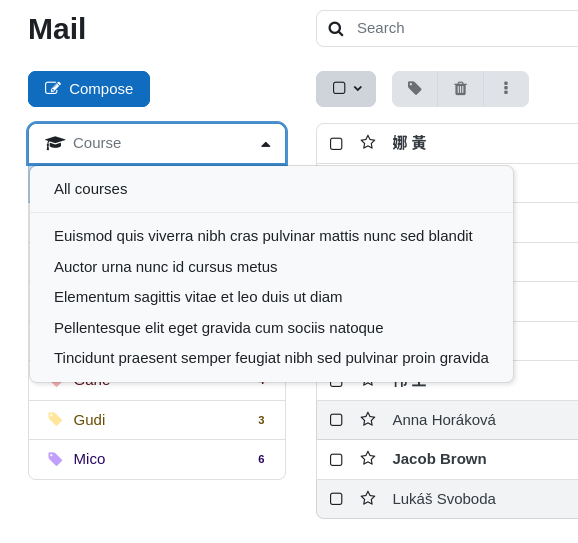
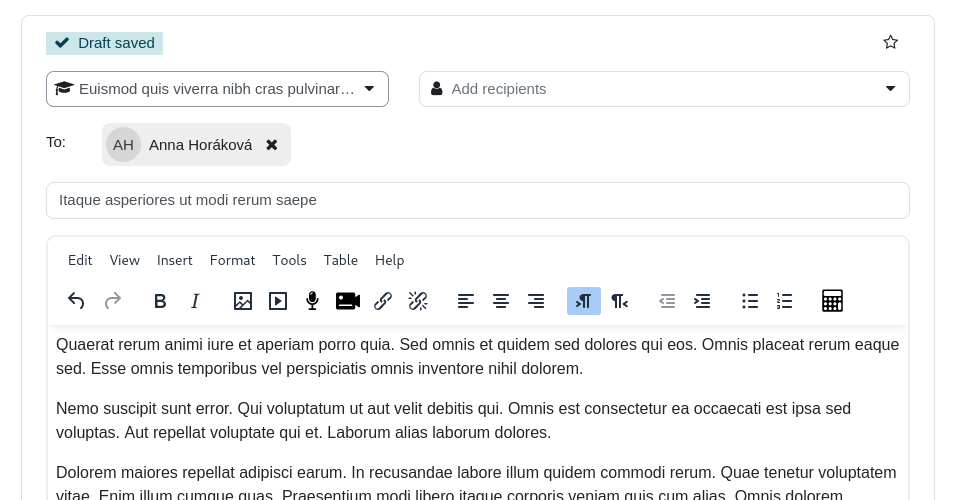
Internal course messaging with a webmail-like interface


Comments
Comments are no longer open for new posts. Existing comments remain available to read.
If all your users are using Boost theme and only the new ones can't see local mail icon, it seems a problem related to their user's profile.
Mail don't show its icon to users that:
- has empty firstname, lastname, email or have exceeded the bounce threshold (too many failures sending emails)
- are required to change their password
- have not agreed to sitepolicy (if it's defined)
Cheers
we have installed the plugin "local mail" since a few years. In the past all users could use the mail icon (local mail) in the top bar to write an e-mail. Now that icon is gone for newly registered users (existing ones still see it) and I cant find out why.
We also changed themes from Aardvark to boost. All new registrations will not see the icon. Regardless of the role.
Moodle version: Moodle 3.8.5+ (Build: 20201009)
Theme: Boost
Any idea what I can do?
En cursos con grupos separados nos es muy cómodo poder realizar envíos a un grupo, pero además nos sería de gran ayuda si en la bandeja de entrada pudiéramos organizar los mensajes recibidos clasificándolos también por el grupo al que pertenezca su emisor.
De momento estamos aplicando etiquetas a cada mensaje recibido para que poder tener esa información a la vista, pero sería estupendo si después permitiera ordenar y/o filtrar mensajes en base a este dato. Si apareciera el grupo al que pertenecen sin necesidad de etiquetarlo a mano, sería otro importante avance.
¿Existe la forma de hacerlo?
Muchas gracias por todo.
Actualmente solo se pueden borrar los mensajes de la base de datos de dos maneras:
* Borrando los cursos
* Eliminando el plugin
En el caso que quieras borrar todos los mensajes del moodle, te recomiendo que elimines el plugin y lo vuelvas a instalar.
Saludos
Saludos
Debes quitar el permiso mailsamerole al rol de alumno, des esta manera los alumnos no se podran enviar mensajes entre ellos.
Saludos
¿Hay alguna forma de que los alumnos únicamente puedan enviar mensajes al profesor? Actualmente les aparece la lista completa de usuarios del curso y pueden escribir a todos. Gracias por adelantado
La solución que di era un arreglo temporal para enviar correos desde un enlace. El método que explico está más pensado para ser utilizado por un plugin «que tiene acceso interno a la sesskey» y puede generar el enlace dinámicamente.
Mail permite enviar mensajes a uno a varios destinatarios desde el perfil del usuario y la lista de participantes del curso, pero la mensajería de Moodle debe estar desactivada. Viendo los cambios en la mensajería hechos desde la versión 3.2, creo que ya va siendo hora de quitar esta limitación y permitir seleccionar los destinatarios desde el perfil y lista de participantes con la mensajería activada.
Aprovecharé para hacer limpieza en el código del plugin y subiré una nueva versión en unos días con la eliminación de la restricción de la mensajería Moodle.
Saludos
There is no configuration setting to send attached files within a notification, each plugin has to implement this feature.
Moodle notification system allows to send only one file. Due this behavior we believe is better not to attach any file until Moodle fixes it.
Feel free to vote for MDL-43591 tracker issue, which will fix this problem.
Cheers
Tengo una consulta sobre esto:
"Para obtener este valor por parte del usuario, primero se tiene que estar identificado dentro de Moodle, luego hay que acceder al código fuente de una página (clic derecho del ratón en la página y seleccionar ver código fuente), dentro del código de la página HTML hay que buscar la cadena sesskey, una vez la encuentres copia la cadena con el contenido de la sesskey y sustitúyela en la url que os he proporcionado."
Me funciona OK, pero cada vez que ingreso al sitio, la sesskey cambia y deja de funcionarme el acceso y al hacer click en el enlace, me da el error de que la sesskey es incorrecta...
Hay alguna solución para esto?. Desde ya te agradezco. Saludos cordiales.
Mauro
I installed it on a 3.9+ site and it worked right away, which I am very greatful for.
Thanks again!
I have checked and there is no "Mail received notification" option available.
https://drive.google.com/file/d/1CF3M0aDCsKZ-6B9-q_xkSZXL3eDbp__E/view?usp=sharing
https://drive.google.com/file/d/1X9E-V5k_QJ0huQpG3Iqx_T5UJacsyeNF/view?usp=sharing
https://drive.google.com/file/d/1AF3ohlrwE6FHLgW8aOYWkc-KISymrK1N/view?usp=sharing
https://drive.google.com/file/d/1E4SC1pMsisGbxXp_xxOT1Rag3cP5GOXM/view?usp=sharing
Cheers
I've take a look at your screenshots and Mail notifications are not present, it's really odd.
If you have admin rights on your site, go to Site Administration/Messaging/Notification settings and check if "Mail received notification" exists and is enabled.
Cheers
Thanks for reply.
The Mail (local Mail) section configuration is not available in Moodle 3.9.1+ notification preferences page. Please see the screenshot shared image
https://drive.google.com/file/d/100Ms8ZAmmIyW20LwsTBWBnod080U6jcL/view?usp=sharing
https://drive.google.com/file/d/1FAge9sdKCggM37AarCismajUMKSl8DB5/view?usp=sharing
I have turned ON all of the notifications for trying, but it didn't work. I received the Mail message on Moodle site but not on user personal gmail inbox.
Cheers
Yes, but depends on your notification configuration.
You need to go to notification preferences page, and in Mail (local Mail) section configure 'Mail received notification' to receive a notification to your Email when you have a new mail and you're online, offline or both.
Cheers