Deferred feedback with explanation
Maintained by
Tim Hunt, Anupama Sarjoshi
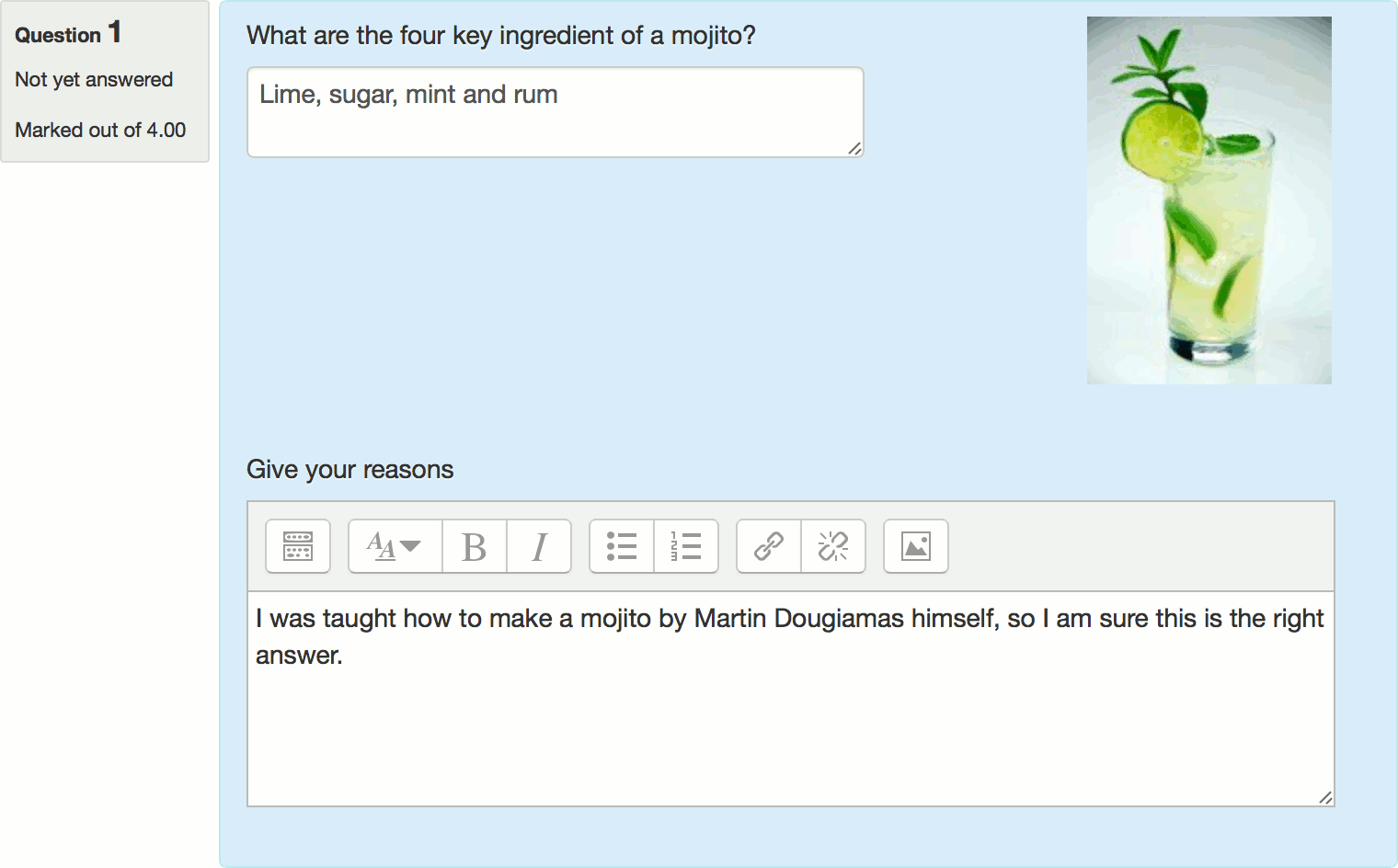
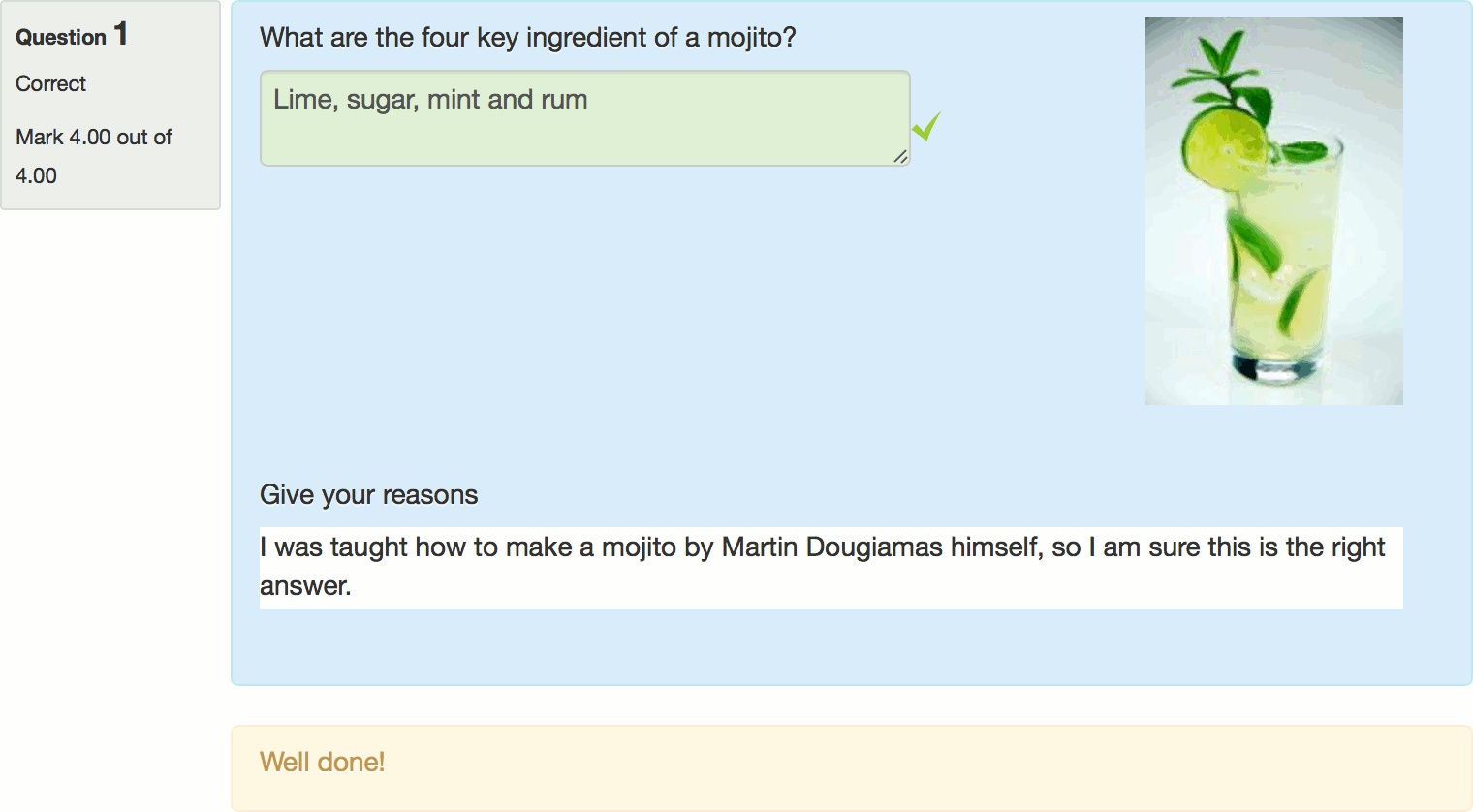
This question behaviour is just like deferred feedback, but with an additional input box where students can give a reason why they gave the answer they did.
Comments
Comments are no longer open for new posts. Existing comments remain available to read.
is this also working with 4.5? We are using it now with 4.1.x with no problems.
Best regards
Sebastian
1. This is a fundametal issue with behaviours in Moodle. The way it works at the moment, you can only choose the behaviour for automatically graded questions. This needs to be fixed, and is on my todo list, but it is not obvious how to deal with it, so it has not happened yet. Anwyay, the OU wants this too.
2. I think the issue with removing question behaviours is: Moodle will only let you remove the plugin if there are no question-attempts that use that behaviour. That is becuase, things would break if you remove a plugin that is required to review a particular quiz attempt. So, if you delete all the quiz attempts, then you can uninstall the plugin. Otherwise you can't. What you can do, on Manage question behaviours, is disable the plugin, which means that it can no longer be selected when editing quiz settings.
We evaluated this plugin for the use of commenting on questions in exams regarding quality of the question. A student might note down why he/she is confused by the question and the teacher might use this information to improve his style of asking question in future exams.
It is very helpful that I can change the text and lable of the explanation via language file in these regards!
We missed the possibility of commenting on open ended questions (like the essay question) and wondered, if there is a chance you would implement this possibility?
We also wanted to see how easy it is to uninstall the plugin in case we decide to no longer use it in the future. It turned out that this is by no means easy. Also checking github we did not find any instructions on uninstalling the question behaviour. Could you give us some advice on this?
Best regards,
Antonia
I'm asking because if this was possible, students could use the sketch ability in the editor (drawings) to explain their own thinking in mathematical questions.
At the moment I'm using an additional free text question to achieve this goal, but implementing it directly into your plugin would be much more elegant.
Thank you for this plugin!
A question: there is any page/report where the teacher can see the additional feedback in a concentrated form?
Am I right that this will get the job done? Is there another way that would be easier? If the answers are yes and no respectively I'll push the button ASAP. Thanks!
When I choose Deferred feedback with explanation option in quiz settings it adds the "Give your reasons" option to all the questions in quiz, is there any option to deactivate it for some of the questions?
Thanks in advance