Accredible Certificates and Badges icon

Accredible Certificates and Badges

Maintained by Accredible Inc, David King
Accredible lets you issue digital certificates, open badges, or Blockchain credentials from your Moodle instance. They are a feature-rich replacement for the PDF certificates normally generated for your courses.
Price option: Free

Supports Moodle 2.7-5.1 See all versions
Latest release: 1 month ago
Installations: 616
Downloads (last 90 days): 252

Frankenstyle name: mod_accredible
Activities

Description

The Accredible platform lets you automatically create, manage, and distribute digital certificates or open badges directly from your Moodle instance.

Digital certificates and badges help maximize the value from your training or certification program.

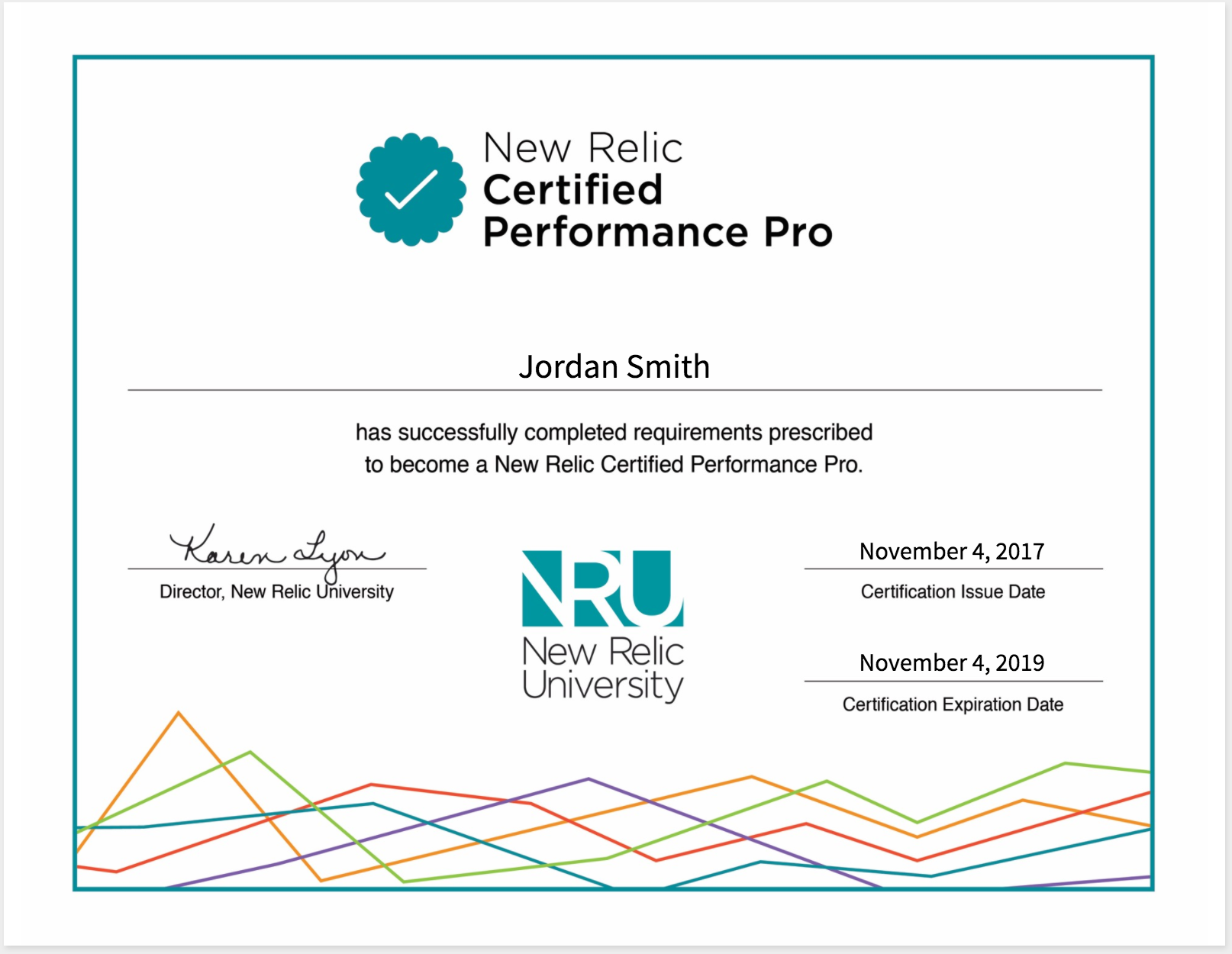
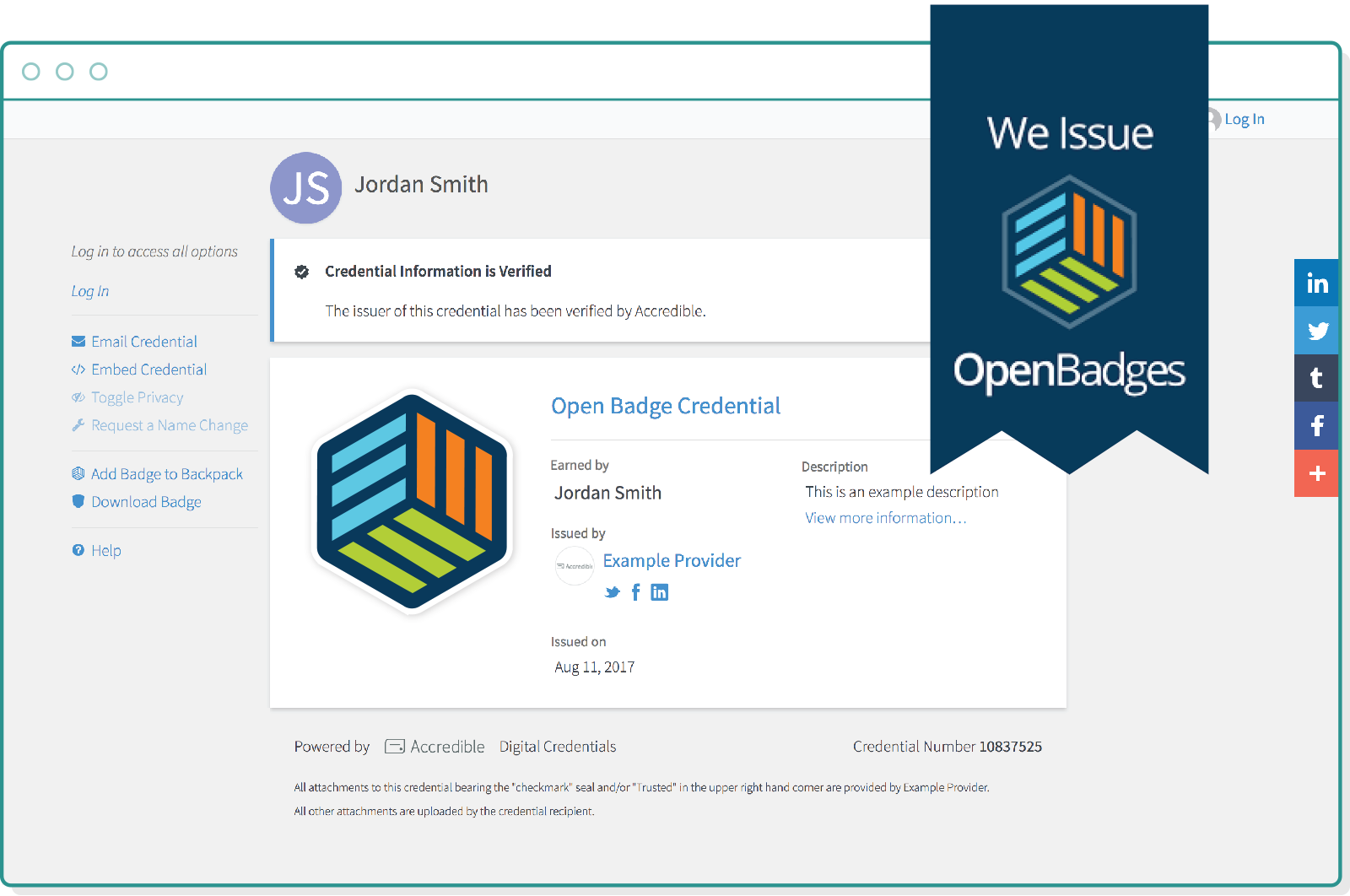
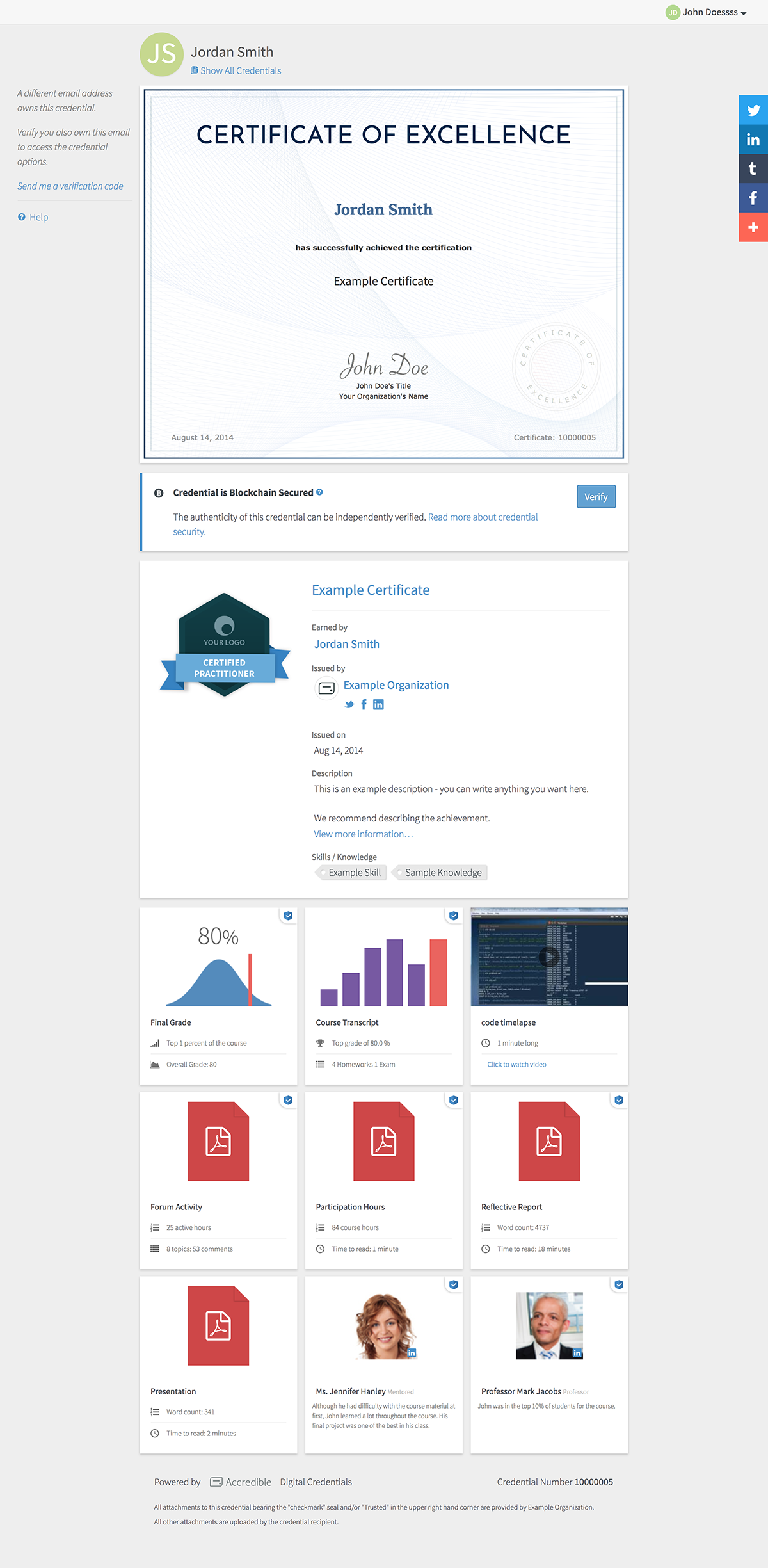
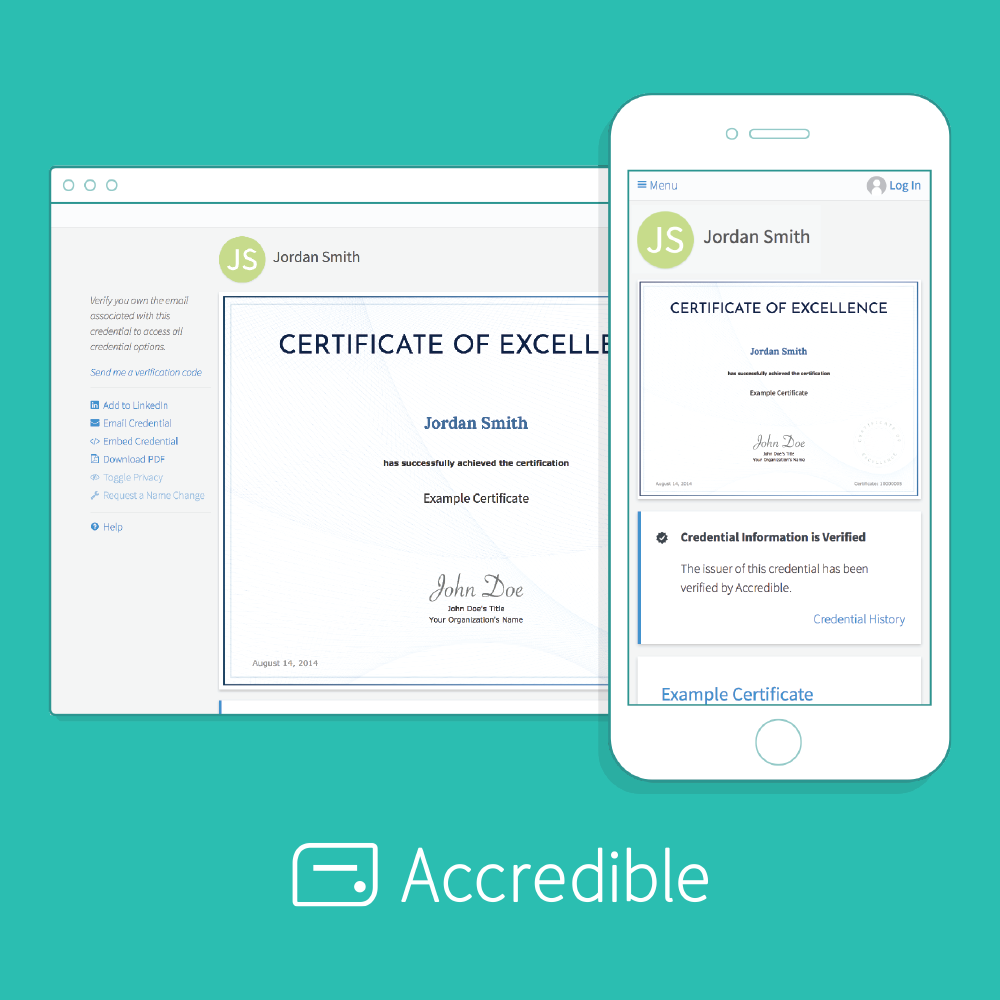
Accredible credential on mobile and desktop views


Not Just a PDF

Create amazing certificate designs with complete control over the design and branding.  Or alternatively, create digital badge designs with our badge designer to recognize your learners' achievements. 


Certificate design editor in use


Digital certificates and badges are more secure than PDFs - their authenticity can be verified at any time on their own unique URL. They are more accessible and share-able via social media, directing interested viewers back towards your learners' achievements and your course information. Track recipient engagement to see shares, additional traffic to your webpage. And, still allow students to save and print a PDF for their wall at home.

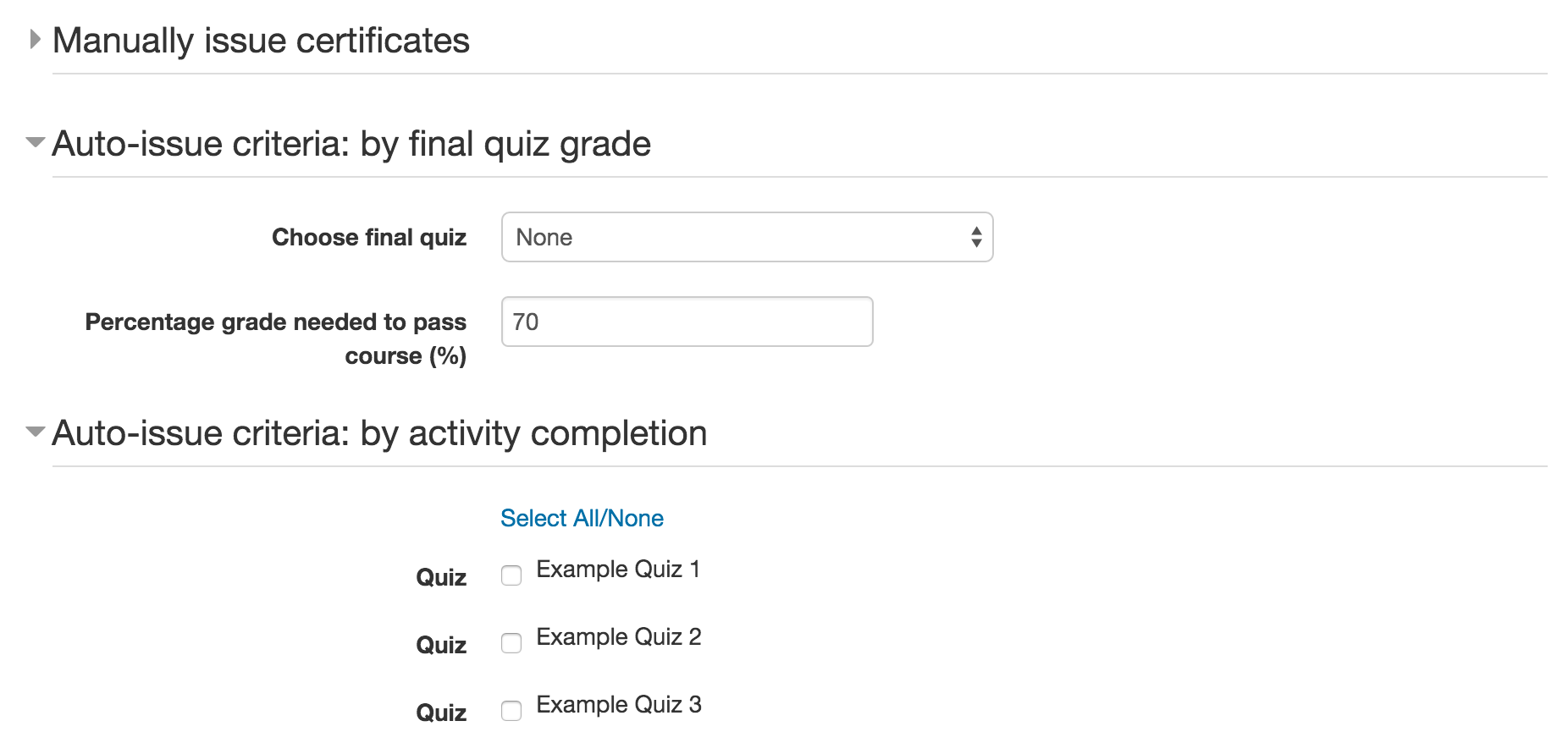
Issue them automatically based on activity completion or final grade in Moodle and update their appearance at any time afterwards.


View an example certificate and badge: https://www.credential.net/example

Getting Started

  1. You will first need an Accredible account. You can sign up for a free trial at dashboard.accredible.com/issuer/sign_up.
  2. Add the plugin to your mod folder from here, or from the repo on Github.
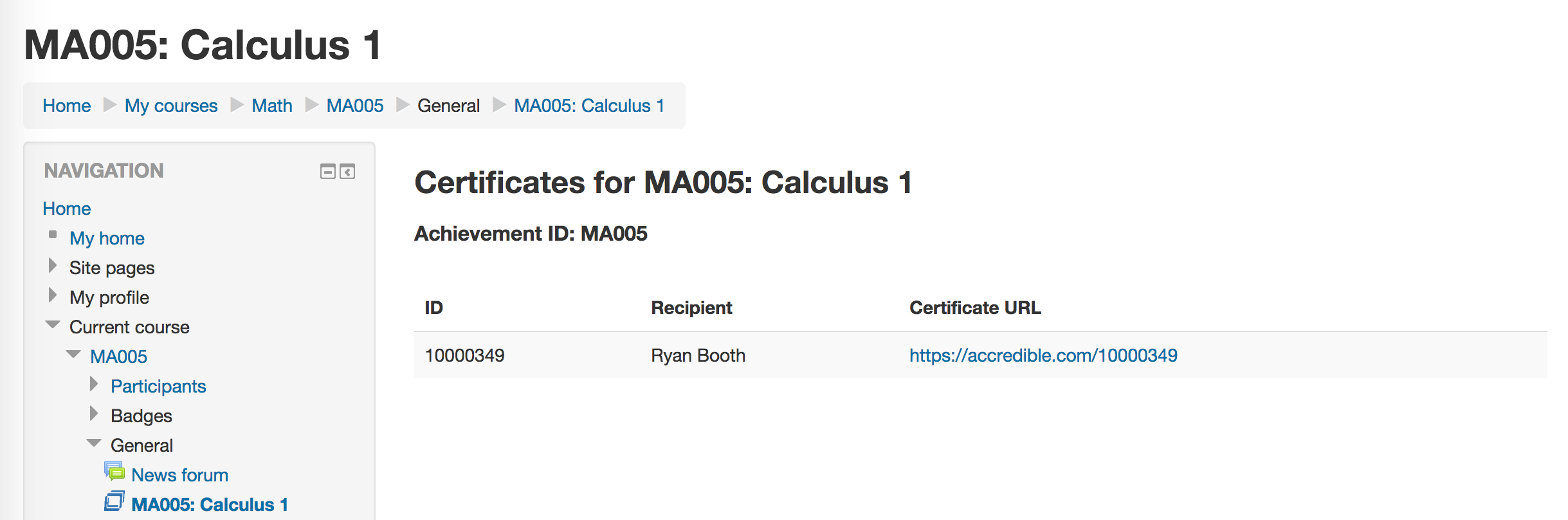
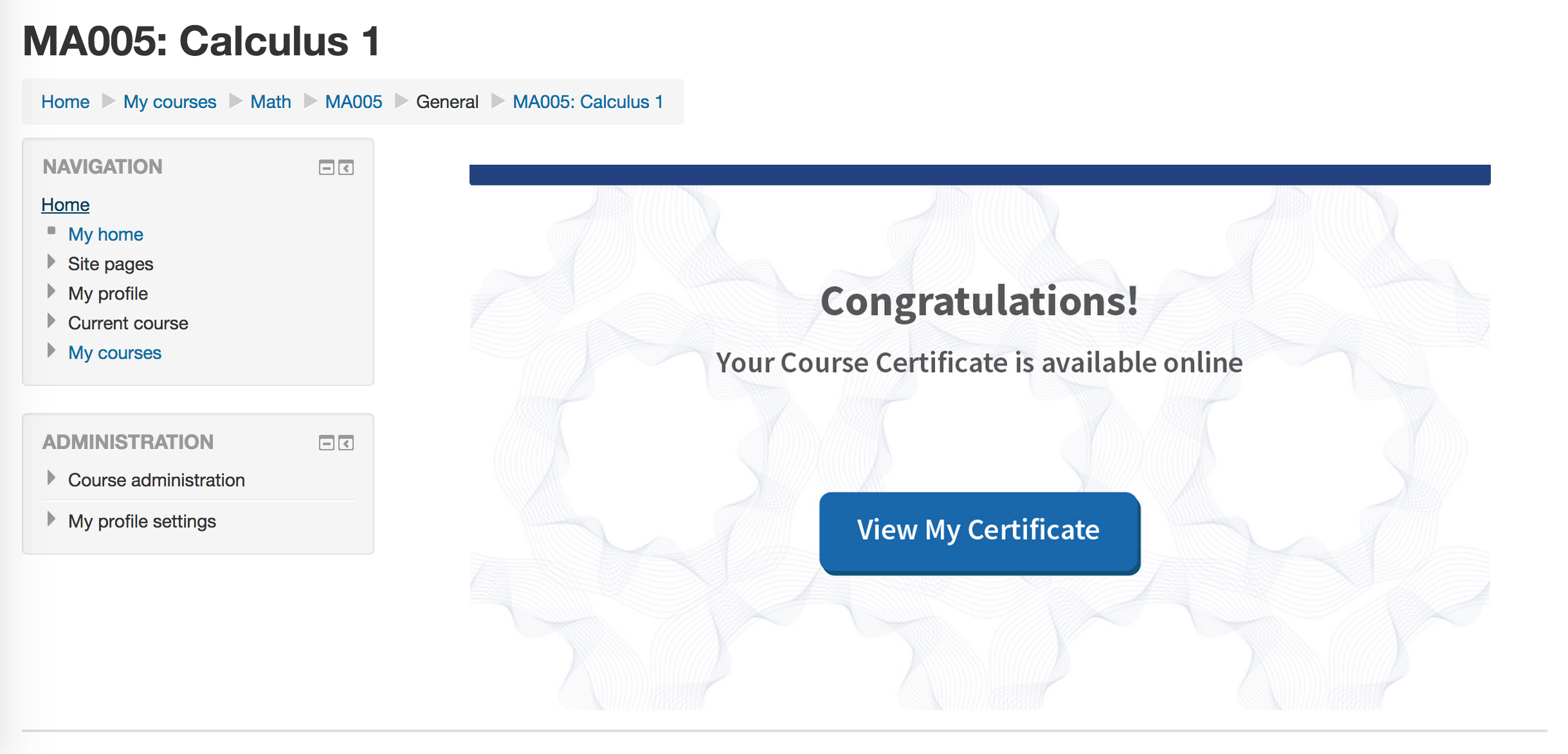
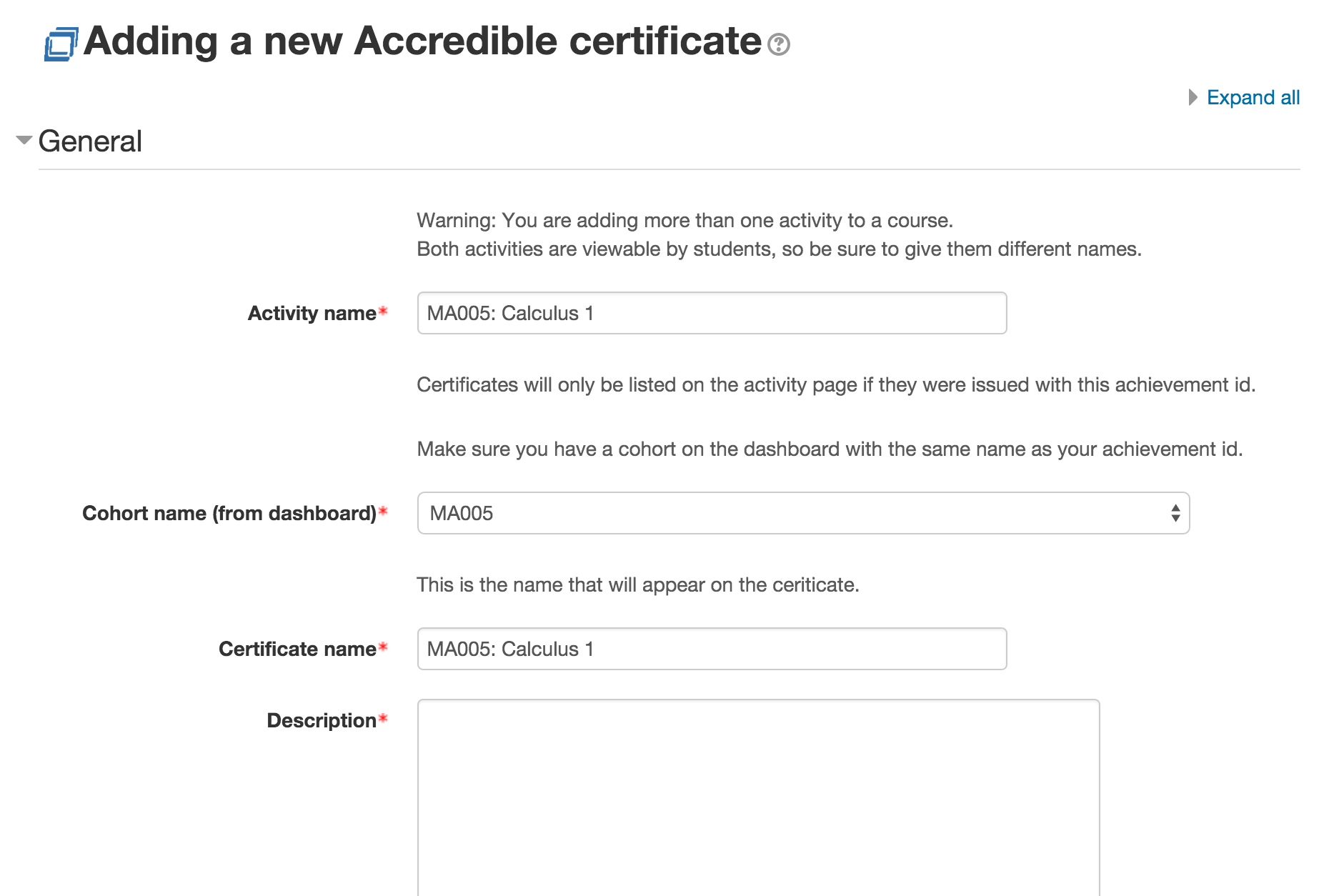
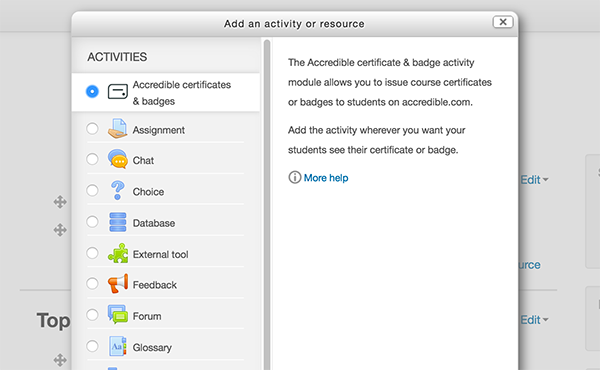
  3. Set up a certificate/badge activity on the course you've chosen.

For detailed setup instructions, please view our documentation here: https://github.com/accredible/moodle-mod_accredible


Features

  • Full-featured Certificate designer and Badge Designer
  • OpenBadge compliant
  • Engagement Analytics dashboard
  • Update certificates with additional information, or design at any time
  • Attractive recipient view displays collection of recipient's credentials
  • Manually or Automatically email students upon completion criteria

View an overview of the badge and certificate features of this Moodle plugin, or all Accredible features.

*If you are located in EU, you will need to check the box for EU users during the plugin setup, which you can also access under plugin settings.

Contact accredible at support@accredible.com if you have any questions or ideas for improvements.

Contributors

Awards

Early bird 3.2
Early bird 3.5
Automated testing support
Privacy friendly