BCU
Maintained by
Jez H, Mike Grant
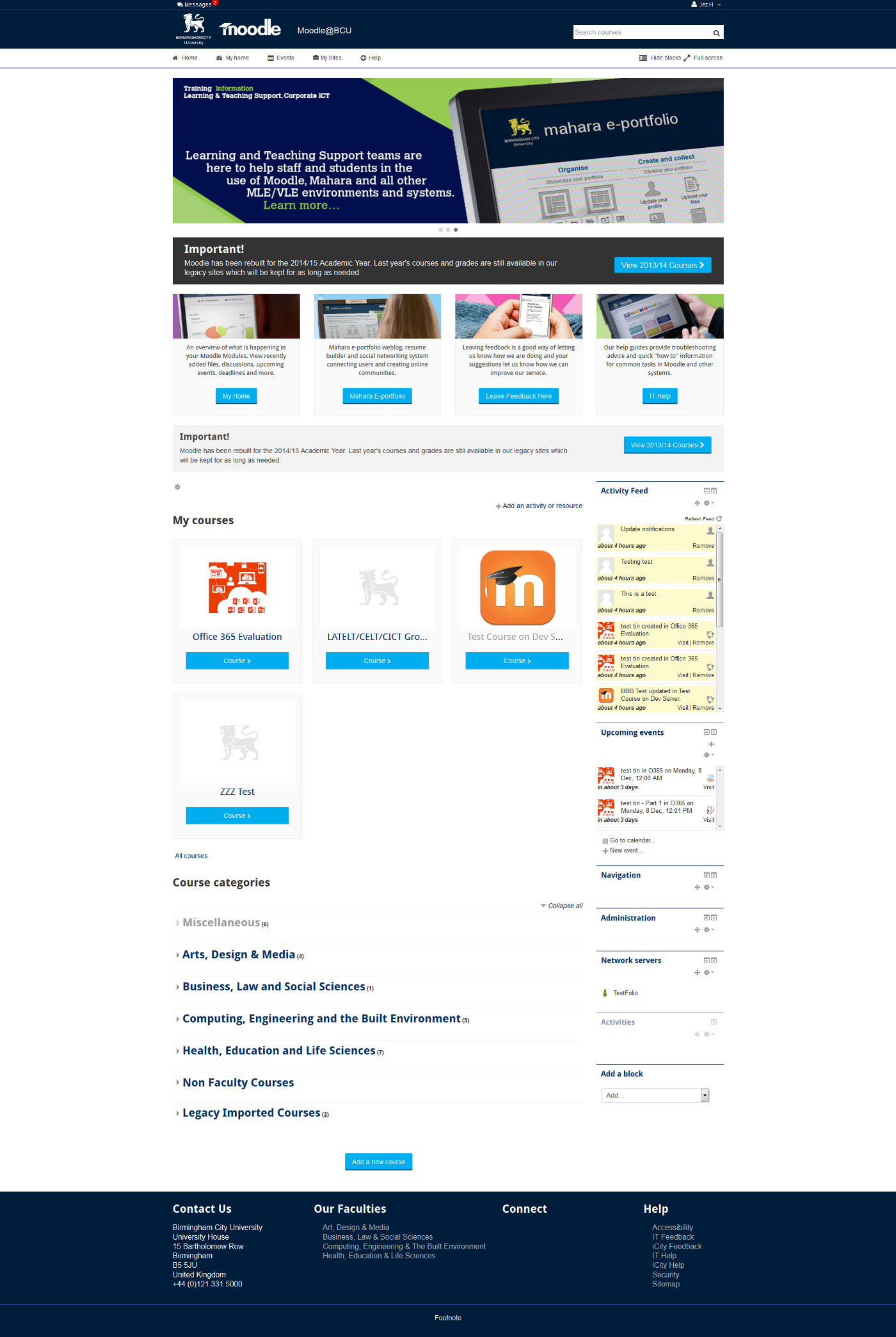
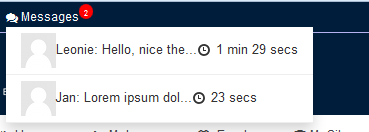
This is the theme from the moodle site of Birmingham City University. It's based on bootstrap and allows for extensive customisation and some unique features to help improve Moodle's usability.


Comments
Comments are no longer open for new posts. Existing comments remain available to read.
I am not sure how it works. The alternative is to create a Spanish Lang folder. To do this copy theme_bcu.php from the Lang/en folder and add to a new es folder
lang/es/theme_bcu.php
I've just updated the spanish language pack in my site, but there are no changes in these strings.
Maybe I have to wait mainteiners' approving?
I've just translated the strings in AMOS.
How can I use these translations in my site? Should I reinstall the theme?
Last thing, do you know where can I change the text of "Hide blocks", "Full screen" or "This course"? I don't know how to change it.
Does anybody know?
Thanks in advance!
Check out how it is done in essential or elegance themes
https://docs.moodle.org/dev/jQuery#Examples
Thanks for letting me know about this, I'll get them sorted for the next version!
Wrong: Change the logo of this theme by entering the URL to a new one (i.e.,
I´ve translated "Events", "My sites", "People" and "Grades" .
But I don't know how to translate "Hide blocks", "Full screen" and "This course". I've found the strings:
get_string('hideblocks', 'theme_bcu')
get_string('showblocks', 'theme_bcu')
get_string('fullscreen', 'theme_bcu')
get_string('standardview', 'theme_bcu')
Where can I change that text?
Thanks a lot in advance!!
I'll fix that for the next release so that they can be translated like normal.
My apologies and thanks for bringing this to my attention