BCU
Maintained by
Jez H, Mike Grant
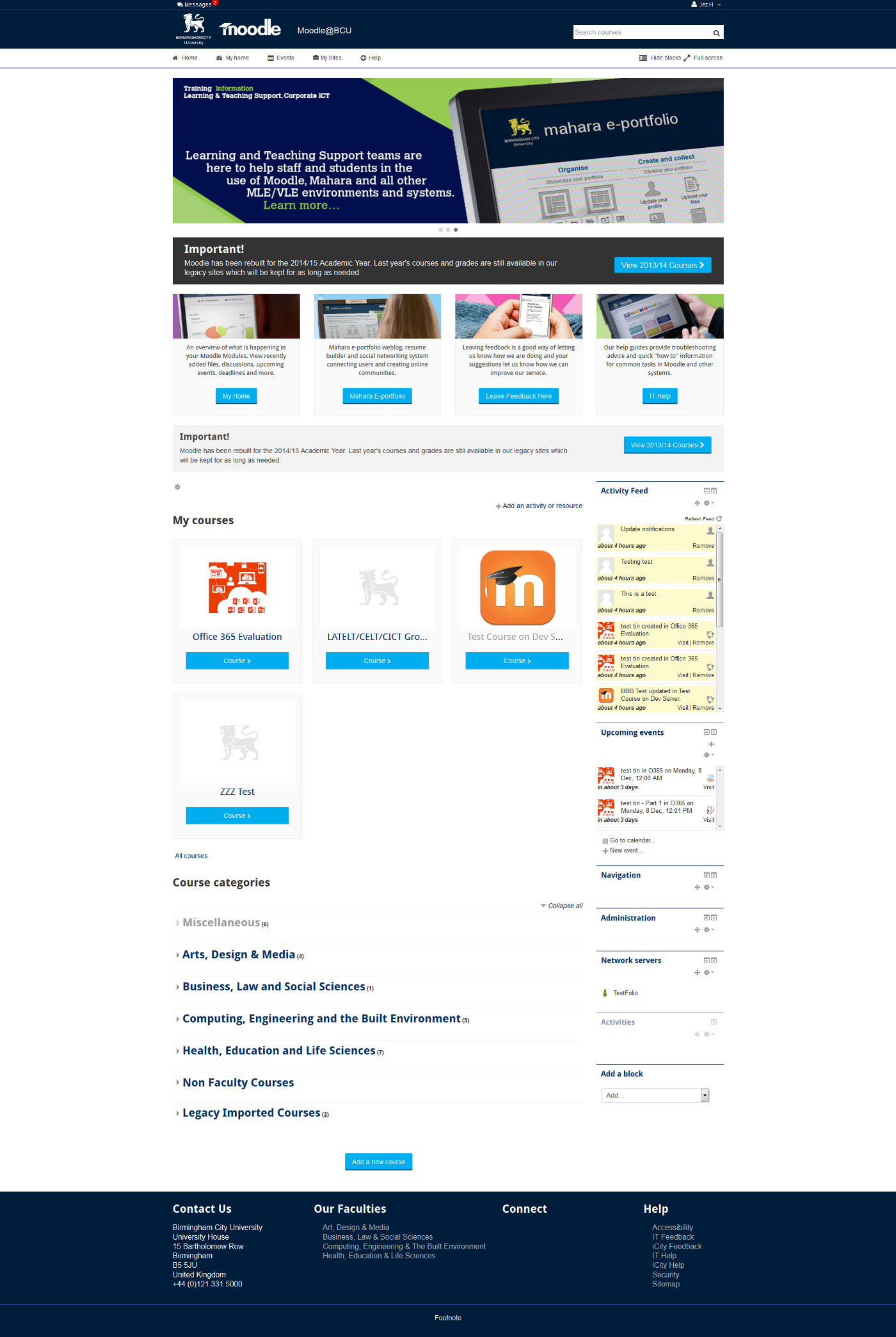
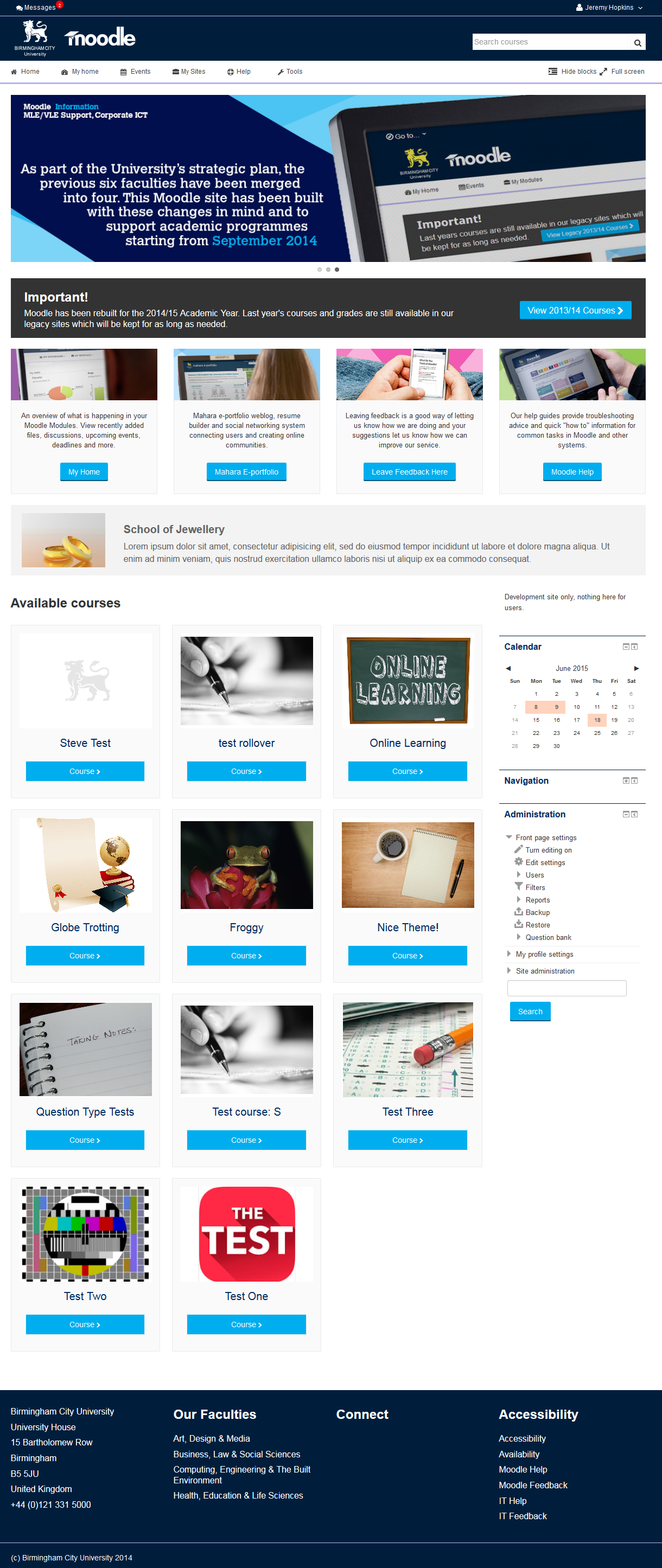
This is the theme from the moodle site of Birmingham City University. It's based on bootstrap and allows for extensive customisation and some unique features to help improve Moodle's usability.

Comments
Comments are no longer open for new posts. Existing comments remain available to read.
Thanks a lot and congrats for the theme.
Could you tell me in which file can I translate the buttons "Hide blocks", "Full screen", "Events" and My Sites"?
Thanks a lot in advance!!
You're more than welcome to make any changes you like to it. Fork the code, and make your changes that way you can keep getting updates from our repository
And unfortunately not for the blocks, you could always edit it to add a new block region.
Thanks
Not sure of the rules on the public themes but are you happy for me to edit the header code to put in a background image rather than just a solid colour.
Also, is it possible to enable blocks on both the left and right?
Doesnt look even to me without this.
Thanks,
Great theme - thanks so much for offering this to the community.
Quick question - is there a way to make the default state of the theme fullscreen instead of standard view? I tried to find the javascript that triggered the change but I couldn't find it.
Thanks!
Paul
When will you be adding the option to disable the tiled view and revert to the default Moodle method of rendering a list which will show more text.
Nice theme!
How can I translate the buttons "Hide blocks", "Full screen", "Events" and My Sites"?
I am afraid you cannot upload images through the text editor there. You will have to upload them somewhere else and link to them. That maybe something we can improve later on.
You can find html for adding these blocks in the readme file.
The full title will display if you hover over the tile.
@Ron, in your course settings look for a field called "summary files", if you add an image there it will show up in the tile on the front page.
The default tile image is set within the theme settings.
We use this theme with completion tracking and have not had a problem.
Can you check:
1) Completion tracking is enabled under site administration
2) Completion tracking is enabled in your course
3) It is enabled in your activities / resources
4) That it works in other themes like Clean (which you can change to in your user profile without affecting entire site)
If you get that far and it is working in Clean but not our theme we will need to get some more details from you to try and fix it.
If you check the latest version of the README.txt in our GIT repository there are some sample footer snippets you can try:
https://bitbucket.org/jezh/moodle-theme_bcu/src