Microsoft Services
Premium Certified Partner
Maintained by
Enovation Dev Team, James McQuillan, Zion Brewer, Nima Mojgani
This plugin is a shell plugin that has dependencies on all Microsoft Services plugins. This helps keep related plugins together.
Comments
Comments are no longer open for new posts. Existing comments remain available to read.
Download the zip from
https://github.com/at-tools/moodle-block_massaction/zipball/master
unzip it into the blocks folder, and then rename the new folder to massaction.
Once installed, capability "block/massaction:use" needs to be added to the roles/users
(e.g. teacher) in order for them to be able to use the block.
Why are simple directions like this missing from your plugin? This is an issue that has been happening ever since Microsoft enabled Moodle with Live@edu (way back with education labs) .
When you go to Moodle docs for guidance on how to install a plugin (https://docs.moodle.org/29/en/Installing_plugins#Installing_manually_at_the_server ) do you know the number of possible directories you can install a plugin into? Six! See below
First, establish the correct place in the Moodle code tree for the plugin type. Common locations are:
• /path/to/moodle/theme/ - themes
• /path/to/moodle/mod/ - activity modules and resources
• /path/to/moodle/blocks/ - sidebar blocks
• /path/to/moodle/question/type/ - question types
• /path/to/moodle/course/format/ - course formats
• /path/to/moodle/admin/report/ - admin reports
Since there is no info about which directory to upload it into I have to make an educated guess from the possibilities above, of which I have no idea. A guess is the /path/to/moodle/mod or /path/to/moodle/blocks but that means using more of my time than necessary to test and try things out until it works. We are all busy no time to decipher things here. I don't think it is too much to expect to be spoon fed here.
Update Moodle Docs (for all versions the plugin works on not just 2.7)
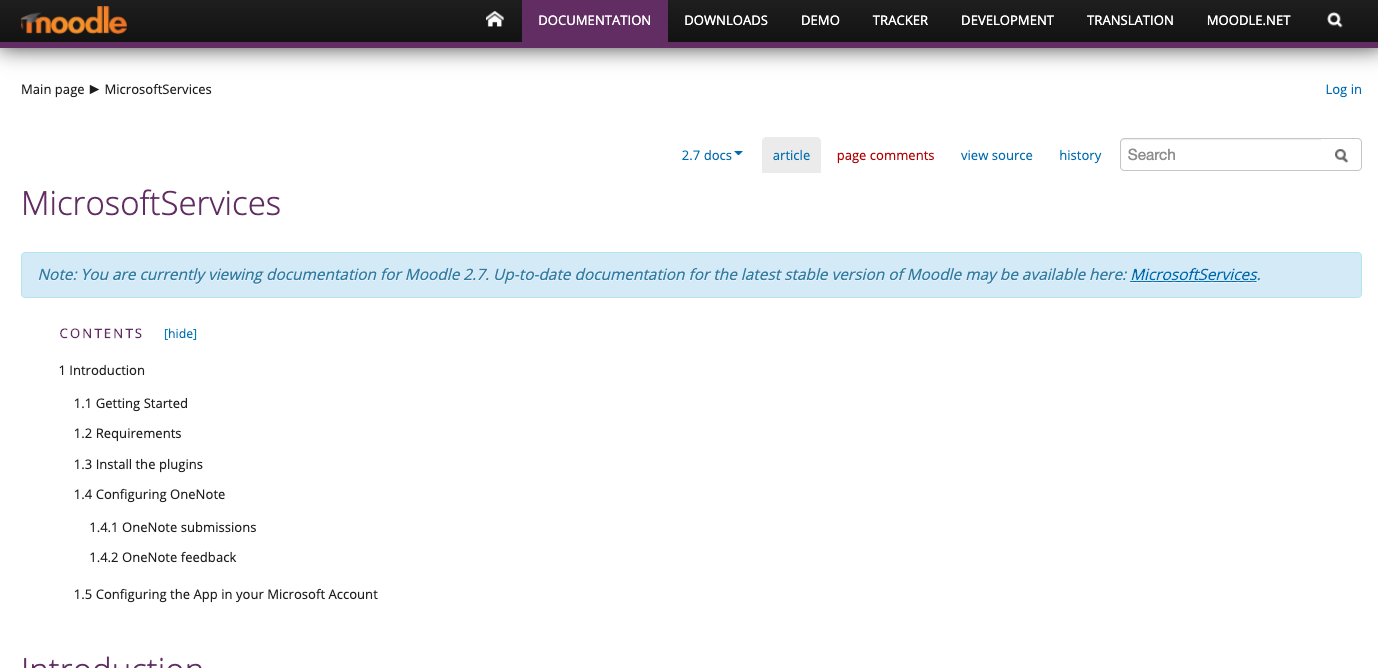
Please reflect your plugin updates, here (https://docs.moodle.org/27/en/MicrosoftServices ) it says you still need a MS account to use the plugin but the May/June 2015 update this updated to allow an Office 365 organizational account, but the documentation still makes you think you need an MS account, it is confusing and creates a barrier to implementation.
Please makes these updates asap.