oEmbed Filter

Premium Certified Partner
Maintained by Catalyst IT, Brendan Heywood
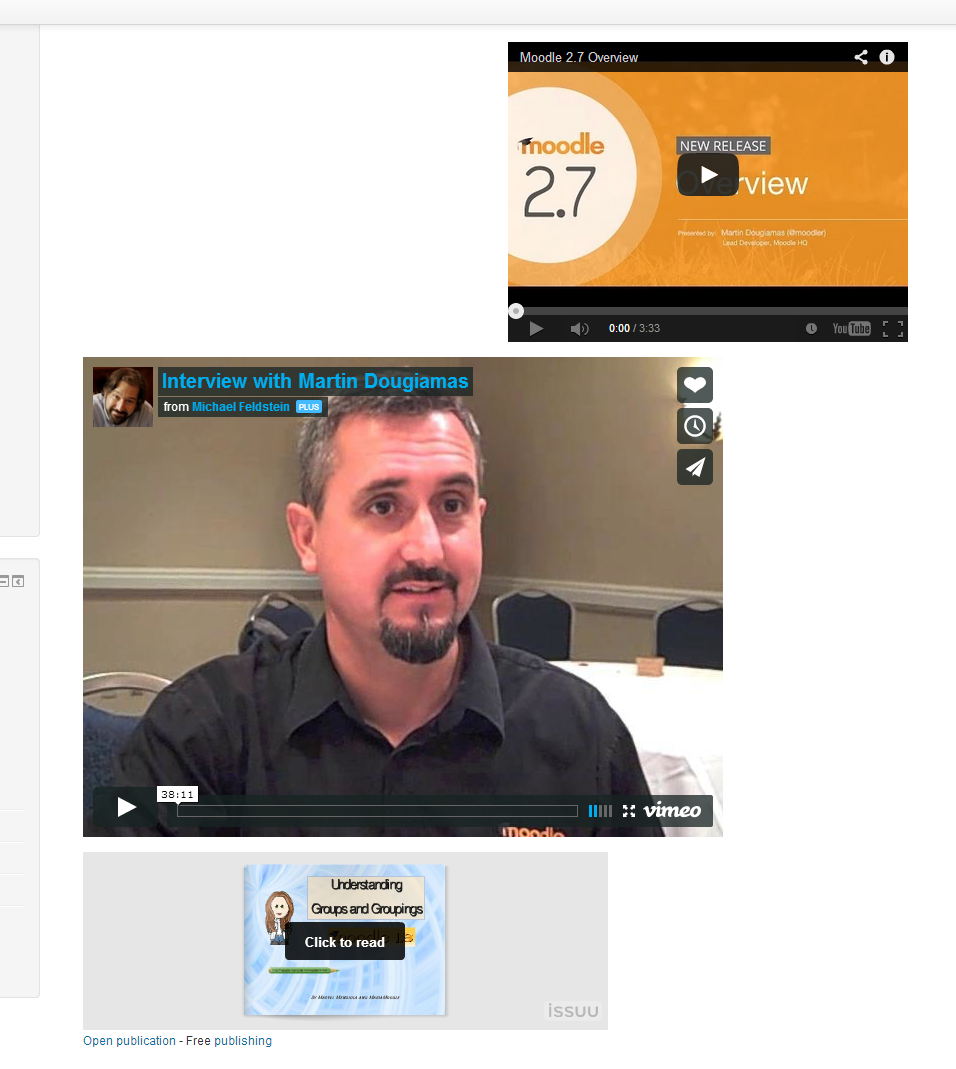
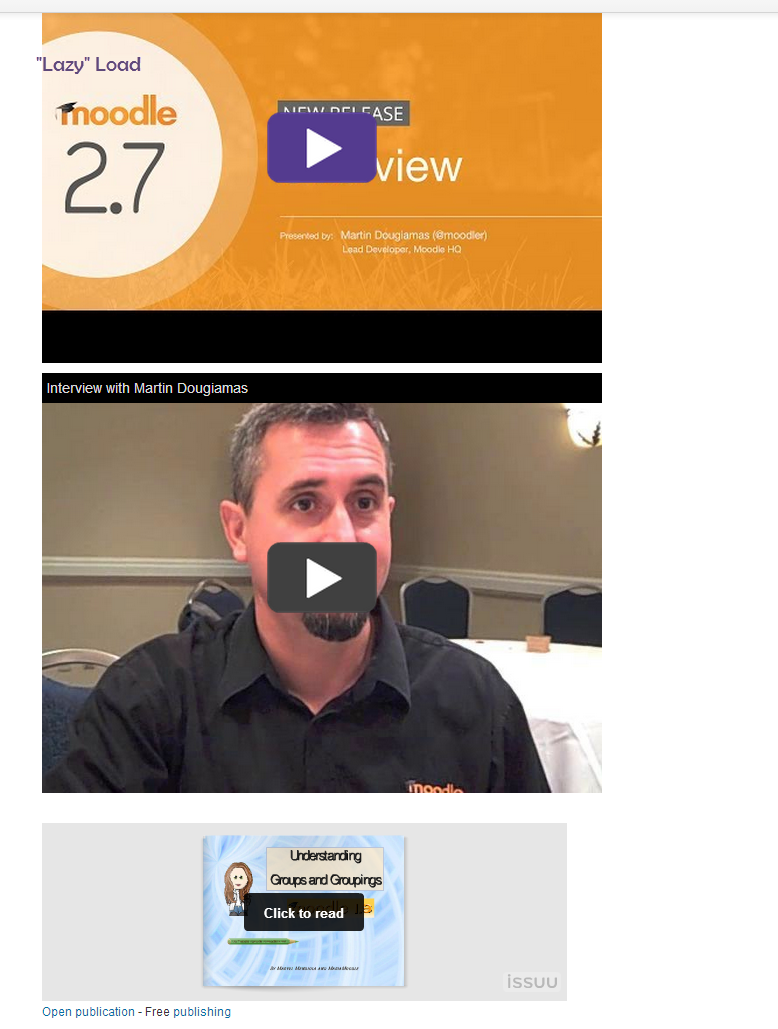
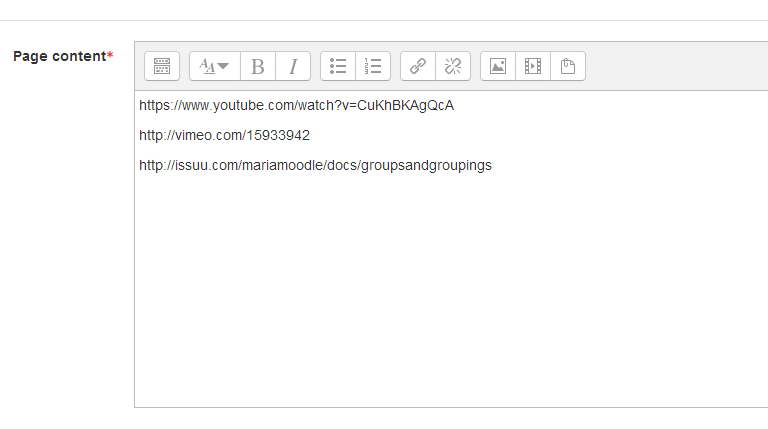
A filter that will swap hyperlinks pointing towards supported websites with an embedded version using code retrieved from the site using the oEmbed protocol. An option for "Lazy" loading of some sites is also available.
Price option: Free

Supports Moodle 2.7-3.9 See all versions
Latest release: 6 years ago
Installations: 1076
Downloads (last 90 days): 413

Frankenstyle name: filter_oembed
Filters
Microsoft 365

Comments

Comments are no longer open for new posts. Existing comments remain available to read.

Bother - the URL was embedded in my comment. It was meant to provide an example of the type of URL we've tried to embed - i.e. https:// youtu.be/[video ID]
I've tried to submit this to the tracker, but it won't allow me until I find a similar, open issue and watch it. Unfortuantely, I can't find one... so here goes.
We've encountered an issue whereby if a user attempts to embed a secure, shortened URL for a YouTube video, the video embed errors.
Steps to reproduce:
* Enable YouTube embedding via oembed filter
* Disable YouTube embedding via default Media Embedding
* In a label or page add a link to a YouTube video using a shortened, secure URL (e.g. )
Expected behaviour: When page is saved and viewed, the video embeds into the page.
Actual behaviour: Message is displayed - "Error while accessing the embedded media. Please try refreshing the page."
Using Moodle 2.9.3 (over https) and plugin version 29.0.0.8
It only doesn't work when the media is private? I would imagine that's probably a soundcloud privacy thing, to keep private media private. Are you seeing that for public media?
Sorry, to add to my previous question, this doesn't work if my soundcloud file is set to private so is there a work around for this? Thank you
Hi, I'm trying to use this for embed soundcloud urls but it shows "Error while accessing the embedded media. Please try refreshing the page."
I've disabled and even tried uninstalling soundcloud filter but it won't work. Can you help?
Thank you
Hi Daemon - can you post some examples of the links you were using to help debug what might be going on? Thanks!
Sorry this isn't working for me in Moodle 2.9. Have tried everything including disabling YouTube and Vimeo in the Admin->Site Administration->Appearance->Media Embedding. Have moved it up and down in the filter list. Have tried disabling some filters entirely in case of a conflict. Have tried adding my youtube link to a Label, a Description, a Summary... nothing. Will have a good look at the code for this plugin on a rainy day.
Oh, I see. What a pity!
Thanks anyway,
Thanks Phuong, this plugin uses a standard called oembed to embed content (http://www.oembed.com/). You might want to look at the other filter plugins available (https://moodle.org/plugins/browse.php?list=category&id=7) and see whether they might be a better fit for what you're looking for.
Hi James,
Thanks for your reply. Sorry I don't know whether the two websites support oembed or not. However, We embed these materials by using bbcode.
Hi Phuong - do you know if these sites support oembed?
Hi guys,
First of all, thanks for sharing the wonderful plugin. Everything works well in my site. In my country, Vietnam soundcloud's not popular - this is the first I visit soundcloud.com. In Vietnam we often listen to music and upload audio files onto http://nhaccuatui.com. Can you do me a favor?
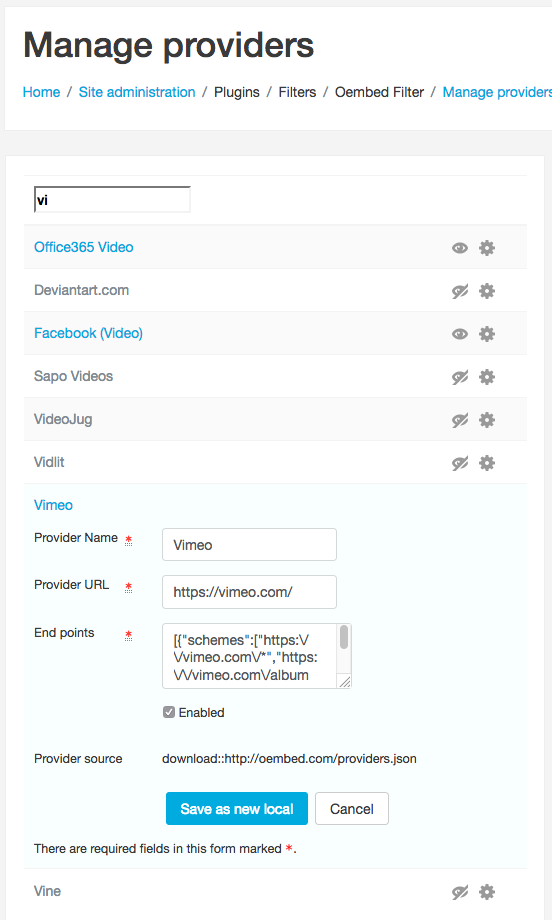
1. Help me how to add http://nhaccuatui.com to this plugin? This website has links as http://www.nhaccuatui.com/bai-hat/home-michael-buble.DZkgvVWglT.html (baihat=song)
2. violet.vn is the biggest learning community in Vietnam containing numerous learning materials for both students and teachers. How can add this website to your plugin? I often embed materials into my vBulletin website by using link: http://d.violet.vn//uploads/resources/479/3760451/preview.swf
I look forwards to hearing from you soon,
Thanks in advance
Hi Erika - Have you enabled the filter? (Administration block > Site Administration > Plugins > Filters > Manage Filters)
Hi, I tested the filter but doesn't work in my Site. We have Moodle 2.7
Do I have to configure the text editor?
Has anyone tried this filter on 2.6 (by modifying the stated requirements)? Just curious whether it might "just work" or does it actually need 2.7 ?