oEmbed Filter

Premium Certified Partner
Maintained by Catalyst IT, Brendan Heywood
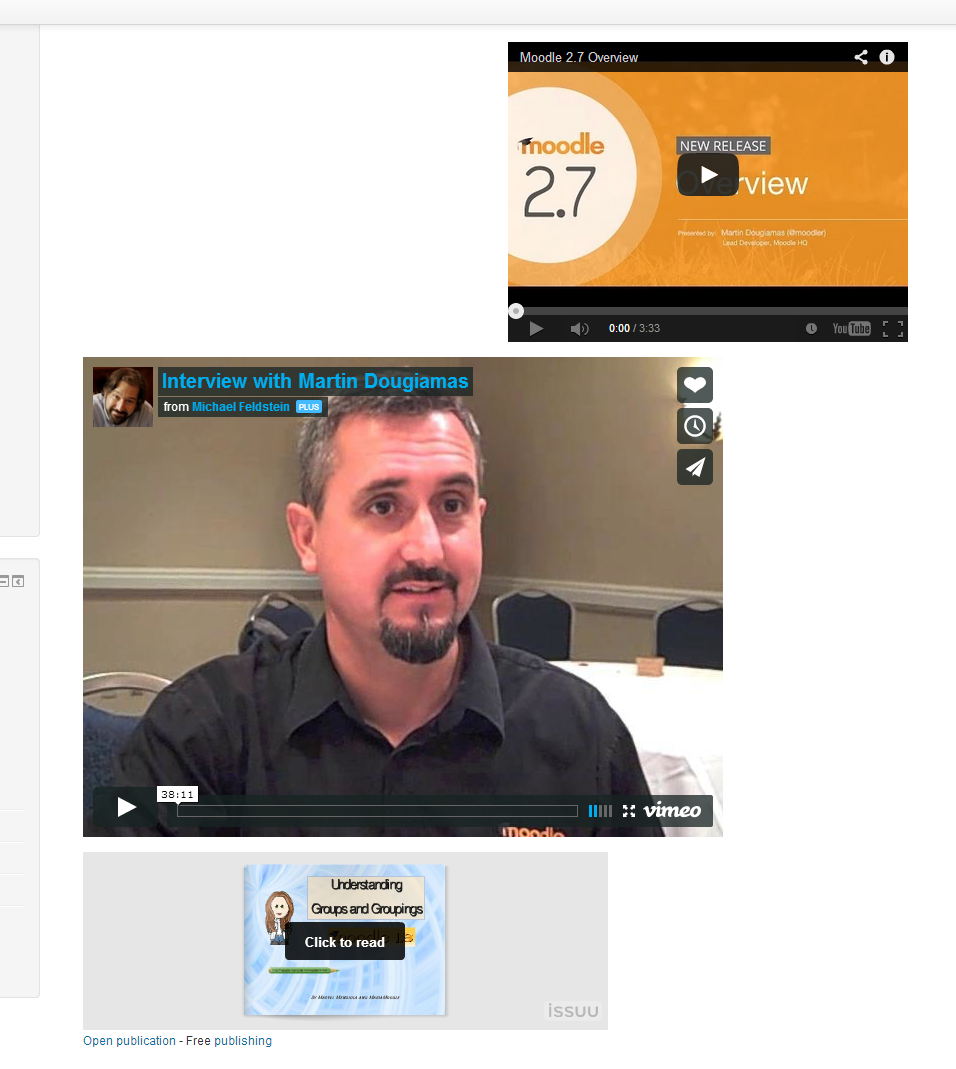
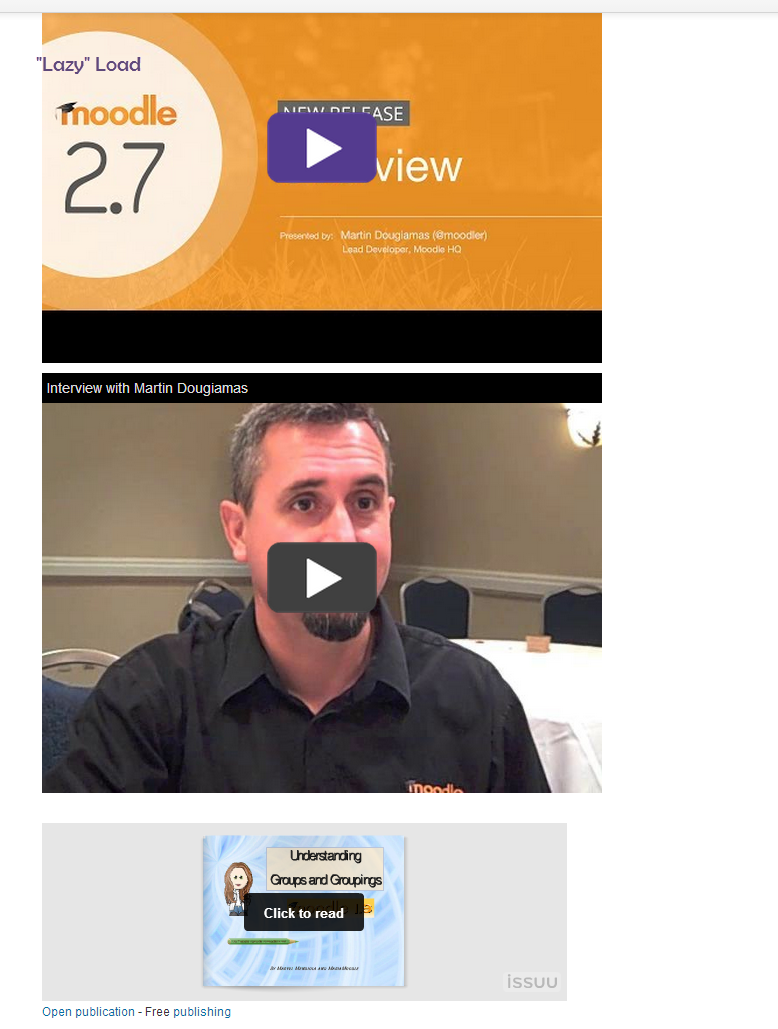
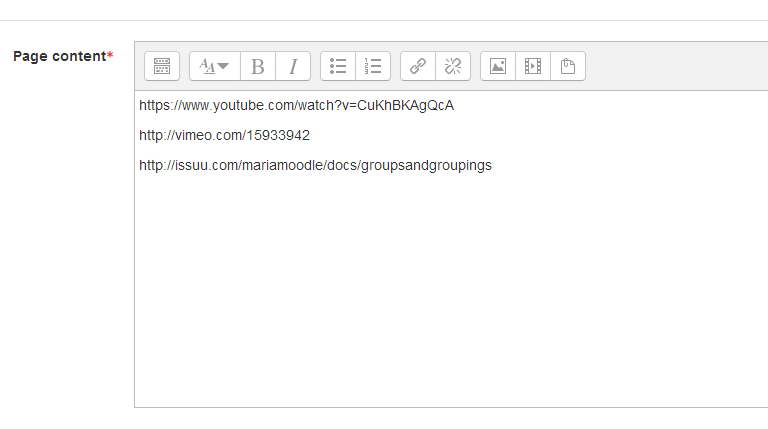
A filter that will swap hyperlinks pointing towards supported websites with an embedded version using code retrieved from the site using the oEmbed protocol. An option for "Lazy" loading of some sites is also available.
Price option: Free

Supports Moodle 2.7-3.9 See all versions
Latest release: 6 years ago
Installations: 1076
Downloads (last 90 days): 413

Frankenstyle name: filter_oembed
Filters
Microsoft 365

Comments

Comments are no longer open for new posts. Existing comments remain available to read.

We are using Moodle 4.5 and this filter keeps throwing task failures (scheduled and ad hoc). Should we discard it?
is there a chance for a v4 version of the plugin?
I'm trying to get this working with Peertube. I can't find anything wrong in my peertube setup - a url like https://my.peertube.be/services/oembed/?url=https://my.peertube.be/w/videolink gives a valid response. Alse when I paste the embed-code from peertube in a page, it works. But I can't get it to work with a pasted share link as it is supposed to. Documentation is on https://docs.joinpeertube.org/use-watch-video?id=sharing-a-video. Can anyone verify if that is correct?
Hello,
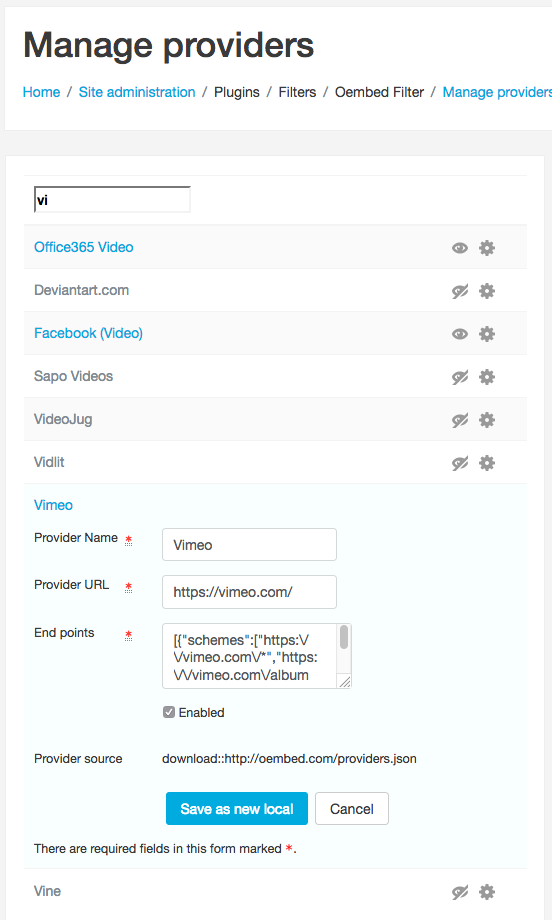
I'm trying to use this plugin with Moodle 3.8.2 and it only seems to work for YouTube. When I try to embed a Vimeo video it just displays the link and the link text. I have disabled the Vimeo and Youtube options in the Media Player settings as recommended.
cheers,
Derek
With Moodle 3.6.1+ (Build: 20181220), this seems not working with a Vimeo video. Just the link to the Vimeo video is displayed, not embedded in a div tag.
@Madhu - Mike's solution is better than the one I suggested! smile
@Madhu - if the table "filter_oembed" doesn't exist, and the oembed filter is trying to upgrade, then someone must have manually removed the table. You probably need to uninstall the filter and then reinstall it. You should be able to uninstall the plugin from the plugin admin screen.
@Madhu - it sounds like the upgrade script failed. You could try to force it to run again by running this SQL:
update mdl_config_plugins set value = '2016000000' where plugin = 'filter_oembed' and name = 'version'
And then go to /admin
I advise you to try this out in a test environment / clone of your site first.
Hi,
I am trying to upgrade to the latest version of the filter plugin. I am on 3.2.3+. I am getting the following error:
Table "filter_oembed" does not exist"
Moodle hangs at this step. I can recover by restoring from a snapshot made just before update. Any help will be appreciated.
Thanks,
Madhu
There isn't currently any way that I know of to "selectively" filter oembed tags. Its kind of all or nothing. But, you can use div tags instead of HTML tags, so that you can precisely choose what you want to filter.
We have almost similar problem. When sending links in messages, the youtube links gets removed from the message when the oembed filter is enabled. I write this in the mesage text area : https://www.screencast.com/t/45Qti6PUbkWY but only the text is recieved https://www.screencast.com/t/hR6A8m8Moid. And we cannot have the teachers and students using html tage, i dont think they would remember that. smile
Hopefully theres a solution i havent tried / overseen.
Kind regards
Henrik Sune Pedersen
1) Disable Youtube filtering in the Oembed plugin. No good if you don't want it disabled everywhere.
2) Use the
tag style instead of the style in the Oembed settings. You would need to change the content everywhere that you have filtering currently.
3) Display the link you don't want filtered using escaped HTML anchors. So instead of <a> tag, you use & lt;a& gt; . (remove spaces after &).
@Luca. There's an Atto plugin that you can use with the filter that provides that capability. You have to configure the filter to use the oembed div wrapper instead of anchors. This isn't in the plugin dB yet but you can get it from https://github.com/AnsonArgyris/moodle-atto_oembed
Could you guide me how you can circumvent oembed e.g. when you really want to display the YouTube URL but not embed the YouTube player?
Thanks a lot.