Legacy files migration

Maintained by Céline Pervès
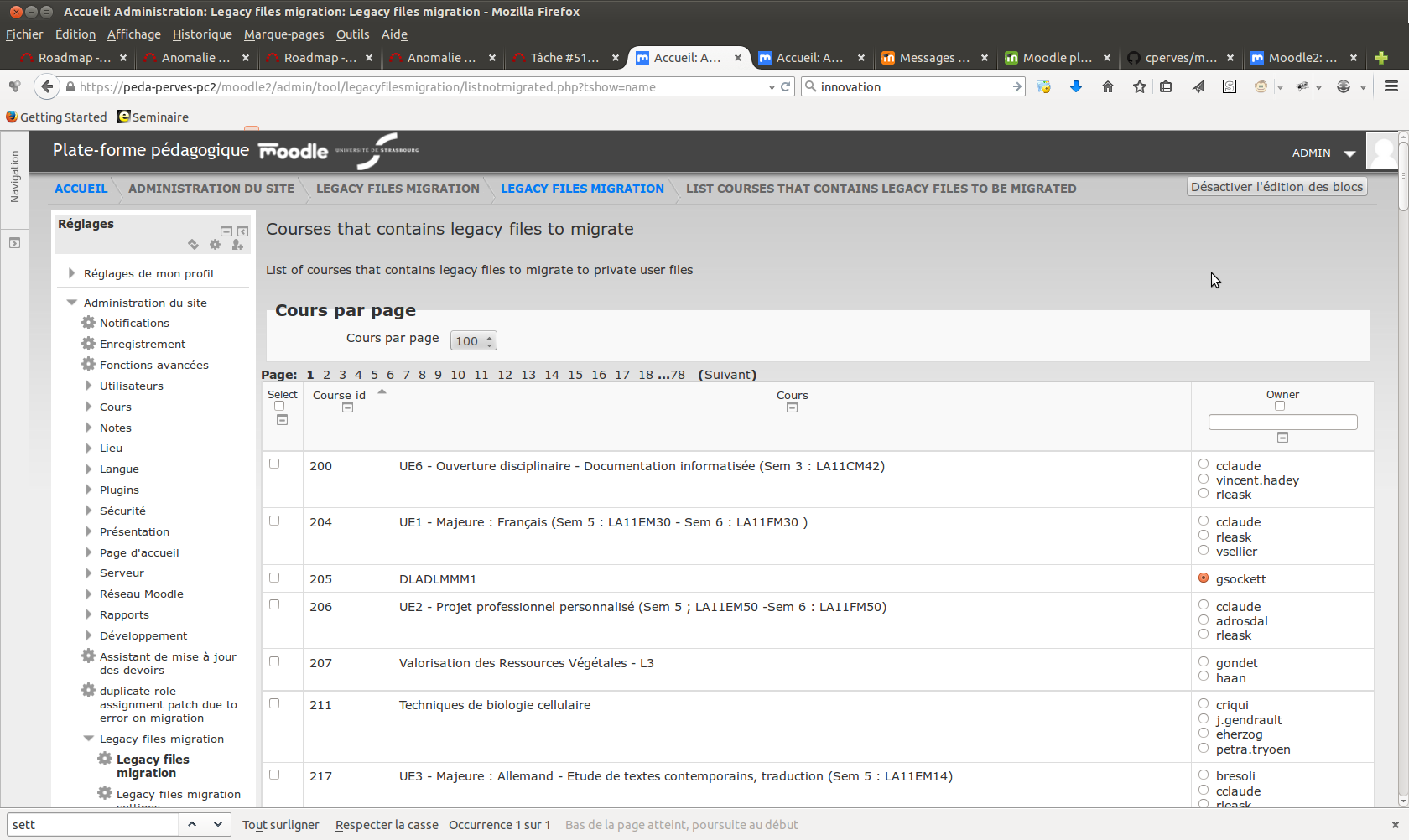
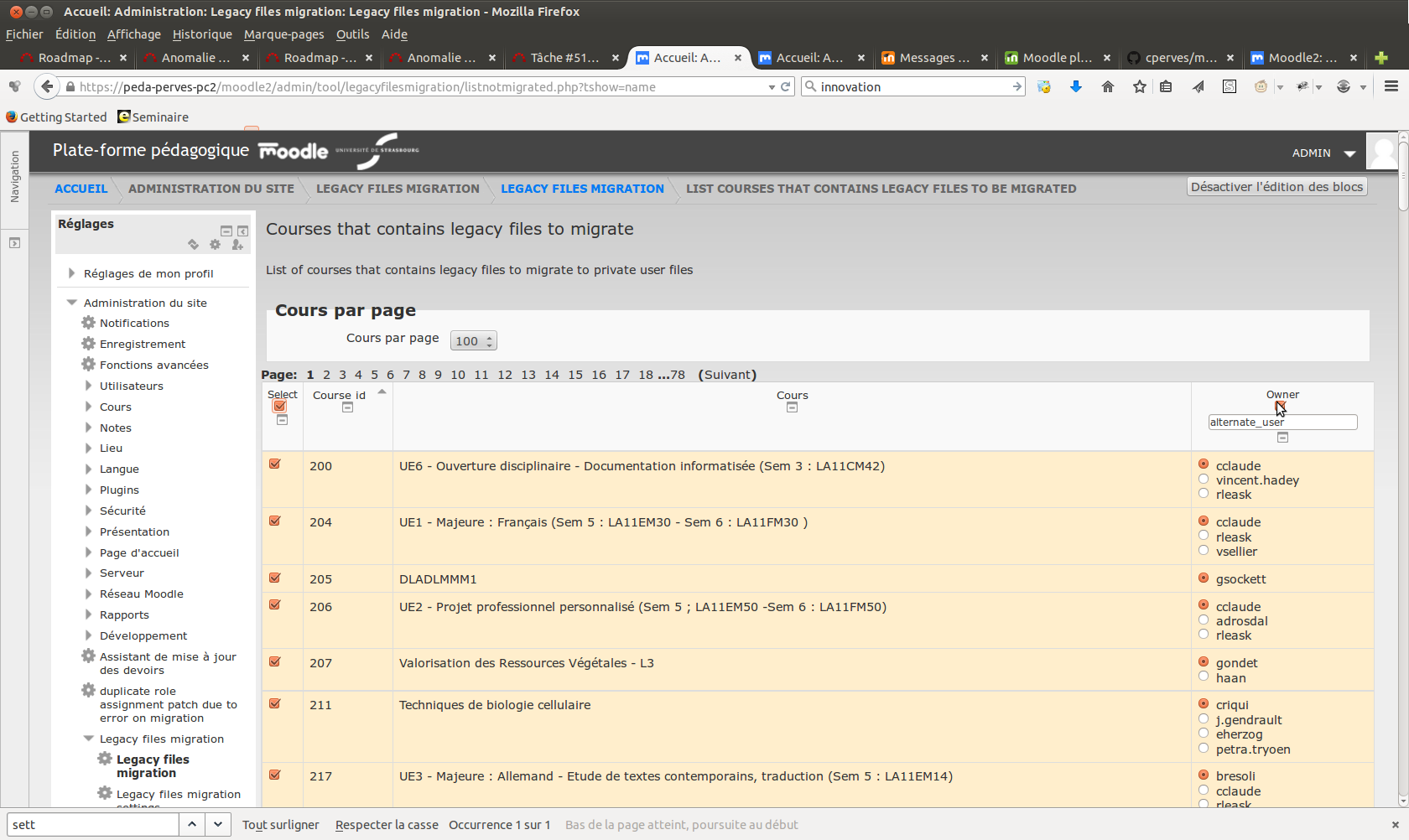
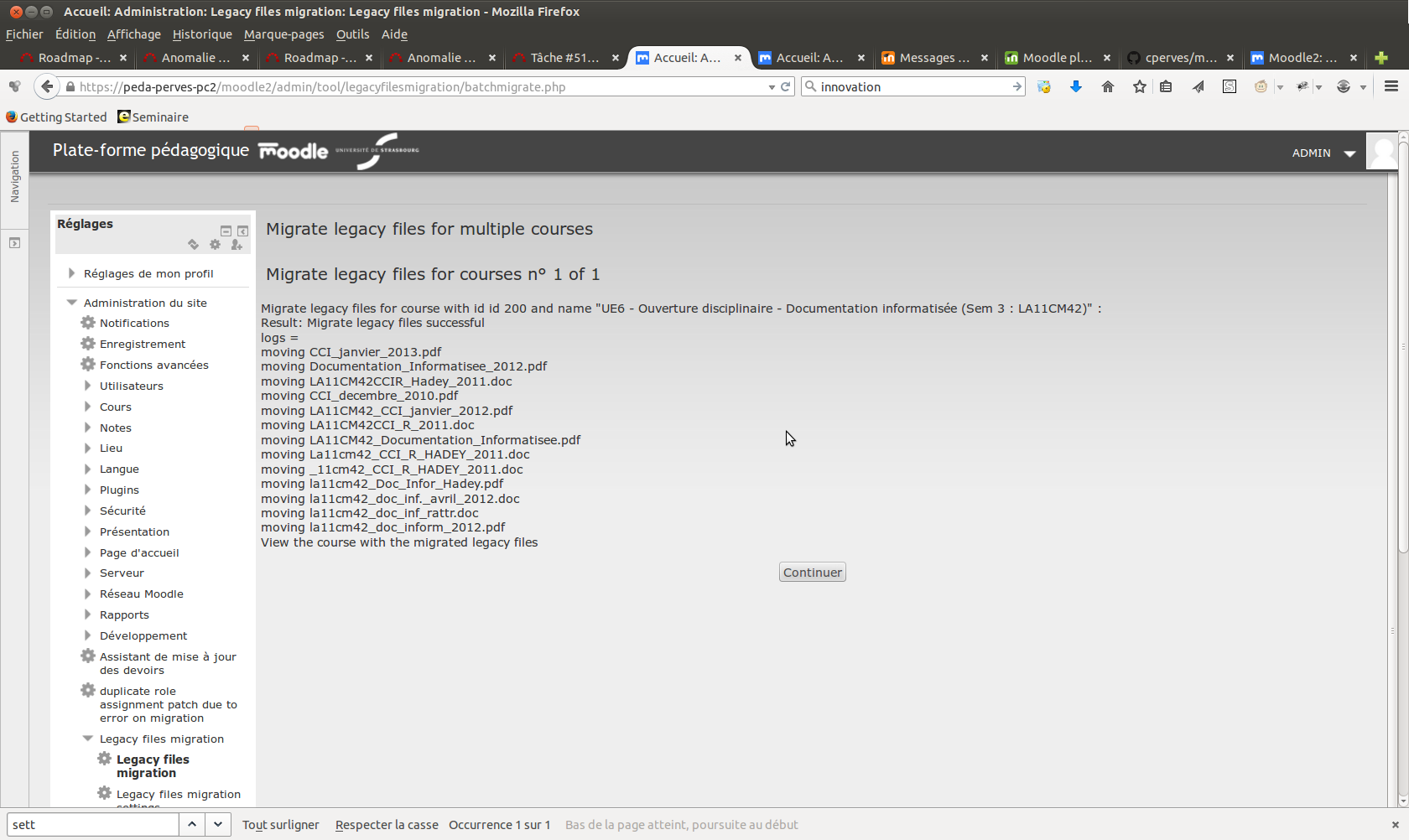
This plugin is designed in order to migrate legacy course files to private files area for a choosen user
Price option: Free

Supports Moodle 2.4-4.5 See all versions
Latest release: 1 year ago
Installations: 30
Downloads (last 90 days): 13

Frankenstyle name: tool_legacyfilesmigration
Administration tools

Comments

Comments are no longer open for new posts. Existing comments remain available to read.

Thank you very much for your help in this process.
Thanks for the updated version and fixes of the issues reported in your github tracker. You are cleared to land now, welcome to the Plugins directory!
plugin now filter resource to only migrate files linked to legacy files
No problem for the review process, that's help me to improve the development
the itention was to migrate mod resource linked to legacy files and link them to new private user files.
I realise thanks to your comment that I don't check if mod_resource is linked to legacyfile or other filearea. and so migrate all files.
I'm gonnat try to filter mod_resources
Thank you
Hi Céline. Much better now. Some more things caught my eye when reviewing the code and I reported the as individual issues in your tracker.
There is one thing I encountered when testing the functionality of your plugin - and I am not sure it is expected behaviour. The name, the description and the UI of your plugin suggests that it's only legacy files that would be migrated/moved to the selected user's private files. But then I realized that also other files - most notably those embedded as the File activity (mod_resource) were migrated into the private area too - even if they were not legacy files. I can see the code in your locallib.php doing this but it's not clear to me why it should do that. Files embedded into the mod_resource are definitely safer in backup/restore operations. You turn them into symlinks/aliases of private files. That sounds like a step backwards to me. But I may miss something.
I am marking this as needing more work to get these issues sorted out. Thanks for your patience with the review process.
thanks done
Hi Céline. Thanks for such a quick response. Please note, we are not automatically pulling from github. You have to use the "Add a new version" here at the plugin page and upload the new ZIP that we can then review and eventually approve. You can just download the ZIP from the Github and upload it here, or even better just use the Github repository in the ZIP filepicker that can fetch the ZIP for you. You will have to do this with every update of your plugin you want to release (as the diagram at https://docs.moodle.org/dev/Plugin_contribution#Overview illustrates). In this particular case, you will probably want to hide the currently uploaded version.
Thank you for our help in my first contribution
David,
I corrected all the issue you noticed to me and push them in reorganised git repository.
Hi Céline. Thanks for sharing this plugin with the community. While trying to test the functionality, I encountered https://github.com/cperves/moodle-admin-legacyfilesmigration/issues/2 which is a blocker. Can we please get that sorted out (and eventually other issues I reported) before we continue with the review? Thanks in advance.