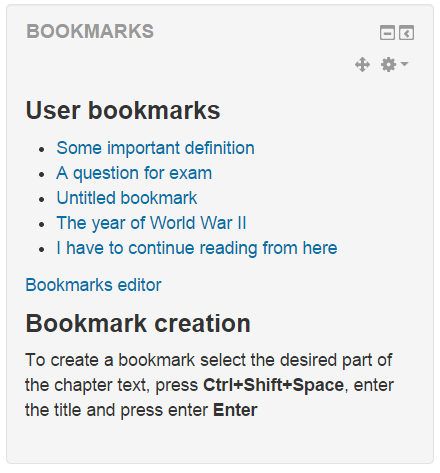
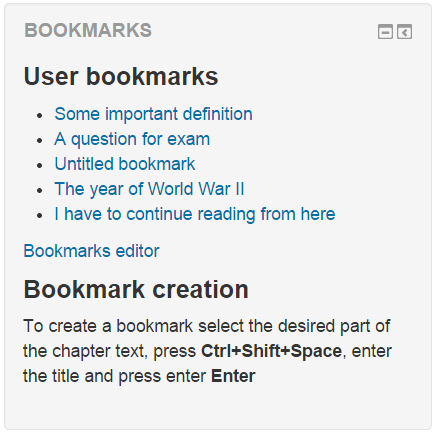
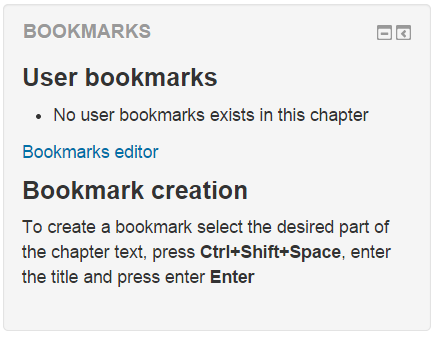
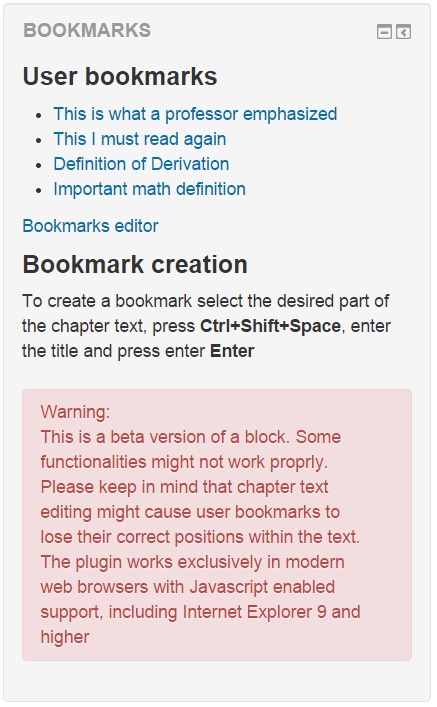
Users can create their own bookmarks at any desired position within the text Moodle Book chapters and they can later access it quickly using "jump focus" switch. All the bookmarks will be listed within the block once the user open desired chapter again. This might be useful to anyone who likes to have side notes next to their learning material. The tool can increase accessibility for blind and visually impaired people. Each user can easily create, delete and rename their own bookmarks.
This block works only with Moodle Book chapter. You can create an instance of a block in each Moodle Book chapter view where you need it. To include a block globally across all Moodle Book chapter views please follow this instructions:
- Go to Moodle homepage. Create a block instance to the Moodle homepage and set the configuration for the block to be visible in any page throughout entire Moodle
- Go to any Moodle Book chapter page. Access the configuration again and restrict the block to be visible only on Moodle Book type of pages
Please don't report bugs here
If you experience an error with the block, or would like to request a feature, please use the "Bug Tracker" link below.
Disclaimer:
- This is a beta version of a block. Some functionality might not work properly. Please keep in mind that chapter text editing might cause user bookmarks to lose their correct positions within the text. In other words, if chapter text is edited after bookmark is created, a bookmark might not keep its correct position and could became useless.
- The plugin works exclusively in modern web browsers with Javascript enabled support, including Internet Explorer 9 and higher
- Released Under the GNU General Public Licence http://www.gnu.org/copyleft/gpl.html
You are the developer? This plugin is not maintained anymore. If you wish to bacome the contributor and continue the development feel free to contact me over github.