
JW Player multimedia filter
Maintained by
Ruslan Kabalin, Tony Butler
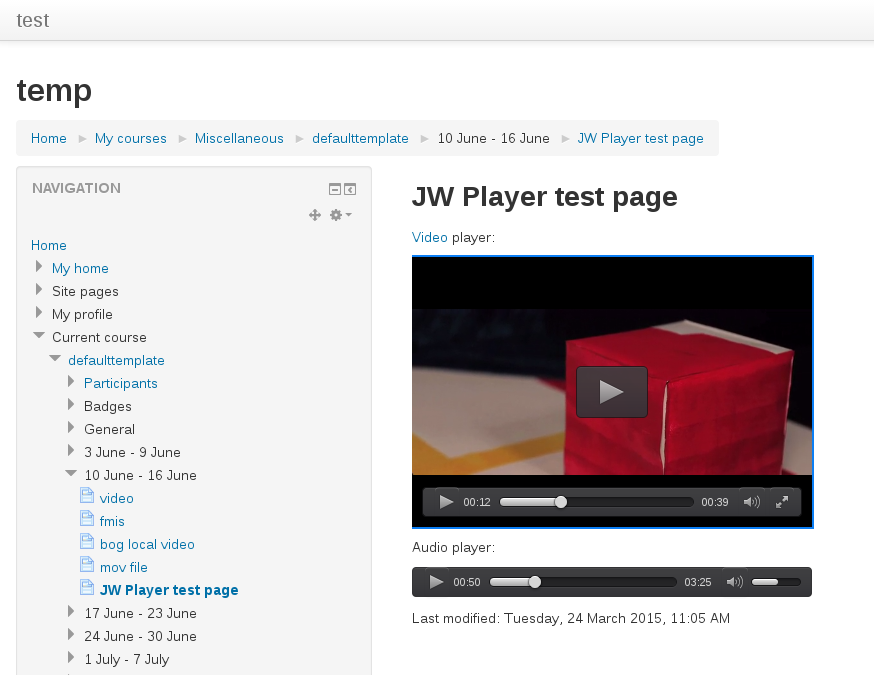
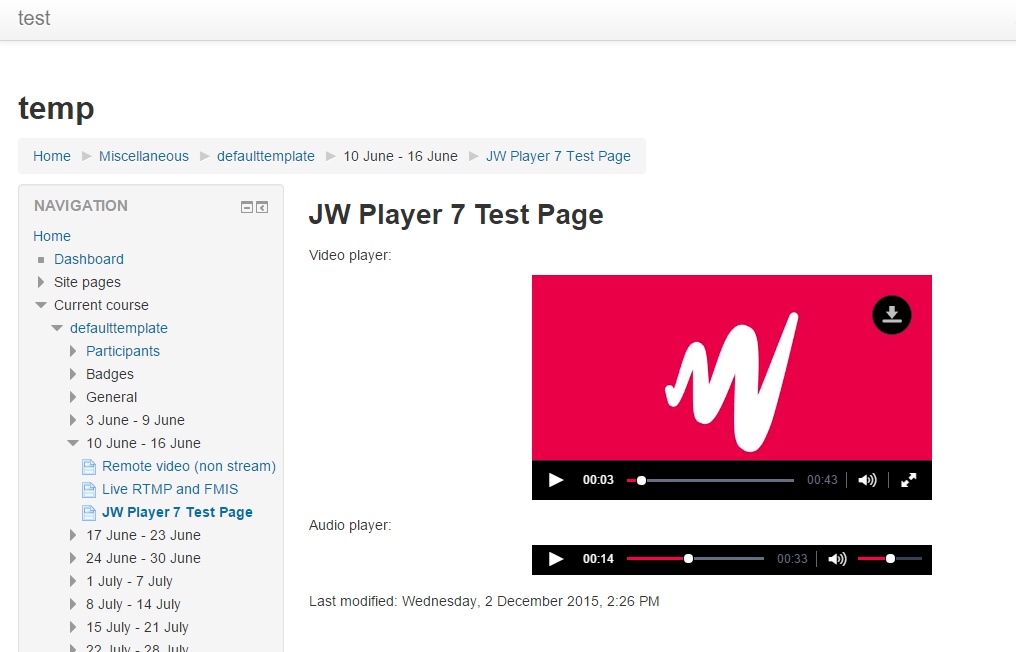
Moodle filter that allows using JW Player 7 for playing HTML5 and flash content, including RTMP/HLS/DASH steams.
Comments
Comments are no longer open for new posts. Existing comments remain available to read.
There were some changes in the filter.php file necessary to make this work too.
I'm using version: 2015080401 and JW6 (We need IE compatibility) in Moodle 3.
I inspected code for 2 versions and found that some part of codes do not exist in my version (maybe was under development)
So, I added codes to my version:
1- // Process data-jwplayer attributes.
to lib.php
2- // Prepare options.
to filter.php
but it seems that "// Prepare options." is not working.
Is there any other code I have to maintain somewhere?
I'm trying because subtitles work fine when I use JW6 independent to filter using javascript codes in my content. But we need filters!
/--a href="http://content.jwplatform.com/videos/3XnJSIm4-kNspJqnJ.mp4" data-jwplayer-image="http://content.jwplatform.com/thumbs/3XnJSIm4-640.jpg" data-jwplayer-subtitles="English: http://assets-jp.jwpsrv.com/tracks/2UEDrDhv.txt">Loading the player...//>
Note this only works on the JW7 Moodle 2.9 version.
You can also set a global default poster image in the filter settings on both versions of the plugin.
my code is like:
/--a href="http://content.jwplatform.com/videos/3XnJSIm4-kNspJqnJ.mp4" data-jwplayer-image="http://content.jwplatform.com/thumbs/3XnJSIm4-640.jpg" data-jwplayer-subtitles="English,http://assets-jp.jwpsrv.com/tracks/2UEDrDhv.txt">Loading the player...
As I know, there must be a way to add image and/or subtitles to my player but I can not understand how!
This is what I tried:
And I'm sure that I'm doing it wrong!
I'm using jw-player 6 (I need older IE compatibility)
One last thing to consider, if you know any better way to do it, is adding thumbnails.
i'm currently doing like:
< style > .jwuniform { background:url(/draftfile.php/2122/user/draft/5431423/Induction.jpg) no-repeat 0 0 !IMPORTANT;} < /style >
Not ideal, and the WYSIWYG deletes the style tags every time you re-edit, but it does the jhob.
thanks again
http://demo.jwplayer.com/responsive-example/
I'm trying to override with CSS but no luck so far.
http://integration.moodle.org/job/Precheck%20remote%20branch/12090/artifact/work/smurf.html