JW Player multimedia filter icon

JW Player multimedia filter

Maintained by Ruslan Kabalin, Tony Butler
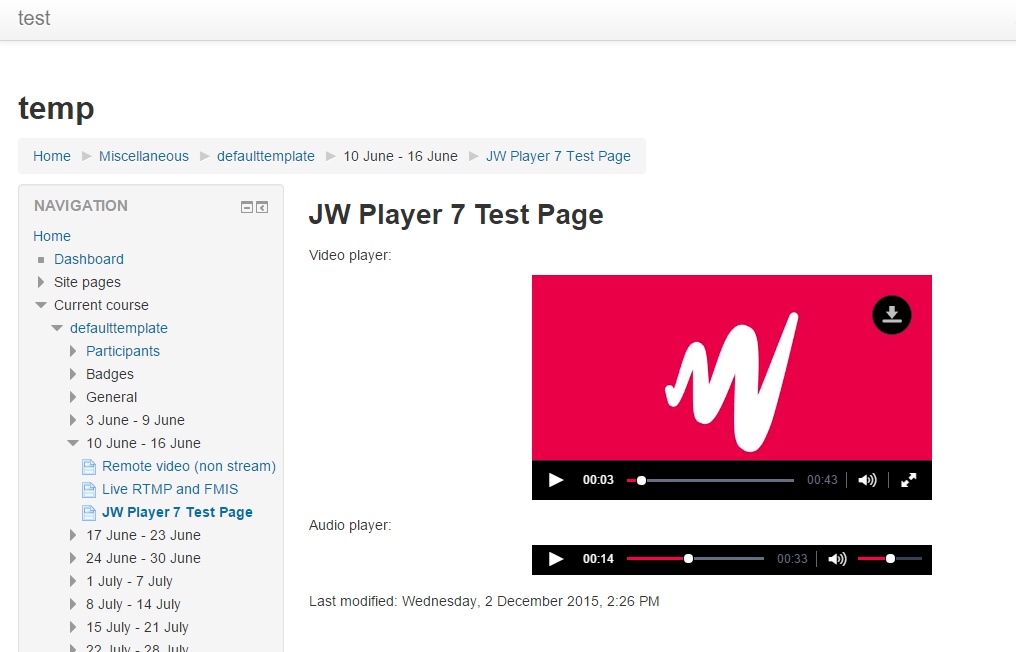
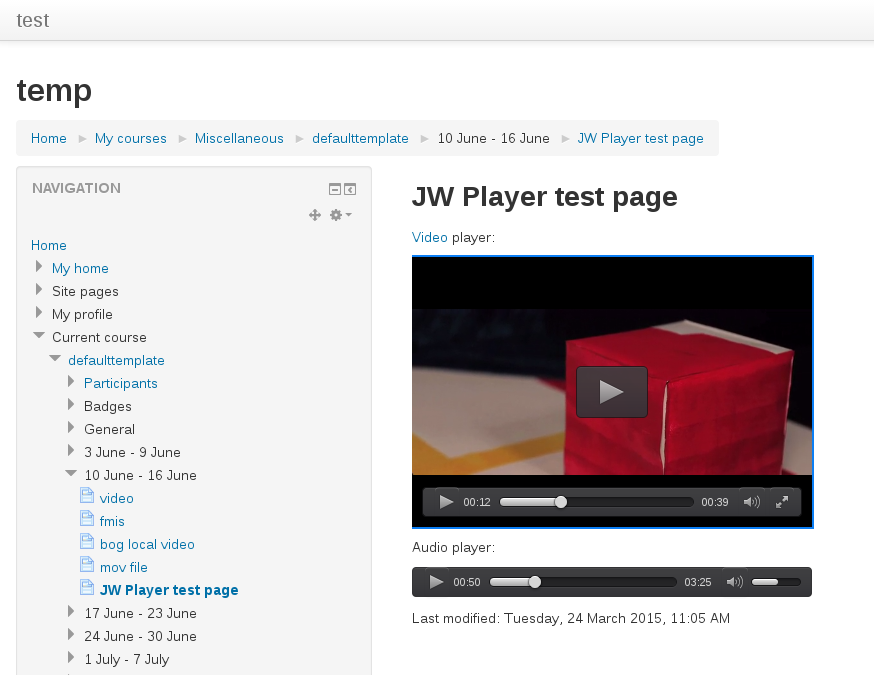
Moodle filter that allows using JW Player 7 for playing HTML5 and flash content, including RTMP/HLS/DASH steams.
Price option: Free

Supports Moodle 2.6-3.2 See all versions
Latest release: 9 years ago
Installations: 34
Downloads (last 90 days): 34

Frankenstyle name: filter_jwplayer
Filters

Comments

Comments are no longer open for new posts. Existing comments remain available to read.

Alexander, there is no way to tell JWPlayer not to apply own skin, it is not a filter plugin feature, it is JWPlayer core functionality. You may try to play with JWPlayer css classes and see if you can override them with own styles. Another option is to have custom skin defintion that can be applies to certain videos only, e.g. using custom attribute for specifying which skin to use with a video, this functionality is not deveoped yet, but contributions are welcome. Keep in mind, this plugin is not beeing updated any more, use media_jwplayer instead if you can. And also a better place for discussion like this is the issue ticket in the plugin github tracker, at least you would get notified if someone replied.
Thank you, Ruslan Kabalin, but I need to multiple different skins in one course room, so specifying the skin in the settings isn't the way to go. For me it would be fine if I could use the skin in the setting for 98% of the media files and when having the need of the minimalistic player, I could add the code manually – but every time there's a media file, the plugin filter_jwplayer grabs the file and builds its skin, so I can not intervene with my custom code. Do you know how to tell the plugin that I want to use my own code instead of the automatic one from the plugin?
Hi Alexander, thanks for using it. Yes you can create custom theme using CSS (https://developer.jwplayer.com/jw-player/docs/developer-guide/jw7/skins_creating/) and then specify your skin name in the plugin settings.
Hello! Thank you for the great plugin, we have it running on our university site. Sometimes for audio files we need a player much more minimalistic and smaller. How can we define and use additional player skins/styles?
Could anyone share the html code of the jwplayer filter to insert into the resource page.
@TorMichalKinn Please submit issue via the tracker (https://github.com/lucisgit/moodle-filter_jwplayer/issues), so that we can handle this properly. Thanks.
It seems like the plugin is not working correctly in Moodle 3.2.
"The media could not be loaded, either because the server or network failed of because the format is not supported."
The media is working from other sites (tested from other pages), so it seems to be a problem with the version.
@DejanVukic Plugin version of 6-0.x It is not designed to work with version 7, there are many changes in player itself.
Is it possible to use plugin version 6-0.4 (moodle 2.8.5) with jwplayer-7.8.2
@BorisWeh Yes, it works on iOS 10 (not through mobile app though, only if you open page containing video in the mobile browser).
Does it works in iOS10? For me not.
You should add data-jwplayer-subtitles="Language: path.to/subtitlefile.vtt" to the <a> tag linking to the video to include subtitles (see my comment from 15 Dec above for an example)
How do I add a file with Subtitles attached? Thanks!
@elmeser No, it is not possible, sorry.
Hello,
Is it possible to use the jwplayer's playlist feature with this plugin and how?