
Faces
Maintained by
Daniel Mc Sweeney, Kyle Goslin
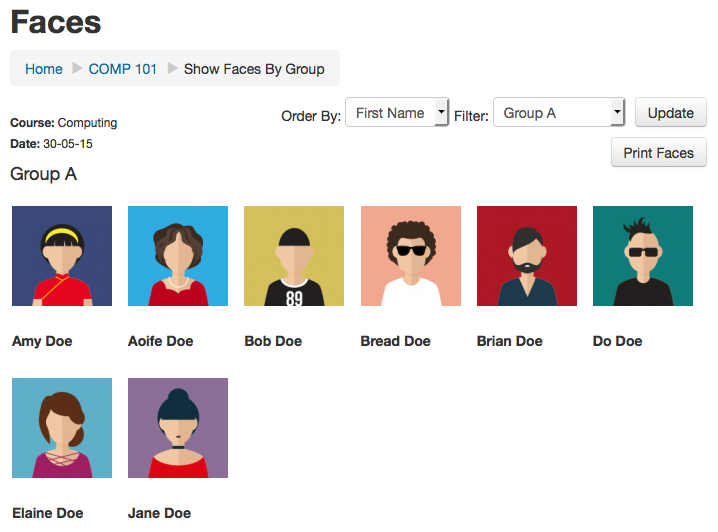
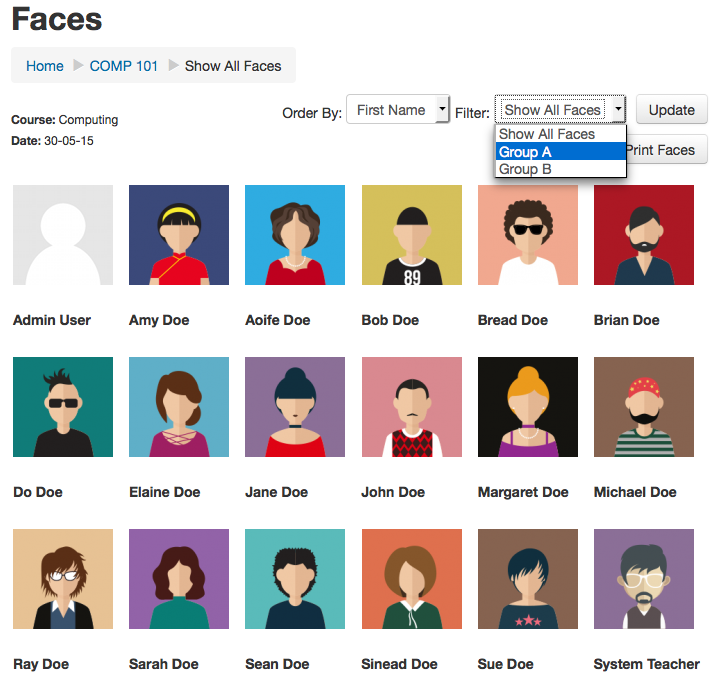
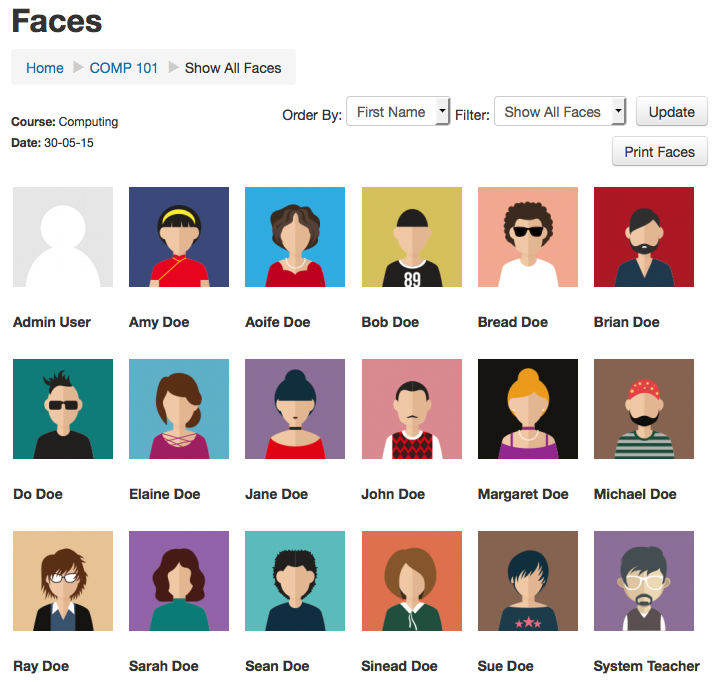
Faces is a simple block that allows you to print or view a collection of user profile pictures for your moodle course. Its very useful for those of us who need to put a name to a face. Faces can be viewed/printed for the entire class or by group.
Comments
Comments are no longer open for new posts. Existing comments remain available to read.
You can add the option to export to excel?
thanks a lot
Question: how can I disable the viewcapabilities not only within a course but over THE ENTIRE SITE with one setting?
Thanks a lot!
Kees.
Thank you for your comments!
I have updated the Wiki for this block, on how to hide the block from students:
http://docs.moodle.org/25/en/blocks/faces#Hiding_The_Faces_Block_From_Students
As for putting even more students onto a page, this will be future progress!
Thank you again for your feedback, much appreciated
- Kyle.
Thanks for this great plugin.
I have two questions.
1] I do NOT want that my students can see this faces-overview. I do not know how I can realize that.
2] I have groups of 32 students and I want them on ONE page
Thanks a lot!
Kees.
This installs fine for me.
Could you consider adding some urls here such as:
- code repository url (eg:github)
- bug tracker url
- any documentation link (if any)
Also consider using the rename README option in your next upload
Btw,is the only difference between this block's page and the course participants page that there is a print ready format?
I also thought these might be relevant here :
- https://moodle.org/mod/forum/discuss.php?d=130118