
Klass
Maintained by
LMSACE
Klass is fully responsive and coded with the latest techniques in HTML5 and CSS3,so it will work on all devices, all browsers, and it does it all seamlessly.Just download and make your e-learn website modern.
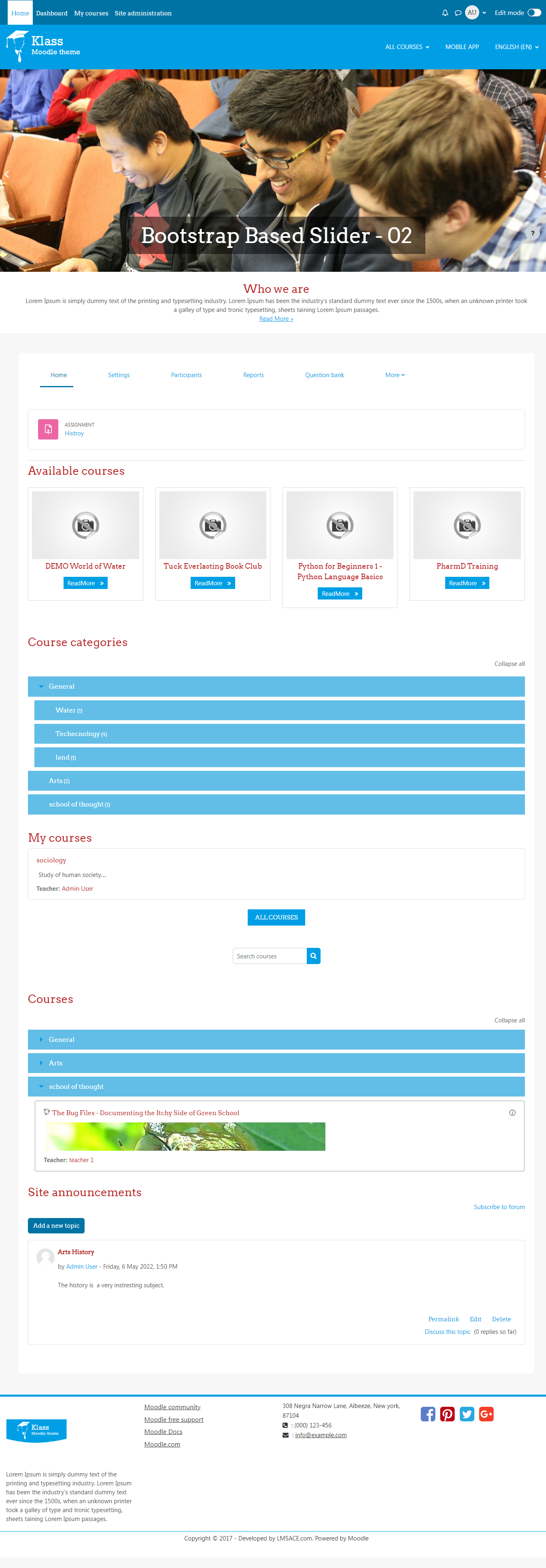
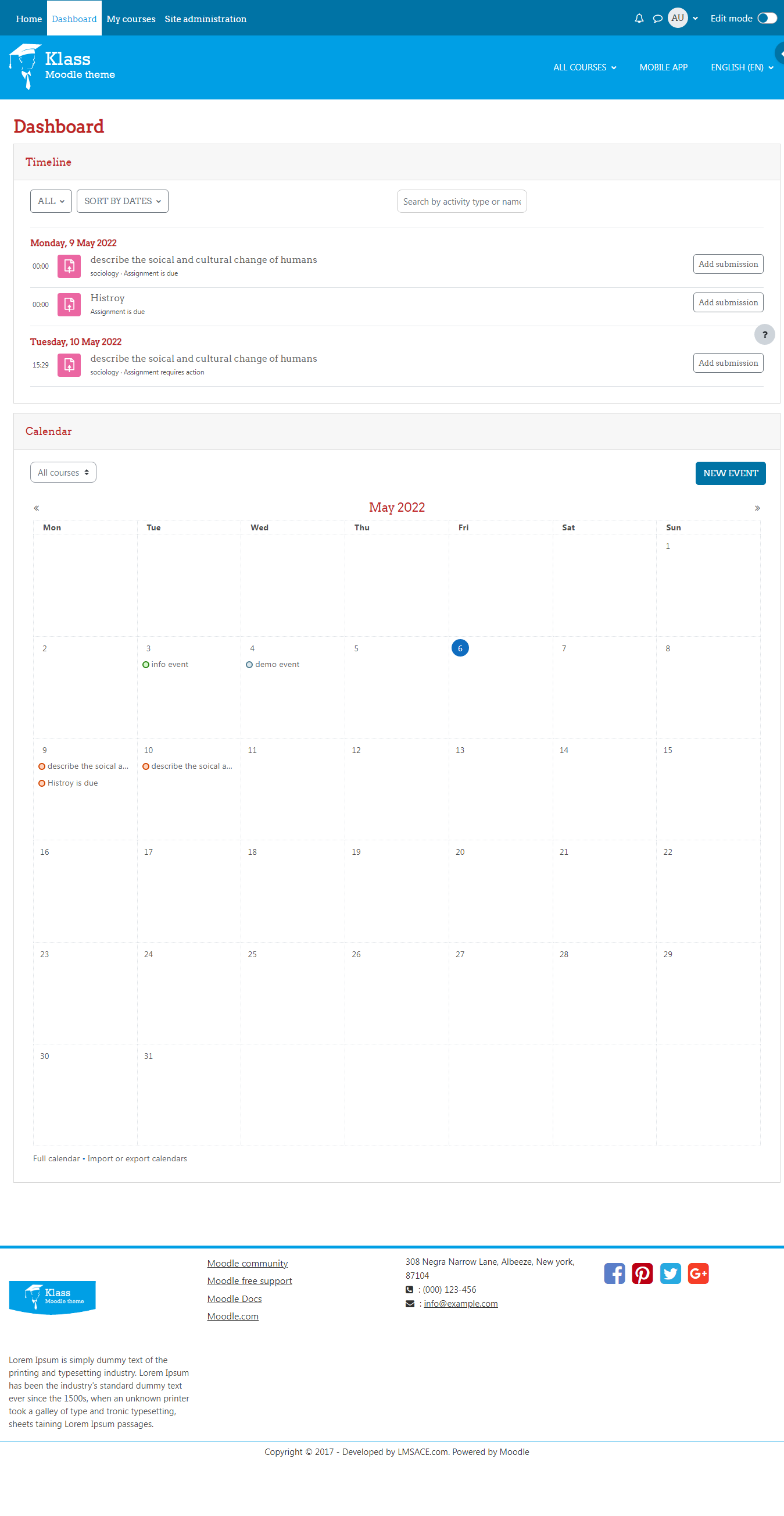
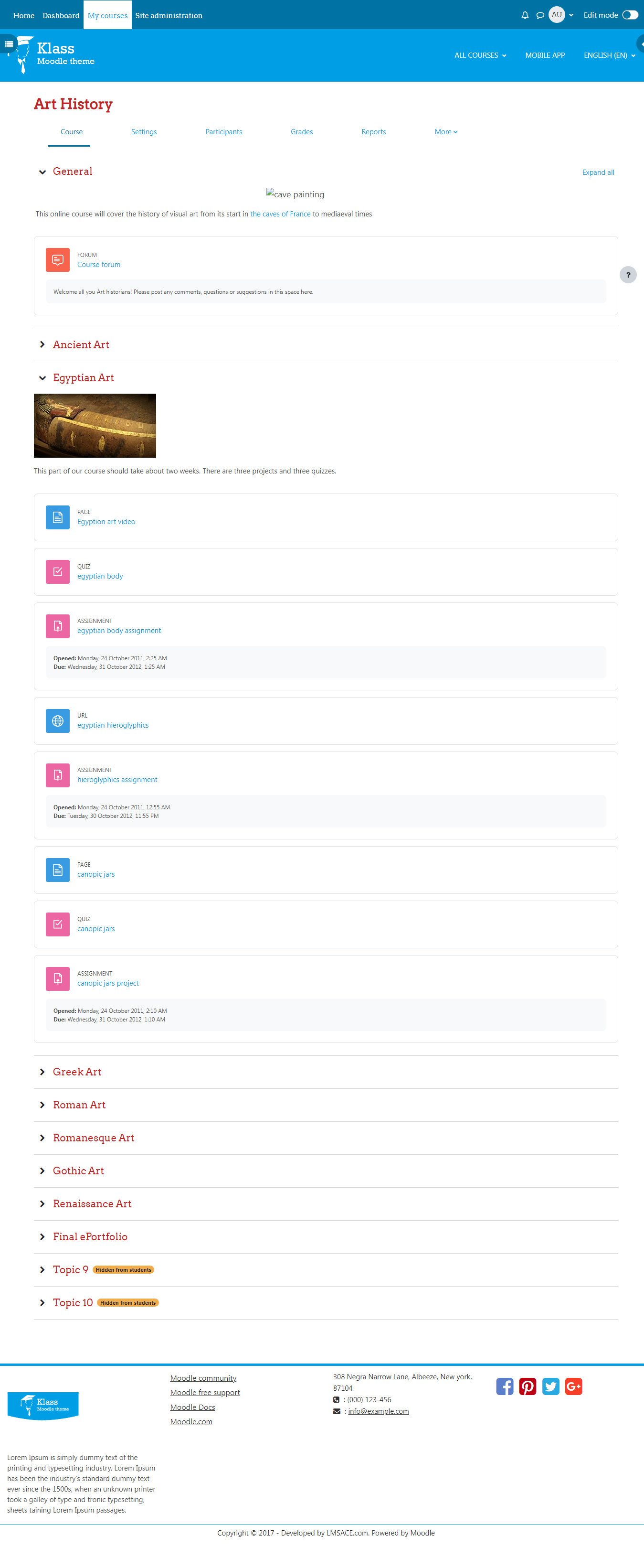
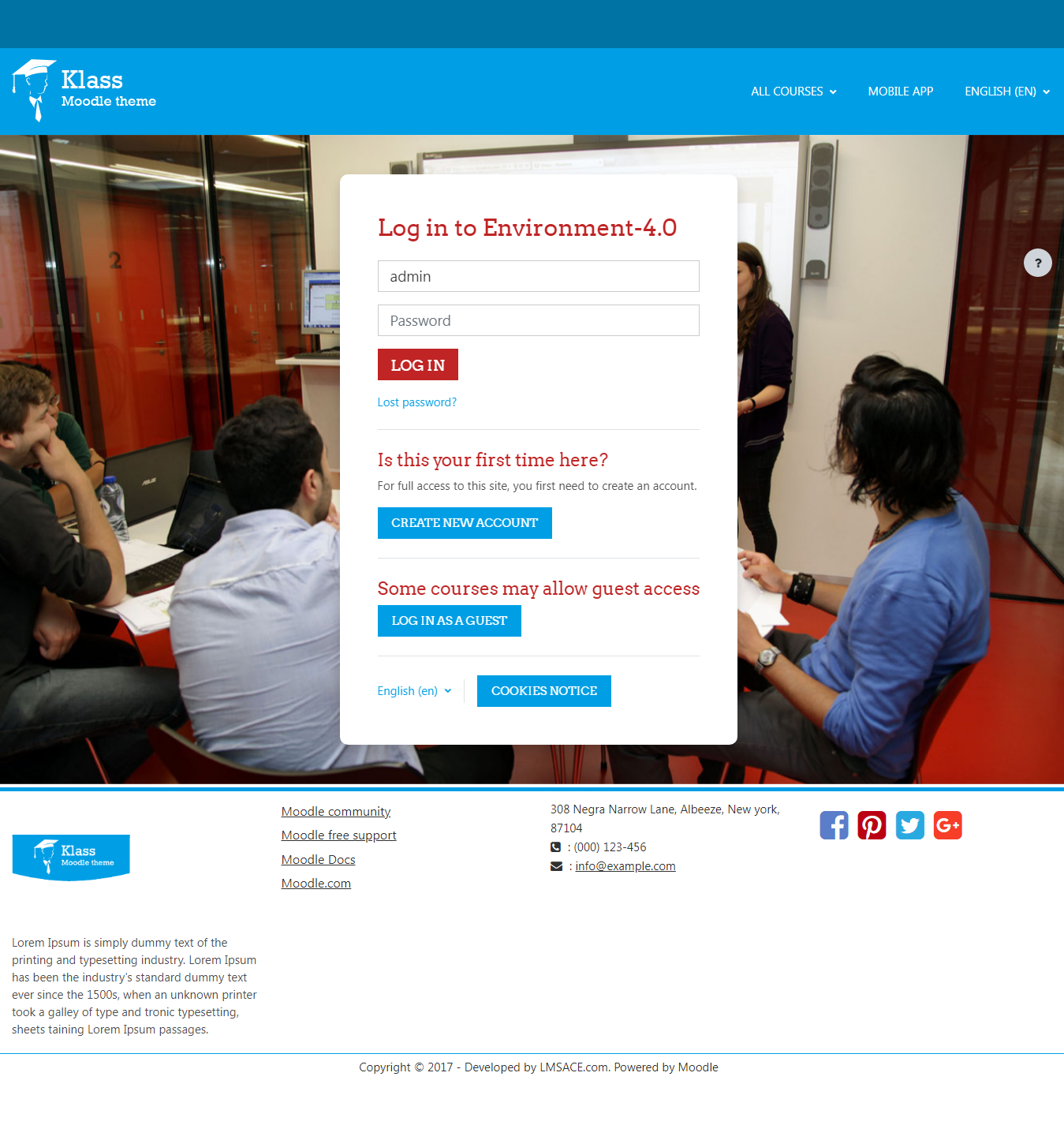
Comments
Comments are no longer open for new posts. Existing comments remain available to read.
I have a question about installing this theme...
I try to install it, but on notifications I see requirements:
- Moodle 2013111800
- theme_bootstrapbase (2013110500)
If it's last version of theme (and moodle) why it's need moodle and bootstrapbase 2013?
I have moodle 3.0 (Build: 20160711) and last version of theme....
Can anybody to help me?
Thanks!
Hola, me gustaría cambiar los colores básicos de éste tema, pero no encuentro como y en dónde realizar los cambios. ¿Alguien que pueda ayudarme? Gracias.
I am using the Klass theme with Moodle 2.9.5. In the Footer configuration section I am able to fill my company's Facebook and Twitter URLs, but they do not get displayed.
Am I missing a special syntax for these URLs?
If I examine the web page source code, I can see the URLs in the "GET SOCIAL" section, but they do not show.
I don't know how to paste source code in these comments, so I removed the first "<" symbol in each line:
div class="social-media"> h5>Get Social
/h5> ul> li class="smedia-01"> a href="https://www.facebook.com/mycompany"> i class="fa fa-facebook-square"> /i> /a> /li>
li class="smedia-03"> a href="https://twitter.com/mycompany"> i class="fa fa-twitter-square"> /i> /a> /li>
/ul> /div>
Webfonts and FontAwsome do not load on the Login-Page when SSL logins are enabled. Any help for me?
THX
I solved the problem of automatic slide changing the file klass/layout/includes/footer.php
At the end of the file, after the line you have to add the lines:
<script> $(function(){
$('.carousel').carousel({
interval: 2000
});
});
</script>
After a lot of 'fiddling' around, I've narrowed down what makes it work. It only works after manually scrolling through all three images, AND when some text or an image on the front page is highlighted. Any help with thiswould be greatly appreciated - are there any settings etc. for this? I haven't been able to find any.
The question is about a site title or banner in the aqua-blue area at the top - is there any setting to put some text or image in that area?
Thanks in advance!
Great theme,
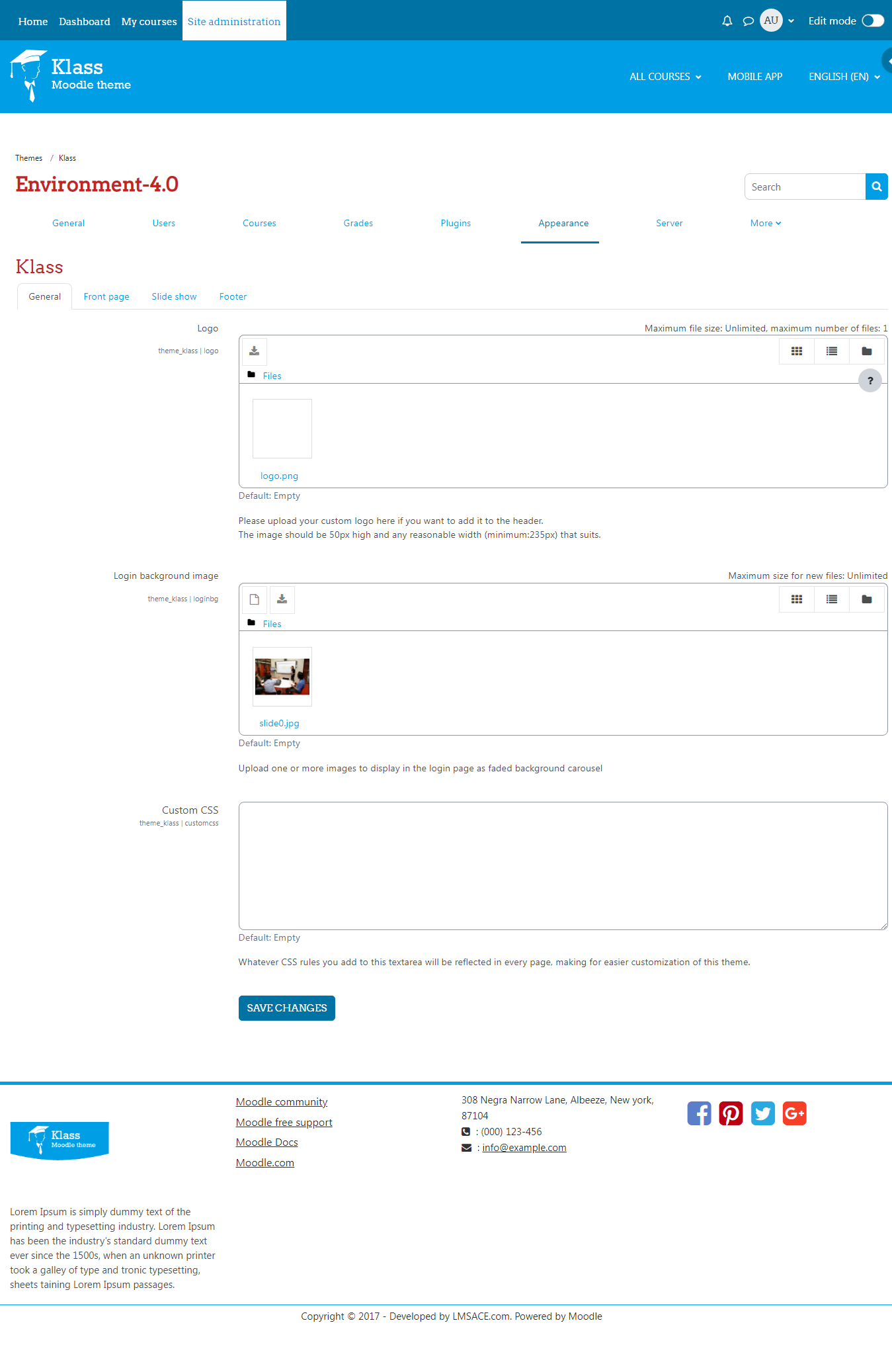
Question #1: Custom Logo theme, In the Header of the Course I would like to insert a custom image the image I am inserting is being cut off. am I able to change the Dimensions of the default width? Aaron Czarnecki asked the same question.
Thanks Quentin.