
Klass
Maintained by
LMSACE
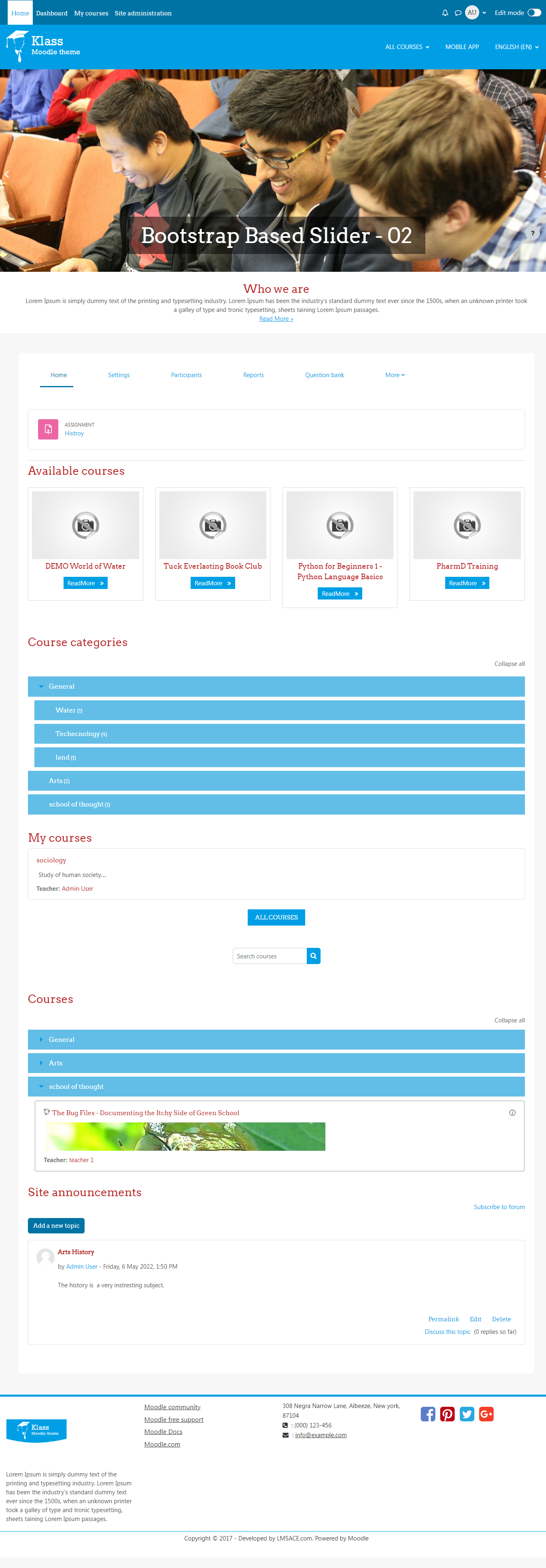
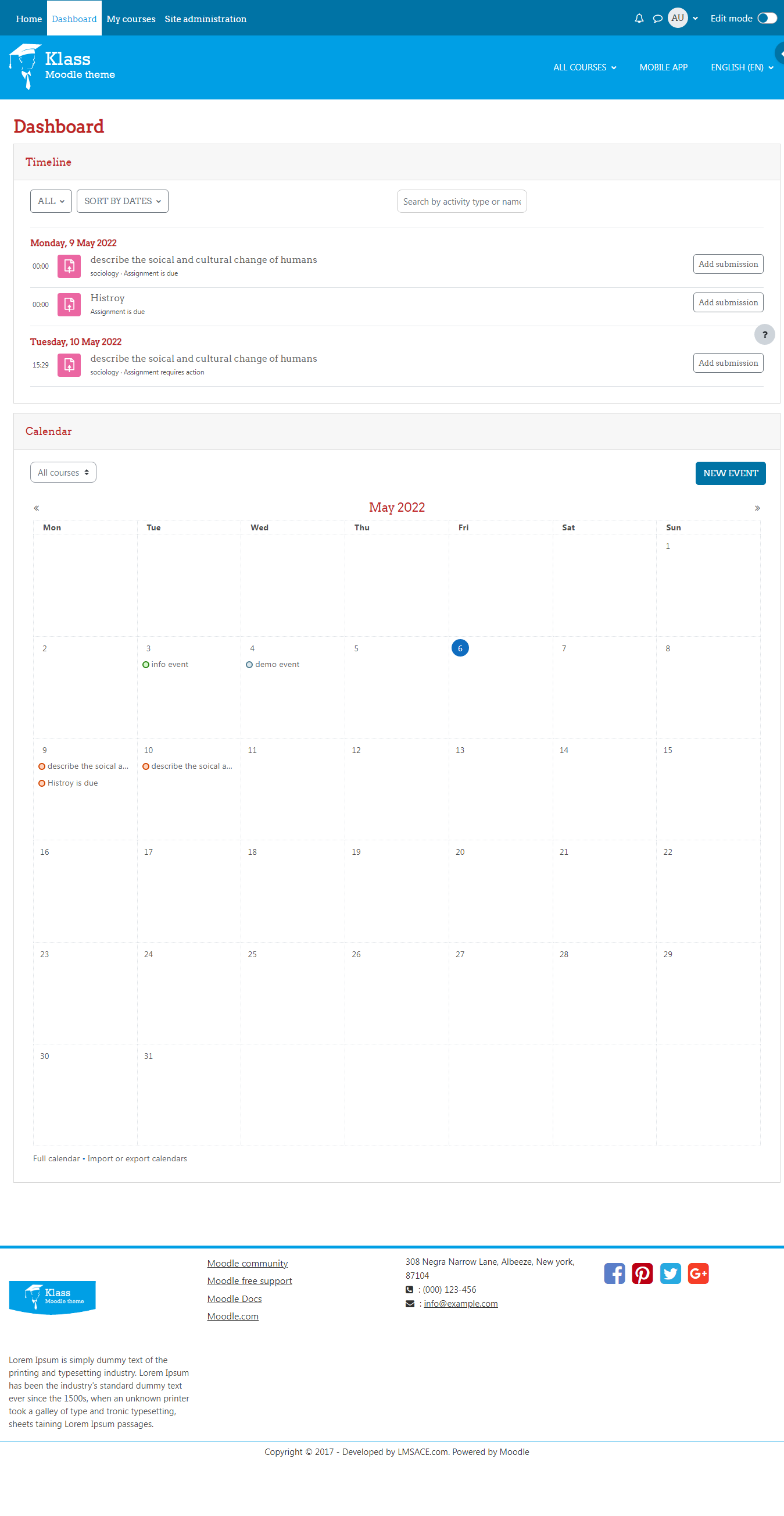
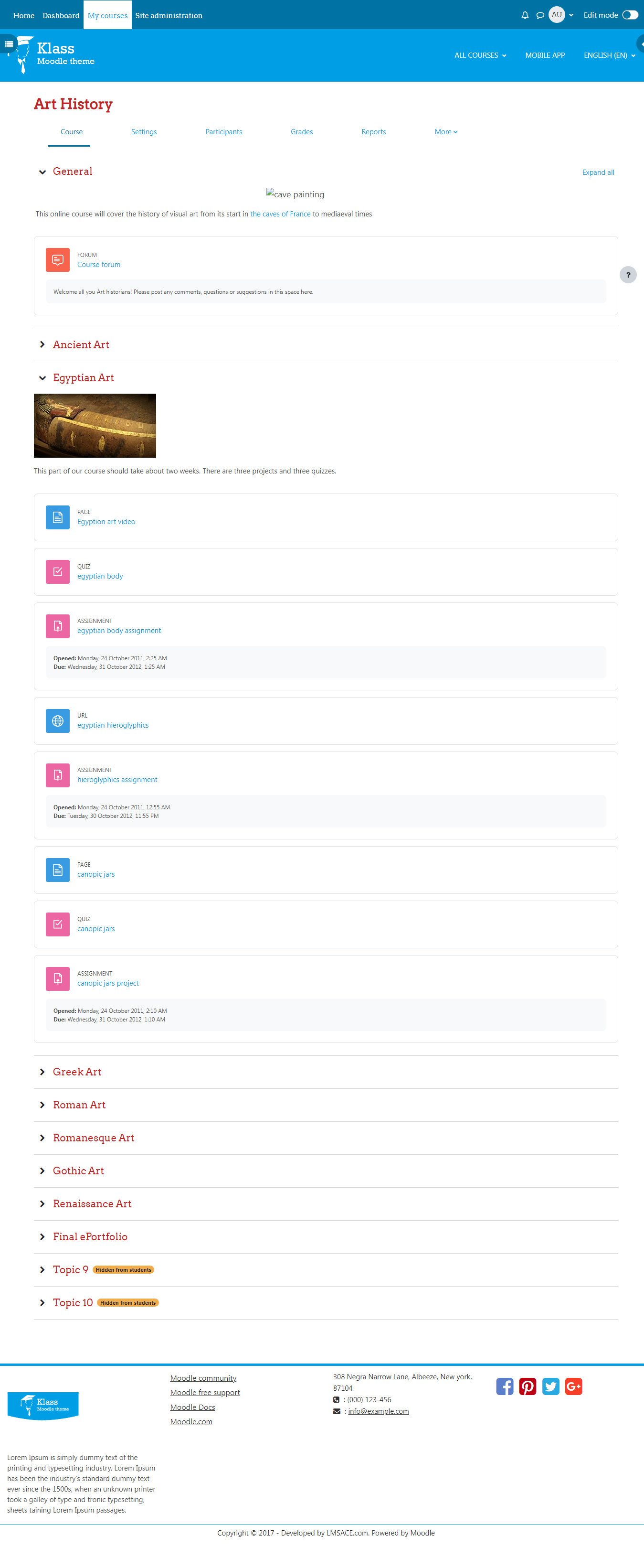
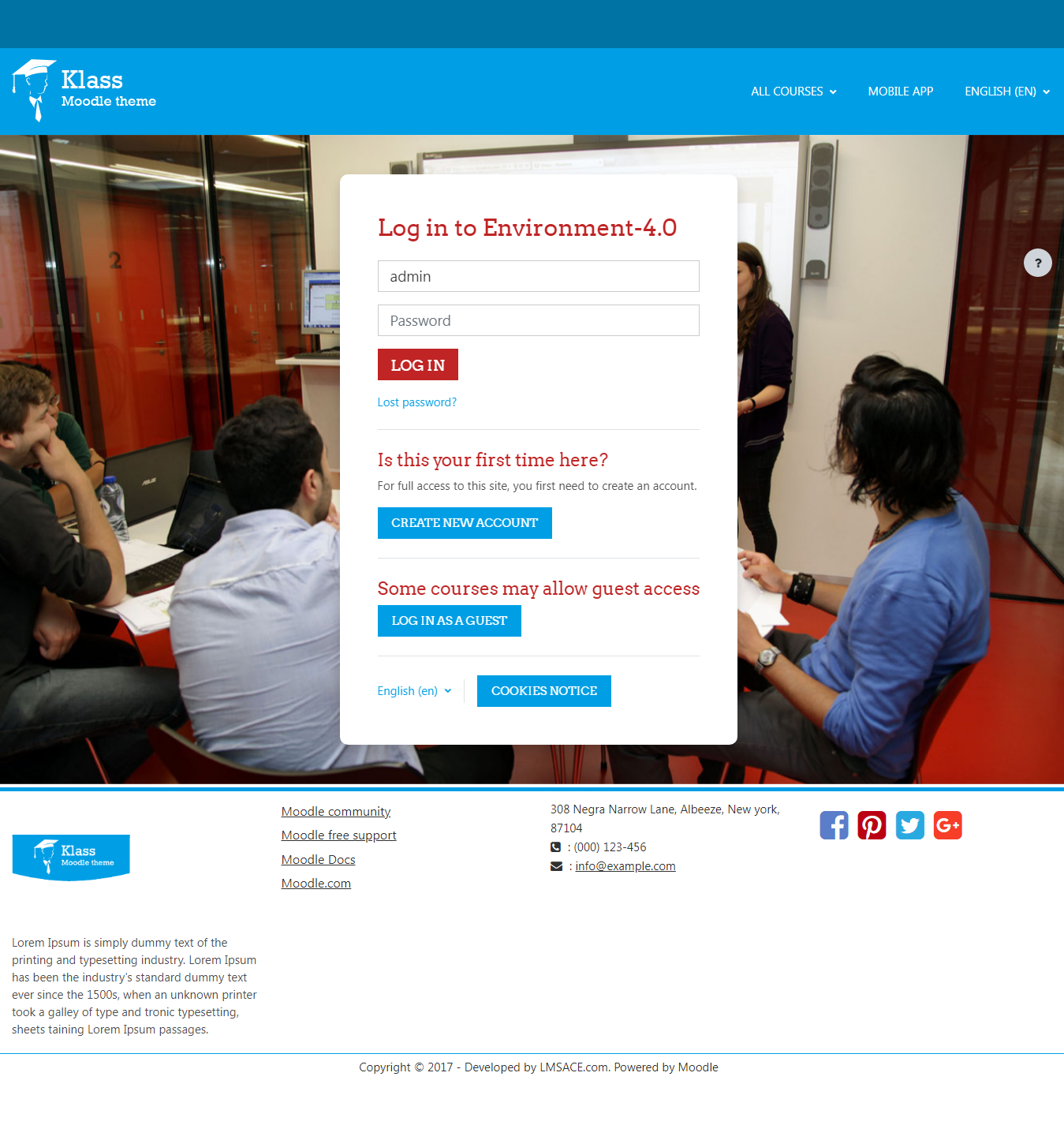
Klass is fully responsive and coded with the latest techniques in HTML5 and CSS3,so it will work on all devices, all browsers, and it does it all seamlessly.Just download and make your e-learn website modern.
Comments
Comments are no longer open for new posts. Existing comments remain available to read.
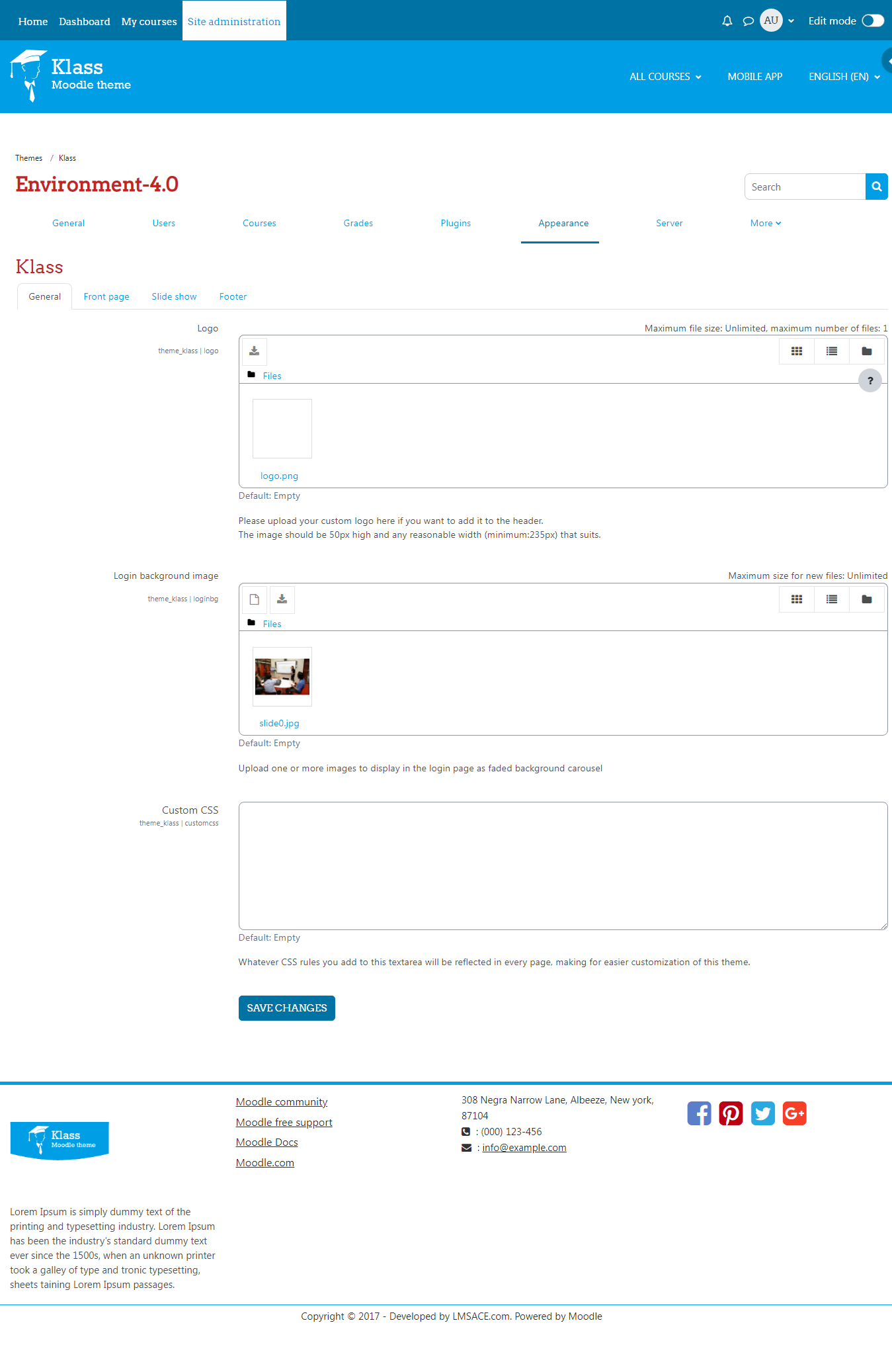
Question #1: Uploading custom logo theme. I'm following recommended sizes but images get totally distorted or cut off.
I am unable to stretch out the width. This happens for the Header and Footer.
Any suggestions would be great thanks.
Aaron
http://czarlearning.com
How is the correct and complete way to insert that script into the slideshow.php?
when add the script, not function.
// Javascript open tag
$(function(){
$('.carousel').carousel({
interval: 2000
});
});
// Javascript close tag
});
Thanks
Martin
I would like to edit the META NAME keywords for my site in order to improve its ranking on search engines. I'd normally just edit the index.html file, but the Moodle index.php is very different. How I can set it up? I would appreciate it.
Me gustaría editar las palabras clave META NAME para mi sitio con el fin de mejorar su posicionamiento en los buscadores. Me normalmente sólo editar el archivo index.html, pero el index.php Moodle es muy diferente. Como puedo hacerlo? Le agradezco.
Saludos.
I am trying to edit the READ MORE> text into the red button on the slider zone... but I can't figure it out. Thank you for any comment to solve this matter.
I restored my site to moodle 3.0 then upgraded again to 3.0.1 WITHOUT PUTTING THE SITE ON MAINTENANCE and whe I added back the Klass folder in themes, it was automatically recognised and up and running
Klass worked fine for me with moodle 3.0 but isn't recognised by moodle 3.0.1
Any idea why or when a Klass update will be available?
But in the header configuration page it says "The image should be 50px high and any reasonable width (minimum:235px) that suits."
Cuál es la diferencia de este tema con "Eguru"
In order to better support multilingual sites, I recommend that you change all instances of $course->fullname found in course_renderer.php to format_string($course->fullname) so that course names wrapped in language tags can be processed through Moodle language filters.
Best regards,
Michael Milette
Thanks for your queries , please check the following details
#1 Please go to your moodle root folder >> theme >> klass >> layout >> includes >> slideshow.php and add the following script lines at the bottom of the page (please make sure you that shouldn't put this script inside the <?php tags)
// Javascript open tag
$(function(){
$('.carousel').carousel({
interval: 2000
});
});
// Javascript close tag
Even you can change the sliding duration by adjusting the value of interval 2000.
#2 Please login as admin and go to Site administration >> Appearance >> themes >> theme settings >> custom menu field and edit and change the menus as per the instructions mentioned , please refer the custom-menu.png
#3 Please go to moodle root folder / theme / klass / renderers / course_renderer.php and around line 76 ad 192 you can see the text Readmore and change there itself as per your own words
#4 In this version the social icons of facebook , pintrest , twitter , g+ only available , we will try to add additional in the next versions , if you need to have in your site itself now and willing to do with some other customization , sure we can do for affordable prices.
Please feel free to ask if you have any questions and also let me know if any customizations.
Thanks