
Klass
Maintained by
LMSACE
Klass is fully responsive and coded with the latest techniques in HTML5 and CSS3,so it will work on all devices, all browsers, and it does it all seamlessly.Just download and make your e-learn website modern.
Comments
Comments are no longer open for new posts. Existing comments remain available to read.
I would like to know ... How can I add the instagram icon in the GET SOCIAL footer ?.
I have installed Klass theme in my moodle site [Version: Moodle 3.8 (Build: 20191118)].
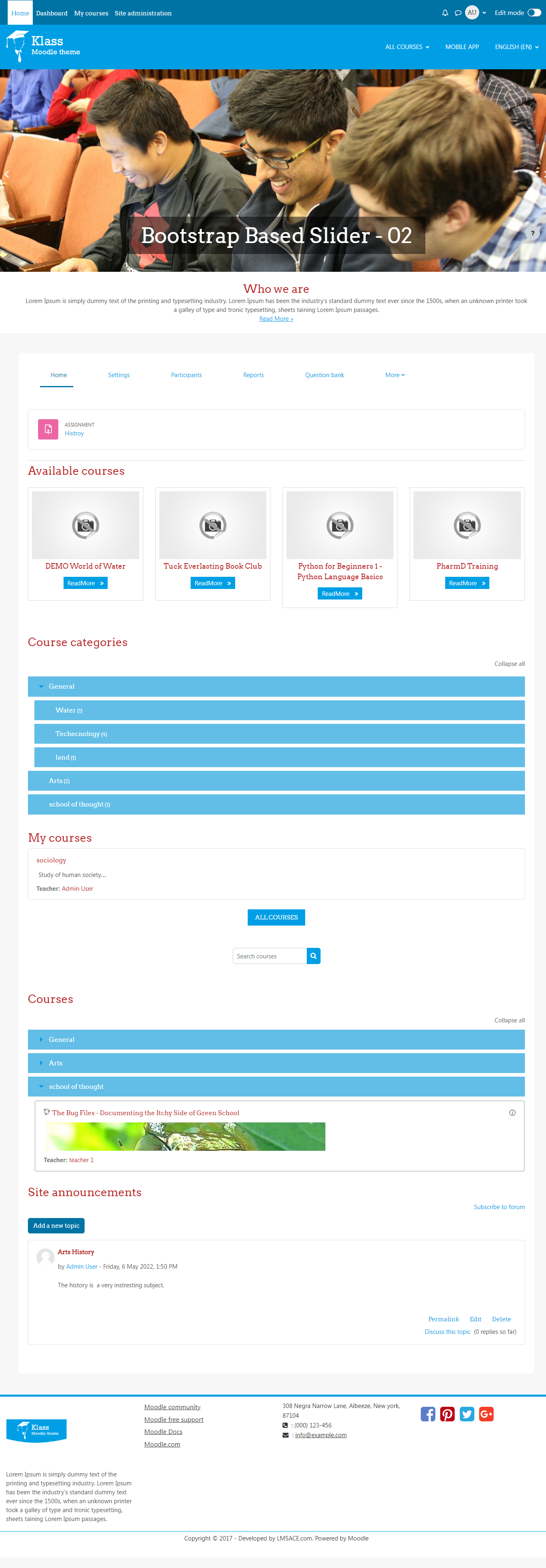
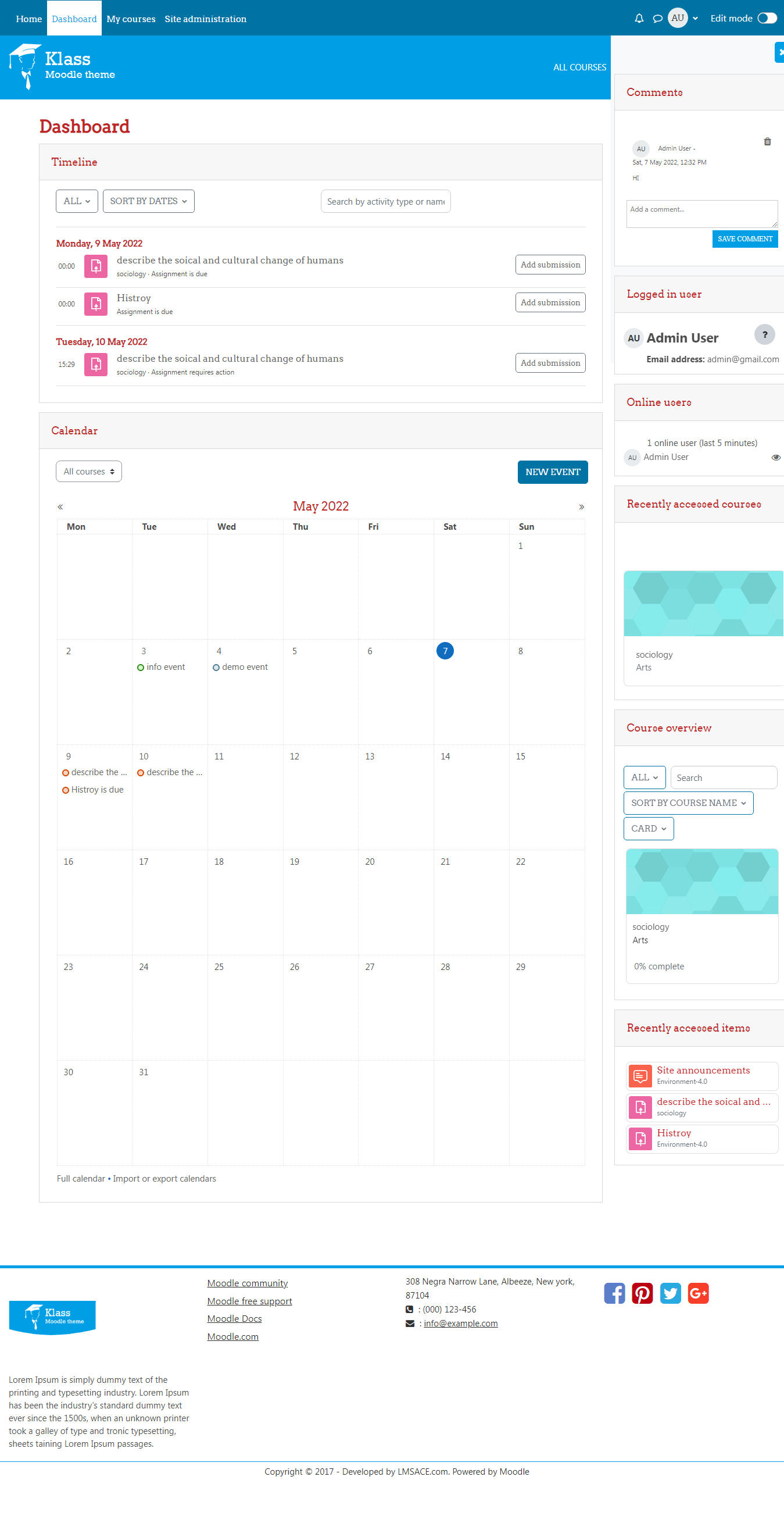
I want to show the slideshow on the dashboard beside the front page.
And the way the courses are shown in the screenshot of the theme page, want to show categories instead.
Thanks in advance
I have a problem with formulas displayed by MathJax on desktop browser (Safari, Chrome, Firefox,...): formulas in quizzes appear with code
i.e. \(x=1\)
No problems with formula in pages/label/...
No problems using iPad
how con I fix?
Thanks!
thank you very much for this great theme!
Is there a reason why the version in the git repository is behind the version here?
Since I manage my plugins through git, I would appreciate it to be the same version.
Best regards
Andreas
If you want to view the course full summary add the below css in the custom css (klass theme setting)
.coursebox .content .summary .no-overflow {
max-height: none;
overflow: visible;
display: block;
}
Custom css path:
Dashboard / Site administration / Appearance / Theme / klass / General / Custom css
--(or)--
Remove the below css code in your style file (theme.css)
Style file path:
Yourmoodlefolder/theme/klass/style/theme.css
.coursebox .content .summary .no-overflow {
max-height: 70px;
overflow: hidden;
text-overflow: ellipsis;
-webkit-line-clamp: 3;
-webkit-box-orient: vertical;
display: -webkit-box;
}
Regards,
M.Nithyanandan
Any idea?
your post was good and useful for me. i hope that you continue publishing these series of contents. good luck.
After upgrade to Moodle 3.8 I've this problem "Component was not valid: theme_klass" and I can't log in into Moodle
Any idea?
Thank you.
Fil
thank you Nithy Anand für your helpful answer.
With our update to moodle version 3.7 a new issue has arisen.
The dashboard now shows the pictures that are defined in the course. However, scaled to a fixed size and cropped. That doesn't fit anymore. My pictures have the dimension 300 x 200 px.
How can I adjust the dimension of the preview image in the CSS of Klass?
Best regards Ingrid Oelhoff
Thus the problem I explained in detail in my first post.
Then a friend did the Moodle upgrade manually and I was then proposed in Moodle to upgrade the klass plugin to 3.7 which I did and everything is fine.
I think you should be more careful with upgrading priorities and that I should have been warned of the potential problem of upgrading to moodle 3.7 from an installation containing klass 3.6.2.
Regards
Did you upgraded the klass theme version-3.7 in your latest moodle version.
There is no issue on the latest klass theme.
If you have modified in the theme file in your last version. Add your code in the latest klass theme.
If you can't fix the issue send a mail to:
info@lmsace.com
Regards,
M.Nithyanandan
Thanks