
Klass
Maintained by
LMSACE
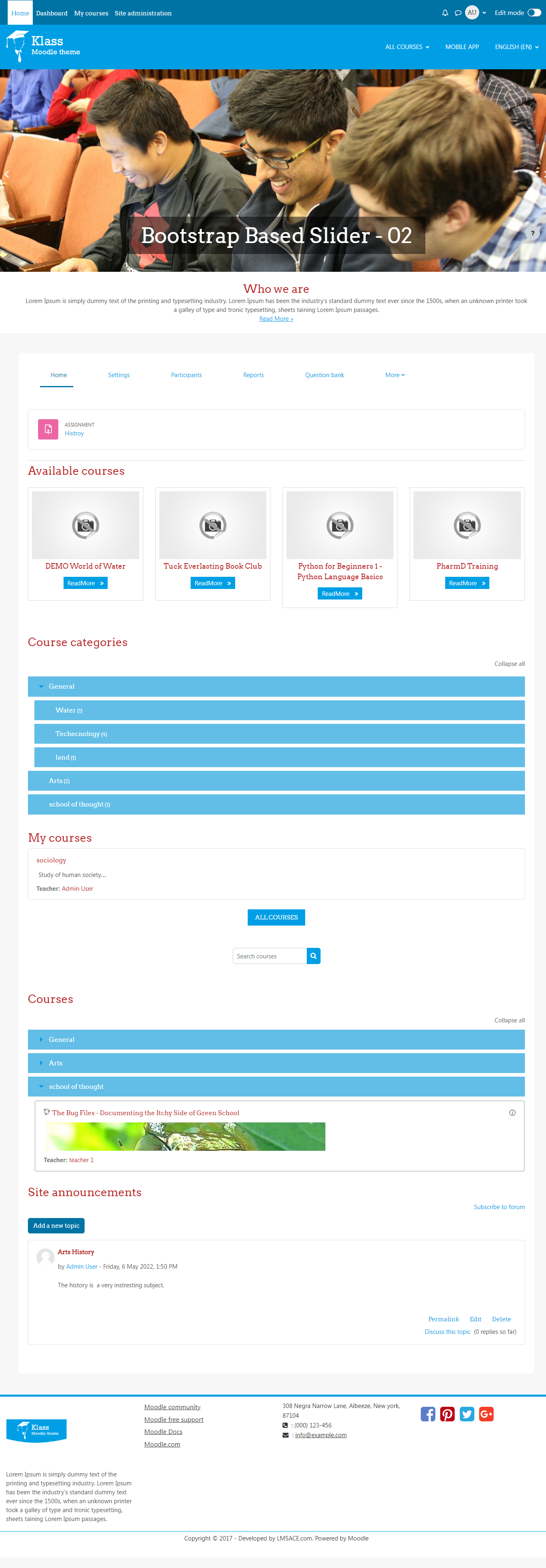
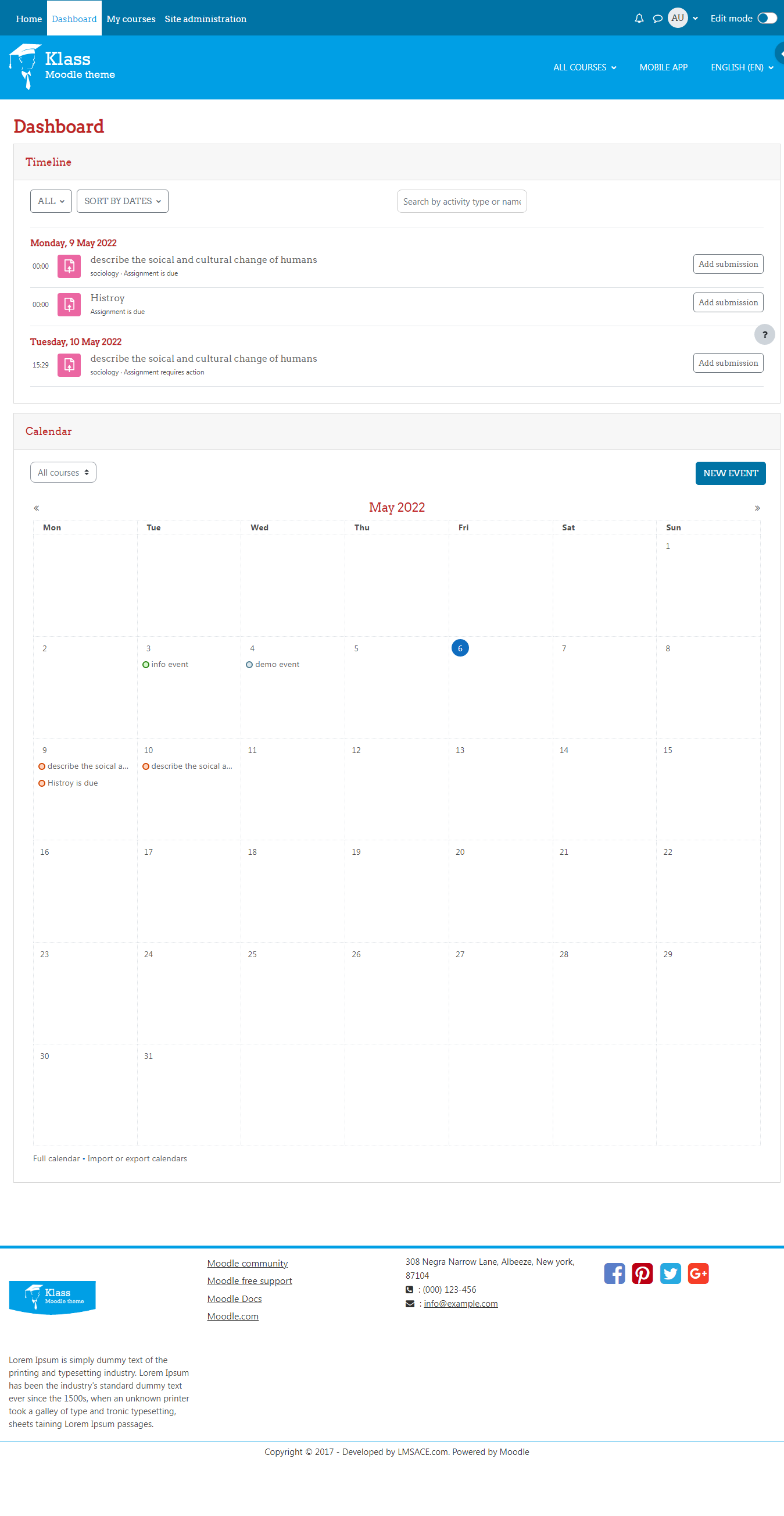
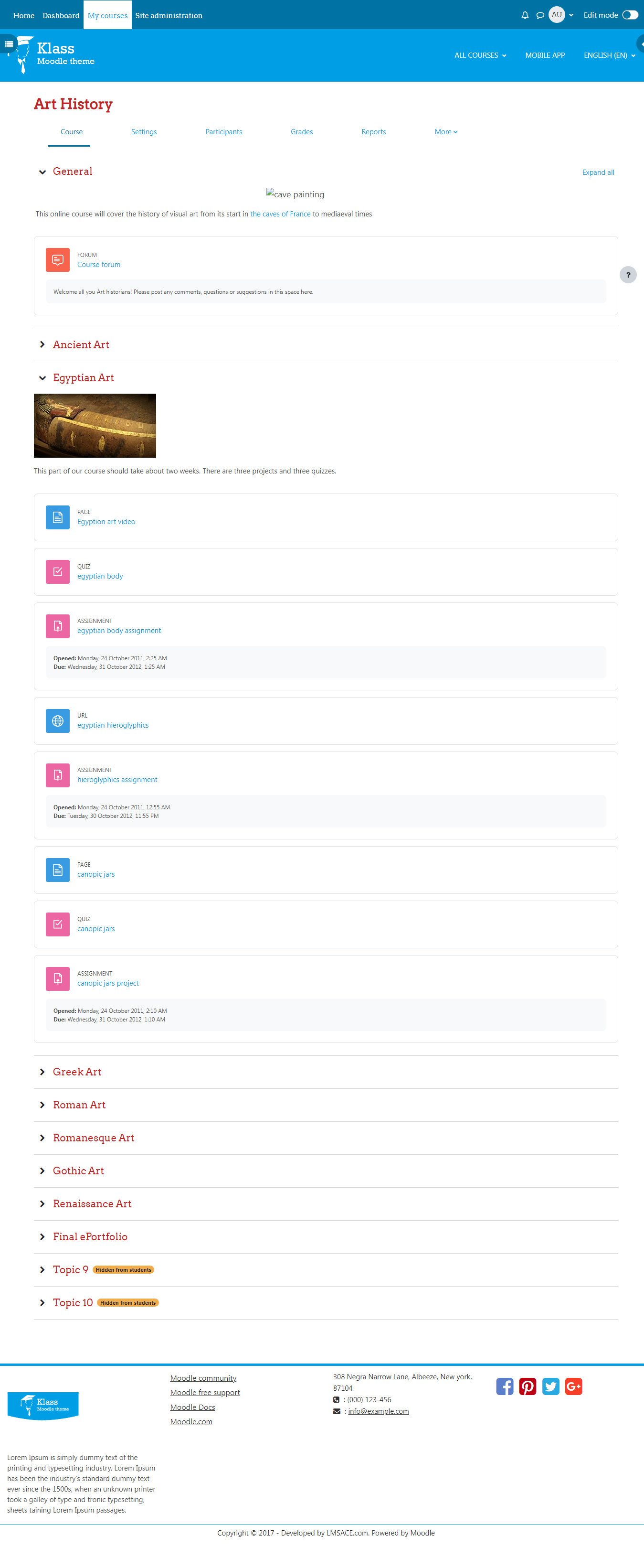
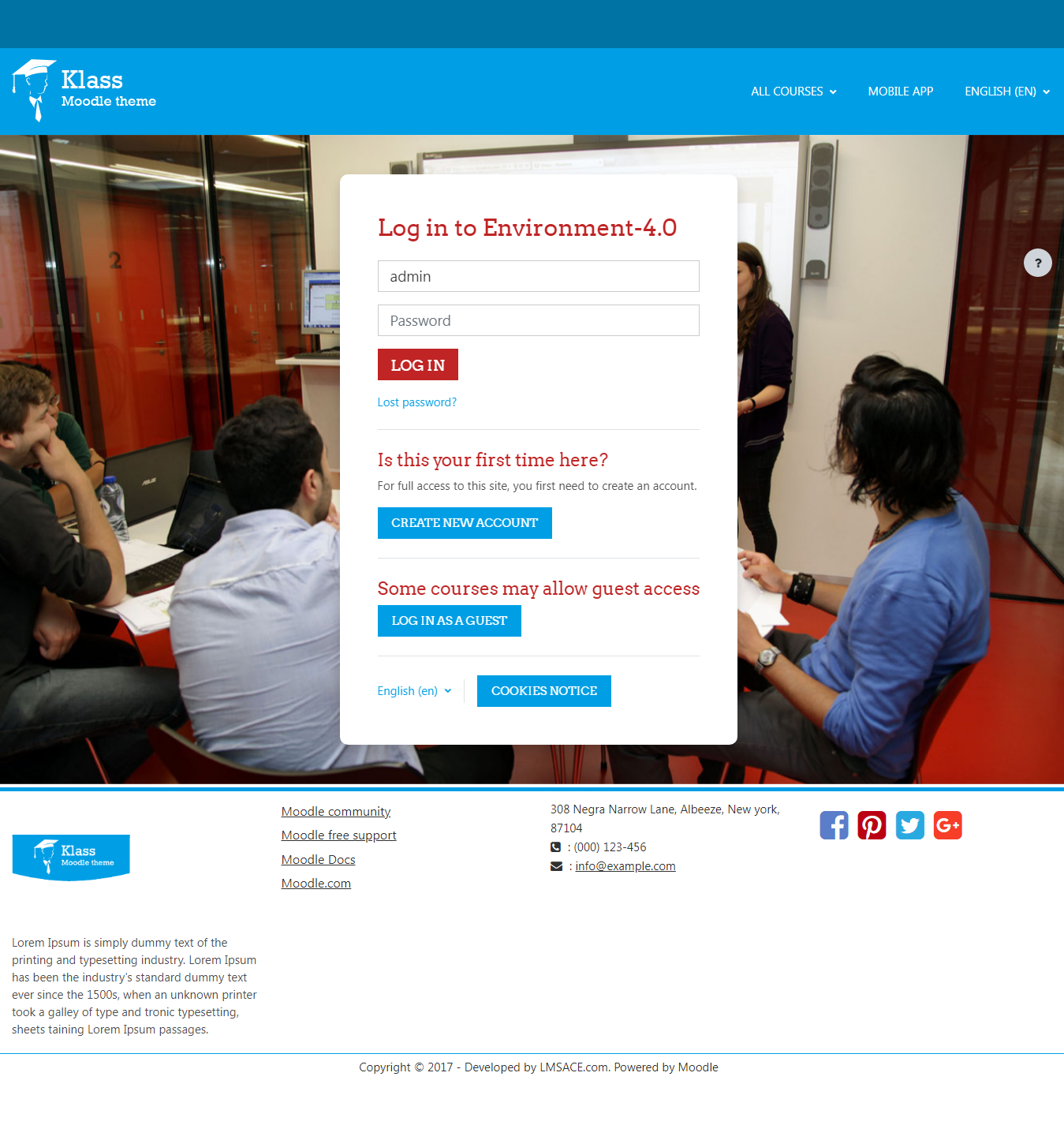
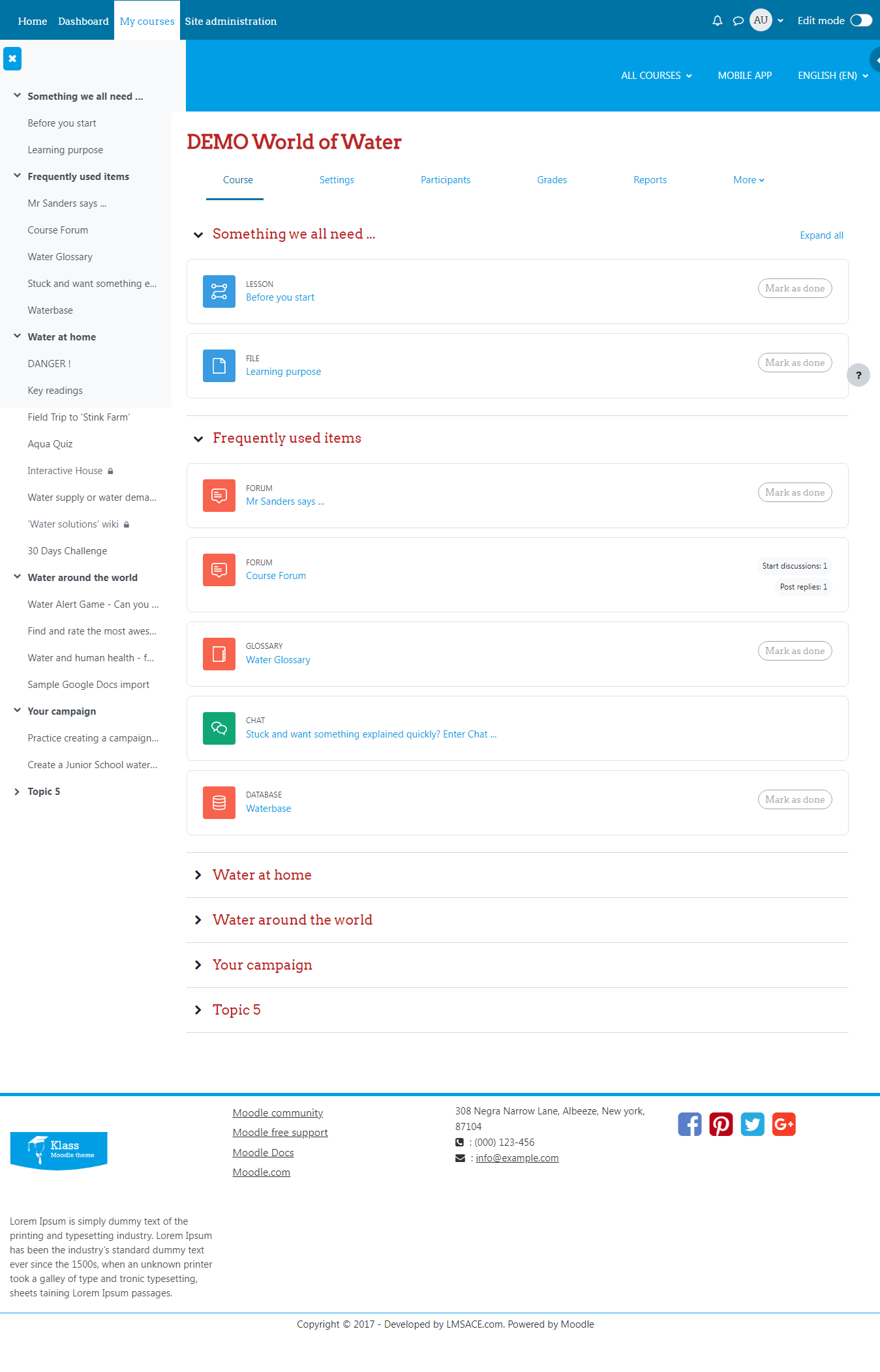
Klass is fully responsive and coded with the latest techniques in HTML5 and CSS3,so it will work on all devices, all browsers, and it does it all seamlessly.Just download and make your e-learn website modern.
Comments
Comments are no longer open for new posts. Existing comments remain available to read.
The klass theme version - V1.4.0.1 is for the moodle version - 3.2
There is klass theme version - v3.4.0.6 (2018052800) for the moodle version - 3.4.
You can download and upgrade the latest source theme ver-3.4.0.6 in your moodle.
And the drag and drop is fixed in the latest source.
Regards,
M.Nithyanandan
I have Moodle version 3.4.7 but I have installed the klass version for V1.4.0.1 (2018052800). The drag and drop action between my activities does not seem to work? I can move the sections (collapsed topics) but I can't move or arrange the activities inside of them, the move crosshair next to the activity does nothing when I click on it/will not even move when I click and drag.
Any suggestions?
How do i set Enrolled course appear in the custom menu/Menu Bar
Thank you.
Currently I am using Klass 3.5, and 3.5 moodle,
But i cant find Docking button in my block,
Please assist.
Add the css below line in the custom css in your theme setting,
.header-main .header-main-content {
background: #000000; /* Change the color hex code */
}
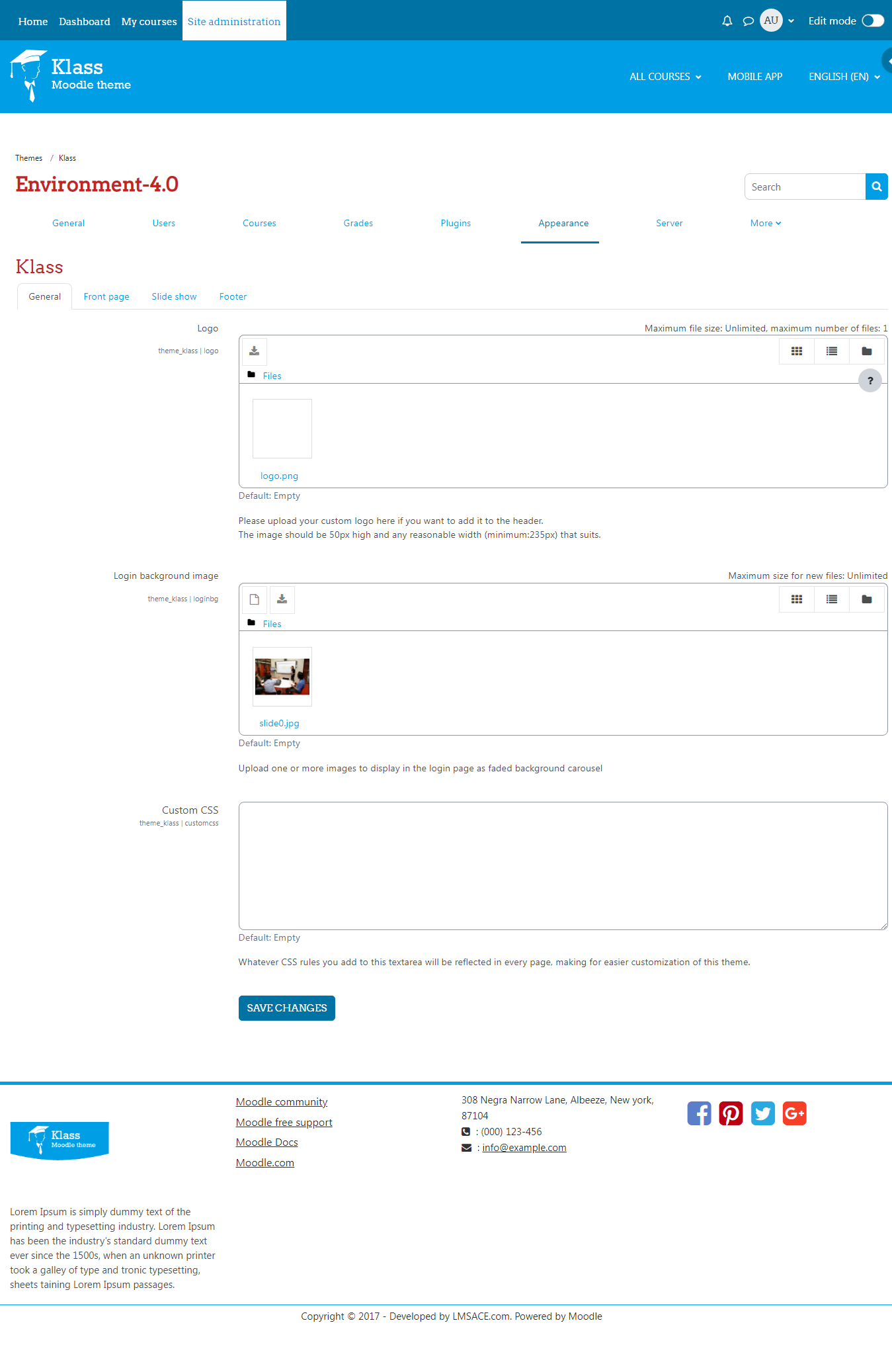
Custom css path:
Dashboard / Site Administration / Appearance / Themes / Klass.
In klass theme setting,
General > Custom CSS and click the "save changes " button.
If you want to change the top header add this line below,
#header {
background: #000000 !important; /* Change the color hex code and !important is must in this line*/
}
FYI,
If you want to add the css line in your theme style file,
Path:
Yourmoodle / theme / klass / scss / preset / theme.scss
Add the above css line in the end of the style file and also clear the theme cache.
To clear the cache,
Dashboard / Site Administration / Development / Purge all caches .
And click the "Purge all caches" button.
Regards,
M.Nithyanandan.
Is it possible to change the color header?
Thank you.
Currently I am using Klass 3.5, and 3.5 moodle,
But i cant find Docking button in my block,
Please assist.
Here i have shared the style line to hide the "read more" link from the course block in the front page.
.fp-coursebox .readmore {
display: none;
}
You can add this style in the custom css in the theme setting (or) in the style file in theme folder.
Custom css path:
Dashboard > Site administration > Appearance > Theme > Klass > General > custom css.
Style file path:
Yourmoodle/theme/klass/scss/preset/theme.scss
Add the style line in the end of your style file.
Regards,
M.Nithyanandan.
How to get rid of the learn more link under the pictures of the course.
Thanks
We are happy to inform you that the klass theme for the moodle latest version -3.6 has been released.
Please inform us, if you have any issue in the latest klass theme. It will be helpful for us to fix the issue in the theme.
On Moodle version 3.6 there is a problem with the page footer. Please update for this version.
Thanks a lot.
Fixed the login token security issue in the theme for the moodle ver-3.1, 3.3, 3.4, 3.5
Is there any way for the image to adjust the size of the page?
Please look this: https://moodle.org/mod/forum/discuss.php?d=378494