
Klass
Maintained by
LMSACE
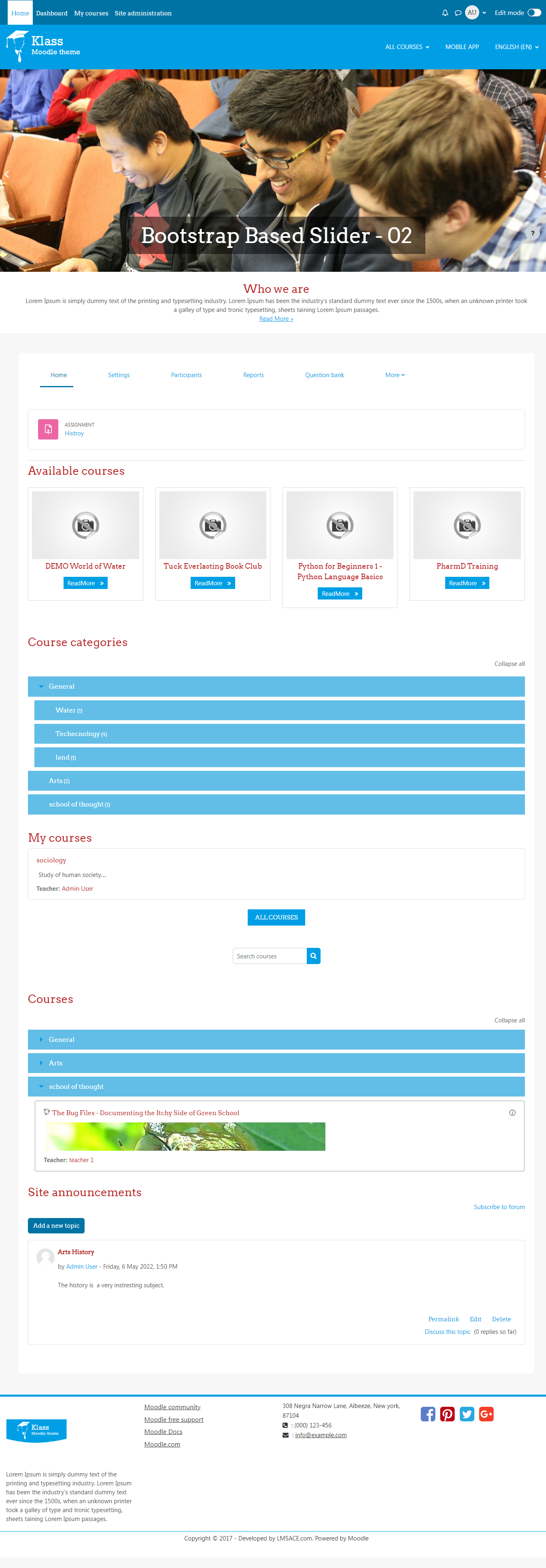
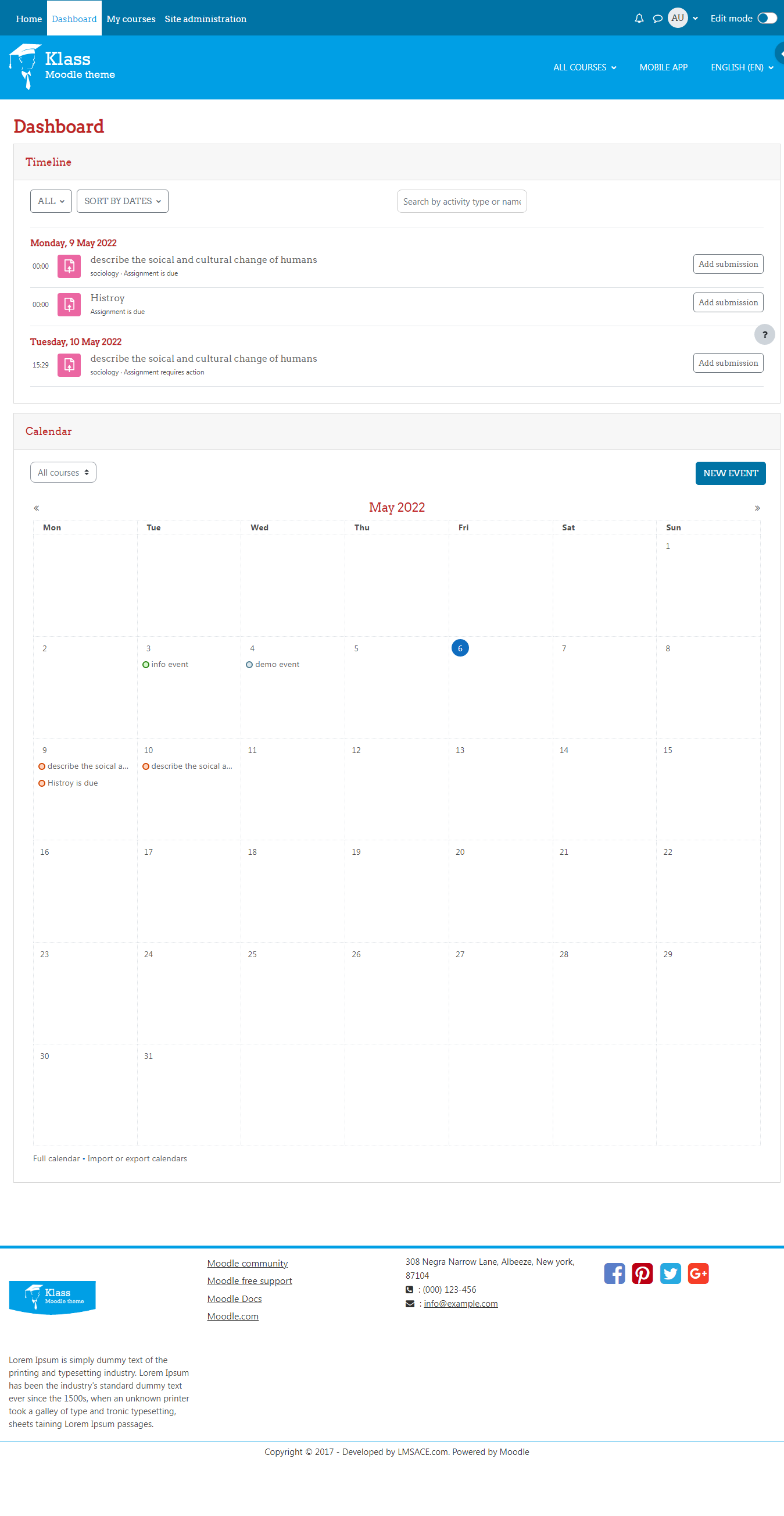
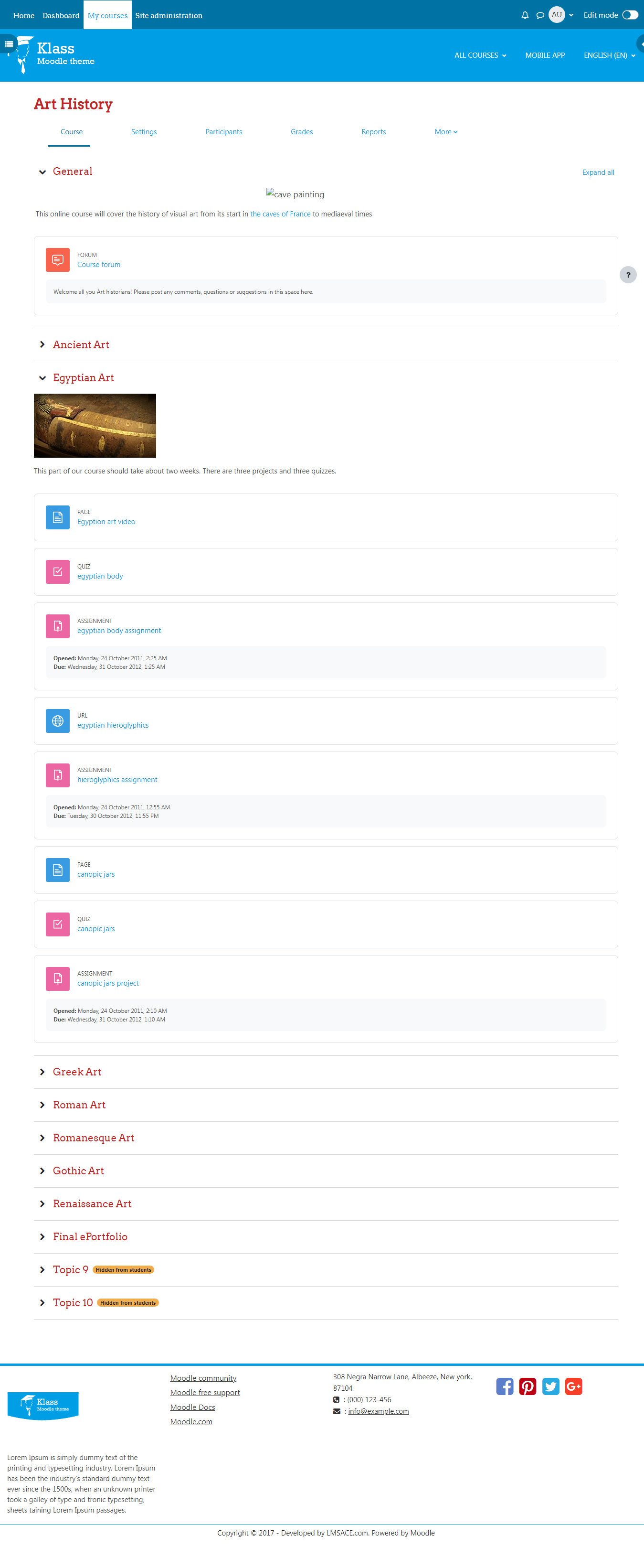
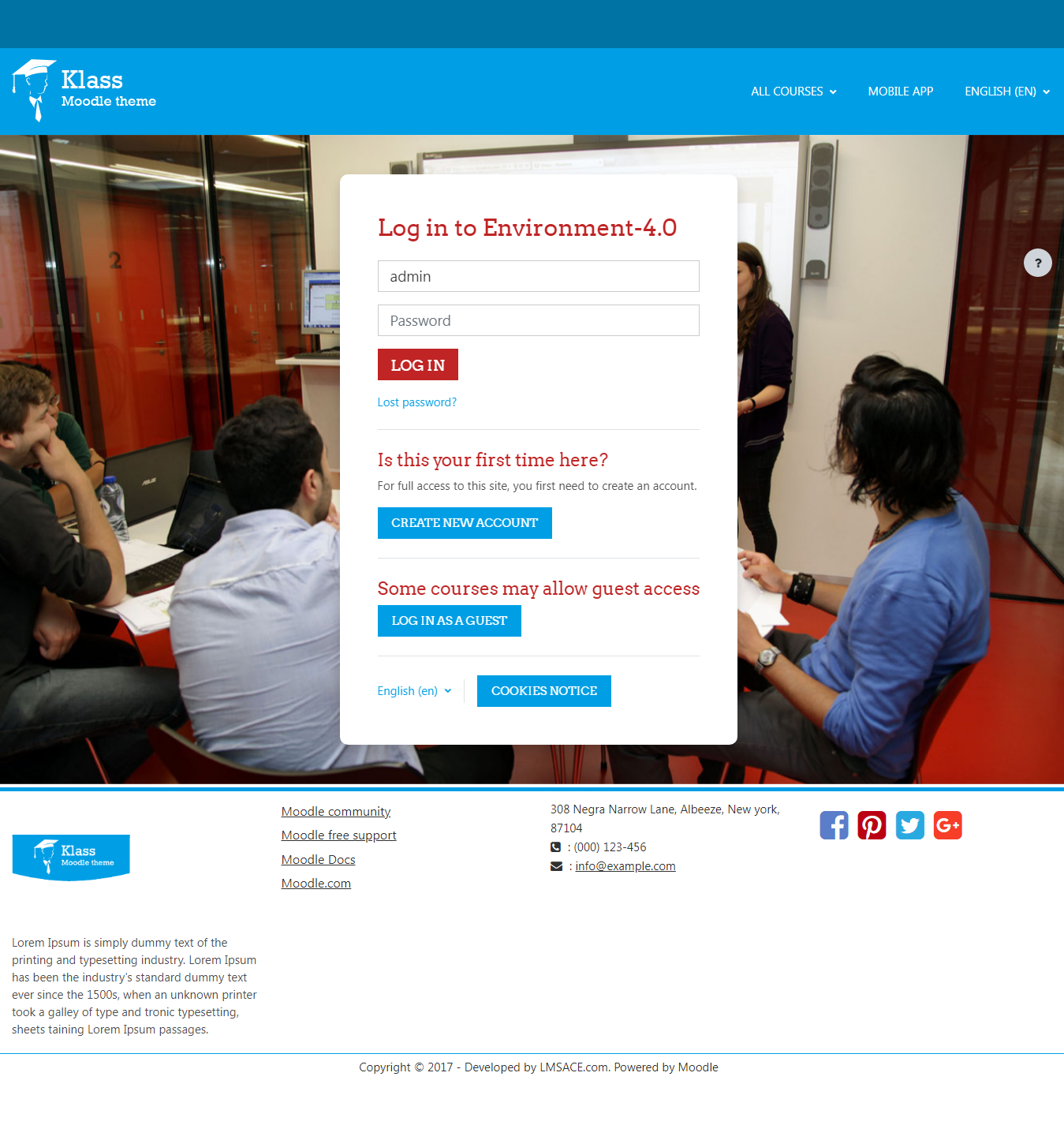
Klass is fully responsive and coded with the latest techniques in HTML5 and CSS3,so it will work on all devices, all browsers, and it does it all seamlessly.Just download and make your e-learn website modern.
Comments
Comments are no longer open for new posts. Existing comments remain available to read.
Please update this theme to support the new security token feature in 3.5.3 version.
Users are unable to login after upgrade the Moodle to 3.5.3
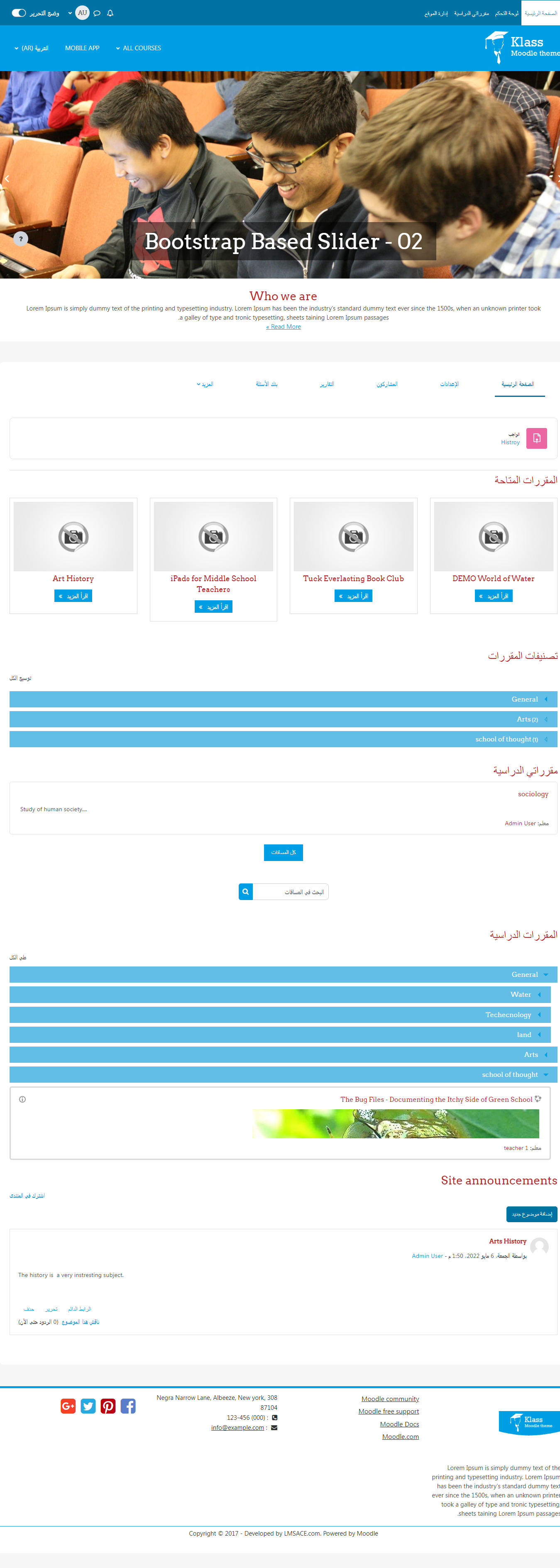
The bootstrap carousel is used in the klass theme. In mobile screen (portrait screen), the image will be cut off some parts to fit inside the screen.
The image should be minimum 1366px and 385px (width and height) for the carousel. If the image size is small it will stretch the image to fit the screen.
I'm actually trying to upgrade to Moodle3.5 using Git but I can't get the last version of your plugin on your github : https://github.com/lmsace/klass
Can you add a new branch with the new code ? sourire
Thanks,
Mathieu
how can I remove Readmore Links under Courses blocks?
Thank you in advance
Luca
Maximum nuber of course is already set to default which is 200.
To summarize: I have 9 courses in 2 categories
All appear on frontpage as an ordered list under the 2 categories.
Only 8 appear under slidewhow as images and not in the same order than the list
In the menu under User's cours only 5 out of 7 appear, under visitor's course 2 appear which is normal.
What might be the problem?
Reorder the course once again in course management and check, its working fine.
To show number of courses on the frontpage,
Goto -> Dashboard -> Site administration -> Front page settings -> Maximum number of courses
Select the number of course to display on the frontpage course list.
Regards,
M.Nithyanandan
I have a total of 9 courses and only 8 appear in the course images
Also in the menu on top the new courses do not appear. How do I deal with the menu?
Another question then:
In the list of courses on the frontpage they appear in the order I give in administration..course...manage...etc...
But the course images on top of the page seem to be in a random order. How can I organise them so the order correspond to the one of the list of courses?
Don't have the klass theme documentation.
If you have modified the theme, do not upgrade the theme without backup.
Upgrade your theme and you have to add the modified code in the latest version files.
Regards,
Nithyanandan.
How do I get rid of NEW COURSES on frontpage ? I have nothing selected to show on Front page settings but it still appears. Thank you
No answers to my last post and questions?
Do you have somewhere a complete documentation of the plugin?
I'm still using Klass v1.1 for moodle 2.9.1 2015070600 which works fine on Moodle 3.5. I didn't uprgrade the plugin as I did on first install some code modifications like in theme.css in style, in course_renderer.php, etc... to adapt it perfectly.
If I upgrade to klass 3.5, will I lose these modifications or is there a way I could keep them easy?
Here the path to change the course image,
- Dashboard / Site administration / Courses / Manage courses and categories
Select the "category" on the left side block and "courses" will be displayed on the right block.
Click the "edit" icon (gear) for the course to edit and the page reload to the "Edit course settings" page.
Change the image in "Course summary files" on "Description Tab" and click save button.