
Klass
Maintained by
LMSACE
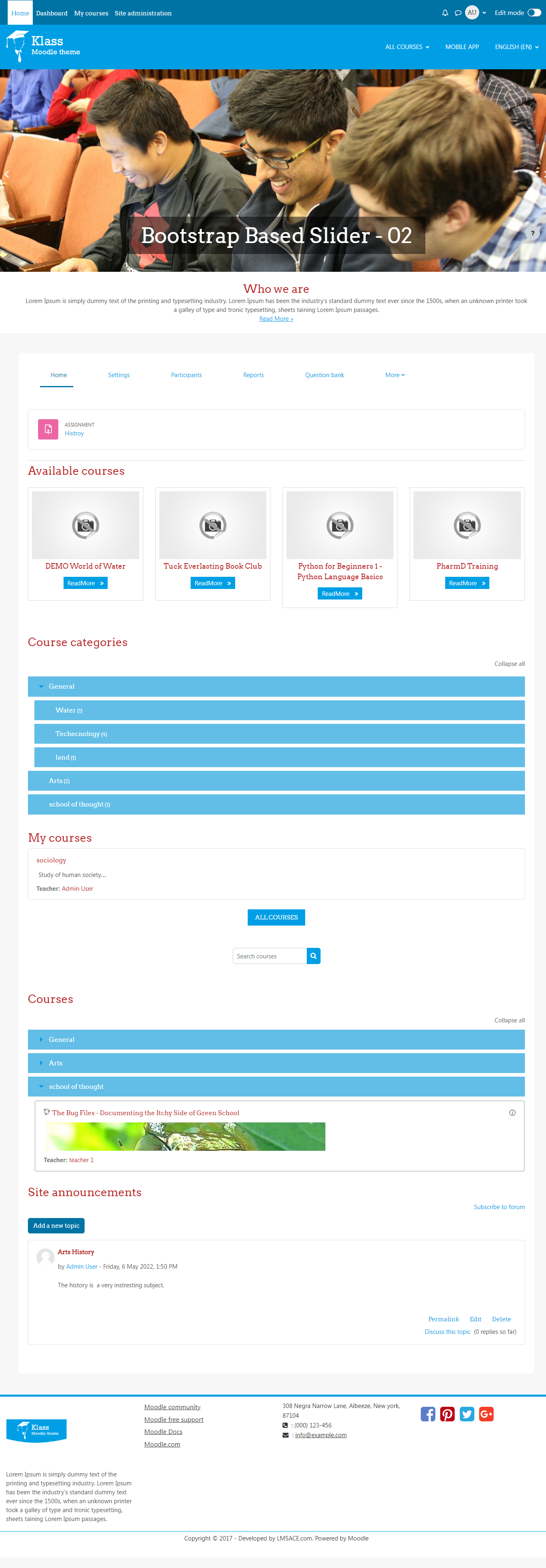
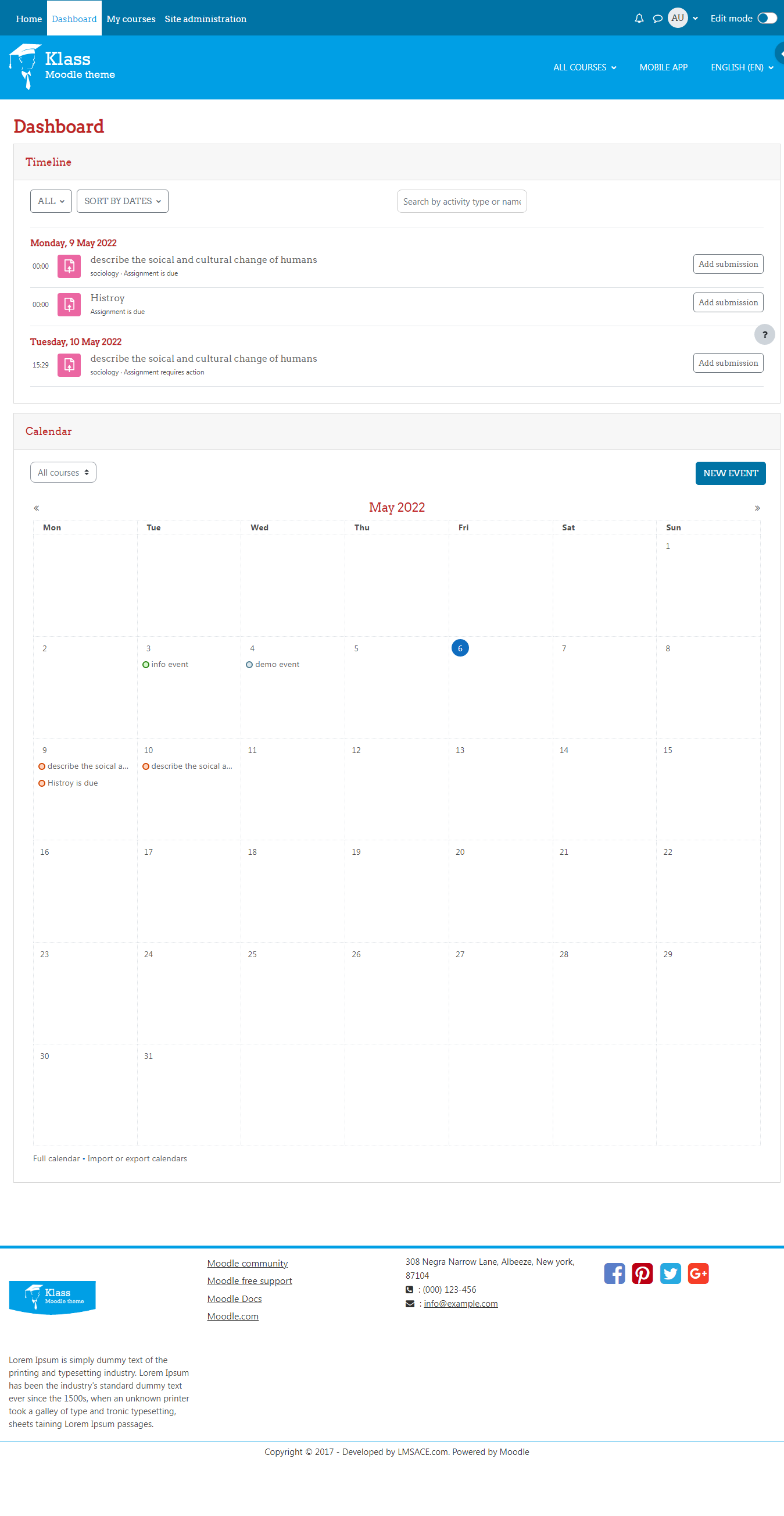
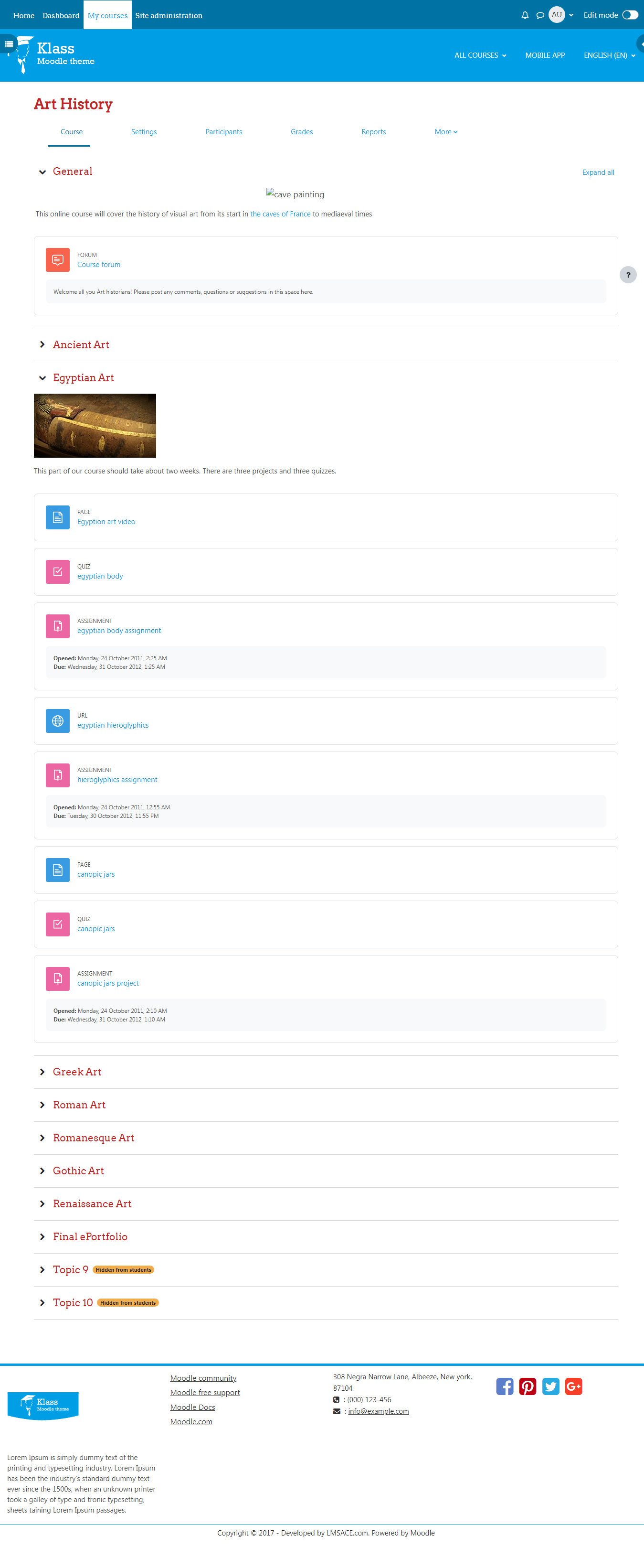
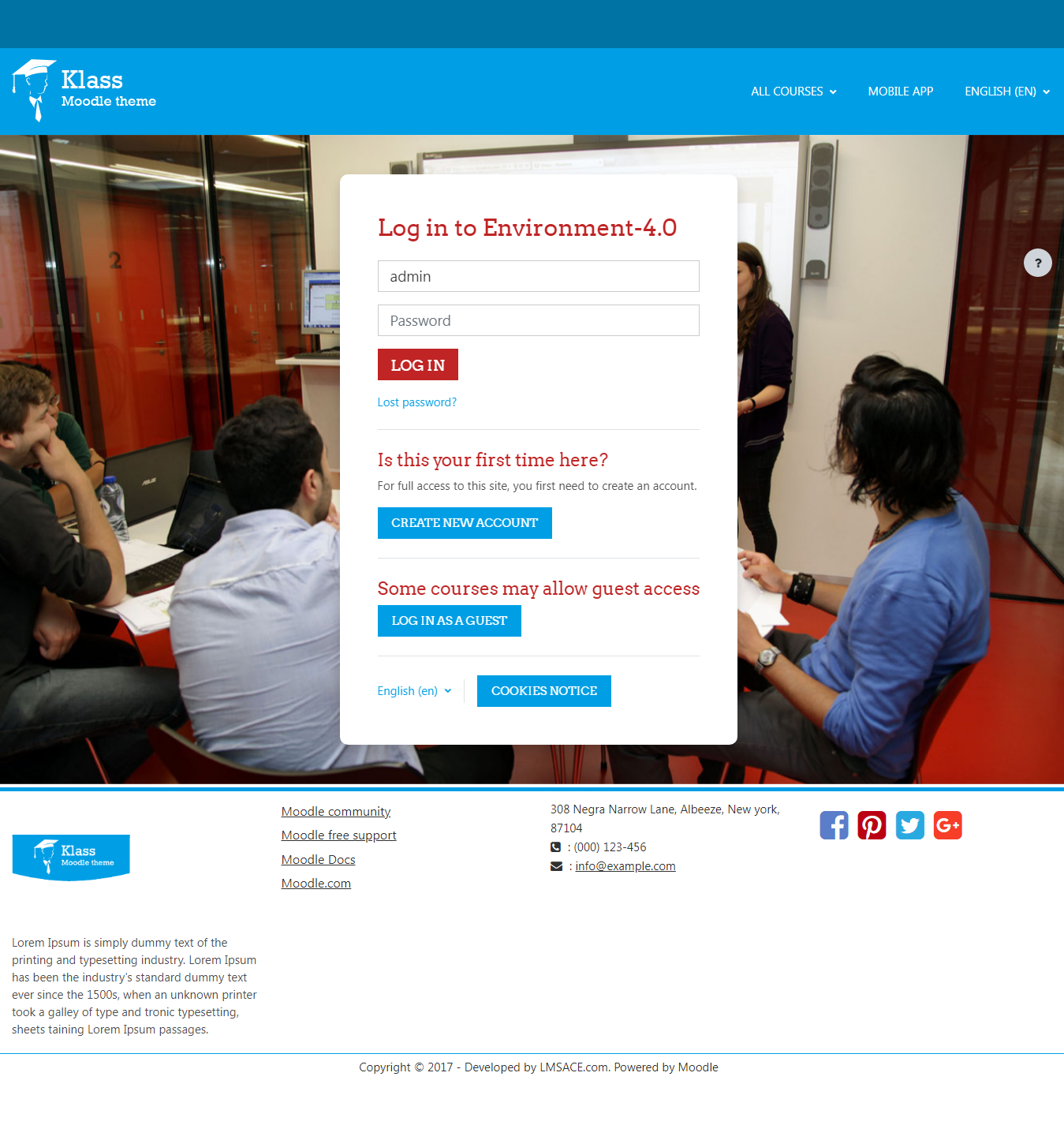
Klass is fully responsive and coded with the latest techniques in HTML5 and CSS3,so it will work on all devices, all browsers, and it does it all seamlessly.Just download and make your e-learn website modern.
Comments
Comments are no longer open for new posts. Existing comments remain available to read.
We are fixing the issues related to the header alignment and we will update the theme today or tomorrow.
Sorry for the inconvenience.
Thanks,
LMSACE.
after the upgrade to the last version, same problem here!
The top of the page is really not good
After I updated for Moodle 3.5, my Klass Theme is not good in the top page!
Can you see this in: treinamentodefranquias.com.br
You can write the css to change the color in the klass theme setting,
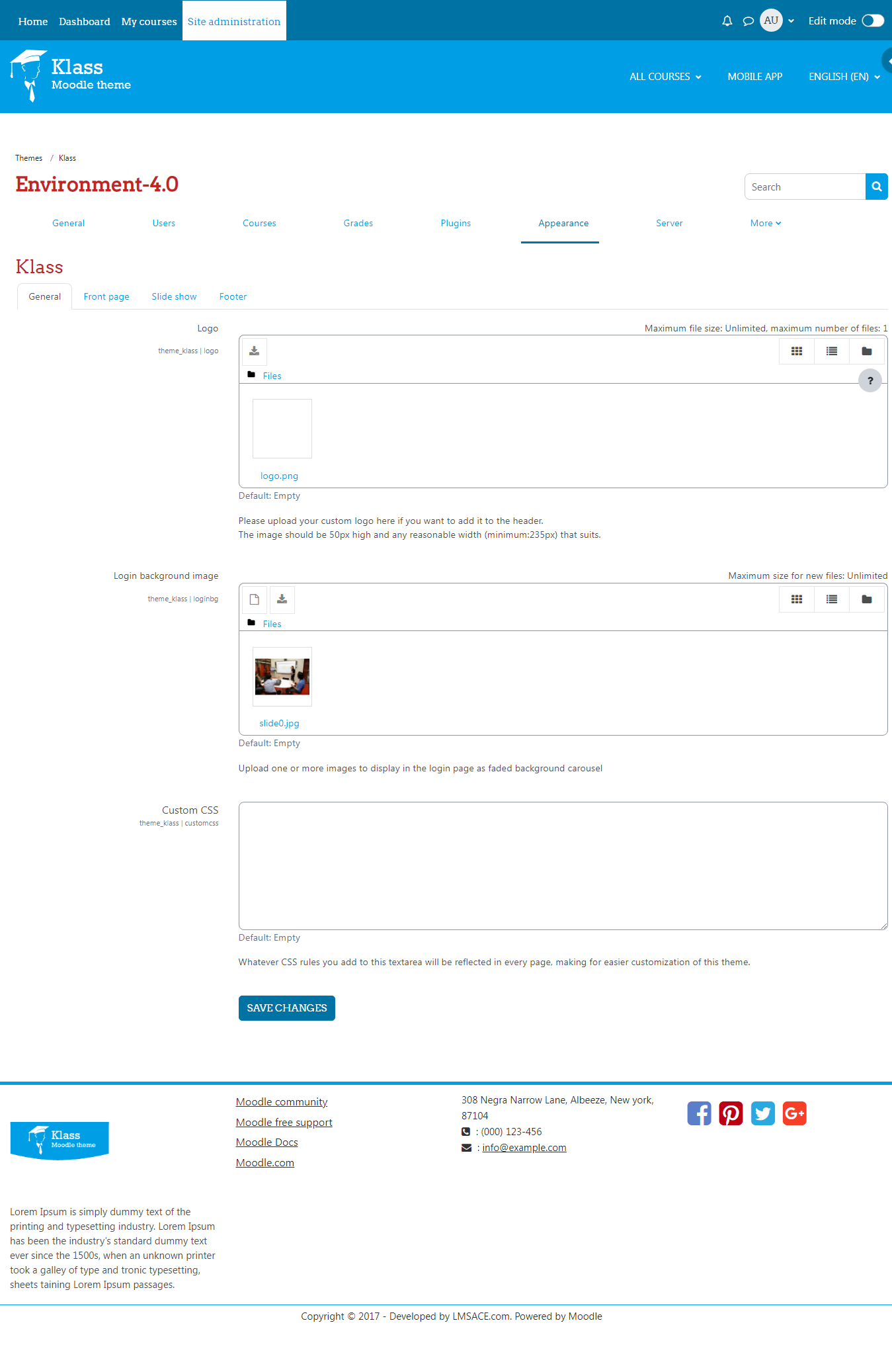
Site administration -> Appearance -> klass -> General -> custom css
To change the font:
You have to add the font file in this folder,
Path: Yourmoodle\theme\klass\fonts
Change the font name in the css file and you can write the font-family css in the custom css or in the css file.
Regards,
M.Nithyanandan.
Could you please let me know how to change the Klass theme font and color? Because we want to apply our branding style in Moodle, Currently the red color in heading and topic is not suitable for us. We currently can not touch the core.css file because IT department control that. Is there any global setting in Moodle we can use? Thanks.
Does the theme work in version 3.4.2?
My slideshow does not work. It is stuck at the first image and there is no transition to the next image (Moodle 3.2).
Thank you very much
Daniel
Since I can not get the New Course section to work on the home page with the theme is there anyway to just turn off the New Courses Section all together?
Thanks - Skeeter
Here is the code to fix the slider height, add this code in the custom css.
@media (min-width: 768px) {
.carousel-inner .carousel-item {
min-height: auto;
max-height: 250px;
}
.carousel-overlay-content {
height: 250px;
}
}
Regards,
M.Nithyanandan.
I don't have an answer yet but figure out what I think the disconnect is on the Number of Courses on the home page and what I and a few others have been asking.
on the home page of the theme you have a section listed as NEW COURSES and then the section below is MY COURSES. What I am trying to change is the section at the top called NEW COURSES. If I follow your directions about going into front page and change number of courses that works but it changes the MY COURSES section and not the listing of new courses at the top of the theme on home page. You can see my installation here - http://ascomuniversity.com
So my question goes back to how to I change that section to only show me the 4 most recent new courses that have been created in the LMS?
Thank you - Skeeter
I think I did what you did too, but couldn't see any change. Meanwhile I have been playing around with the following code from Mary Evans:
.carousel-inner .item {
min-height: 385px;
}
.carousel-overlay-content {
width: 100%;
height: 385px;
}
I do see some difference, but not what I actually want. I need about 1/3 of the default slider height. When I fiddle around with the numbers above, I could get about 20% reduction in slider height, but not beyond that, no matter what numbers I changed in the above code. I also tried resizing my slides, but to no avail.