
Klass
Maintained by
LMSACE
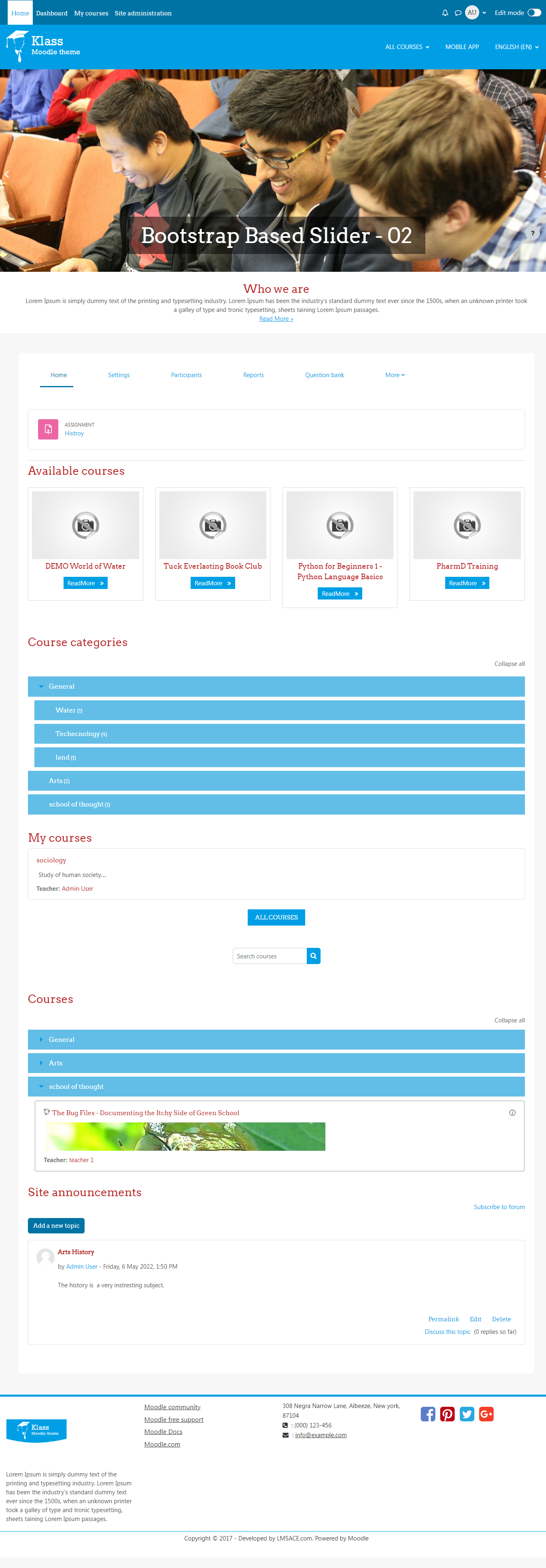
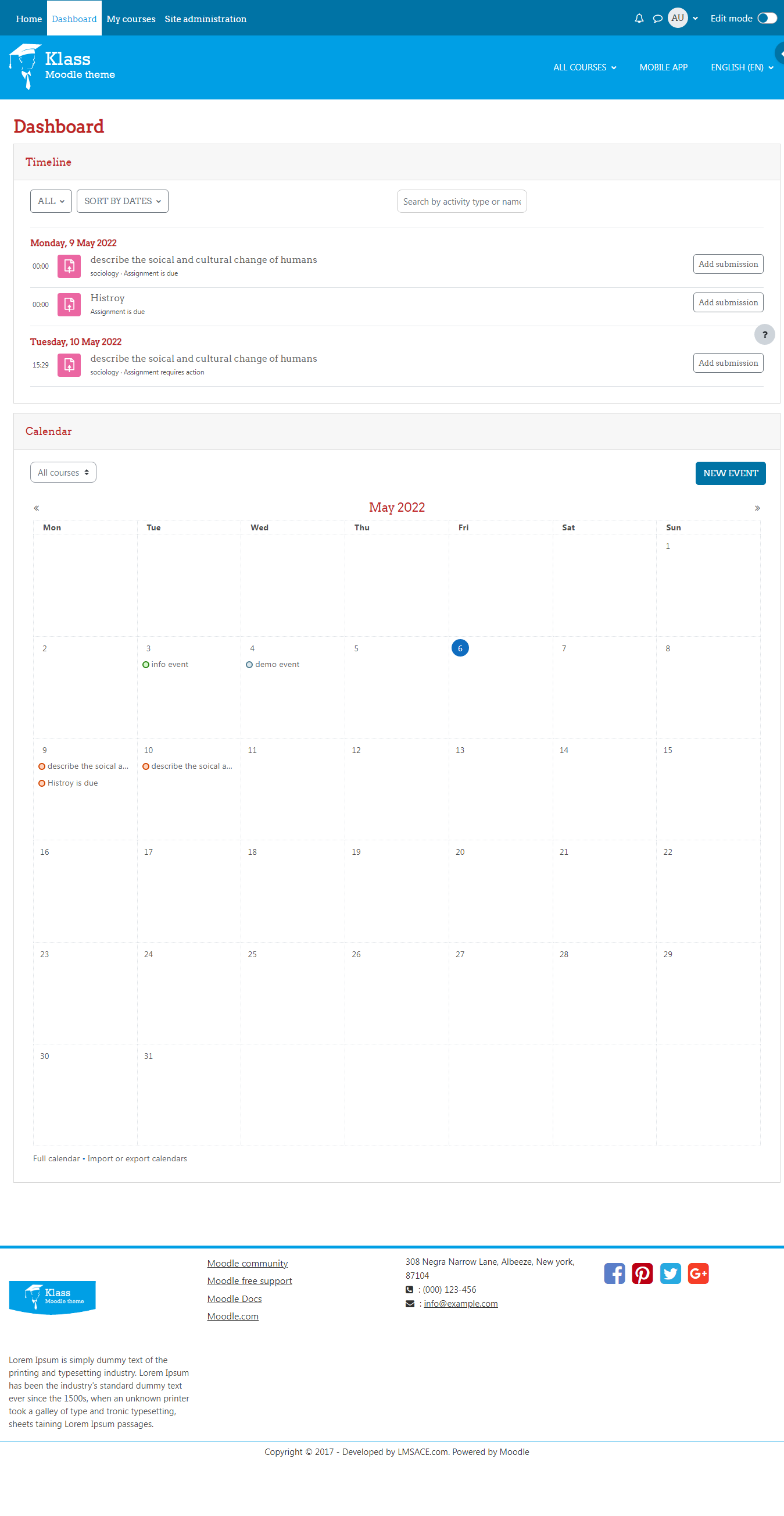
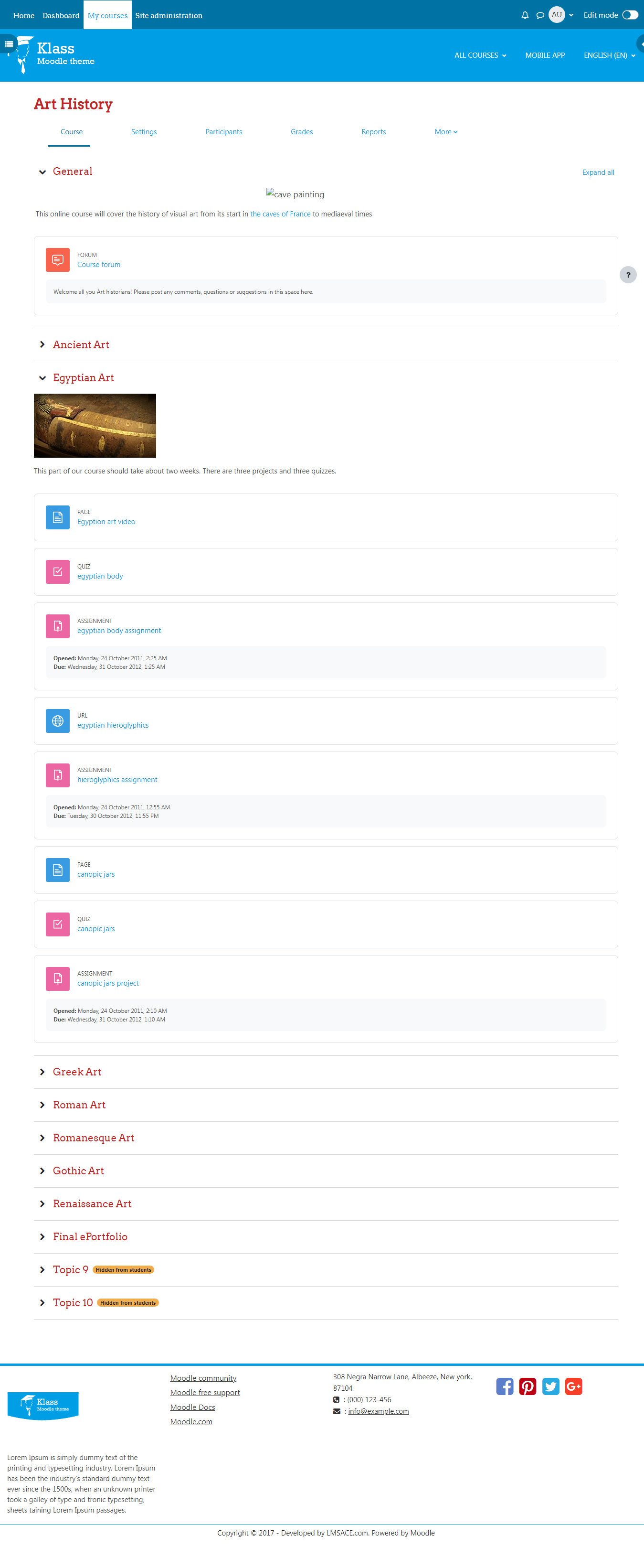
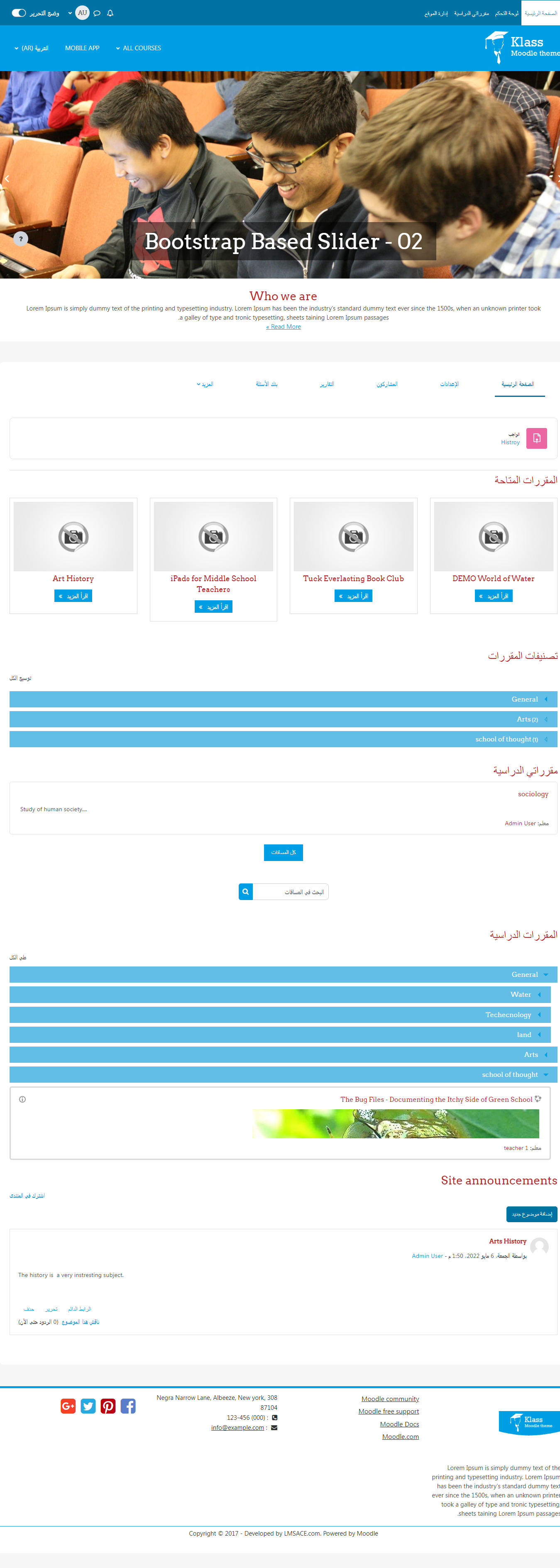
Klass is fully responsive and coded with the latest techniques in HTML5 and CSS3,so it will work on all devices, all browsers, and it does it all seamlessly.Just download and make your e-learn website modern.
Comments
Comments are no longer open for new posts. Existing comments remain available to read.
You can Replace the READMORE text for the slider in the lang file.
Lang file Path:
Your moodle \ theme \ klass \ lang \ en \ theme_klass.php
Open the php lang file and search $string['readmore'] = "ReadMore";
Replace the text with READMORE with double quotes and clear the purge cache.
To clear pure cache:
Dashboard / Site administration / Development / Purge all caches .
Click the purge all cache button and refresh the klass theme frontpage.
Regards,
M.Nithyanandan.
Thanks in advance for help.
Thank you for your awesome work. While working latest version of Moodle 3.5.1 and Klass theme 3.5.0.1 I have bumped into a css bug. input[type="checkbox"] {
width: auto;
margin: 0 5px;
}
This causes missalignment of the checkboxes. Resulting checkboxes are over the labels. Can you look into it if it is possible. When the margin unchecked via developer inspect tool, everything is normal. So maybe useful fot the others to share the solution with it. Thank you in advance. Best regards
Okay, thats weird, I thought it was released this morning. My v3.4 had a higher version number than my v3.5.
Thanks for your comments , we have checked the plugin version number (2018051900) , there is no error in it.
We have updated the plugin on May 19 2018
I have been eagerly awaiting this latest v3.5 version. It looks great too!
The version number seems to be wrong though, it is 2018051900, whereas I suspect it should be 2018061900 ;)
I'm trying to locate the documentation for customizing the Klass theme and the link to download the documentation is dead. Can you refer me to where the docs are located?
Thanks,
Ryan
The Front page settings is default moodle setting to display or hide the courses block in Homepage. You can set which courses to display before and after the user logged in.
Regards,
M.Nithyanandan
My theme background colour for my KLASS Theme is black.
I am having trouble to see my students names at the top of the Annotated PDF Feedback form because their display colour is also black. Is there a custom css that I can load to change the colour for the Display colour of the Students names, the Assignment Name etc. to lets say a light grey?
Please refer the link below to install the new theme in your moodle.
https://docs.moodle.org/35/en/Installing_plugins#Installing_a_plugin
Regards,
M.Nithyanandan.
Now is perfect!