Open LMS Development
Lead maintainer



Modern, intuitive, and accessible theme for Moodle.
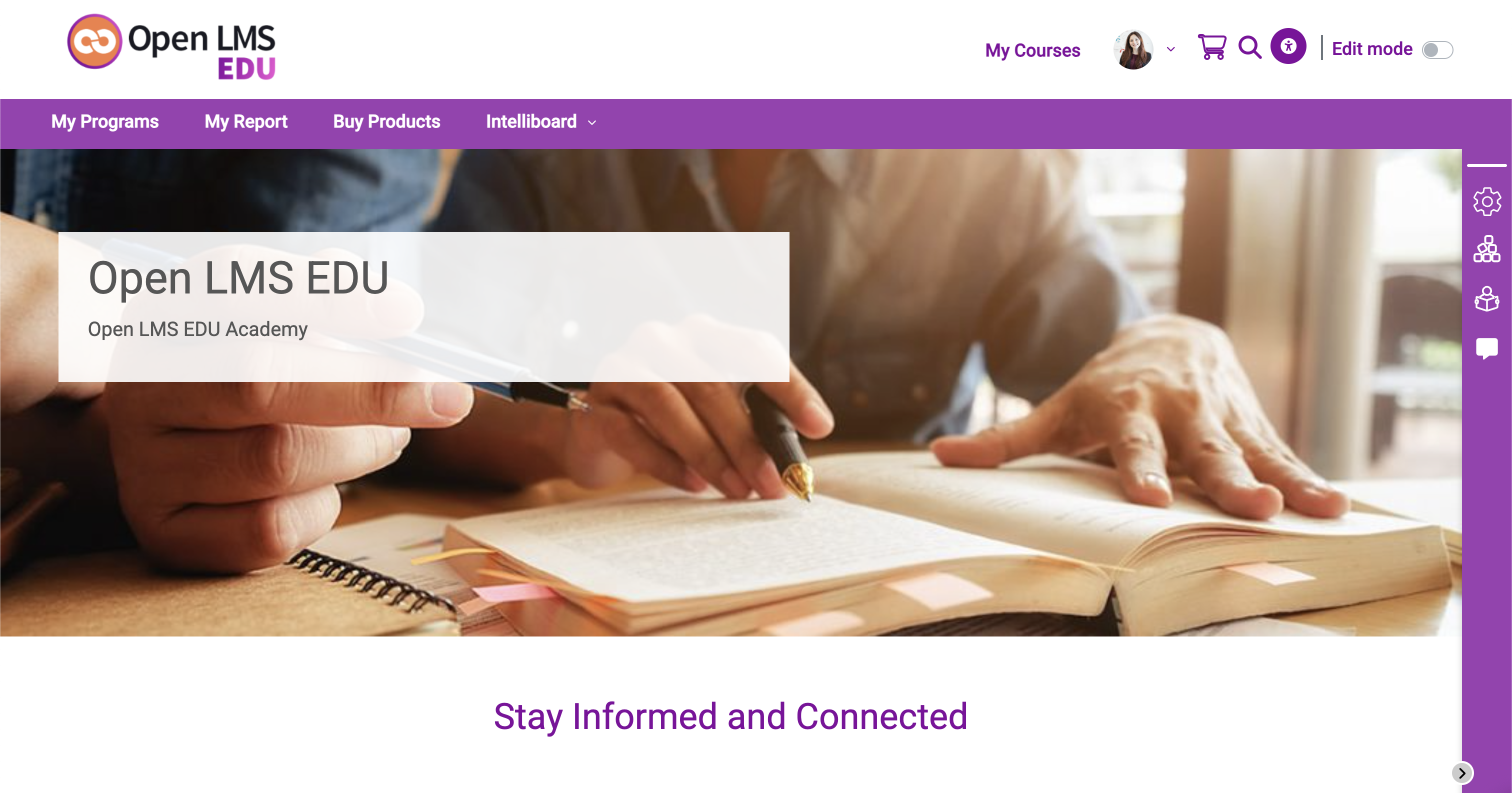
Enhancing the first impression with dynamic and engaging content containers.
Engagement Tools: Carousel & Spots
|
Featured Categories and CoursesCurated content discovery. A curated section to showcase up to 8 categories and 8 courses. These are designed to guide users towards popular offerings or relevant academic paths through a visually appealing grid. |
Site News & AnnouncementsStay Informed and Connected. An area dedicated to the latest updates and announcements. Keep your community informed about important changes, upcoming events, and campus news at a glance. |
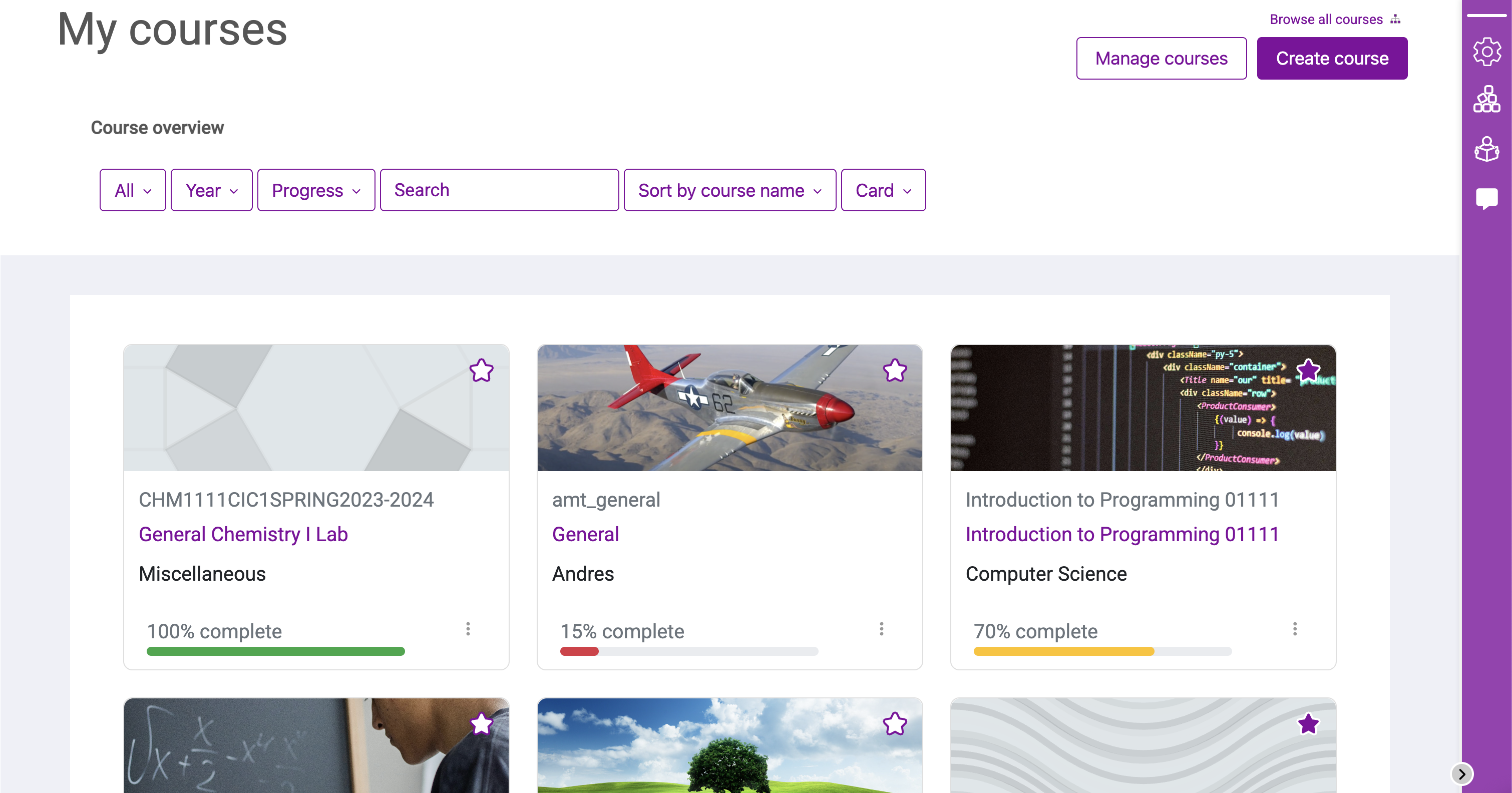
The Redesigned My CoursesA modernized personal hub. A modernized look and quick access to all enrolled courses, visual progress tracking easy to follow filters. |
|
|
|
Dynamic Course Navigation (TOC)Intelligent, always-visible sidebar. Structural course overview, real-time tracking of completed activities and instant jump to sections and activities wherever you are in your course. |
New Side Navigation: Tools One-Click AwaySimplified and administrative access. One-click access to administrative tools, your site blocks, Snap feeds and quick messages. |
|
|
|
Snap Feeds: Updates at a glanceReal-time notification stream. A social-style feed that keeps students informed about upcoming deadlines, forum activity, and recent feedback. Learn More |
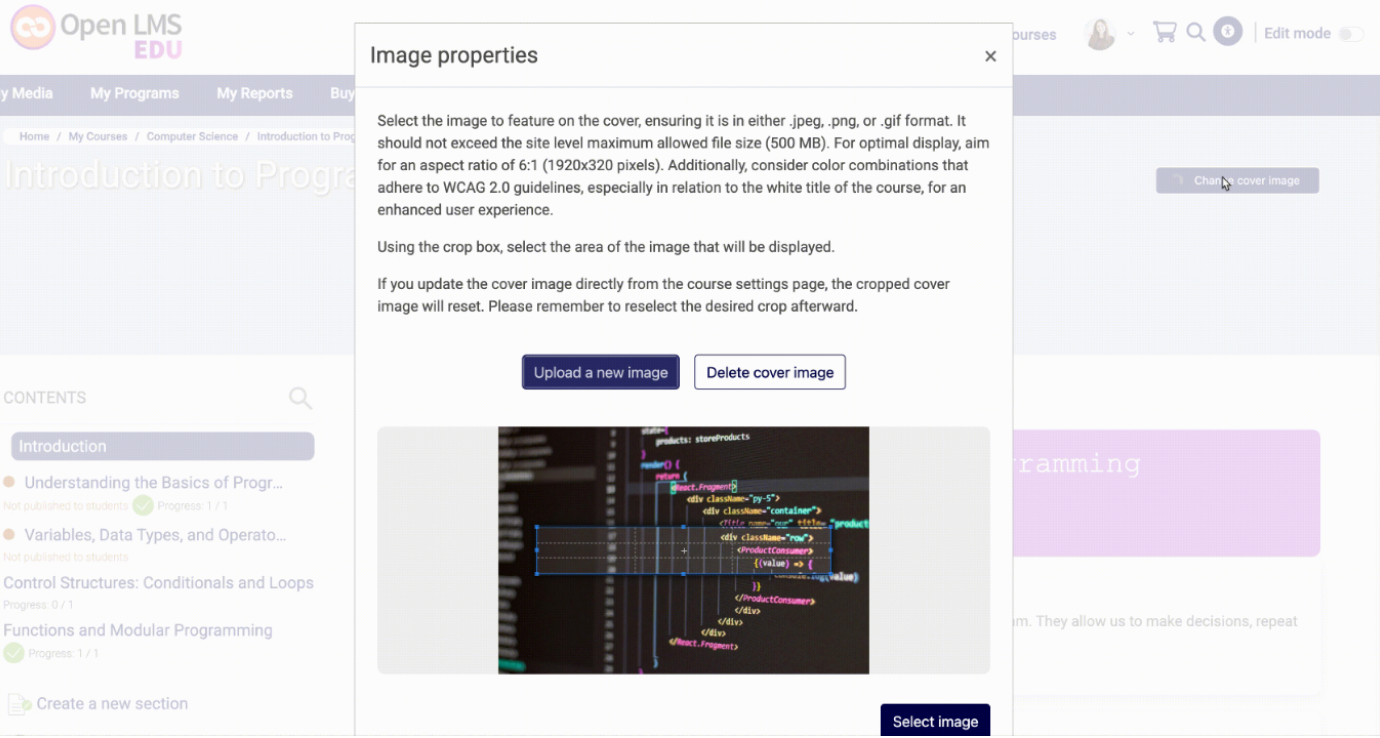
Smart Course Cover ImagesConsistent visual branding. High-impact images that synchronize across the site to create a professional and engaging course identity. Learn More |
|
|
|
Accessibility & Inclusive Design (Snap AX)Universal access for all learners. Snap is built with WCAG 2.1 compliance at its core, ensuring high-contrast support and screen-reader optimization, with a continuous improvements on the elements. Learn More |
|
|
Get to Know SnapEasy tutorials to understand Snap We’ve created this series to help you get familiar with your platform using the Snap theme. Learn how to make key visual and structural updates to elevate your experience and take your platform to the next level. Learn More |
Questions & SupportBe kind by asking questions about Snap in the Moodle Themes Forum rather than on this page. Report bugs about Snap in the Snap theme GitHub. |
Open LMS
This plugin is contributed by the Open LMS product team. Open LMS is an education technology company dedicated to bringing excellent online teaching to institutions across the globe. We support the software educators use to manage and deliver instructional content in virtual classrooms. |

